“It is not sufficient to write programs that work. They must also be ‘elegant,’ either in code or function – both, if possible.”
J.M.Graetz
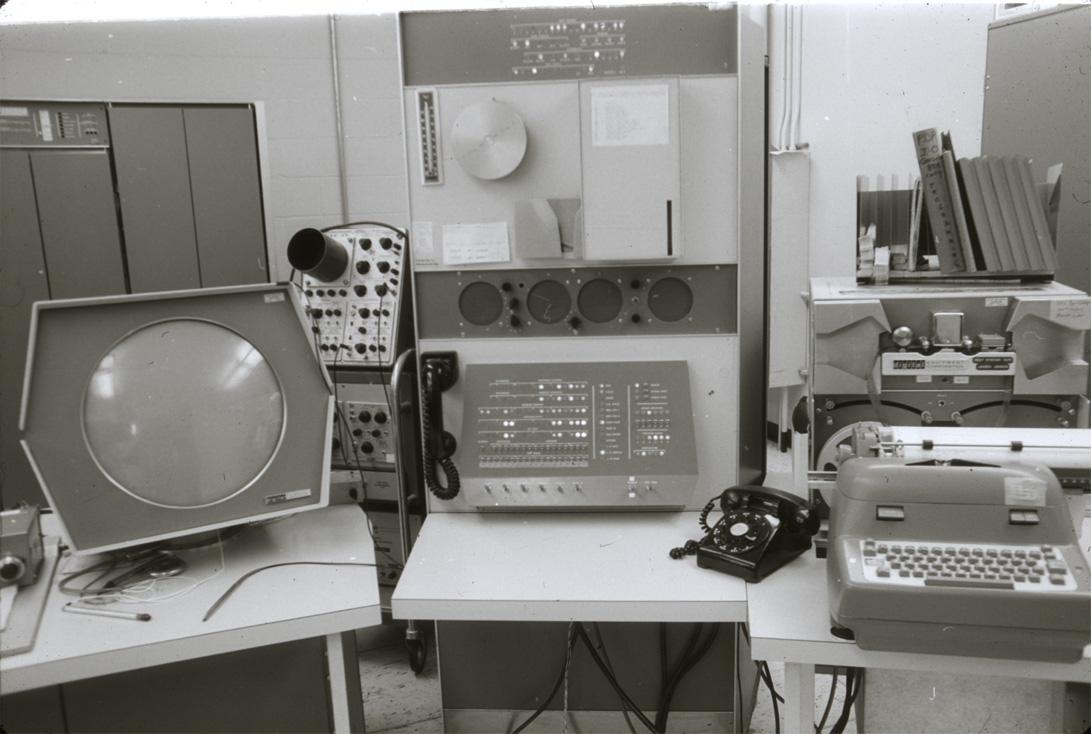
Martin Graetz recalled the development process behind the first video game – Spacewar! in a magazine interview. He mentioned that the quest for elegance in code and function was the reason why hackers at MIT were so involved in refining the game. Spacewar! was originally created on a PDP-1 which was capable of doing very simple mathematical calculations.
“on the early PDP-1s, anything stiffer than integer addition and subtraction had to be done by subroutine”
Creative Computing Magazine, August 1981
Keeping elegance in mind when facing the most restricted hardware limitations, creative coders haven’t changed a bit since 1962.
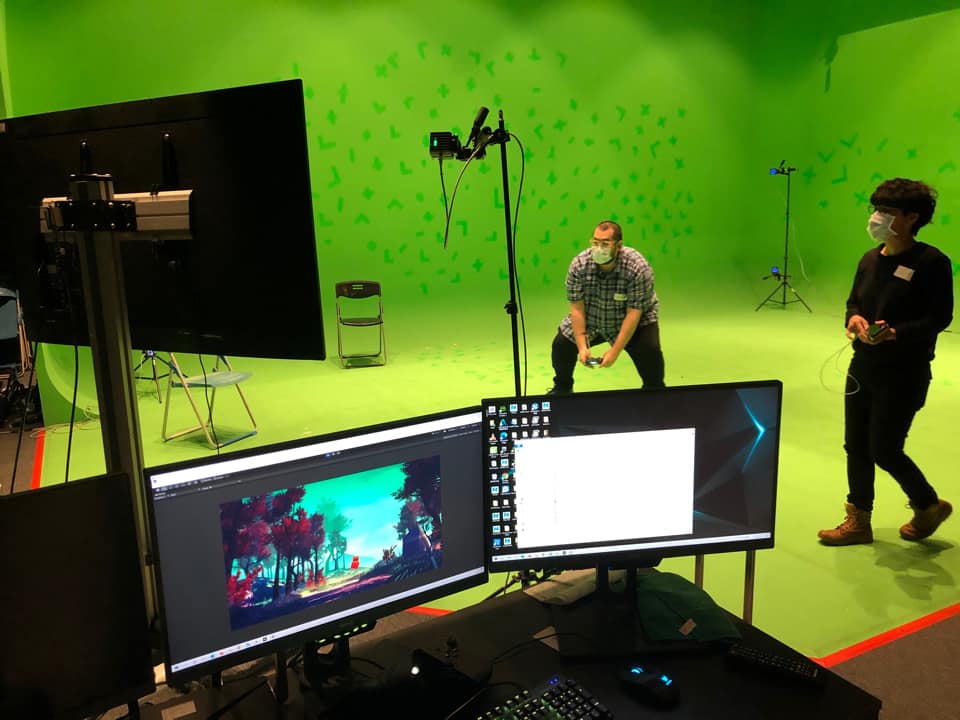
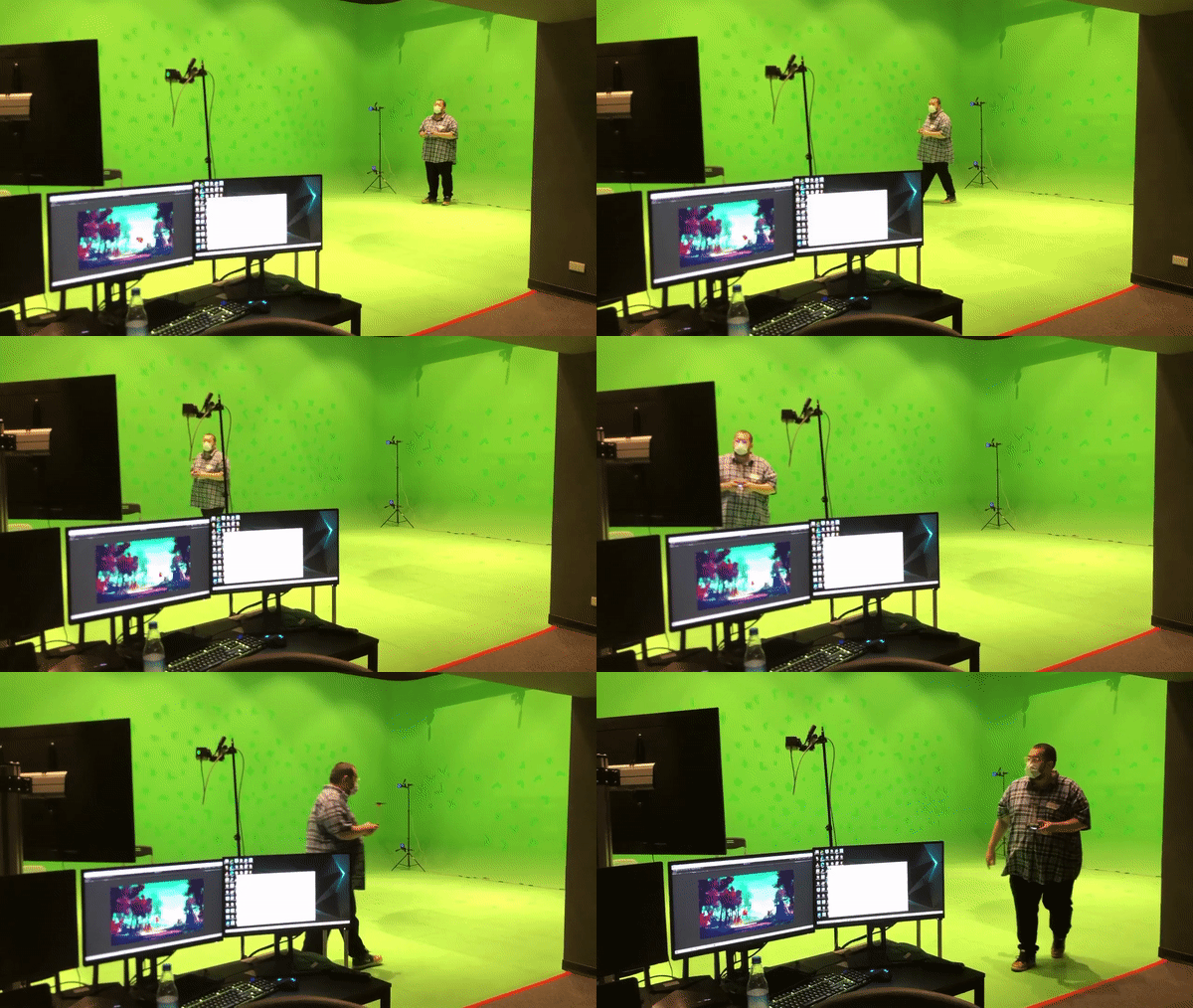
During the planning of a workshop on Motion Capture recently, I was thinking about what to demo right after calibration. I remembered when I visited Disney World last time, I saw a super cool live performance called “Turtle Talk with Crush!” I thought it would be interesting to map a rigid body to a digital character in Unity3D.
To take it to a next level, bundle it with a game controller and turn it into an interactive puppet rig! I 3D printed an add-on to my PS4 controller and quickly put together a scene with free assets and there we go! This little red ghost lost in the woods did the job for me.
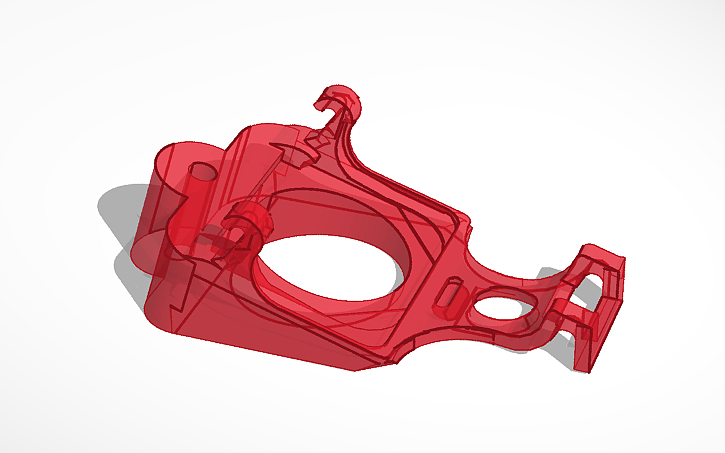
I found an existing add-on on Thingiverse and modified it on Tinkercad. It is using hooks and a rubber band to hang on to the controller on the back. I tried to find an angle to print so I don’t have problems creating supports, especially where the hooks are.
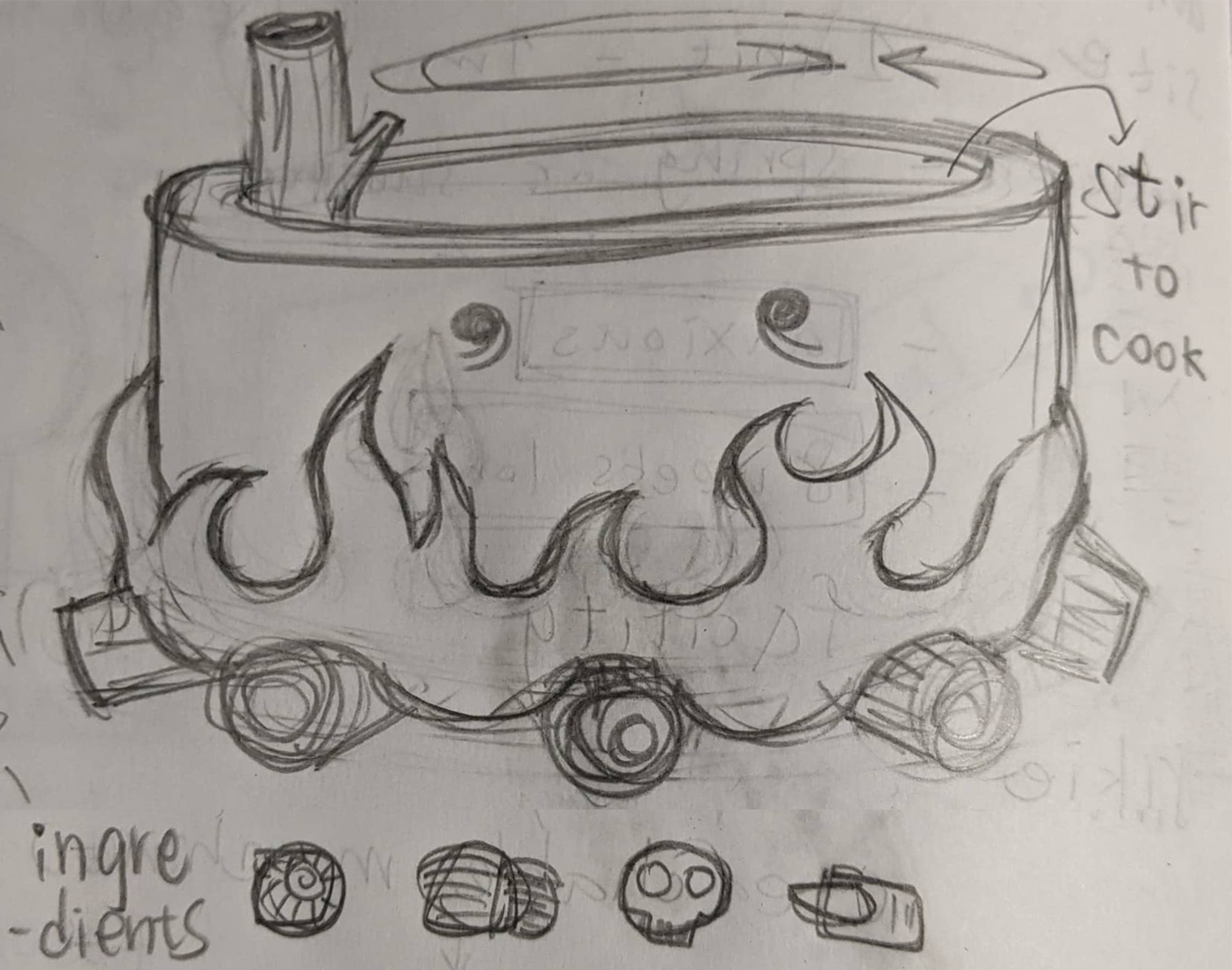
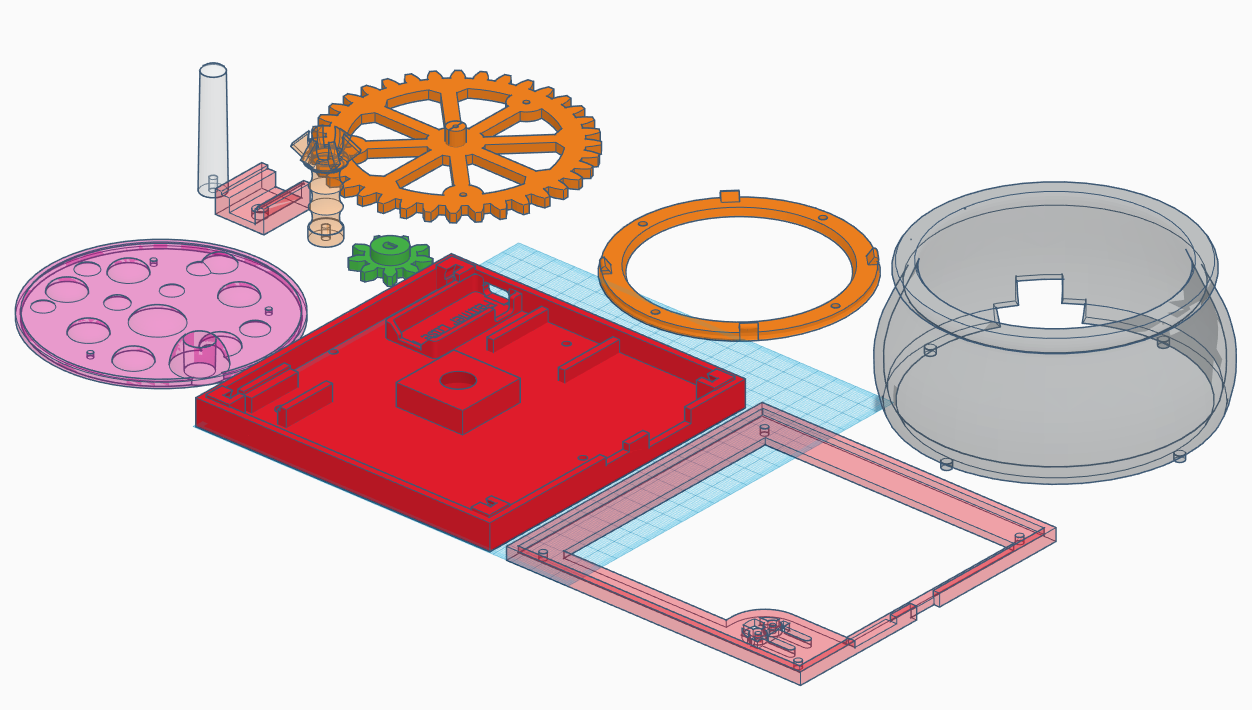
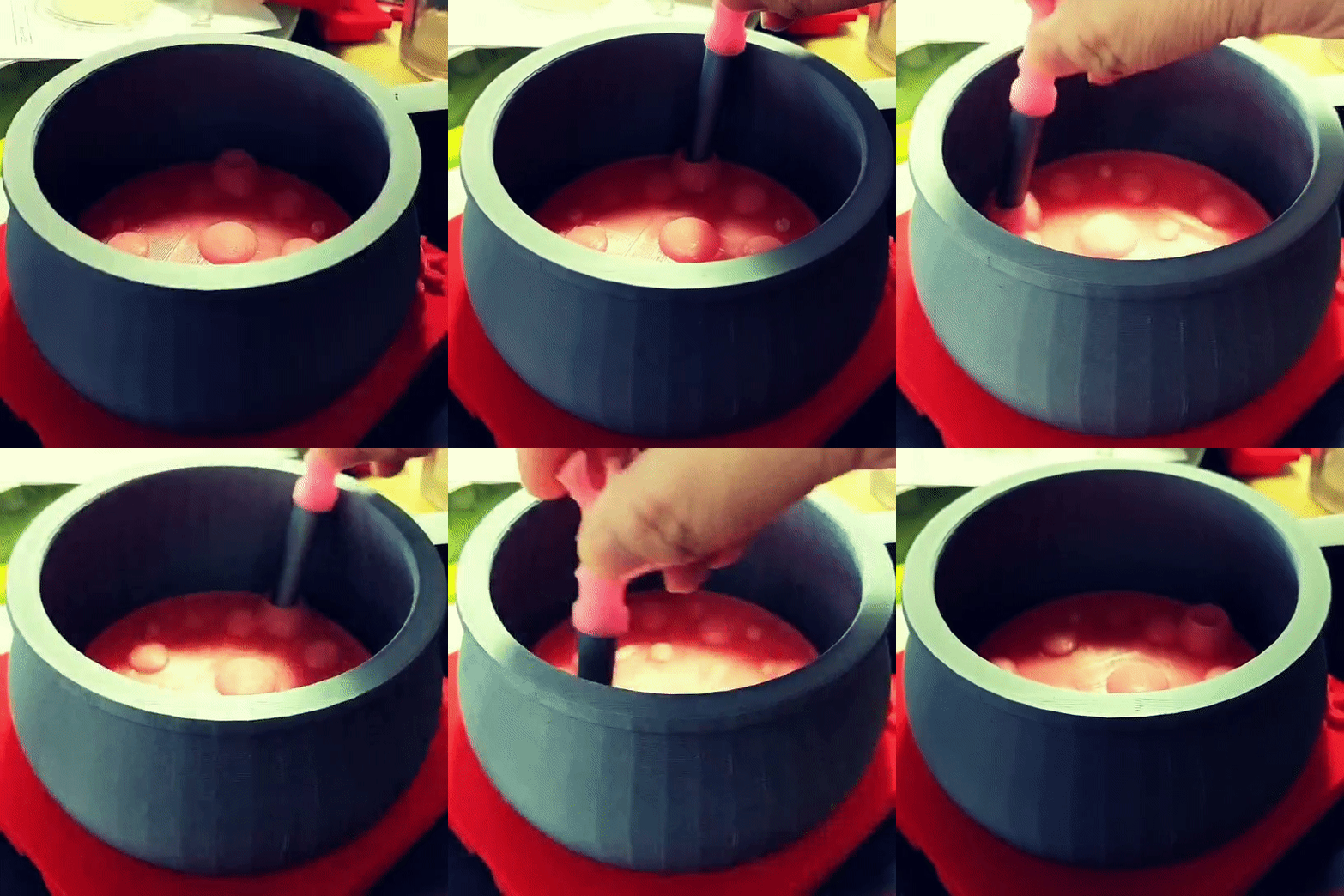
(Space) Cauldron is an electronic board game for 2 ~ 4 players. Players (alchemists) have to collect the right ingredients and cook them in the cauldron. Every ingredient works differently and could either enhance or cancel other ingredients’ flavors. Whoever successfully cook the item(s) on their unique recipe card wins the game.
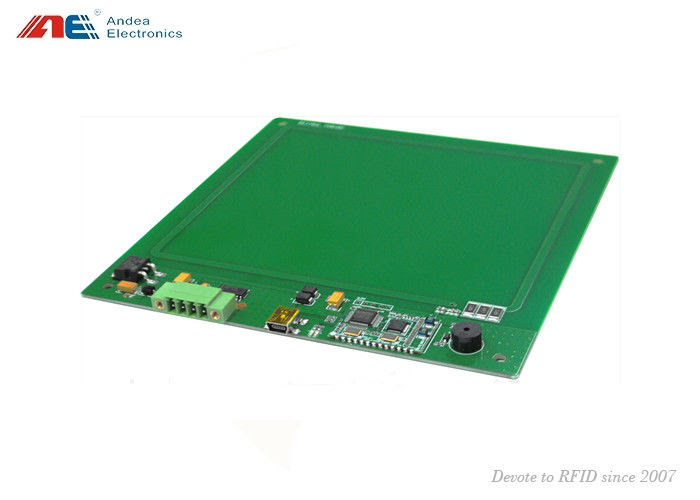
The inspiration for this idea came when I was looking at multi-RFID readers. The technology is being used in the casino to count RFID embedded chips and it can read more than 1000 chips at once accurately. I wanted it as a game controller. However, the first model that I looked at was too big. Recently, when I followed up with the vendor and asked for code samples, I found out they have a new board with a smaller factor.
HF Embedded RFID Reader [RL86A] – 150mm x 150mm
This board can read multiple RFID tags accurately but does not know the location of each chip on the board. The first mechanic that I thought of is some kind of mixing pot. A magic cauldron is the best mixing pot there is.
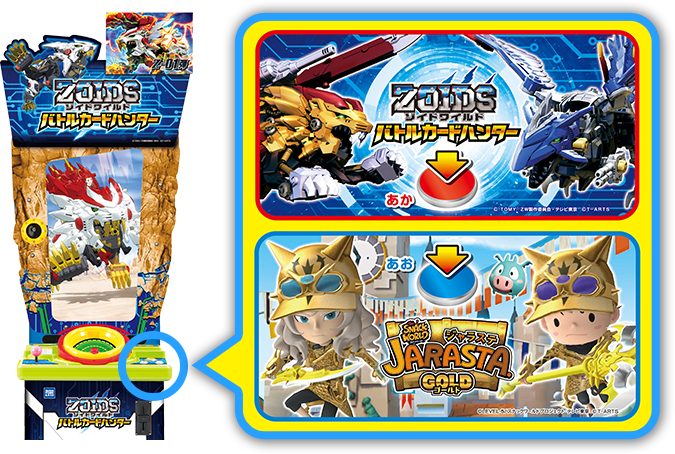
There is a Japanese amusement game called JARASTA (ジャラステ 2017) which uses similar technology in its’ gameplay. However, there is no mixing fun, but just an interesting way of reading multiple game items at the same time. The stirring pot mechanic wasn’t really playing an important role in the game. I am interested in making the stirring pot and mixing ingredients the mechanic of my game.
It is worth mentioning there is another game called ゾイドワイルド バトルカードハンター (ZOIDS World Battle Card Hunter) that comes out later and shares the same game cabinet with JARASTA.
For someone who doesn’t speak the language, I had to learn these amusement games with prior knowledge and lots of imagination. ZOIDS was not an intuitive game to pick up mostly because of the disconnection between the gaming hardware and the actual gameplay itself. I eventually found out the RFID reader was not even a part of the game at all. This must be a project on a budget.
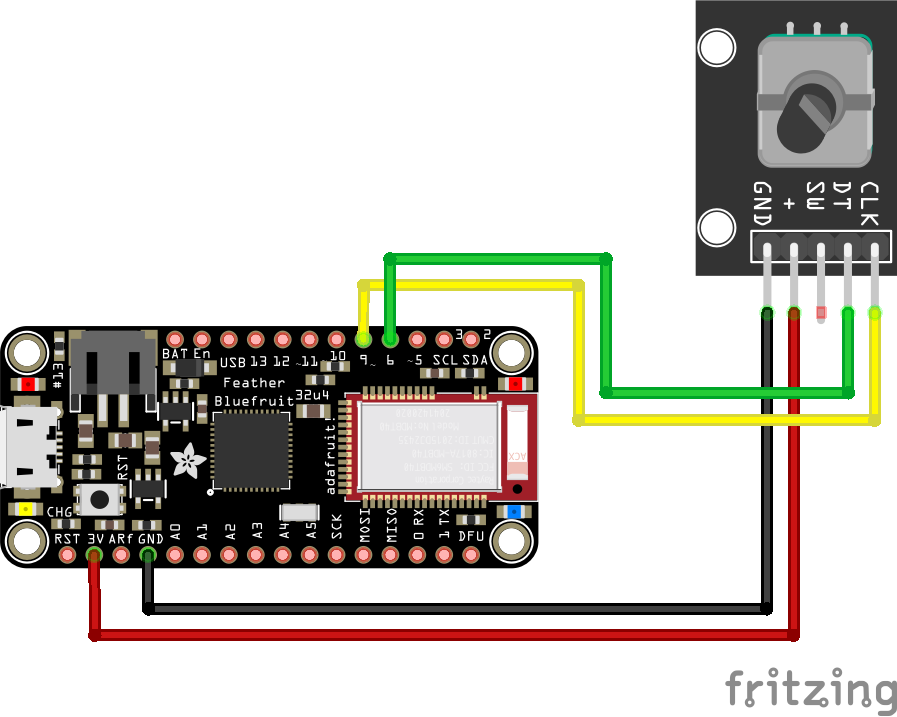
 int pinA = 9; // Connected to CLK on KY-040
 int pinB = 6; // Connected to DT on KY-040
 int encoderPosCount = 0;
 int pinALast;
 int aVal;
 boolean bCW;
 void setup() {
 pinMode (pinA,INPUT);
 pinMode (pinB,INPUT);
 /* Read Pin A
 Whatever state it's in will reflect the last position
 */
 pinALast = digitalRead(pinA);
 Serial.begin (9600);
 }
 void loop() {
 aVal = digitalRead(pinA);
 if (aVal != pinALast){ // Means the knob is rotating
 // if the knob is rotating, we need to determine direction
 // We do that by reading pin B.
 if (digitalRead(pinB) != aVal) { // Means pin A Changed first - We're Rotating Clockwise
 encoderPosCount ++;
 bCW = true;
 } else {// Otherwise B changed first and we're moving CCW
 bCW = false;
 encoderPosCount--;
 }
 Serial.print ("Rotated: ");
 if (bCW){
 Serial.println ("clockwise");
 }else{
 Serial.println("counterclockwise");
 }
 Serial.print("Encoder Position: ");
 Serial.println(encoderPosCount);

 }
 pinALast = aVal;
 }
Now the rotation only affects the bubbles. I had tried rotating the smoke as well, but my son thinks the whole pot is rotating. Maybe after adding floating objects/ingredients, the rotation will be more obvious.
Plants symbolized in the chant: Eye of newt – mustard seed. Toe of frog – buttercup leaves. Wool of bat – holly or moss. Tongue of dog – hounds tooth Adder’s fork – violet Blind worm’s sting – Knotweed Lizard’s leg – Ivy Howlet’s wing – garlic or maybe ginger (but garlic was more common)
There are variations but these are most common ones according here.
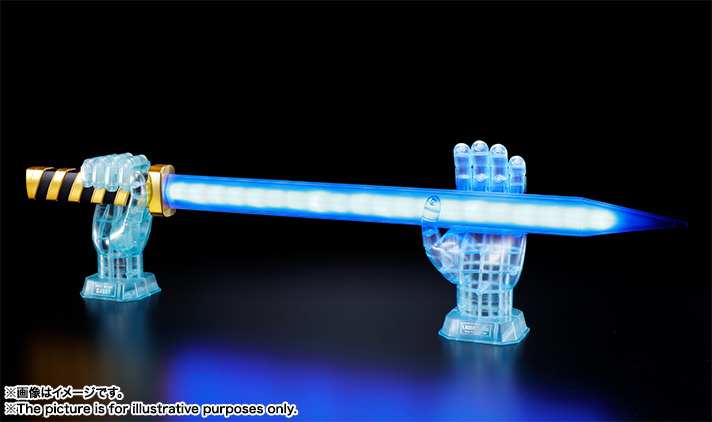
Space Sheriff Gavan has a special place in my childhood memory. When I was very young, my mom would take me to a tiny VHS video store nearby and rent Hong Kong TV shows, mostly martial art dramas, and she always picked a random Japan Tokusatsu (特撮) film for me. Space Sheriff Gavan was among the collection at the store. There are so many cool things in this show like the Spaceship Dolgrian (超次元光速機ドルギラン) which is a spaceship mounted on top of a mechanical dragon named Dol, and his red bike – Saivarian (サイバリアン). However, I was mostly impressed by Gavan’s laser blade, especially when he powered up the blade with his hand.
I was really excited when the life-size laser blade came out in 2017 because the highly accurate replica also comes with the power-up effect. Like the henshin toys, it’s a therapeutic experience for me to re-enact those superhero moves from my childhood. However, after some research on the toy, I realized the blade actually doesn’t detect the player’s hand position.
I played with a Basic emulator for the first time on a Nintendo 3DS. That’s when the book 10 Print came out. The full title of the book, “10 PRINT CHR$(205.5+RND(1)); : GOTO 10”, was a line of code written for the Commodore 64. As a kid who grew up with a Family Computer, BASIC language has a special place in my heart. I was eager to see this line of code in action but didn’t have a working setup of Commodore 64 nor Family Computer with me. That’s when I found out a BASIC emulator is available on Nintendo 3DS.
10 PRINT CHR$(205.5+RND(1)); : GOTO 10
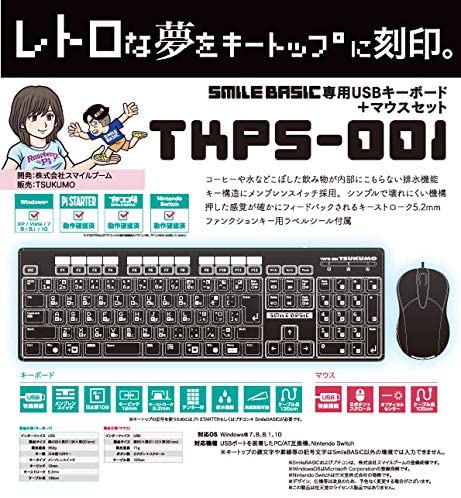
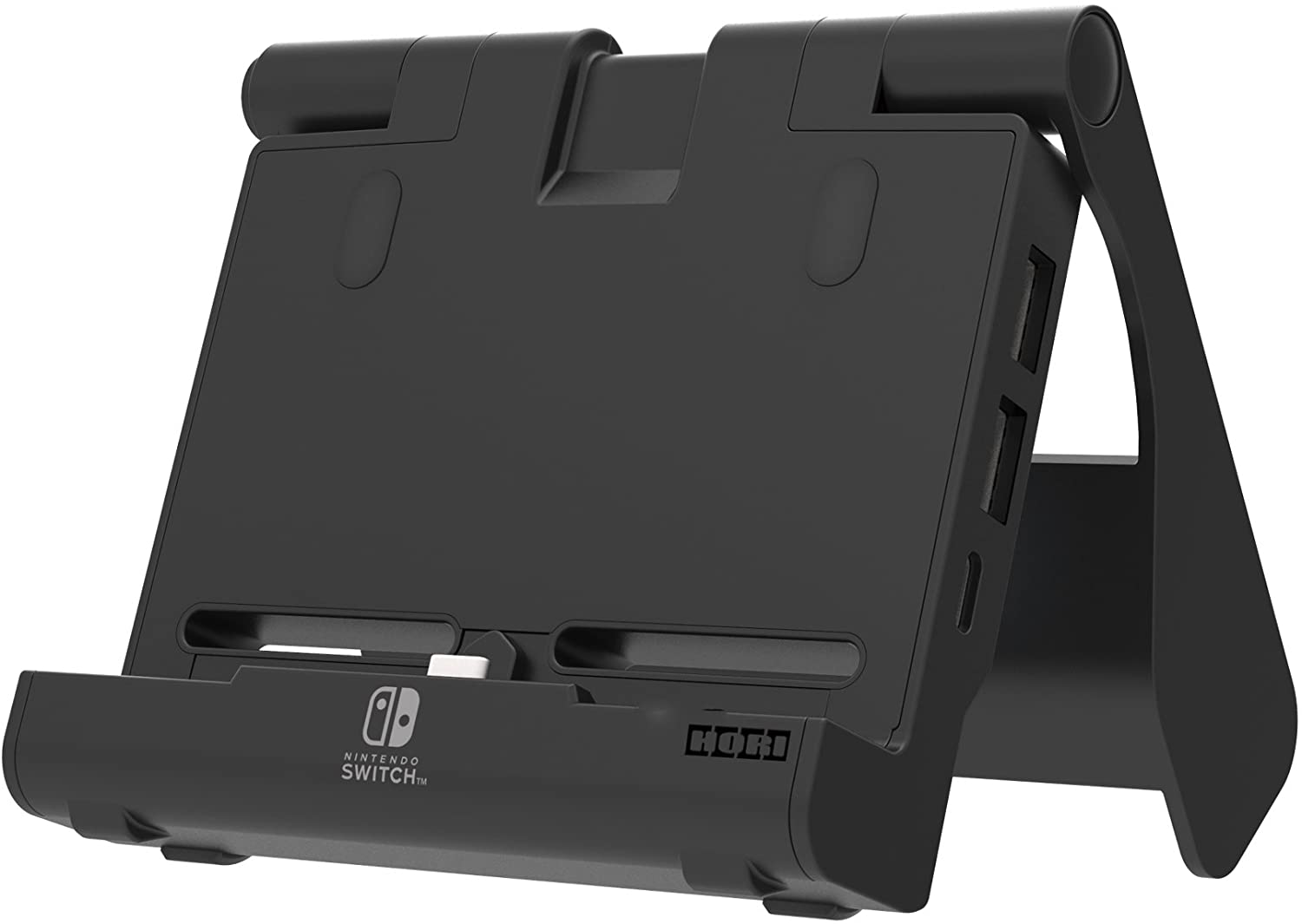
The newer version is available on Nintendo Switch and is more powerful than ever. I want to have BASIC Christmas! There is a specialty keyboard made for programing BASIC available on Amazon Japan. If you need to plug more than 1 USB into your Nintendo Switch, you need HORI’s new portable USB hub, also available on Amazon Japan. It’s time to get in touch with my roots with newer technology again.
Game Concept I am interested in bringing fantasy questing mechanics into XRMV(XR Music Video) experiences as a way to increase the level of interaction for the player while listening to music. When I watch music videos on PCVR, I can’t help to imagine what else I could do besides watching.
The first thing that came to my mind was a wotagei dance simulation. However, I needed something more, something that’s able to bring different types of fun together. What about questing and fighting monsters? Like many, Dungeons and Dragons (D&D) was a big part of my childhood. The gripping story settings and rewarding quests motivated me to go through dungeons after dungeons in my imaginations. What if this performance is set in a fantasy dungeon? What if wotagei-dancing folks can also slay monsters at the same time? What if the performance doesn’t play automatically? What if the player has to find out how to start the performance by accomplishing certain tasks? I thought the cross-over could be fun so I started to sketch out the virtual world and prototype the interactions. It eventually became the Tomb of Swords.
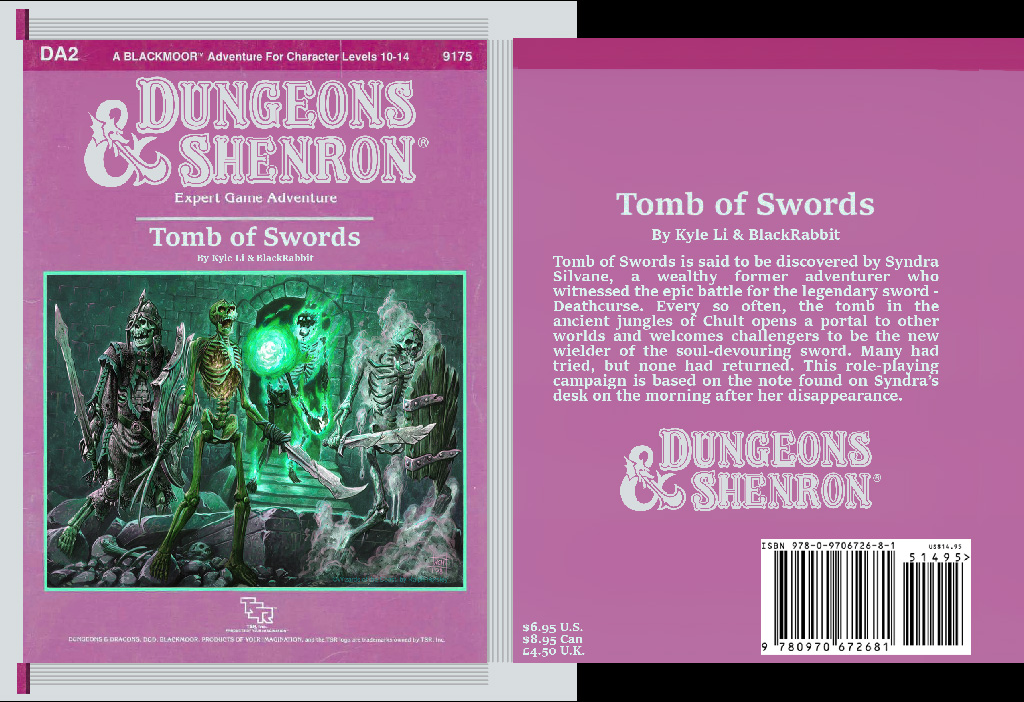
DnD campaign mockup
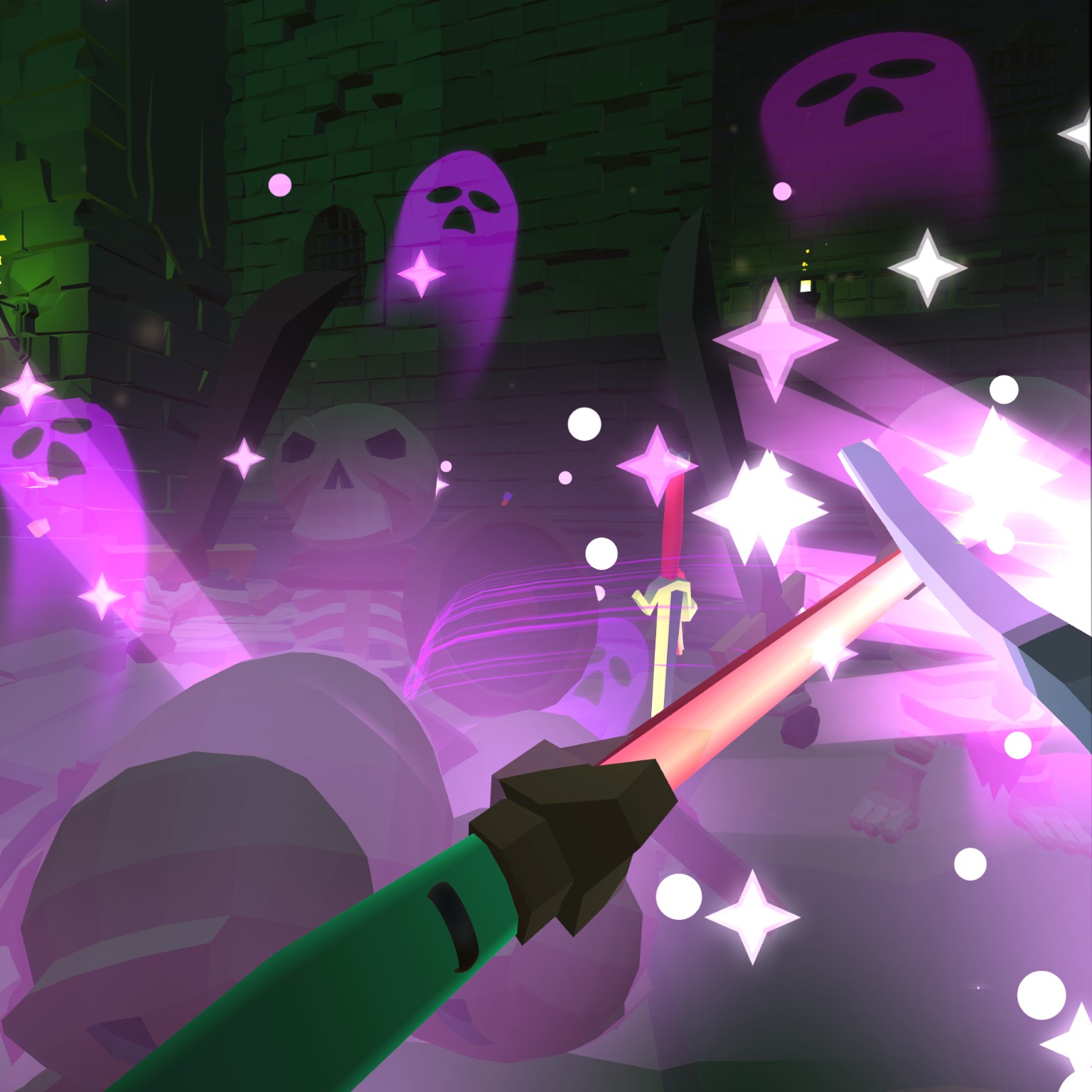
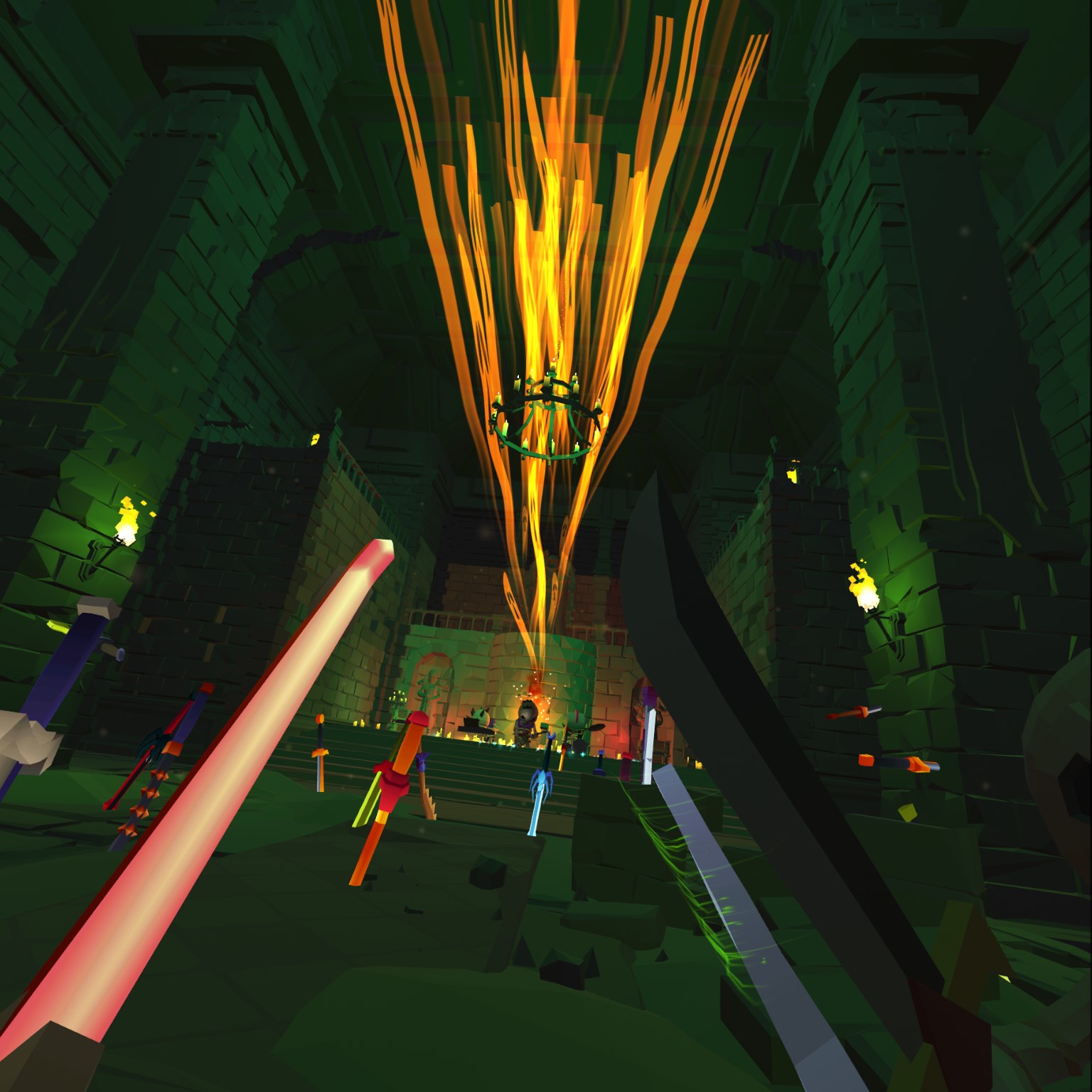
Tomb of Swords is an interactive music video for one player. Every so often, the skeletal tomb of Chult would open up a portal to a random world and welcome any fierce contenders to challenge the forsaken warriors trapped in the ancient tomb. Many had given the opportunity, but none had managed to come out on top. For a first-time contender, one must find a way to release the enchanted rhythm that reanimates all the dreaded bones. Search the tomb for clues. How much would you defeat?
Tomb of Swords is built entirely in Unity 3D and uploaded to STYLY by me. The main narrative, Tomb of Swords, was originally inspired by one of the STYLY interaction SDK examples. I modeled and animated a few key scene props on my own, and the rest of the assets were modified from those purchased in the Unity3D asset store. The battle song that reanimates the skeleton warriors was made by Daydream Anatomy which is also credited in the description. I also sampled various sound effects from old RPG games that I loved such as Dragon Warrior, Zelda, and Everquest.
This is a proof of concept and is nowhere near its completion. Besides polishing the current experience, there is more that can be done to push the fun and the sense of immersion to the next level such as co-op, rhythm-battle mechanic, NPC involvement, combos, boss fight, …etc. I sincerely hope this demo shows the possibility that storytelling and interaction can enhance the overall experience of XR music videos to you as much as it did to me.
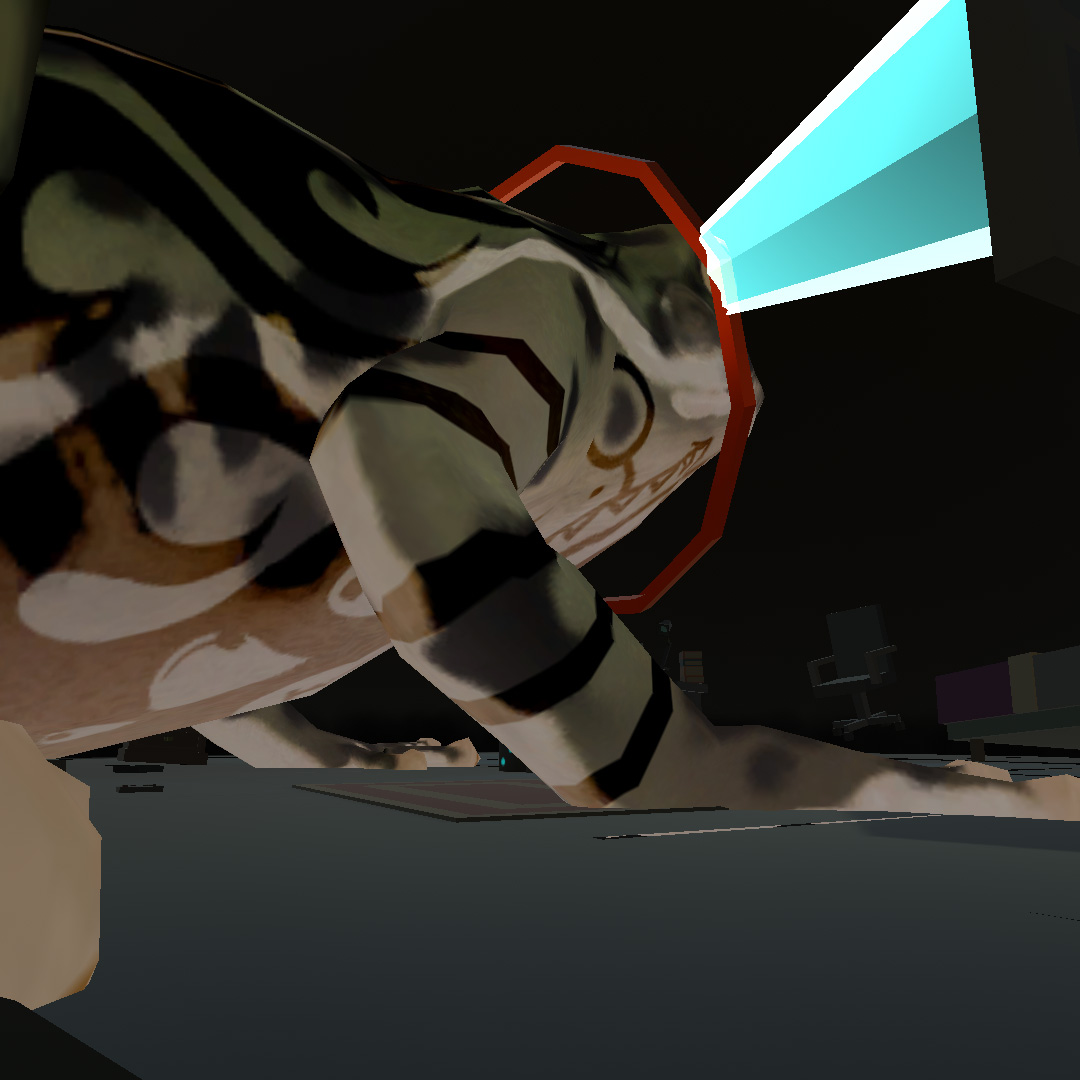
Feature Set & Walk Through The experience starts out with a visit from the Frog Lord. In certain Asian folklores, frogs have the ability to speak to people in the dream. The lord is here to greet the player after the portal appeared and gives them their first task. It’s a simple one, the player has to use the 3 black dice on the ground to roll a total of 18.
Once the Frog Lord left the room, the old wooden door that is connected to the tomb will open up with a squeaky sound. The player can see a yellowy ghost on the other side of the door acknowledging the player’s arrival. Because of the built-in teleportation mechanic on PCVR, players can walk through the walls easily. In order to keep the integrity of the experience, the nameless ghost is served as a monitor of the player. If the player skips the Frog Lord’s task, the ghost will notify the player that the sword on the skeleton throne is untouchable because the Frog Lord is still here. If the player finished the task, the ghost will tell the play to pull the sword out of the skeleton king which will trigger the music event.
The last but not least feature is the battle during the music event. All the skeleton warriors can be defeated by 2 or 3 hits with the player’s sword. However, the magic swords that the player picks up from the ground weaken after impact and will eventually shatter. The player has to move around for more swords – one hand or dual wield. If the player equips both hands with swords (dual wielding), he or she will not be able to teleport at the same time because both controlled are taken over by swords.
When the music event is done, the player will see a simple scoreboard. To restart the game, the player has to exit the game and restart it in STYLY.
Look and Feel As stated in the game concept, I only made a few scene props from scratch because I wasn’t able to find any existing ones I like. The DnD-like campaign book on the floor of the bedroom is one of them. The rest of the assets including the tomb and the bedroom were modified from existing modular kits to fit my aesthetic needs. I am tweaking the light and overall color scheme and try to have everything lighted without using any unlit shaders.
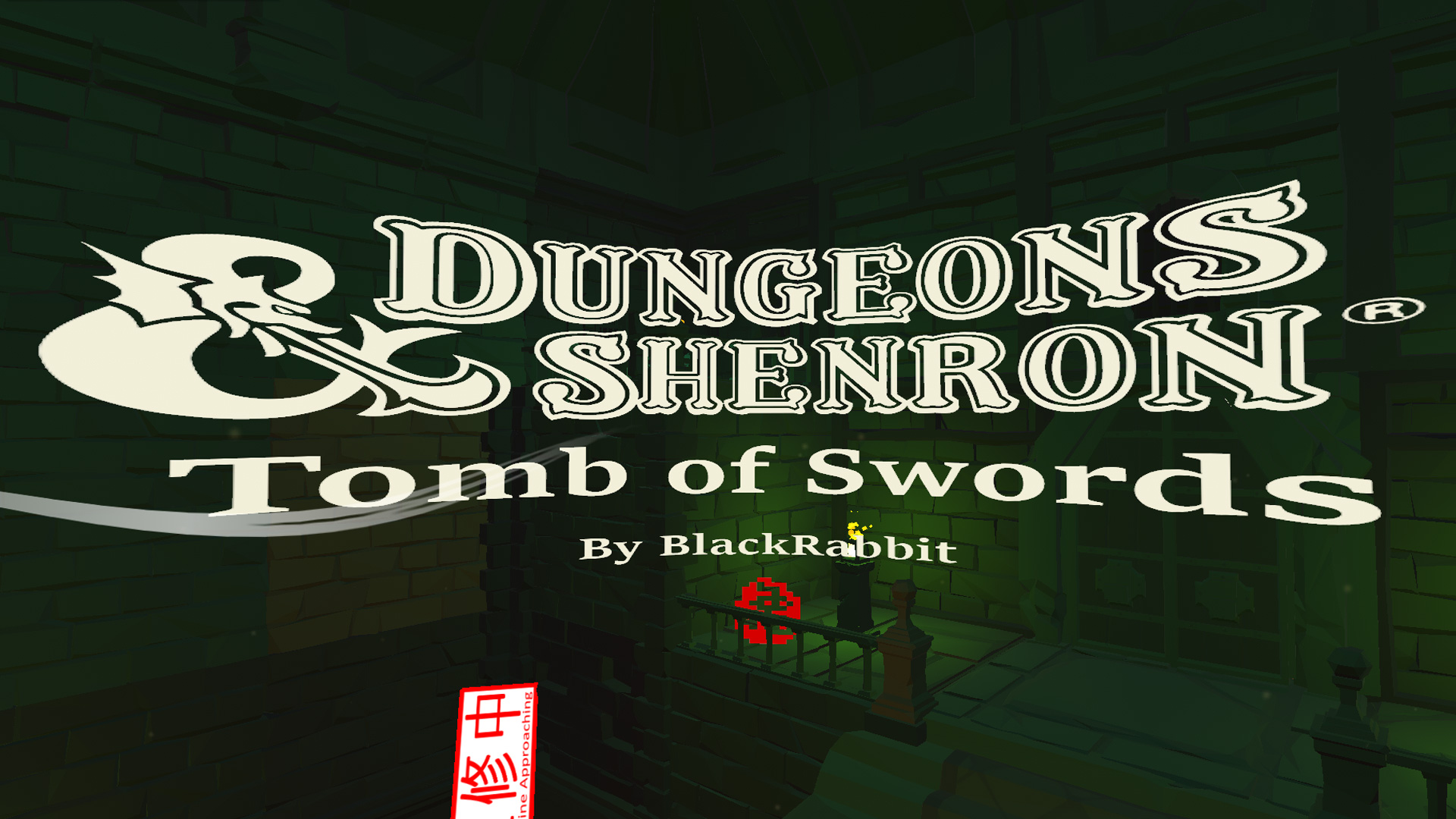
Went back to my first DnD campaign – Thieve’s Challenge for inspiration. When I make the book prop for this experience, I made up an alternative universe version of the DnD logo called Dungeons & Shenron. The word “Shenron” came from the wish-granting dragon in Dragon Ball. I grew up in Asia playing DnD with only 1 friend, none of my peers had any clues of what we were doing at the time. This logo says a lot about what I had dreamt of having as a kid – more DnD in Asia!
Early testing video
Bug Log: 10/24/2020 Swords stop working, fixed. It had to do with adjusting the size of the blade collider the night before.
10/30/2020 Panic, I can’t seem to upload and test, the azcopy times out when I try to upload. When I am not using azcopy, it gives an error, but no red text in the console. I have not changed any setting, tested with different scenes, I am suspecting it has something to do with my connection.
I move the Assets folder to a new project. I found a prefab in the scene that I had previously deleted with a plug by mistake. I am not sure if they directly connected (with the timeout). However, after organizing the asset and added back the prefab to the scene, I was able to upload the scene again.
10/31/2020 In the most unfortunate situation, the die could fall out of the edge of the floor. (fixed)
11/01/2020 Audio Mixer doesn’t work on WebGL, going to try and see if it works on PCVR. It worked in PCVR preview.
This has been a quest of mine since 2013 to put together a tool pipeline for artists, designers, and people to build interactive worlds in virtual reality without the need for programming. With STYLY’s interaction SDK, this tool pipeline is starting to take shape.
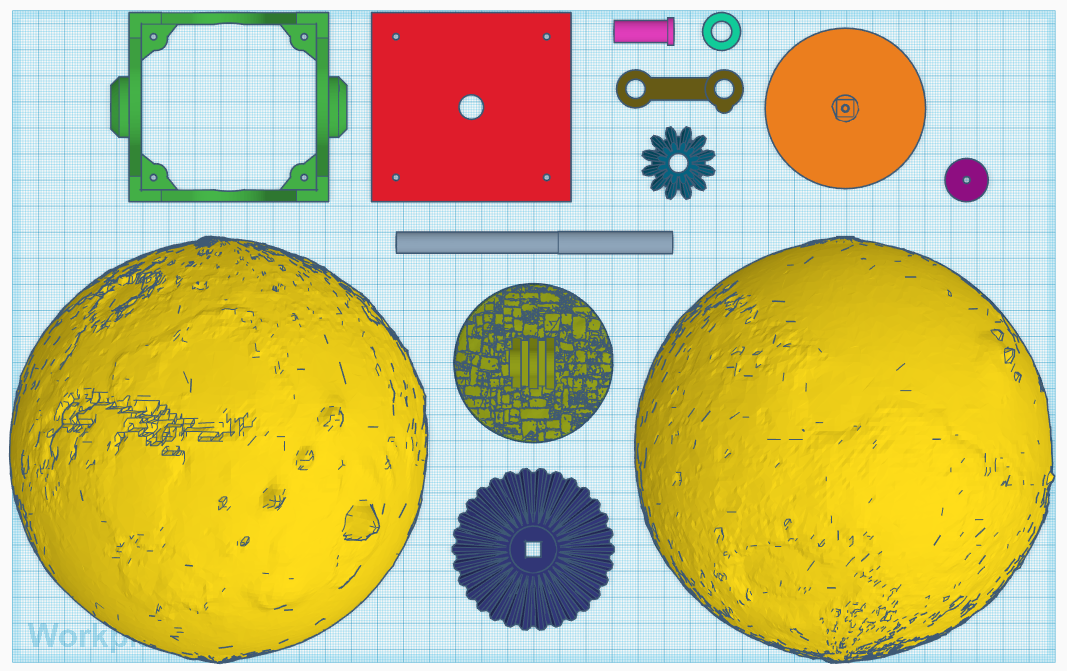
In order to recreate the “first thing first,…” moment in EF’s Visit to a Small Planet. I needed a physical model of the planet Mars. I found Neurothing’s Mars Globes on Thingverse. According to Neurothing, the Mars model is an accurate depiction of this highfields image. However, I decided to print the version that is 10 times more exaggerated from the original data for some creative dramas.
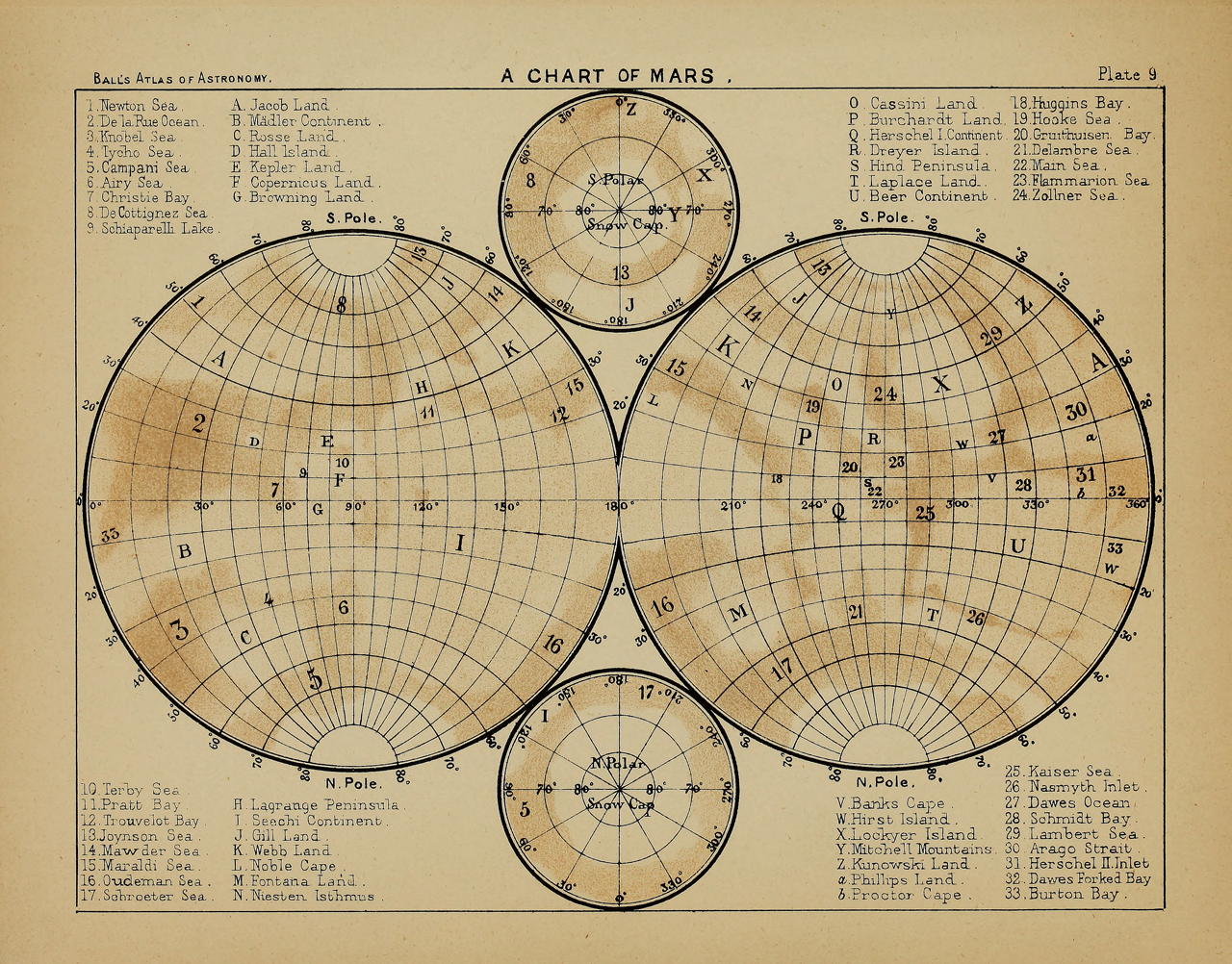
In EF’s Visit to a Small Planet, there is a Chart of Mars from 1892. It is fascinating to see the map filled with imaginary locals. Similar to be drawn into a nineteenth-century sublime landscape painting
Chart of Mars 1892Mars Kit
Honorary Mention
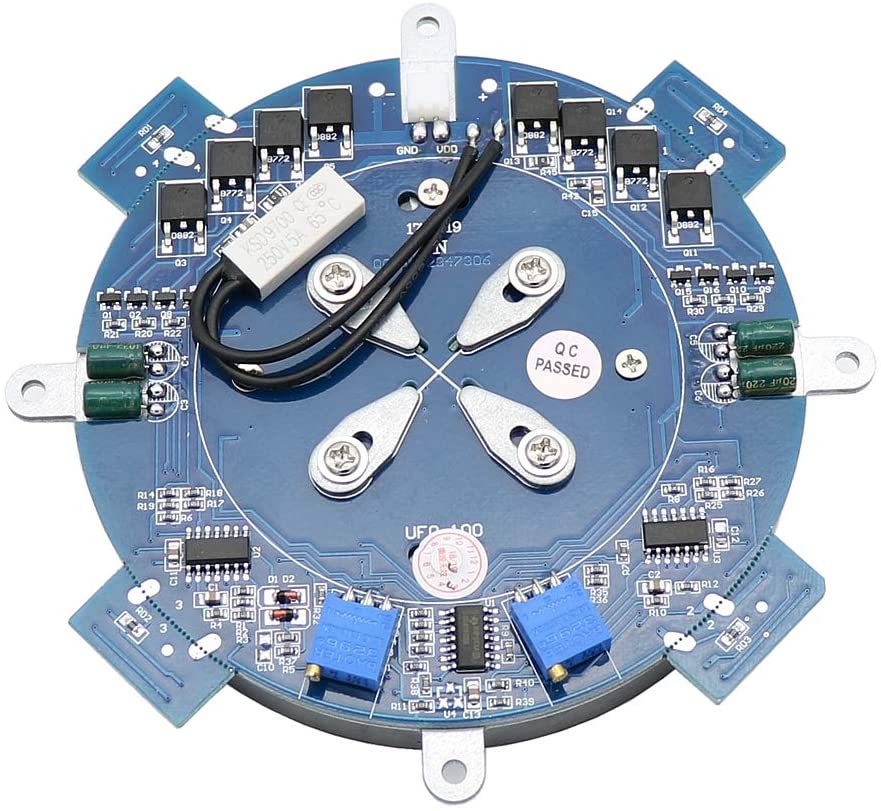
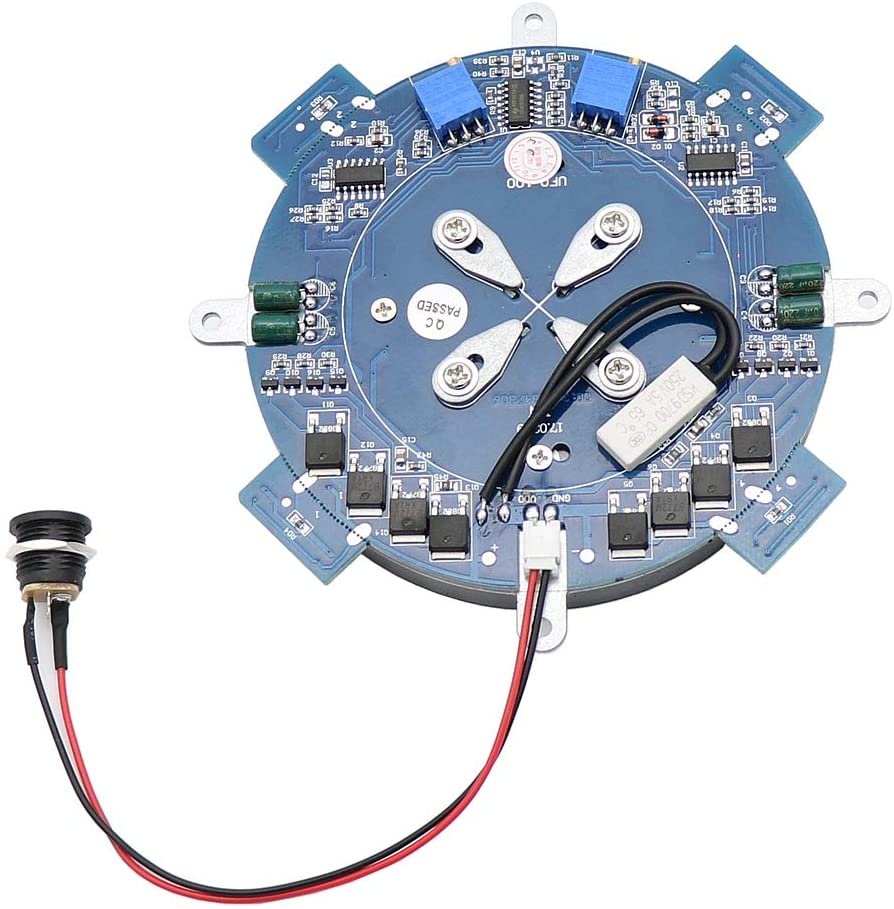
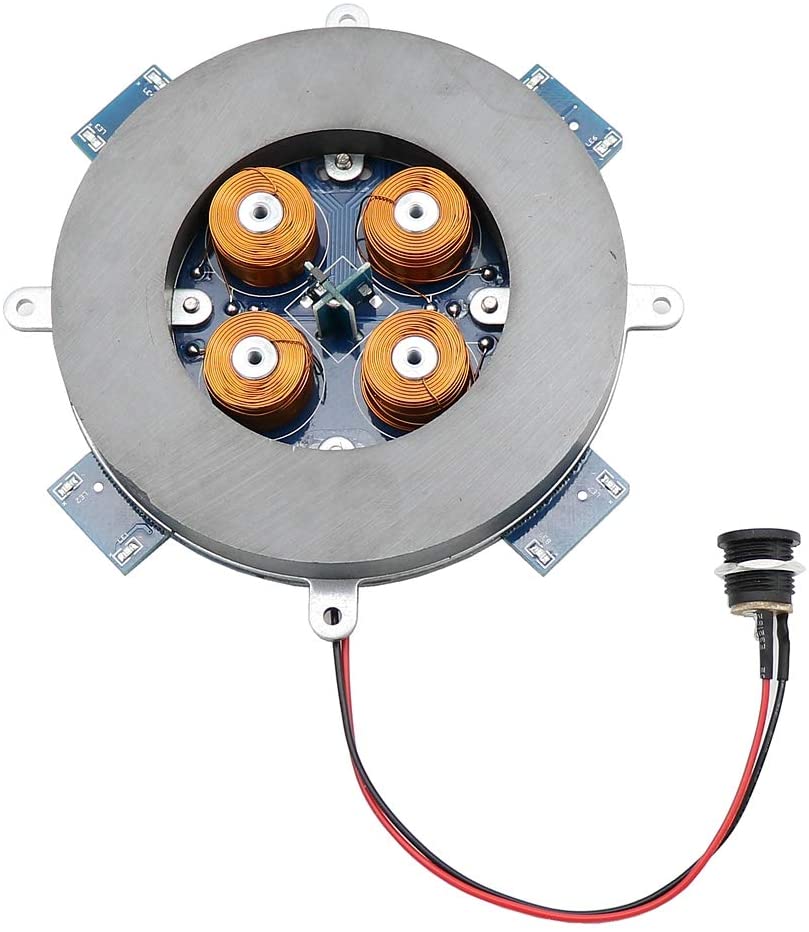
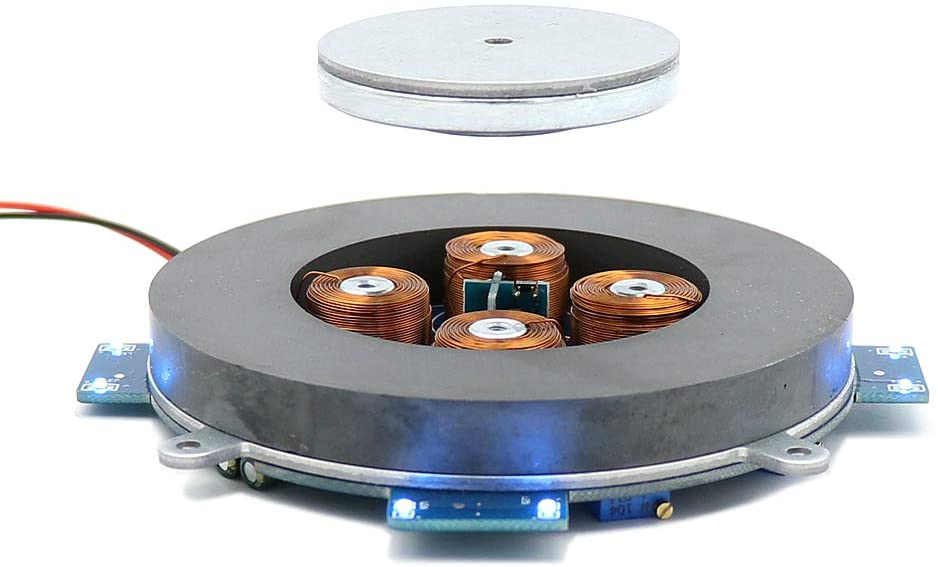
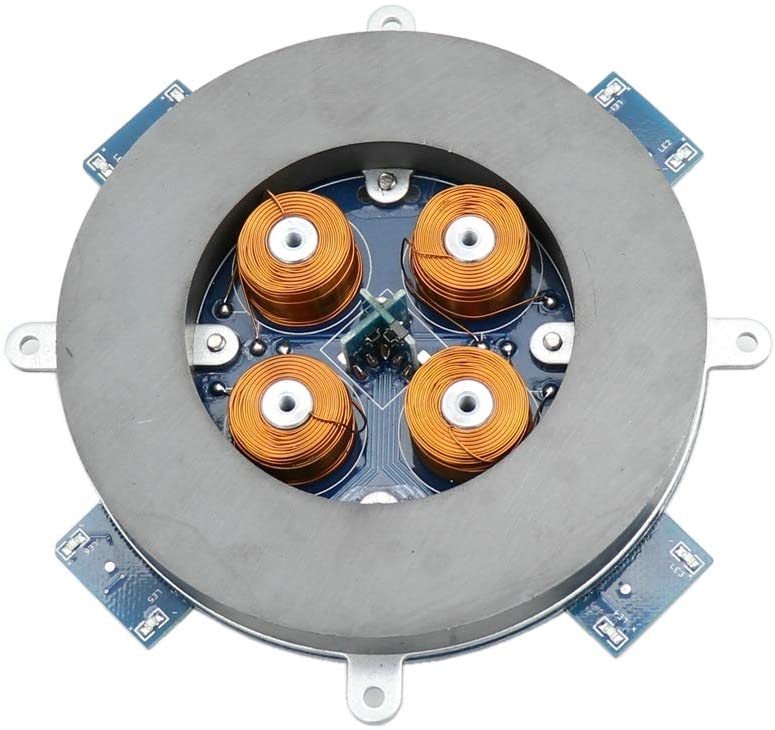
I had originally purchased a magnetic levitation platform to use with the concept development part of my VR World Building workshop. I thought seeing a floating planet can boost imagination. However, my kit arrived in very poor condition, and I can’t seem to get it to work reliably for my set up. I sent the levitation platform kit back for examination because it stopped working completely after two days.
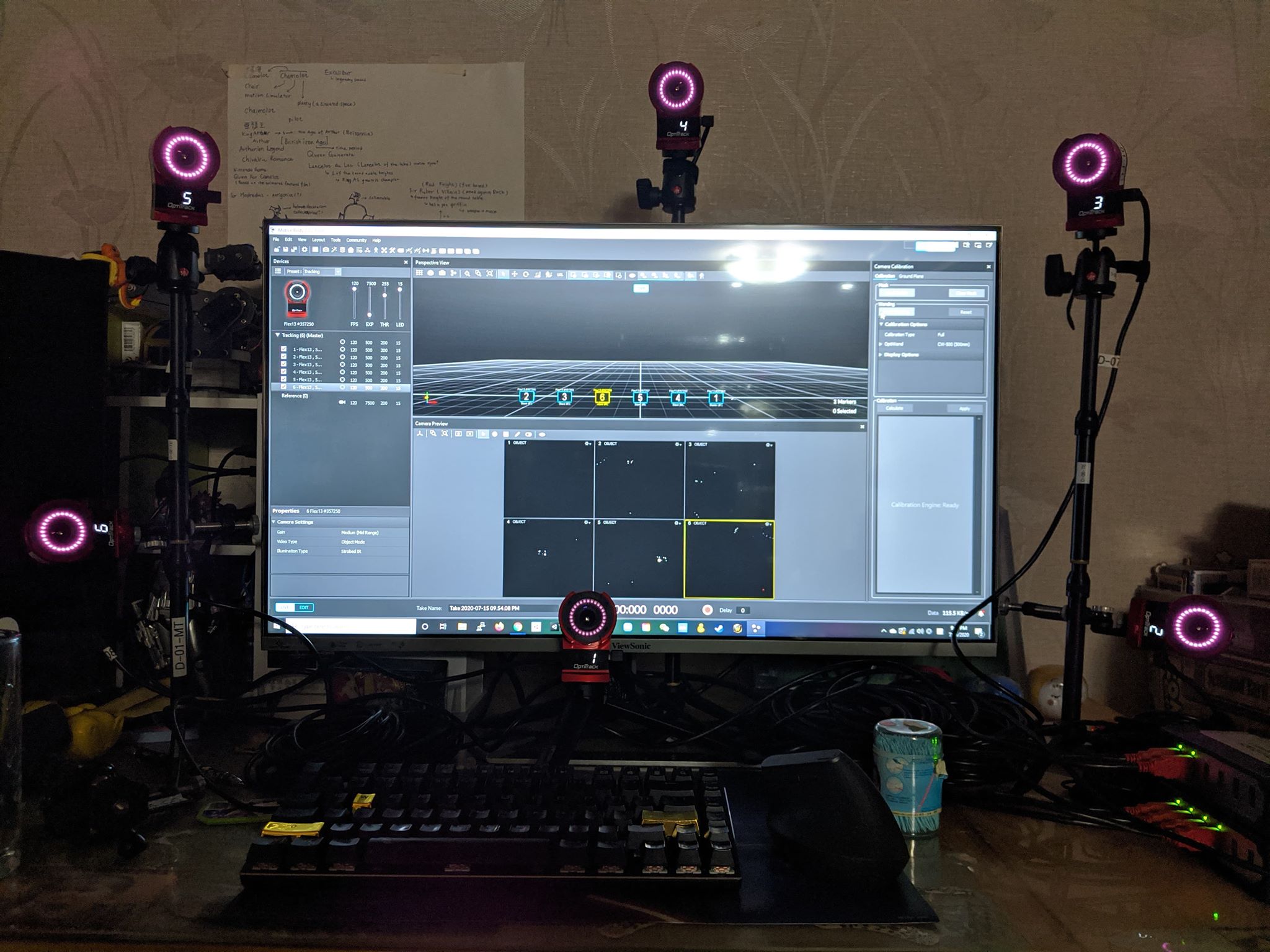
After the flight ticket was finally approved, I pack up all the technology I can have my hands on including a mocap kit. The kit is made of 8 Optitrack cameras, an industrial-grade mocap technology that I have worked closely since 2008. The first experiment is a vertical tracking setup usually used for face tracking for projection mapping.
I had hoped to use this compact setup to do something crazy with OBS and Zoom. However, the cameras were too close to my face, they need to be spread out more. I had to step back a little to get the tracking work properly.
6 Camera setup for face or wizard wand tracking.
Curious Aiden is testing the wand.
In 2017, after 2.5 years of development, we installed a mocap system at Parsons School of Design. My two mocap assistants at the time, James W. Berry and Santangelo Williams, and I were experimenting with the system. Our school has over 30 different design programs, my job was to find ways so that our mocap studio can benefit students beyond animation and game design. One creative afternoon, James had a full-body tracking suit on after a demo session. I mapped the skeleton data to a rigged 3D model from the asset store and turned a rigid body into a virtual camera. Santangelo took over the camera and became an acting coach. I recorded the screen. It was such an interesting and collaborative experience.
Reali-time mocap to animation in Unity 3D
James and Santangelo were at it.
Because of the pandemic, digital filming becomes a heated topic. From Star Wars Mandalorian to indie sci-fi film, the idea of combining live-action and digital sets has become a popular and accessible technique that everyone, especially tech-savvy filmmakers, can experiment inside of their own apartment while #stayathome.