Sherlock Holmes & The Dimensional Pipe is an AR experience that allows the participant to revisit mysterious crime cases that were solved by detective Holmes and Dr. Watson around 1900. This time and space entanglement between 1900 and 2022 was made possible by combining an alternative controller called “the dimensional pipe” and the AR capability of a smart phone.
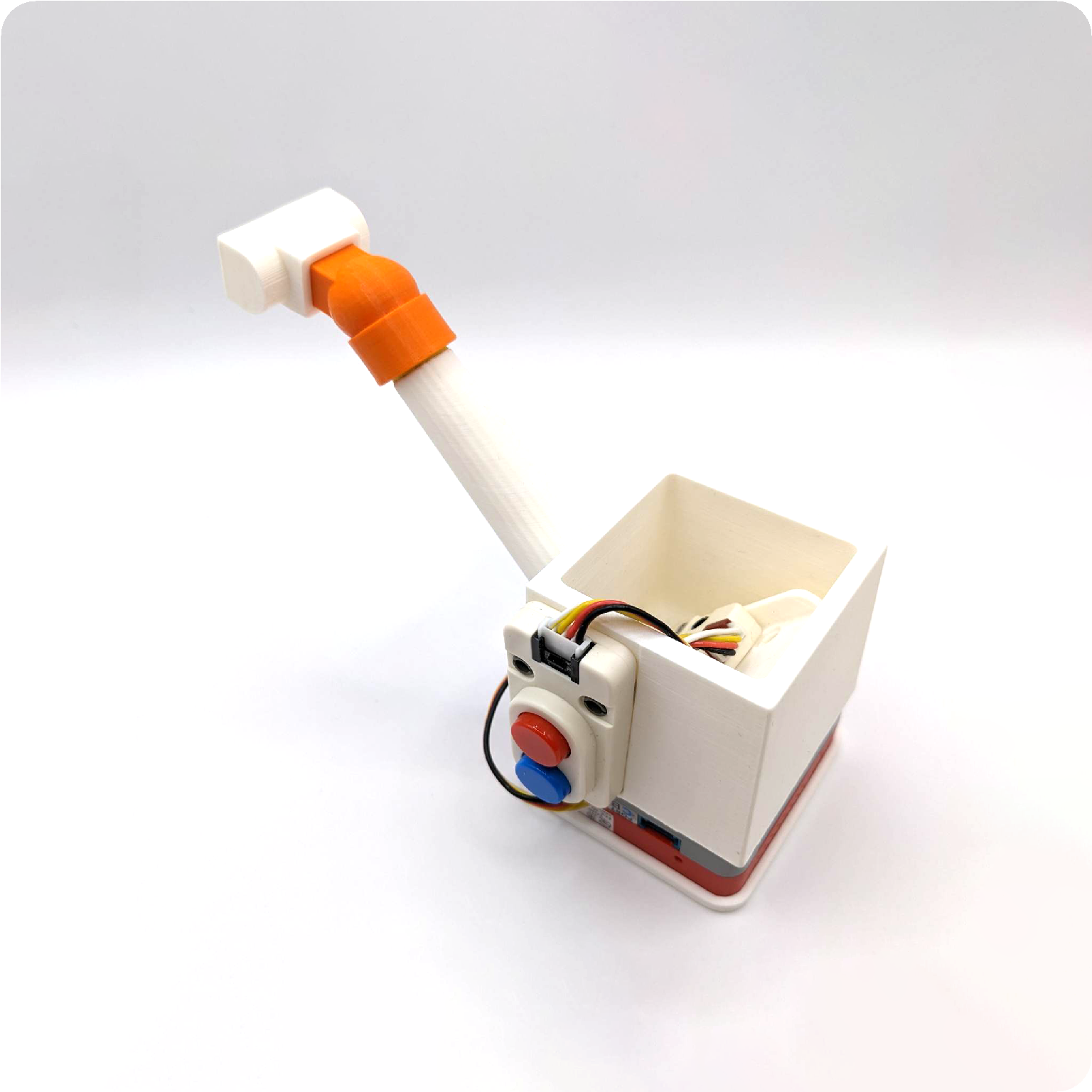
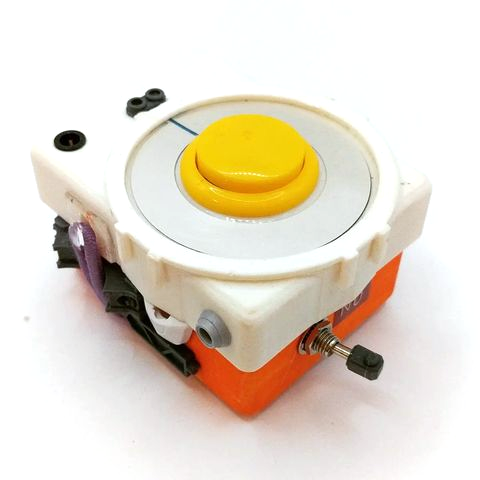
a dimensional pipe prototype
About the demo case: The Adventure of The Unholy Man
This is the first and probably the most famous one in all the editions of the 221B Baker Street board games including the video game adaptation of the board game in 1987.
It is interesting the video game version and the board game version have different numbers of clues this case: – Longworth does not smoke. – Anastasia did not like the strange preacher.
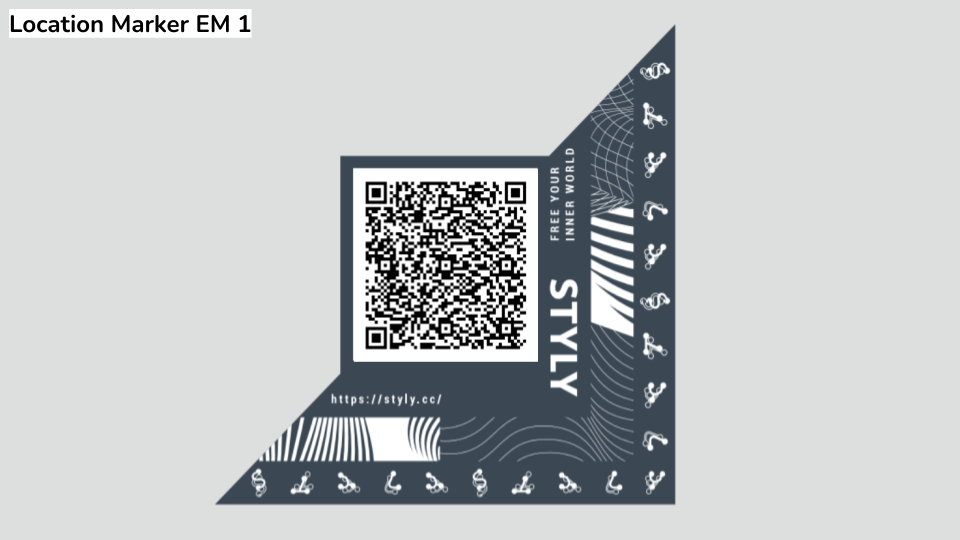
https://styly.cc/ja/mobile/?location={ロケーションGUID}&size={印刷時のサイズ} https://styly.cc/ja/mobile/?location=d83f83ae-af5a-4480-bd3a-9fa6e40cf5fe&size=0.05 (5cm x 5cm)
Traveling between parallel universes has become more frequent in the recent years. Based on our research, the excessive and abnormal energy left behind of a jump between two universes attracts an exterritorial creature called YAMI who usually found in the void between dimensions. It was first discovered by our agent in Japan, hence the name, YAMI are generally not harmful to humans. However, the various energy they digested including ones that were from other universes might cause temporary imbalance which could lead to potential disasters. Your mission is to survey the area for YAMI and send them back to the void with our handheld device.
The alternative controller: This is inspired by one of my favorite handheld electronic game called Treasure Gausts (トレジャーガウスト) and I thought it will work nicely as an AR experience on smart phones. I built a quick demo which allows the player to follow and capture a YAMI.
Now I want more game mechanics than just tapping on the phone screen.
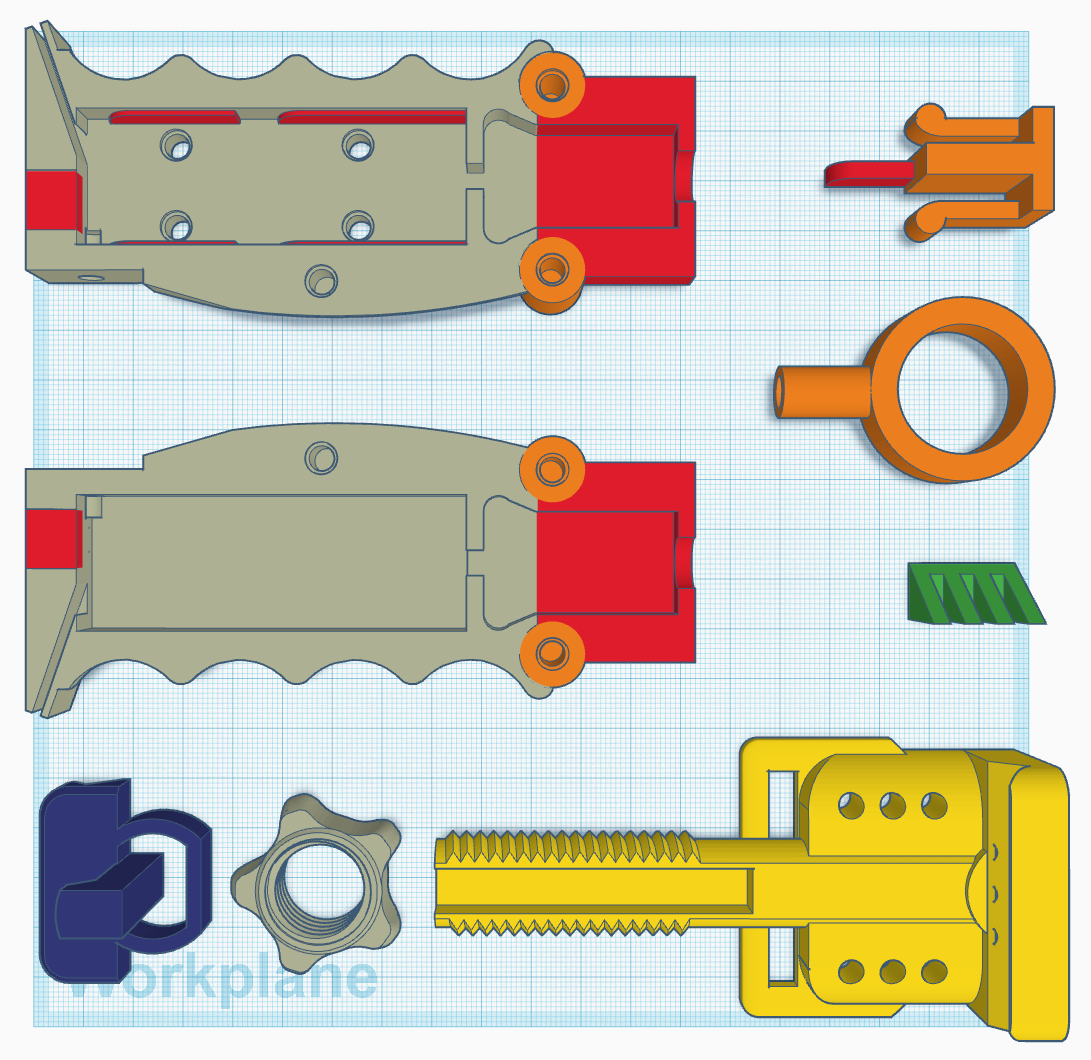
After a few quick sketches, I went on to Thingiverse to look for a smart phone mount. I started out by modifying jakejake’s Universal Phone Tripod Mount (https://www.thingiverse.com/thing:2423960). The design of this mount is brilliant, and it holds up pretty well. I then built out the rest of device piece by piece. I wanted some kind of switch at the bottom of this device in order for the player to “send YAMIs back to the void”, like an action that the player can do to initial the send back. This reminds me of the Tenketsu (天穴, Heavenly hole) in the anime Kekkaishi (結界師).
Tenketsu!!
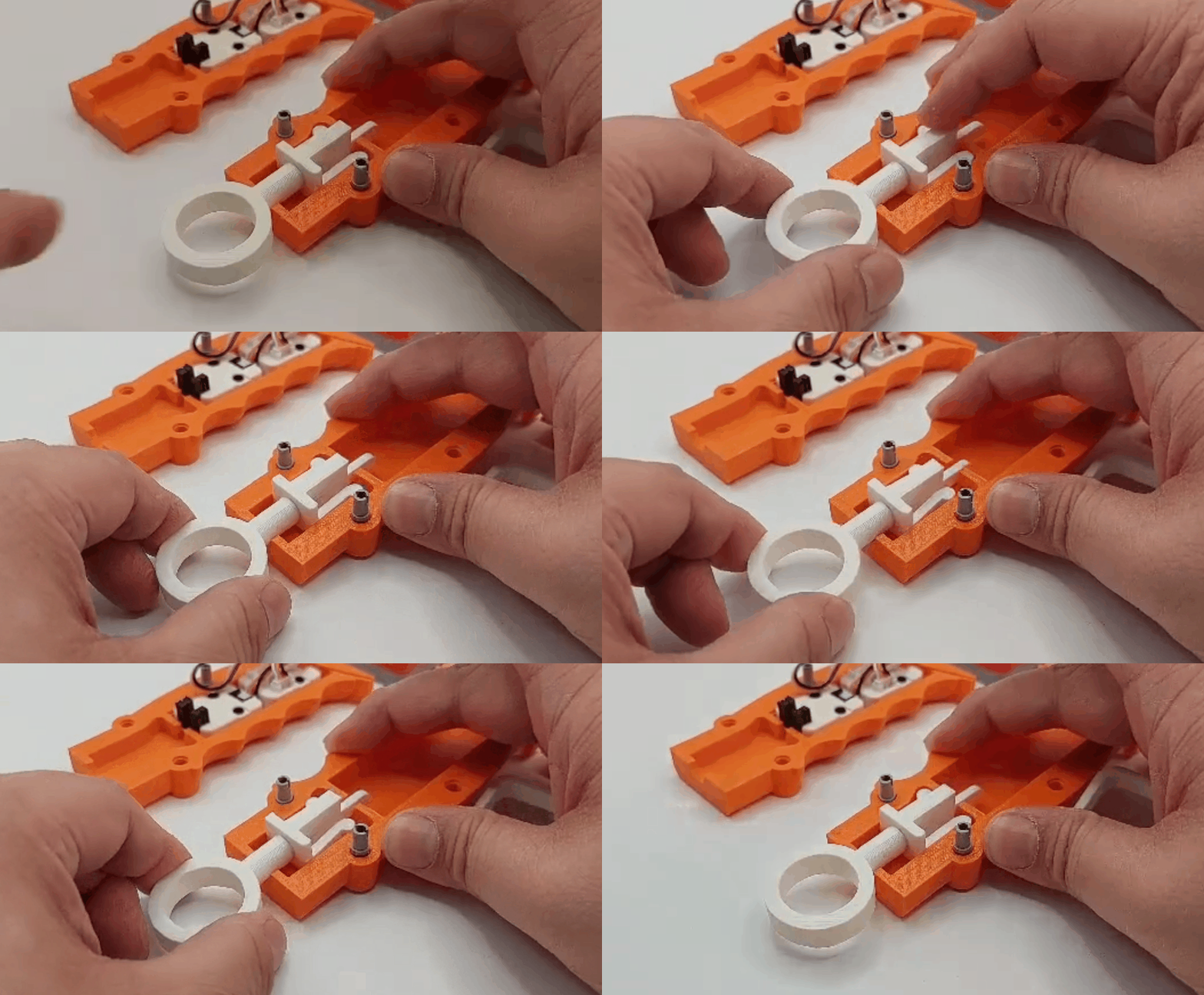
I created a ring like contraption at the bottom of the grip. When a giest is weaken, the player pulls down the ring to initiate the interdimensional suction. For the rest of the inputs, I had originally wanted to use a Dual Button unit, but I found out they shared the same pin (GPIO36) with OP 90 unity on M5 FIRE.
Tenketsu On!! Made possible with the OP 90 unity from M5 and a 3D printed piece that functions like a on/off switch.
The other game mechanic that I wanted to add to the controller is spell casting. I want magic rings! I quickly prototype some wearable rings with RFID embedded. The player has to choose which ring to use during the capture.
GGG – I love this design処刑少女の生きる道 – saw a similar but more complex one recently in this show
Development notes:
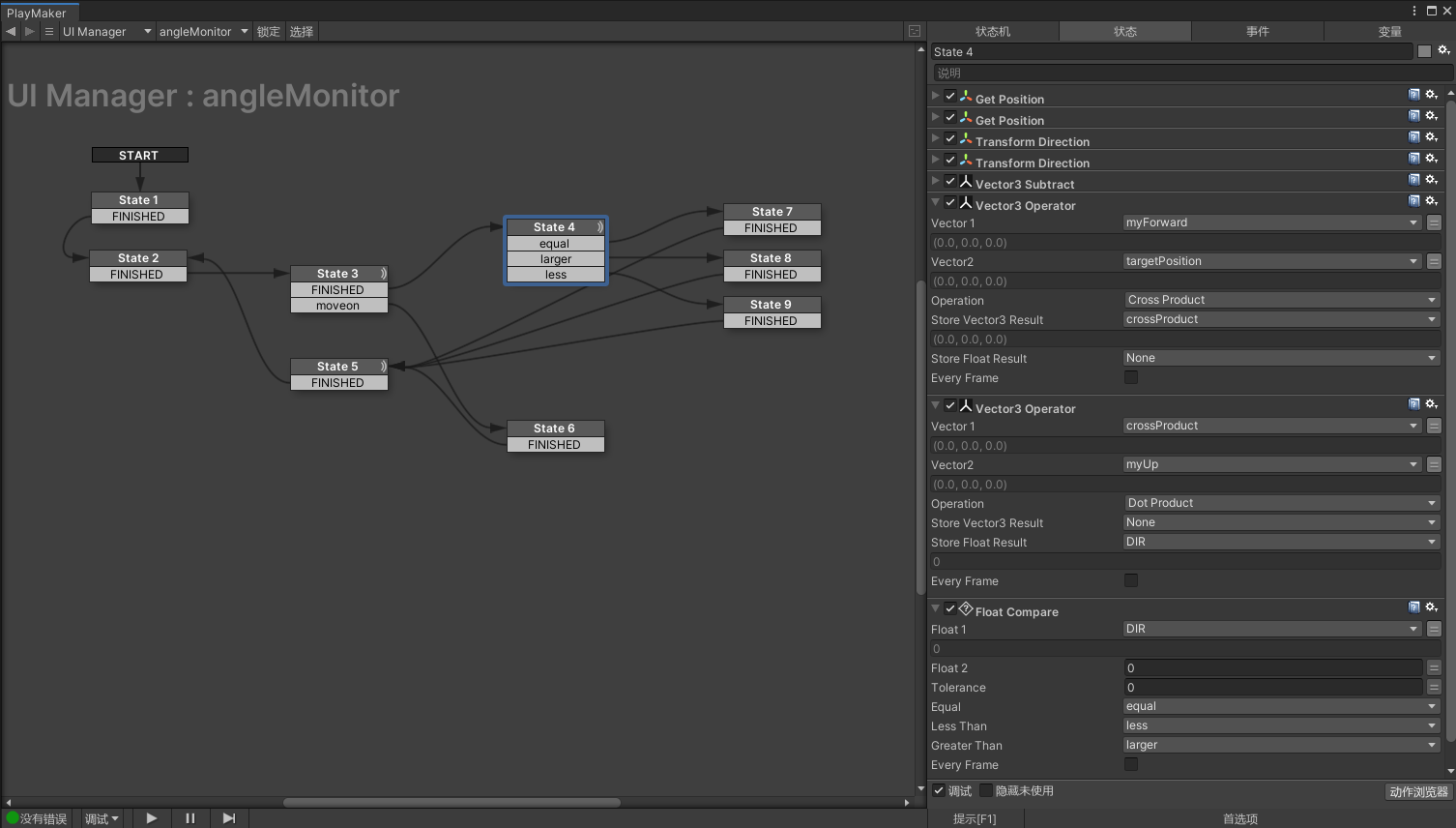
Left or Right of the forward vector:
This is one of those topics that sounds pretty simple at first but it take some advanced vector math to figure it out. The original solution was found here written in C#:
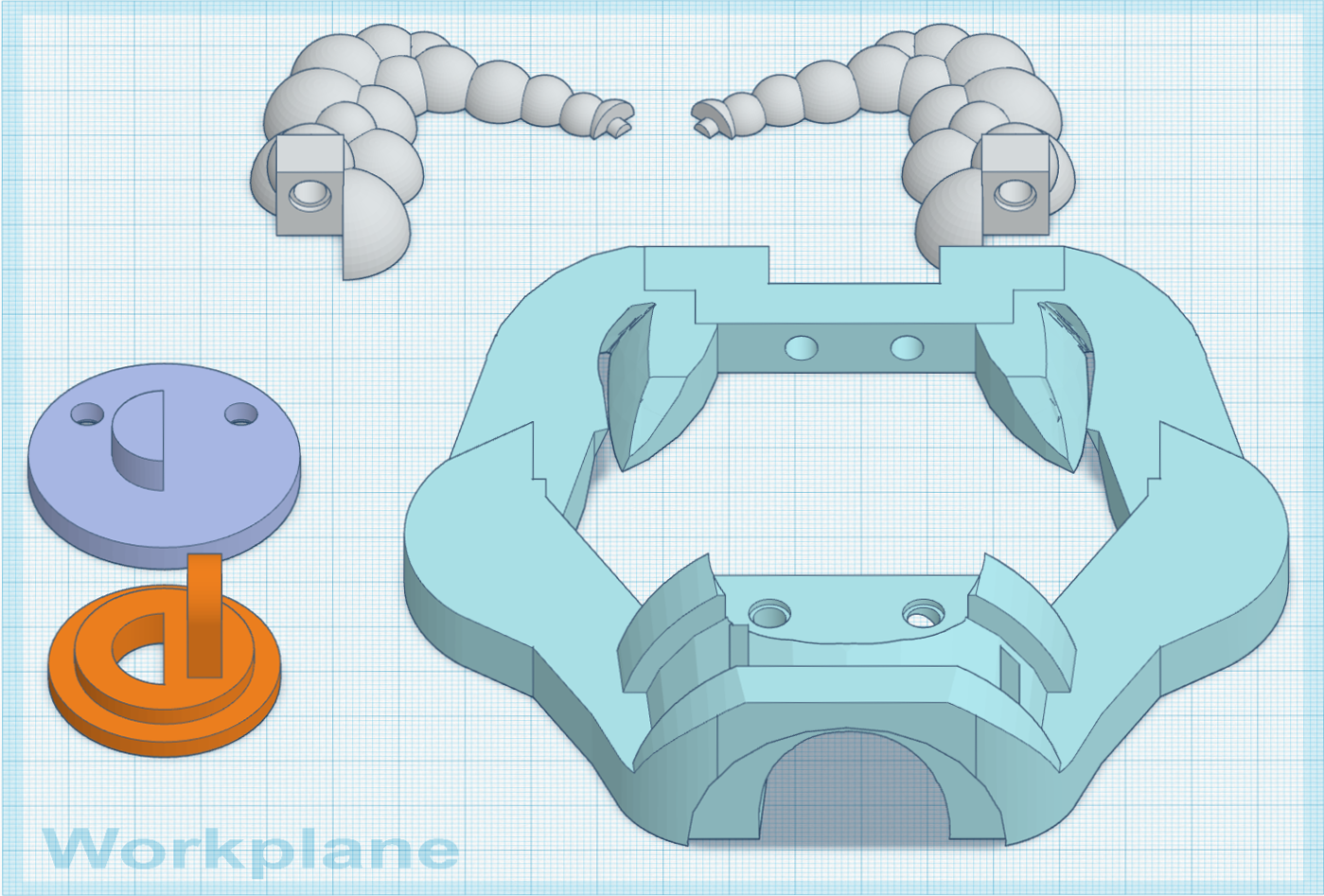
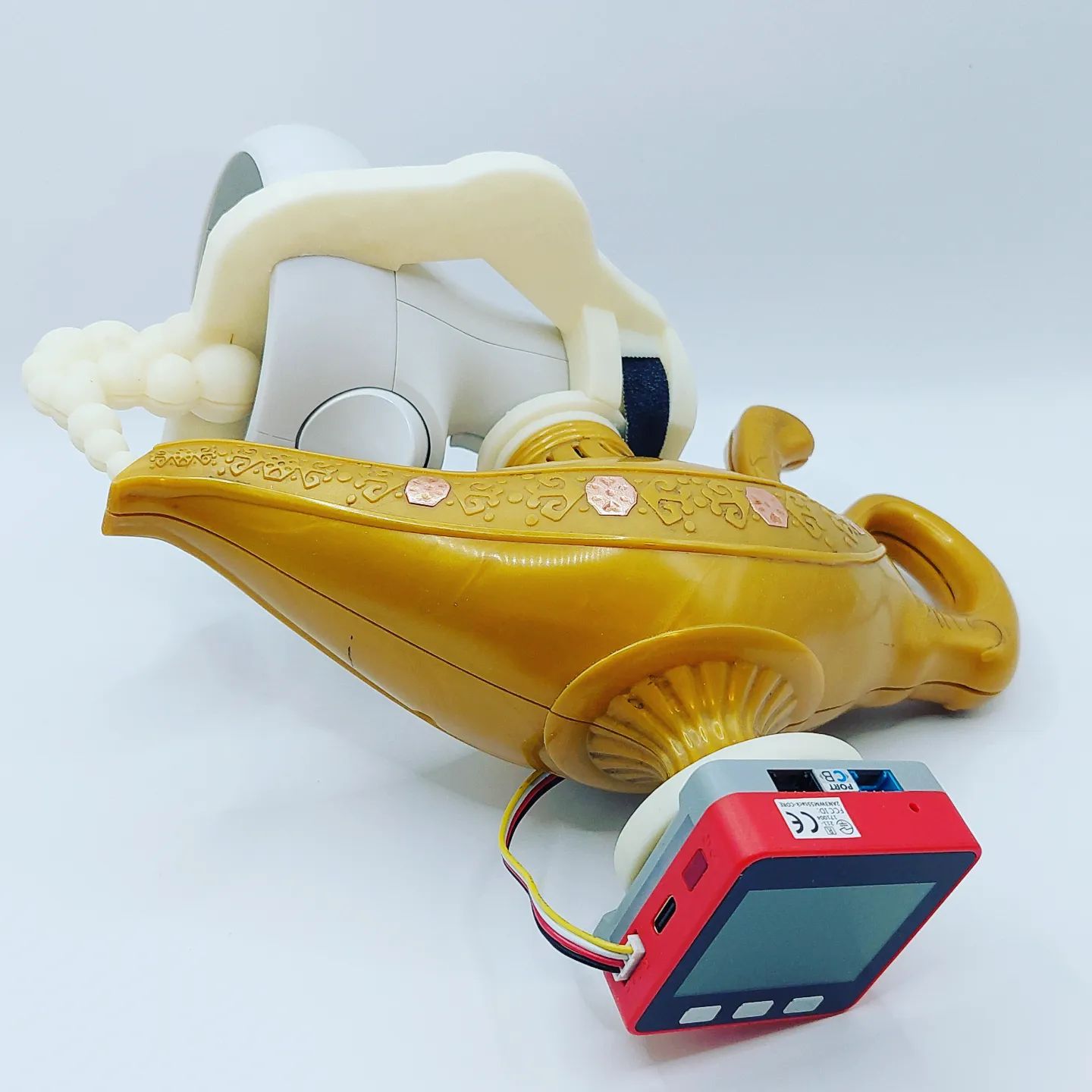
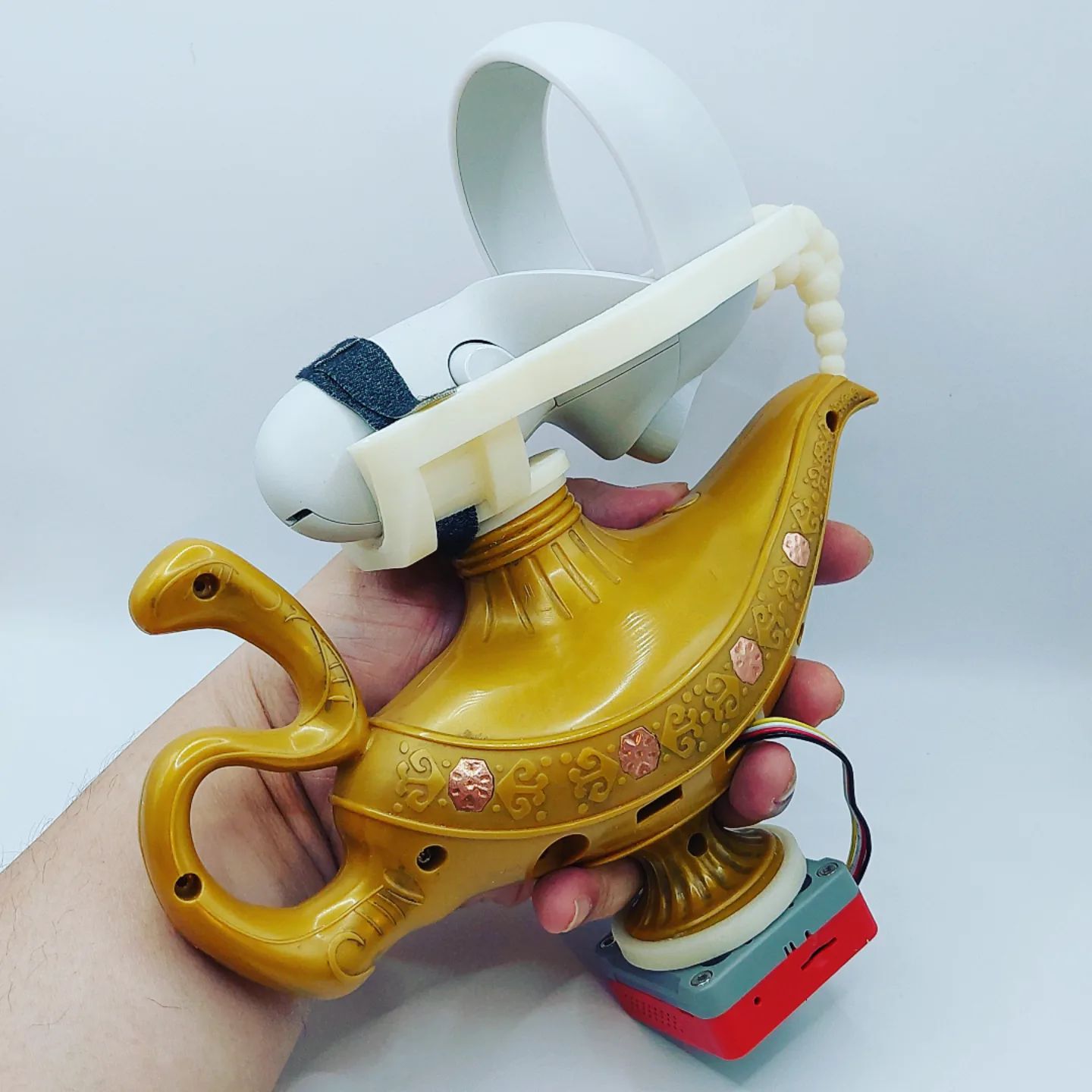
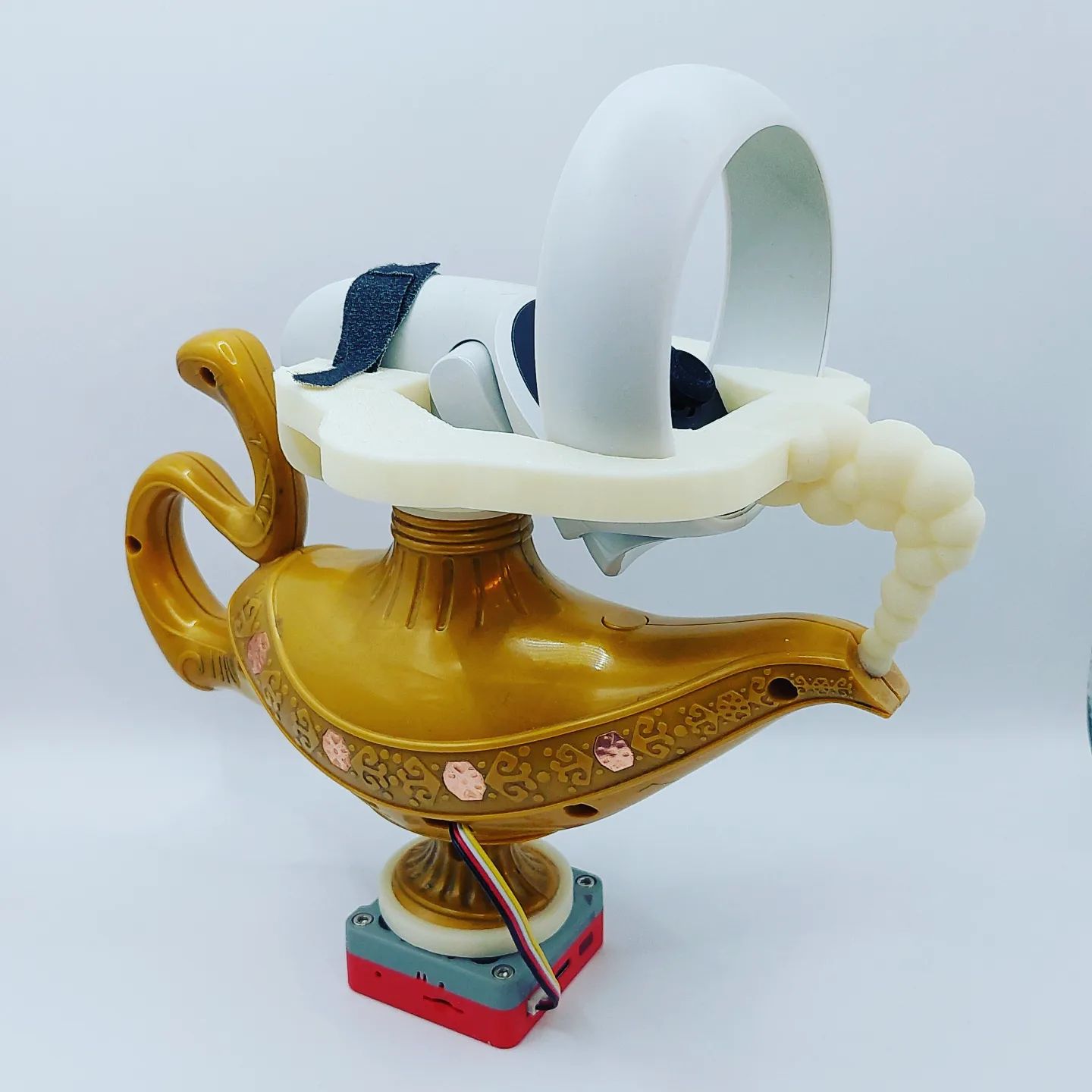
The big idea is to modified this toy lamp toy into an alternative controller. There are four hexagon shaped LED covers on each side of the lamp. After a quick autopsy, these covers can be easily turned into touch buttons which are perfect for simulating the back and forth lamp rubbing actions. I will be using M5 Stack + MPR121(Touch Sensor Grove Platform Evaluation Expansion Board) + our HID Input Framework for xR to prototype this experience.
In order to be tracked in VR, I have to find a way to mount the touch controller on the lamp as well. After some rapid prototypes, I decided to mount the touch controller on top and M5 Stack on the bottom of the lamp. I also imagine the HTC VIVE tracker will be a great option for its compact form factor, but I try to keep the controller wireless.
I am working on the gameplay for the directional rubbing mechanic which allows the player to blow out (rub outward), suck in game objects (rub inward), or casting/summoning (rub back-and-forth).
The way we play digital games is secretly influenced by the advancement of the technology. While new technology inspired new play mechanics, obsolete technology also take away play mechanics we took for granted. One of the better known examples happened in early 2000 when TV technology transitioned from CRT (Cathode Ray Tube) to LCD. This advancement killed off the light gun genre in its entirety because the traditional light-gun technology requires CRT to position the light gun pointer on the TV screen. This tragic loss on mainstream consoles didn’t resolve till 2007 when Nintendo Wiimote came out.
The subject of this post is another example – barcode battler. When it comes to scanning linear barcodes, the card swiping action is the coolest! Recently, barcode related interactions are done with either a build-in camera or a hand-held barcode scanner. The card swiping action is gone!!
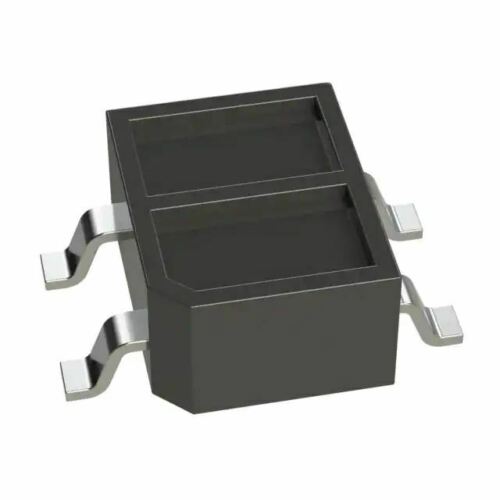
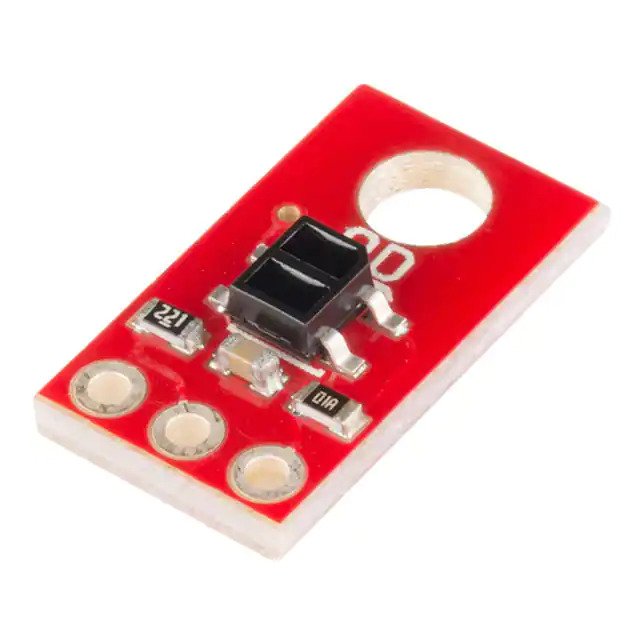
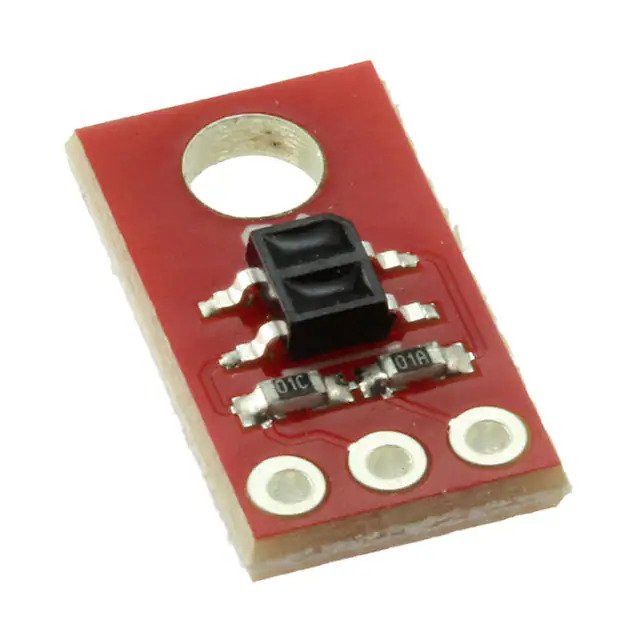
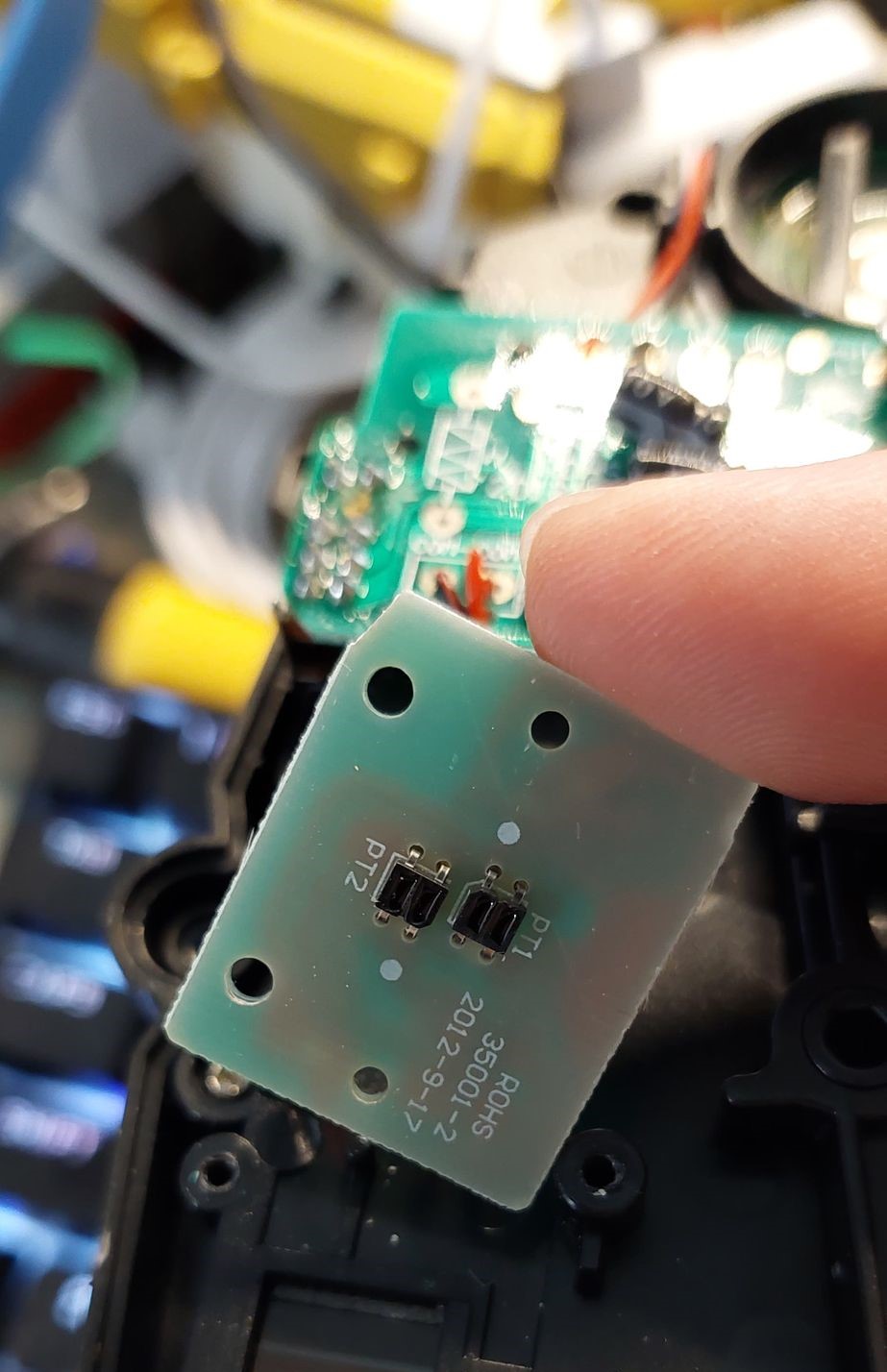
QRE1113 QRE1113 IR Reflective Photo Interrupter features an easy-to-use analog output, which will vary depending on the amount of IR light reflected back to the sensor. The QRE1113 is comprised of two parts – an IR emitting LED and an IR sensitive phototransistor. When you apply power to the VCC and GND pins the IR LED inside the sensor will illuminate. Because dark colors will bounce back less light, the sensor can be used to tell the difference between white and black areas and can be used in robots as a line follower.
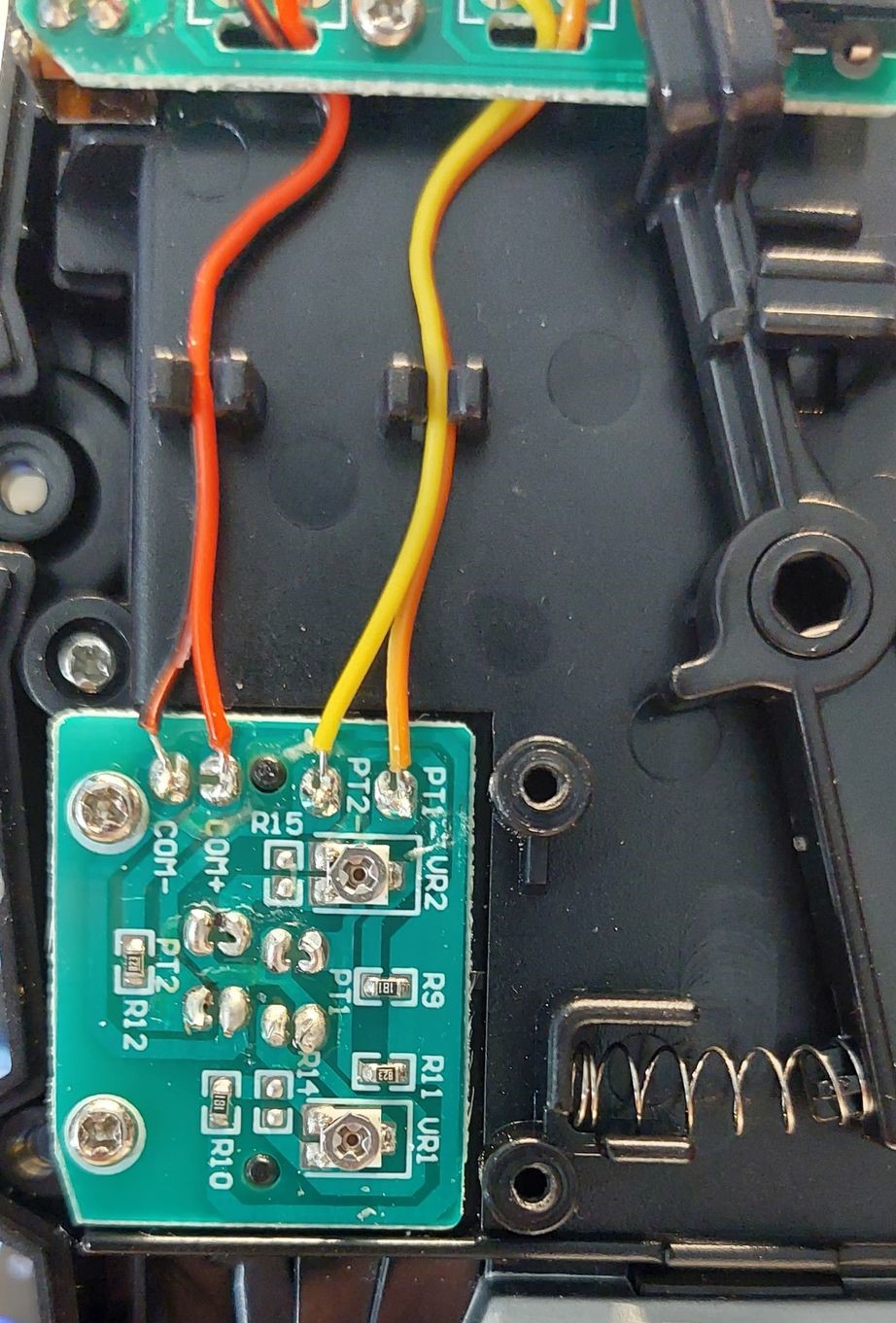
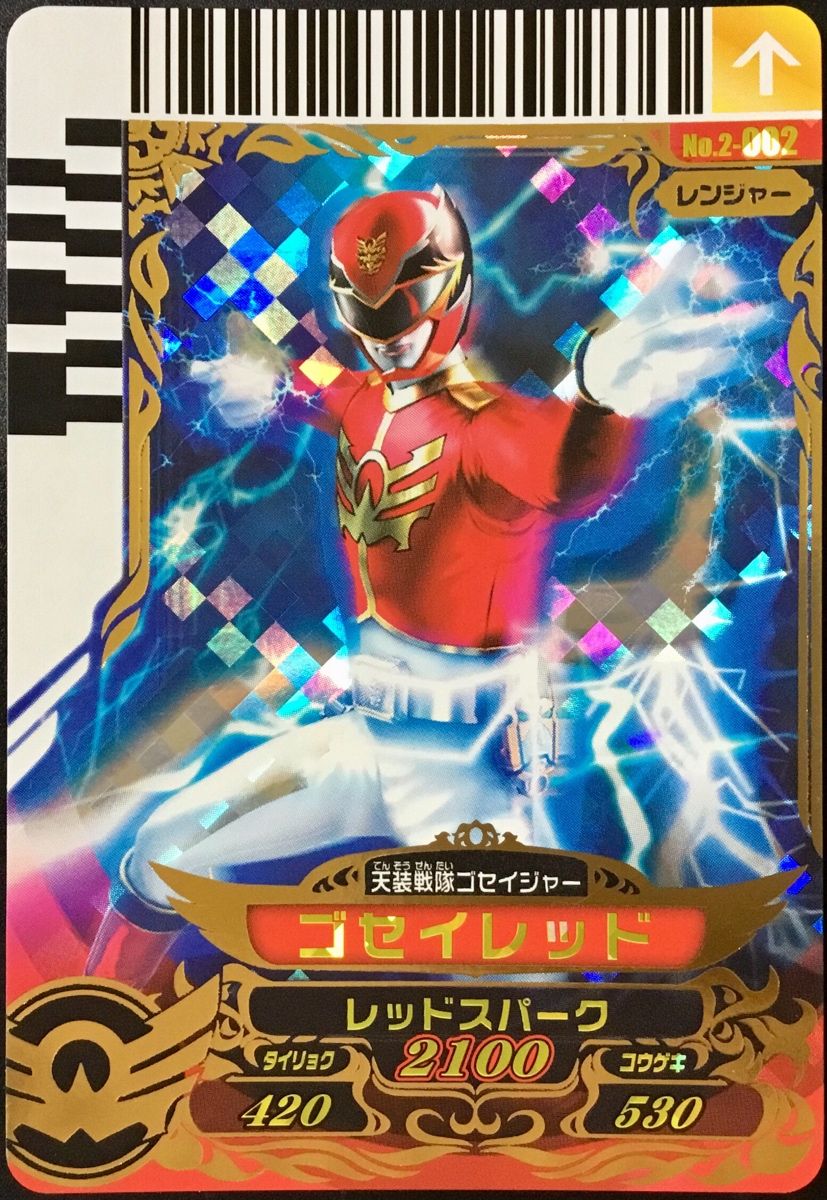
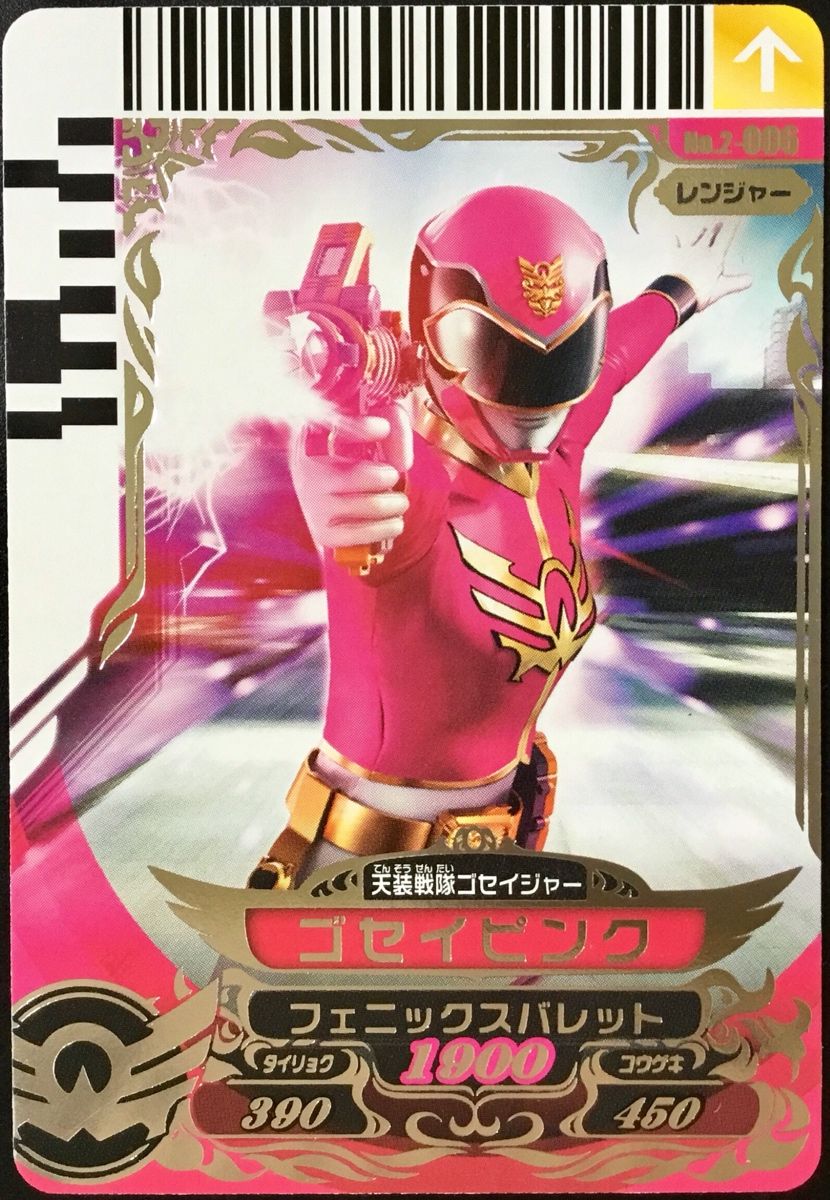
I found out recently that both US and Japanese version of the Goseiger (天装戦隊ゴセイジャー) henshin toy Tensouder (テンソウダー) uses 2 QRE1113 to read the double decked barcode on the side.
Select the Unity Assets > Import Package > Custom Package menu command.
Locate the downloaded asset package and click Open.
The assets are imported into your project.
Every development and client computer must also install the Leap Motion service software (which runs automatically after it is installed).
Using Processing
You can use the Leap Motion Java libraries in a Processing Sketch (in Java mode). This involves adding the Leap Motion files to the Processing libraries folder and importing the Leap Motion classes into the Sketch.
Setting Up the Leap Motion Libraries
To put the Leap Motion Java libraries in the Processing libraries folder, do the following:
Locate and open your Sketchbook folder. (The path do this folder is listed in the Processing Preferences dialog.)
Find the folder named libraries in the Sketchbook folder, if it exists. Create the folder, if necessary.
Inside libraries, create a folder named, LeapJava.
Inside LeapJava, create a folder named, library.
5. Find your LeapSDK folder (wherever you copied it after downloading). 5. Copy the following 3 library files from LeapSDK/lib to LeapJava/library
If you prefer you can get the Ultraleap Hand Tracking Plugin for Unity using .unitypackage files. This can be helpful if you need to modify the package content. Please note that for future releases .unitypackage files will need to be updated manually.
Right-click in the Assets window, go to Import Package and left-click Custom Package.
Find the Tracking.unitypackage and import it. This includes Core, Interaction Engine, and the Hands Module.
Optionally import:
the Tracking Examples.unitypackage for example content
the Tracking Preview.unitypackage and Preview Examples.unitypackage for experimental content and examples. This can go through many changes before it is ready to be fully supported. At some point in the future, preview content might be promoted to the stable package, however it might also be deprecated instead. Because there is no guarantee for future support, we do not recommend using preview packages in production.
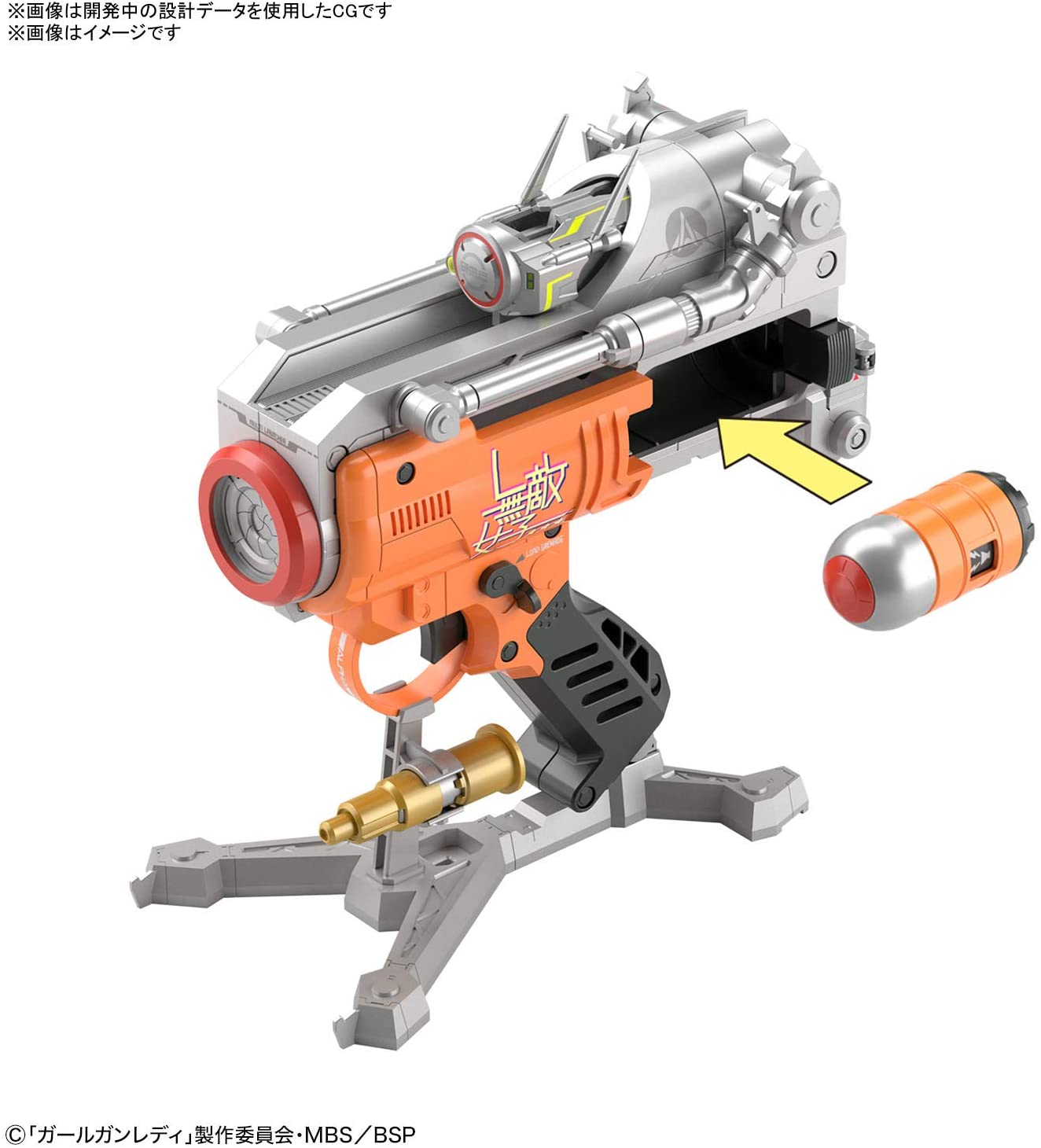
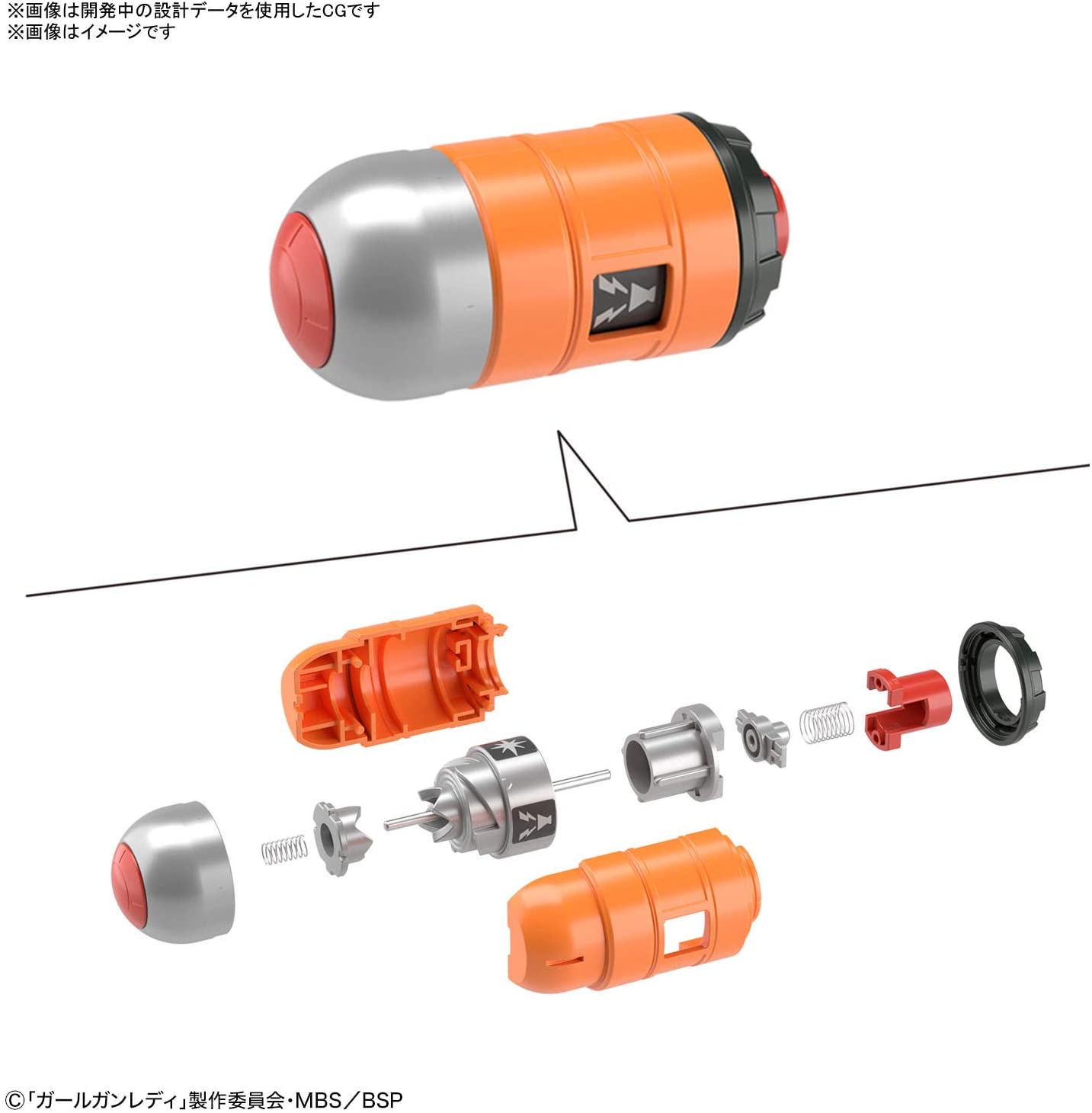
Girl Gun Lady is a Japanese live action sci-fi TV drama. I am particularly fascinated by the digital weapons designed for this drama. All of the weapons including the Gun Ladies are available in plastic model kits. I am having a blast building some of them. My favorite weapon is the Alpha Tango. It is the size of a hand pistol but functions like a grenade launcher and the grenade ammo can be programmed to do different things.
Girl Gun Lady Ver. Alpha Tango
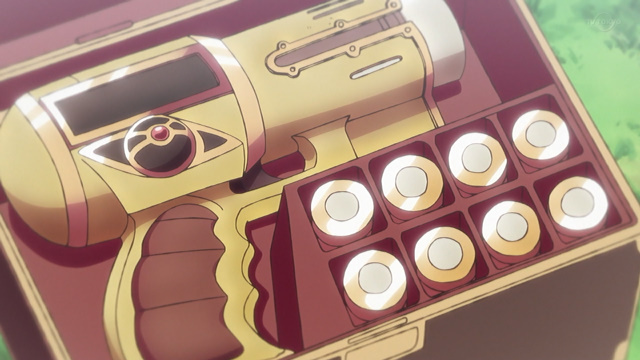
Alpha Tango also reminds me of Maam’s Magic Bullet Gun (魔弾銃 まだんがン ) – Dragon Quest: Adventure of Dai which is another favorite sci-fi weapon of mine from childhood.
Picking the right bullet for the situation is an interesting game mechanic to explore. Judge Dredd’s Lawgiver is another fun(?) example. I did a voice-activated light gun project in early 2007 which was inspired by the Lawgiver in Sylvester Stallone’s Judge Dredd (1995).
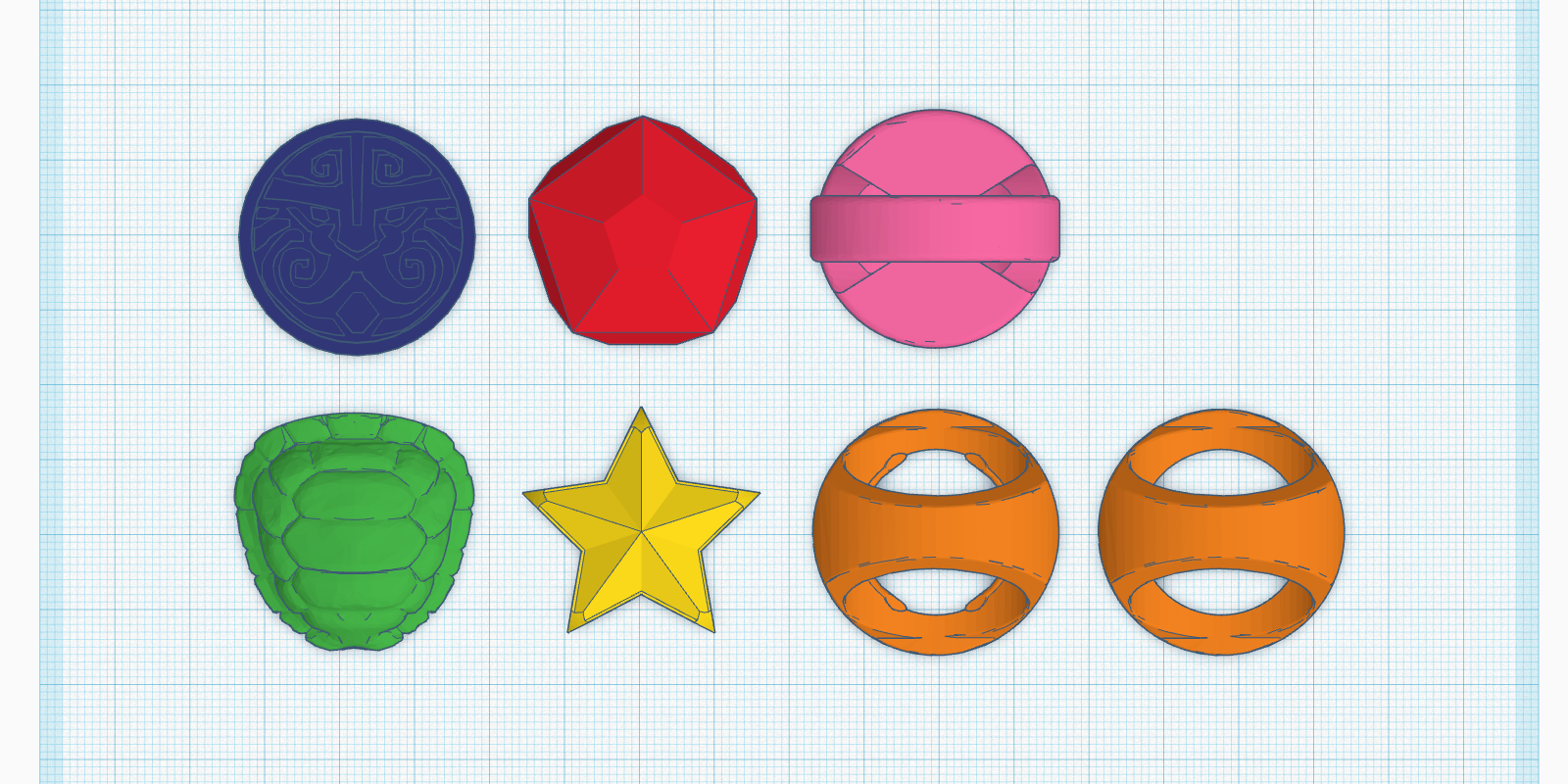
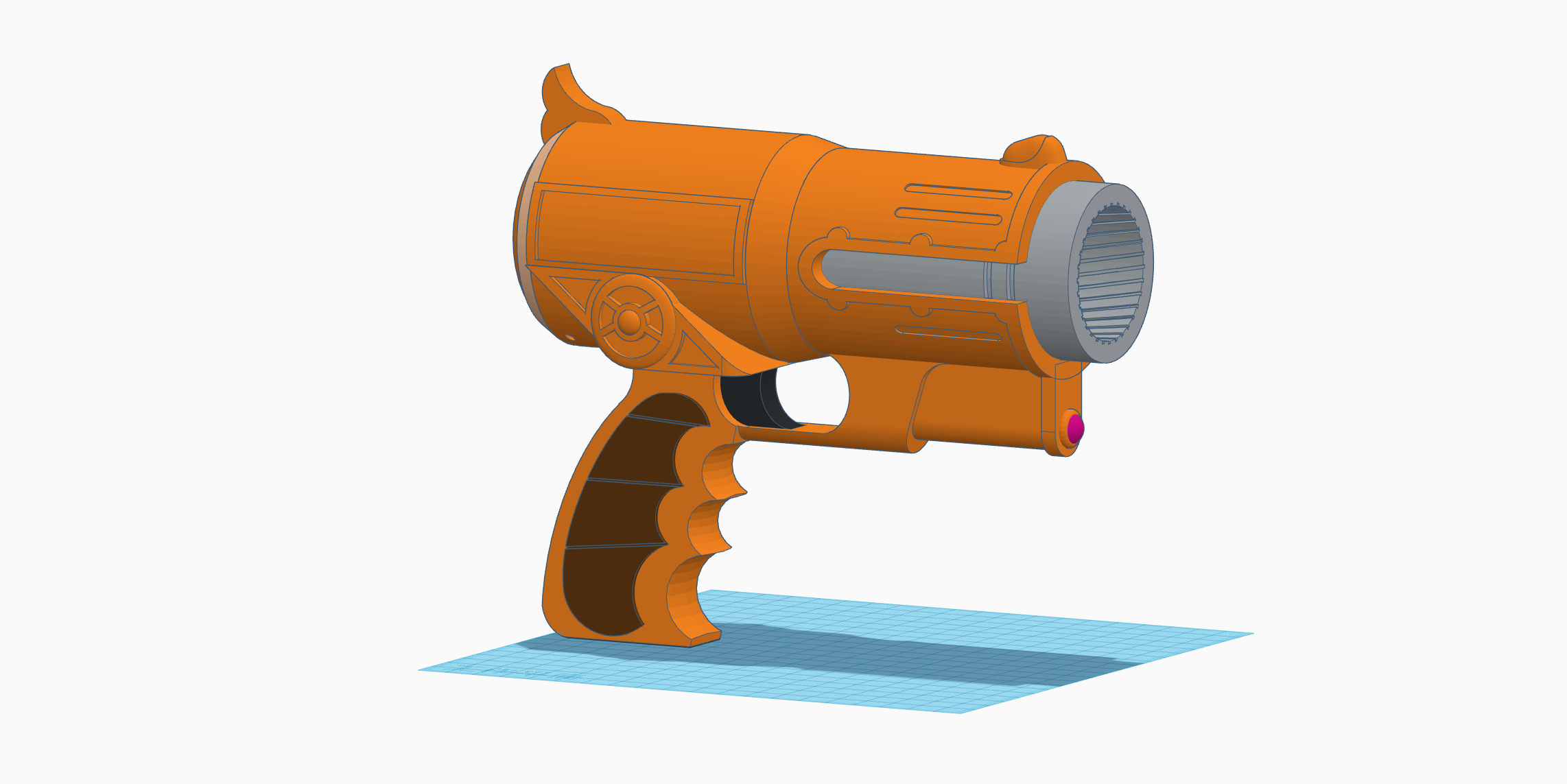
This should be my next data relic. Meanwhile, did a quick study on Maam’s Magic Bullet Gun in Tinkercad.
Also modified the Oculus Quest 2 Controller Pistol Grip (https://www.thingiverse.com/thing:4760656) to work with M5Stack. This could be great for voice-activated weapon using Google Assistant. The grip file I downloaded directly from the Thingiverse doesn’t fit, I couldn’t push the grip all the way up like shown in the pictures. I used Tinkercad to make the hole bigger with a +1% scaled model of a Quest 2 controller. After that adjustment, it fits smoothly.
Going back to the voice inputs. My experiment with both Watson and Google Assistant shows that there is a significant delay on speech to text response. It gets worse with slow internet connection. I had a hard time demonstrate projects using speech to text (cloud) service in demo day event and conference in the past. What can be done in UX to make that passage of time felt shorter – less significant? Slow-motion? Well, there is only one way to find out.
I had done some experiments with their SSML, expressive SSML, and Voice Transformation SSML in 2017. It was an interesting way to change, almost like coding the voice in order to make it more human-like. Went back to IBM Watch Text to Speech demo today: https://www.ibm.com/demos/live/tts-demo/self-service/home, and found out it works differently now.
“Hurry up! Pick up the sword and defend yourself, your arrival has awakened the spores. It’s not a good thing.”
IBM Watson – LisaNatural Reader – FreeTTSReaderwideo – English (US) – Mike StevensGoogle Text-to-Speech – English (United States)/WaveNet/en-US-Wavenet-D/Headphones or earbudstypecast – Vanessa/Normal-A typecast – Keybo/fast
“Greetings, my name is Luke, the voice that you’re hearing right now is not my real voice. It is a result of my telepathic thoughts being synthesized by your auditory cortex. It could take form of any voices you have heard before.”
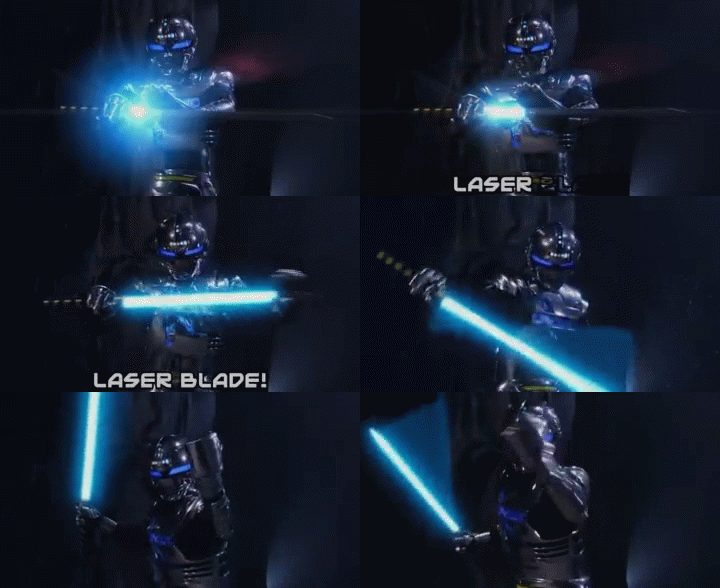
Tokusatsu nerds of my generation probably all mesmerized by Space Sheriff Gavan (宇宙刑事ギャバン)’s Laser Blade when the show aired in 1982, especially when he powers it up before attack. The latest Laser Blade toy by Tamashii Lab was able to bring the powering up experience to live. How do I bring this experience into VR in an embodied way? How does a real-life artifact come to live in the virtual world? This is my attempt. Here are some other inspirations that I would like to incorporate in this experiment:
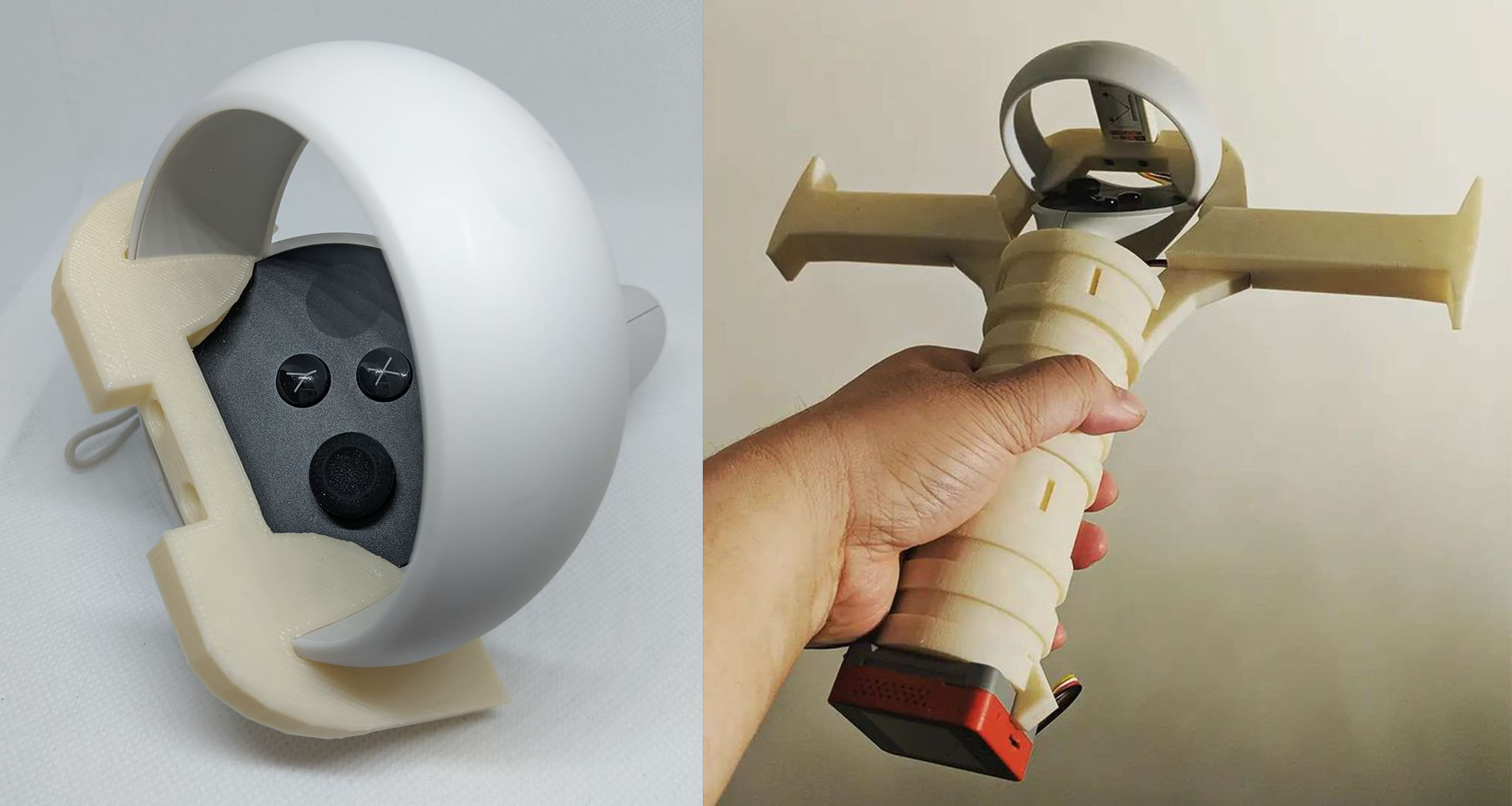
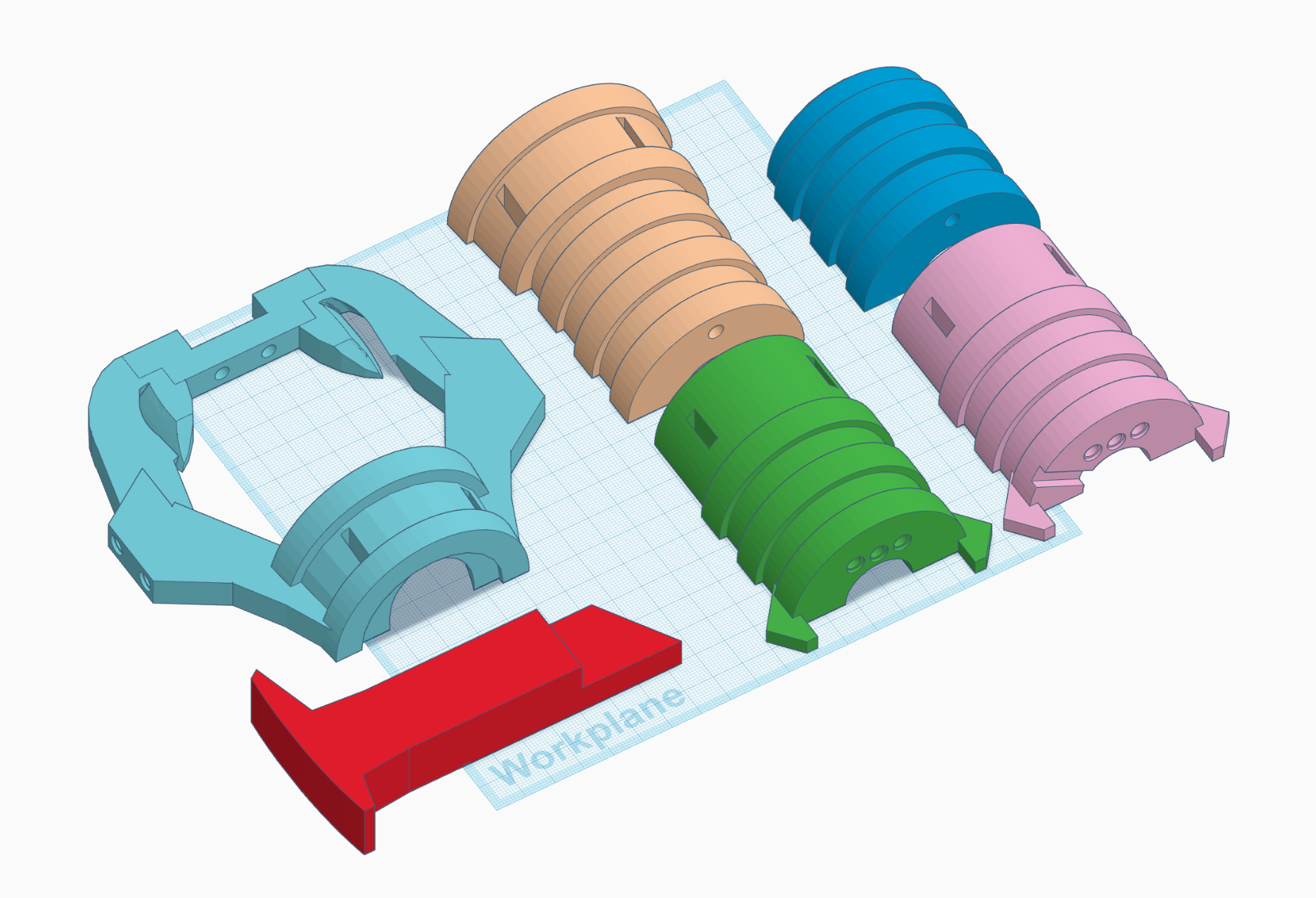
The artifact is the halt of the sword. When it is activated in VR, the galaxy blade will emerged on the virtual halt. The player can power up the blade with cosmic flares (or soul fire) for bigger attacks. I need to build a (bulky) halt that hosts both the touch controller, M5Stack, and the distance sensor unit. I gathered some 3D models from Thingverse including the Table Eleven paddle and a 3D scan of the left touch controller. I had to demesh the paddle before importing it to Tinkercad. I studied the paddle and decided to make my own. After some trial and error, I made a head piece that slide into the ring of the touch controller smoothly. I then built the whole halt from there.
I had a very vague image in my head of what the sword would look like. The alt controller is the artifact, a physical medium, that brings the virtual sword to the player. It has to be oversize, galaxy like, and burning with some sort of cosmic flares (or soul fire). After some tinkering in Unity, this is what I came up with:
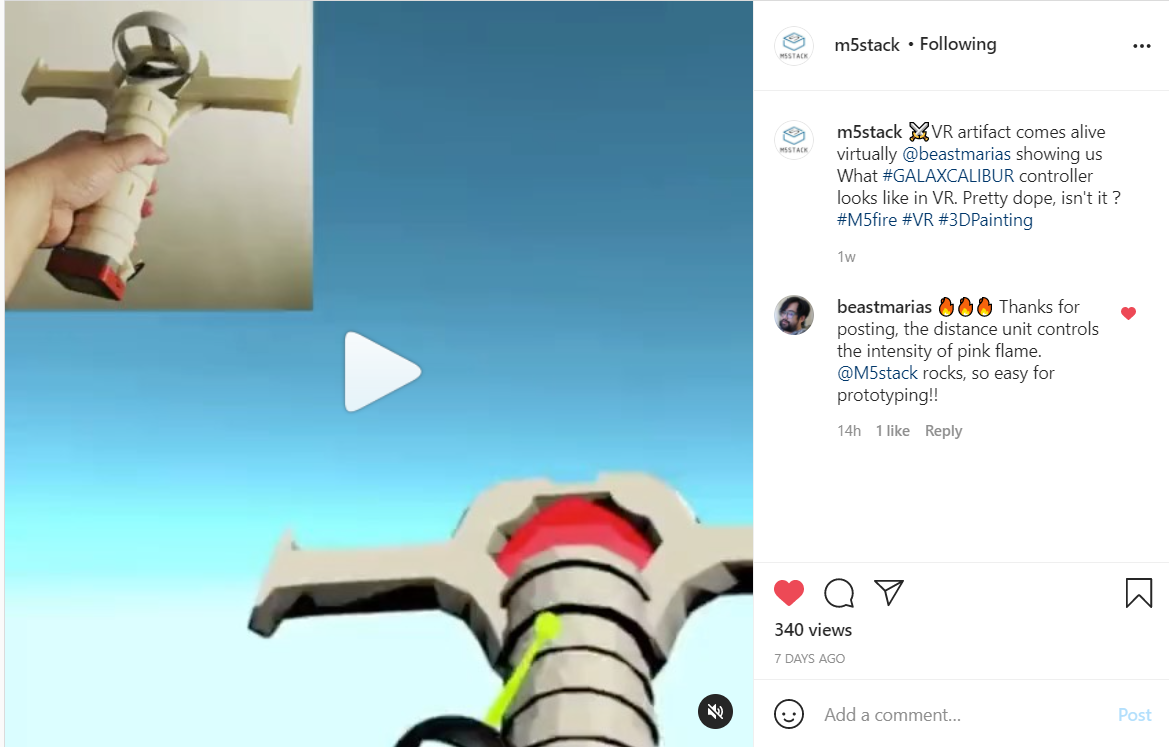
The player can ignite the soul fire by putting one’s hand right in front of the distance sensor unit after certain time and increase the fire coverage on the blade by moving one’s hand away from the sensor. The player will be given a quick hands-on tutorial when the soul fire is awaken in the play experience. Testing video on Instagram was pick up by M5Stack, what a lovely surprise!
When I was living near the school around 2008, there was a cute German couple living in the same building. They look like they are in their 70s. I often ran into them when they are doing their grocery shopping in the late afternoon. They talk very loud as if they were arguing but when they split to do different things they always give each other a kiss on the cheek. From our elevator conversations, I found out the husband was teaching photography at Parsons for many years, and they escaped to the US in 1950s as a result of wars in Europe. I have heard The New School helped many artists and designers escape and offered them shelters and jobs. I was very honor to meet two of them!
I sometime walked a few blocks with them just to hear more stories. One day, when the wife found out that I am making games, she let me know that she won her battle against cancer earlier because of video games. When she was sick, she had to go to hospital to have chemotherapies. It always felt awful both physically and mentally after the treatment. Luckily, she found out a store across her hospital had a few arcade cabinets. It has become a routine of hers to go right into the store and play arcade games after every hospital visit. She said those games make her happy and stop the awful feelings from spreading. When her cancer was cured, she had thought that the video games are the unsound heroes of her victory.
Antibody
Imagine a future where medical treatments can be executed remotely in the form of immersive video games.
This idea was inspired by my friend, Grace, a German grandma who lives in my apartment building. She is a proud cancer survivor and she has convinced me that playing Space Invader for 15 minutes after every hospital visit was the key to curing her cancer. I have read several similar stories like this one in which patients dreamed about fighting against monstrous enemies in a video game and woke up fully recovered from their illness. I am intrigued by the prospect of immersive technology transforming these miracles into a universally practical cure.
Antibody is my speculative scenario situated in a near future with advancement in neuroscience and nanotechnology. The medical facilities are capable of sending skilled gamers into infection zones as antibodies and helping white cells build up immunity. These gamers are equipped with various experimental nano-weapons that enable them to behave differently in the field. In this quick mission for beginners, a broadsword nano-weapon is available for action.
To enhance the level of immersion, a specialized controller is available for gamers to replace the standard controllers that come with their VR headset. These specialized controllers, a.k.a data relics, usually resemble the look and feel of the nano-weapons in the virtual world. They are capable of harvesting kinetic energy and associated data in the real world to aid the medical facilities in improving the technology and training better antibody agents. Experienced gamers customize their personal data relic to access advanced game mechanics. In this submission, the simulation is designed for a standard VR controller, no data relic is required.
As a playful experience designer, I believe video games may contribute more to the world without compromising the fun. This is my attempt at envisioning a post-pandemic future with virtual gaming for social good and I hope you enjoy it. PCVR and Standalone VR ONLY
Kyle Li is a playful experience designer working and living in New York City. Experimental by nature, his body of work wraps around playful experiences manifested by interconnected physical and digital components. He has done a wide range of works from concert stage visual to airline cockpit data visualization to the award-winning game-and-learning installations at middle-schools in both NYC and Chicago.
Stage 1: Spores Spores detects the player based on proximity.
Stage 2: Virus infected lukes Virus infected lukes behaves like zombie but they are curable. They will walk towards to the player and attack. The player has the ability to see the infected points on a luke’s body, breaks all the points on a luke with Galaxcalibur will cure it. Cured lukes will join the the group of lukes that is following the player.
Stage 2.5: Free imprisoned lukes The player points the Galaxcalibur at the lock to activate the unlock sequence. Follow the rotating sequence by rotating the sword.
Stage 3: Boss Fight No idea, it has to be huge, and lukes are going to help.
Alt Controller: Galaxcalibur M5Stack will collect “Energy” based on Galaxcalibur’s movement, which effects the pulse of the vibration. When energy reaches a threshold. The player can use a devastated attack and this activated by putting player’s hand in front of the ToF sensor.
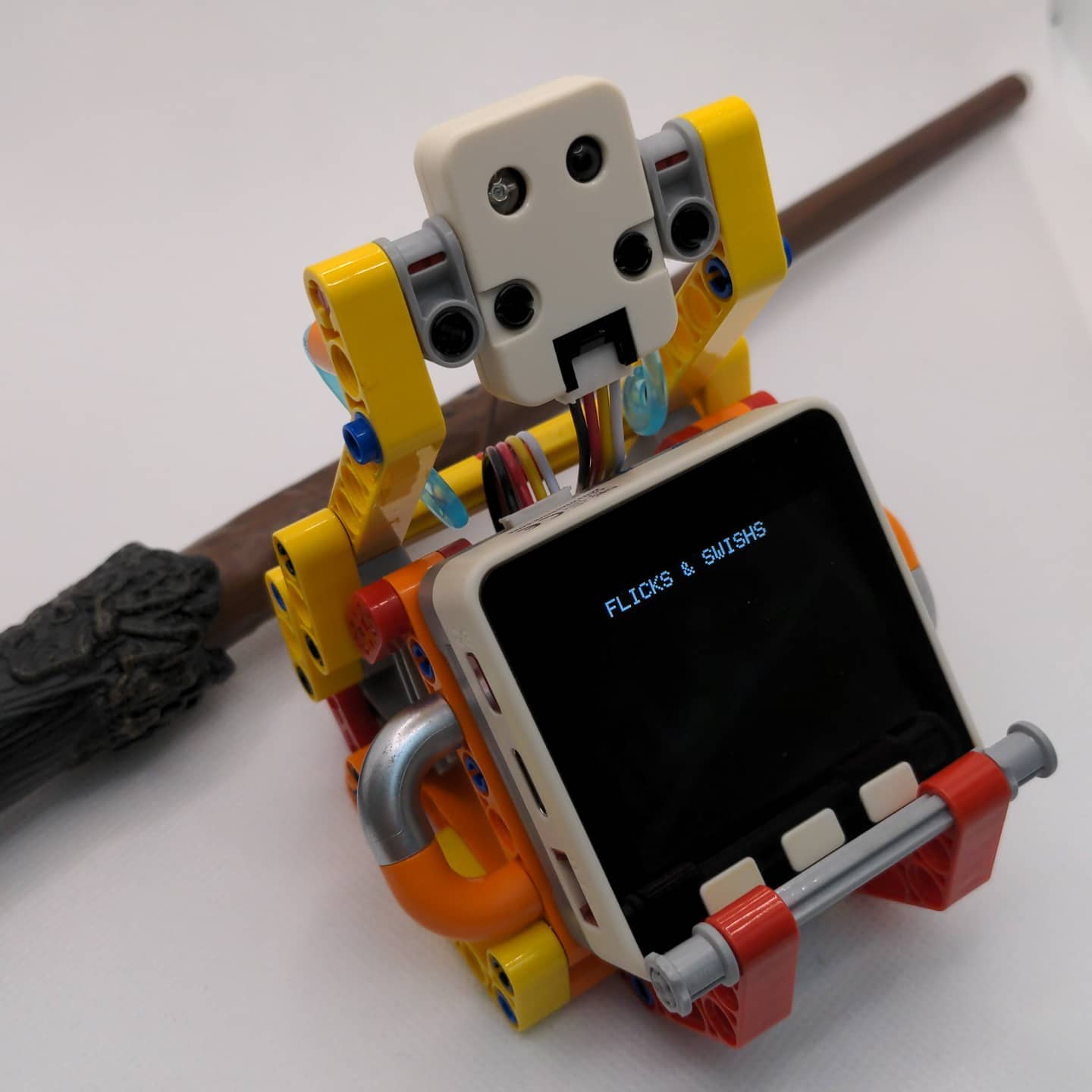
I had done a few projects in the past using IR remote as a way of wireless communication. I used FLIRC USB (https://flirc.tv/more/flirc-usb). It is essentially a USB IR receiver that plugs into your computer and turns IR signals into specific keystrokes. The great thing about FLIRC is that once you configured it on a computer with its application, you can use it anywhere with a USB port. The only downside is that the FLIRC USB only offers six customizable inputs (up, down, left, right, enter, and back) because it is meant to be used for media playback. I just figured out a way to do it with M5Stack and the IR Unit now.
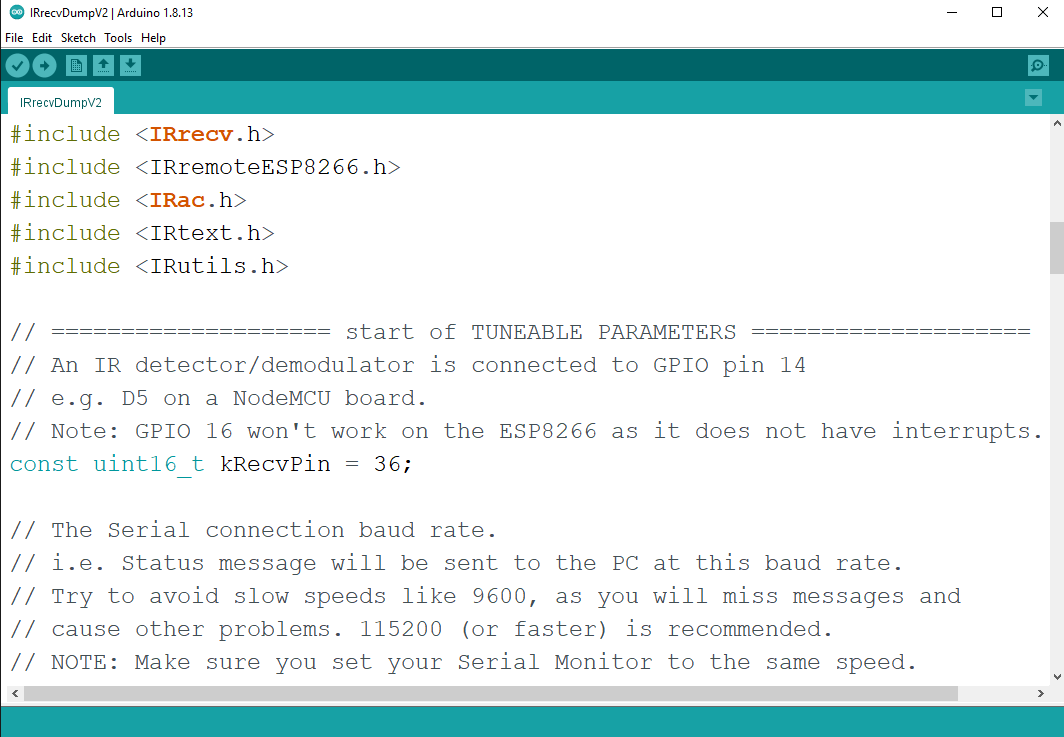
I am using the M5Stack Core + IR Unit (Port B), so have to change the pin to 36.
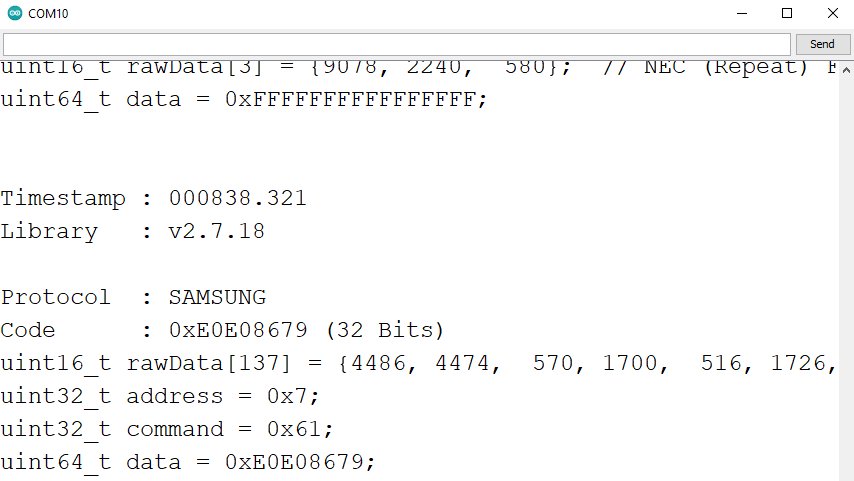
Upload it to M5Stack, get the readout (Code) from the serial monitor. Since I don’t need to recreate the IR signal, the Code here will work just fine.
Now, M5Stack can read the remote and react!
In order to work with result.value, I need a uint64_t to String helper method to make the comparison easier for me.
String u64ToS(uint64_t input) {
  String result = "";
  uint8_t base = 10;
  do {
    char c = input % base;
    input /= base;
    if (c < 10)
      c +='0';
    else
      c += 'A' - 10;
    result = c + result;
  } while (input);
  return result;
}
or
String print64(uint64_t n) {
   char buf[21];
   char *str = &buf[sizeof(buf) - 1];
   String sdata = "";
   *str = '\0';
   do {
     uint64_t m = n;
     n /= 10;
     *--str = m - 10 * n + '0';
   } while (n);
   sdata += str;
   return sdata;
 }