Sherlock Holmes & The Dimensional Pipe is an AR experience that allows the participant to revisit mysterious crime cases that were solved by detective Holmes and Dr. Watson around 1900. This time and space entanglement between 1900 and 2022 was made possible by combining an alternative controller called “the dimensional pipe” and the AR capability of a smart phone.
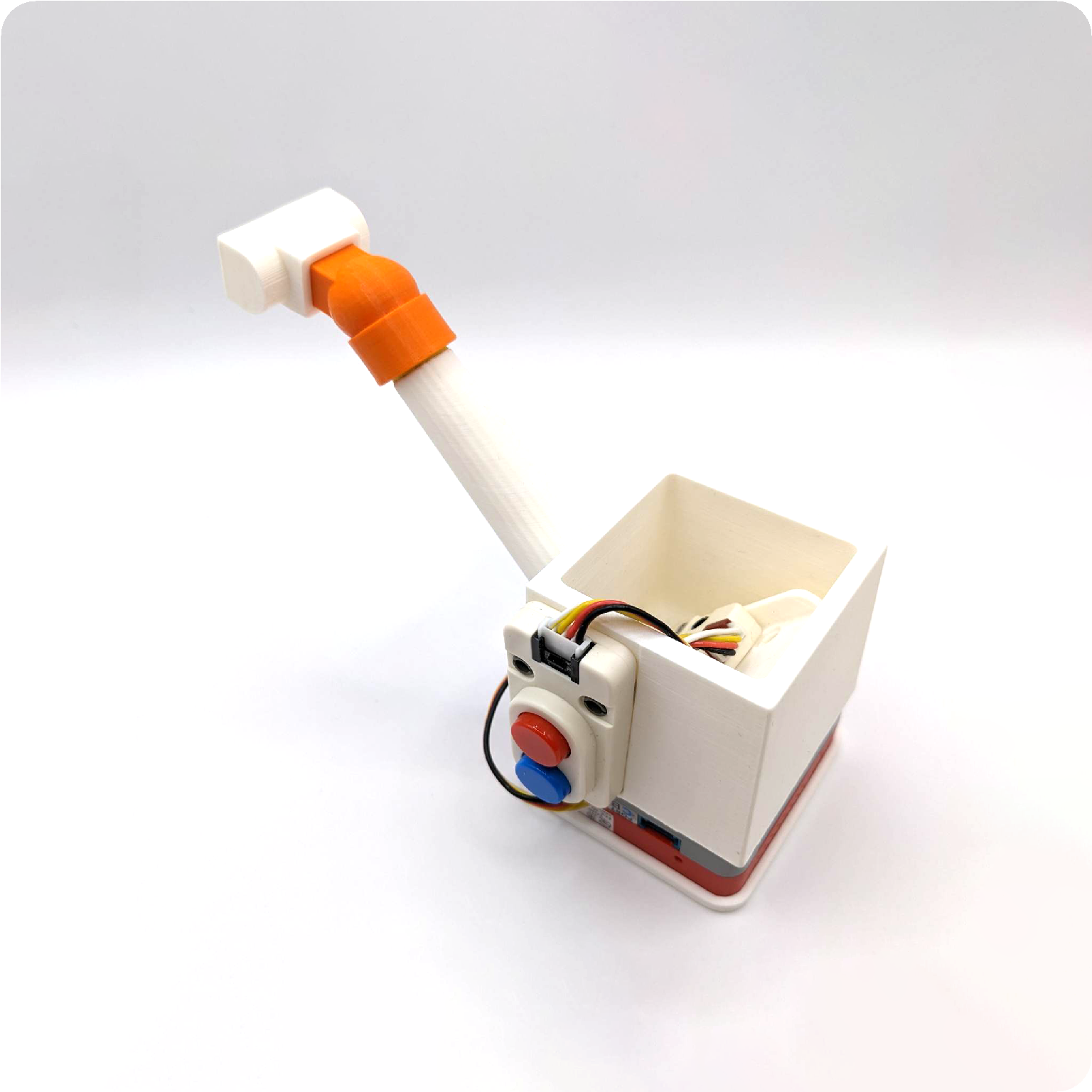
a dimensional pipe prototype
About the demo case: The Adventure of The Unholy Man
This is the first and probably the most famous one in all the editions of the 221B Baker Street board games including the video game adaptation of the board game in 1987.
It is interesting the video game version and the board game version have different numbers of clues this case: – Longworth does not smoke. – Anastasia did not like the strange preacher.
Traveling between parallel universes has become more frequent in the recent years. Based on our research, the excessive and abnormal energy left behind of a jump between two universes attracts an exterritorial creature called YAMI who usually found in the void between dimensions. It was first discovered by our agent in Japan, hence the name, YAMI are generally not harmful to humans. However, the various energy they digested including ones that were from other universes might cause temporary imbalance which could lead to potential disasters. Your mission is to survey the area for YAMI and send them back to the void with our handheld device.
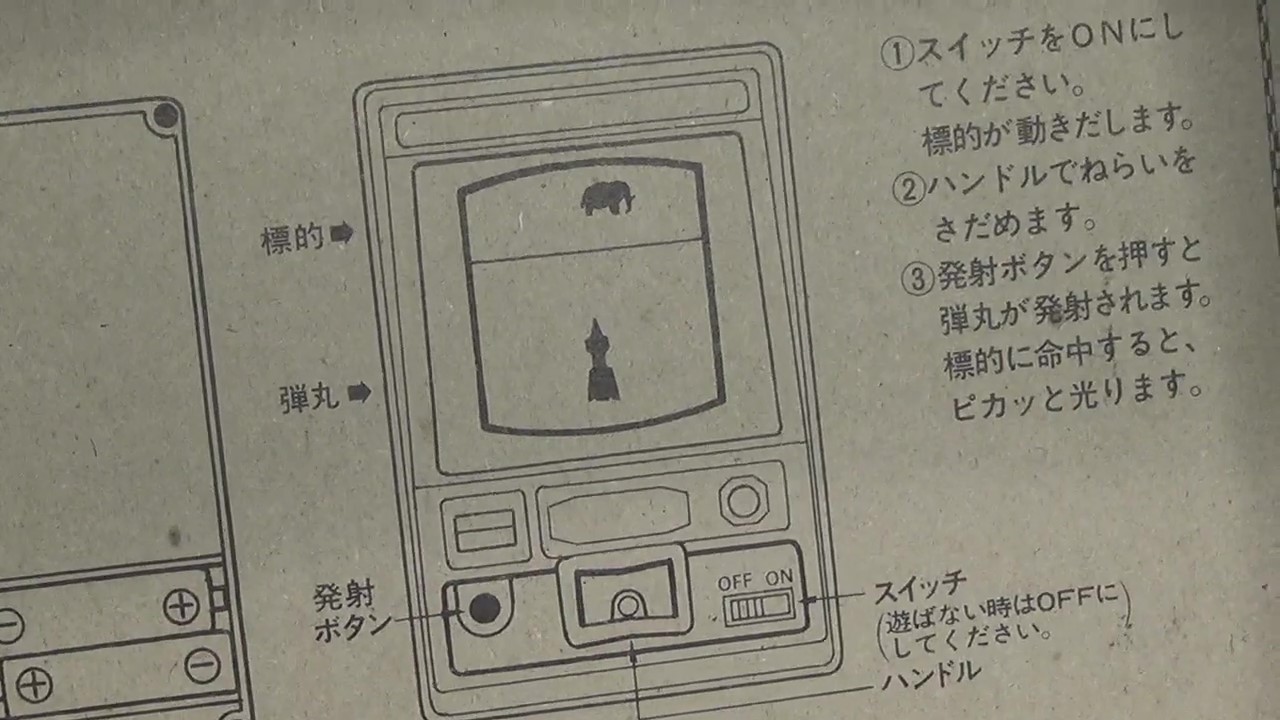
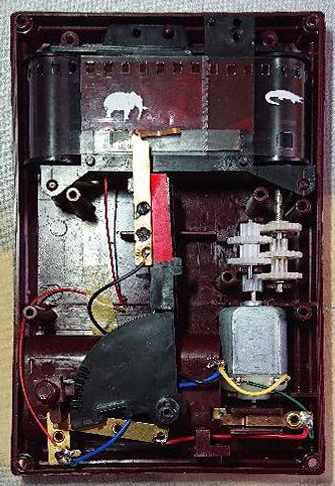
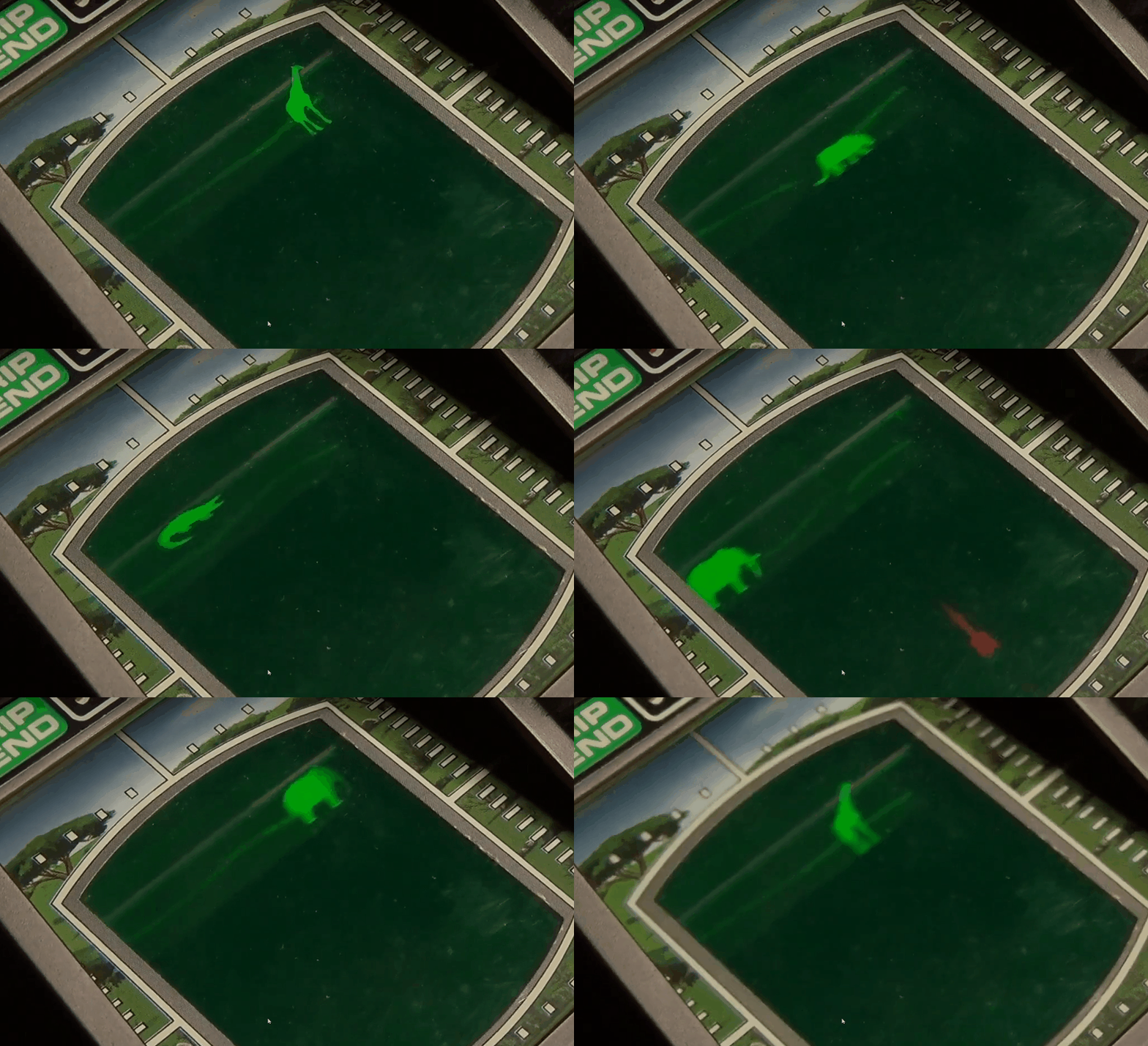
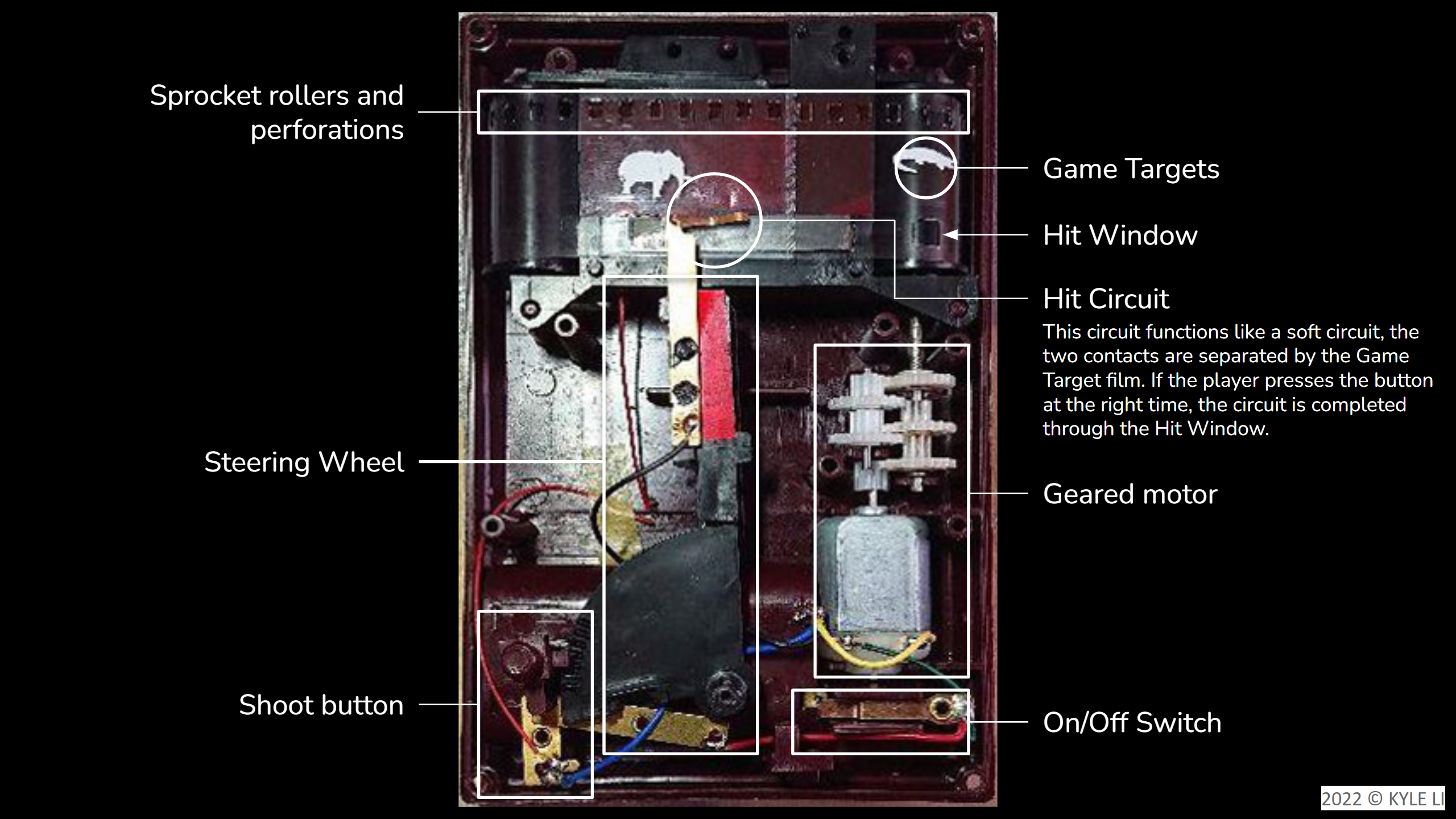
The alternative controller: This is inspired by one of my favorite handheld electronic game called Treasure Gausts (トレジャーガウスト) and I thought it will work nicely as an AR experience on smart phones. I built a quick demo which allows the player to follow and capture a YAMI.
Now I want more game mechanics than just tapping on the phone screen.
After a few quick sketches, I went on to Thingiverse to look for a smart phone mount. I started out by modifying jakejake’s Universal Phone Tripod Mount (https://www.thingiverse.com/thing:2423960). The design of this mount is brilliant, and it holds up pretty well. I then built out the rest of device piece by piece. I wanted some kind of switch at the bottom of this device in order for the player to “send YAMIs back to the void”, like an action that the player can do to initial the send back. This reminds me of the Tenketsu (天穴, Heavenly hole) in the anime Kekkaishi (結界師).
Tenketsu!!
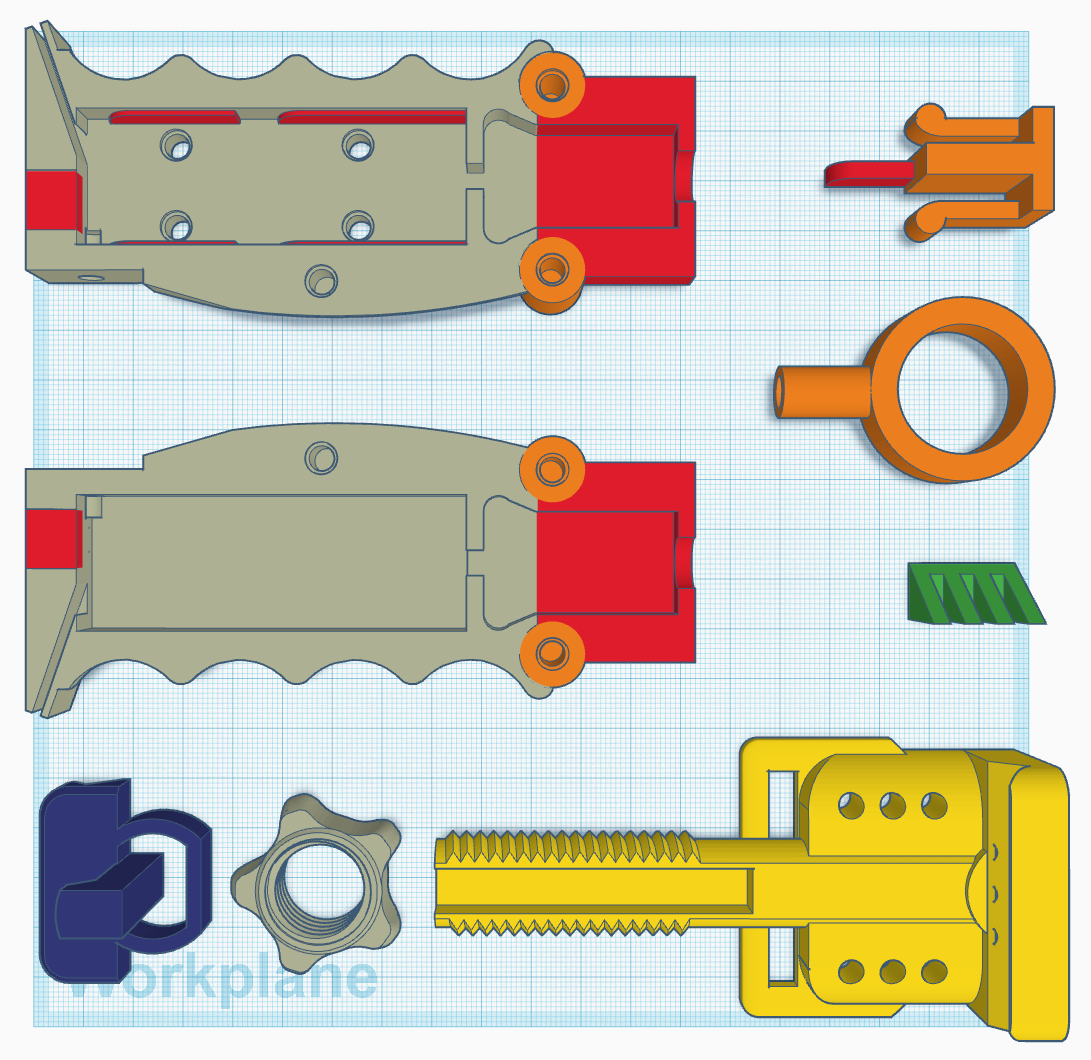
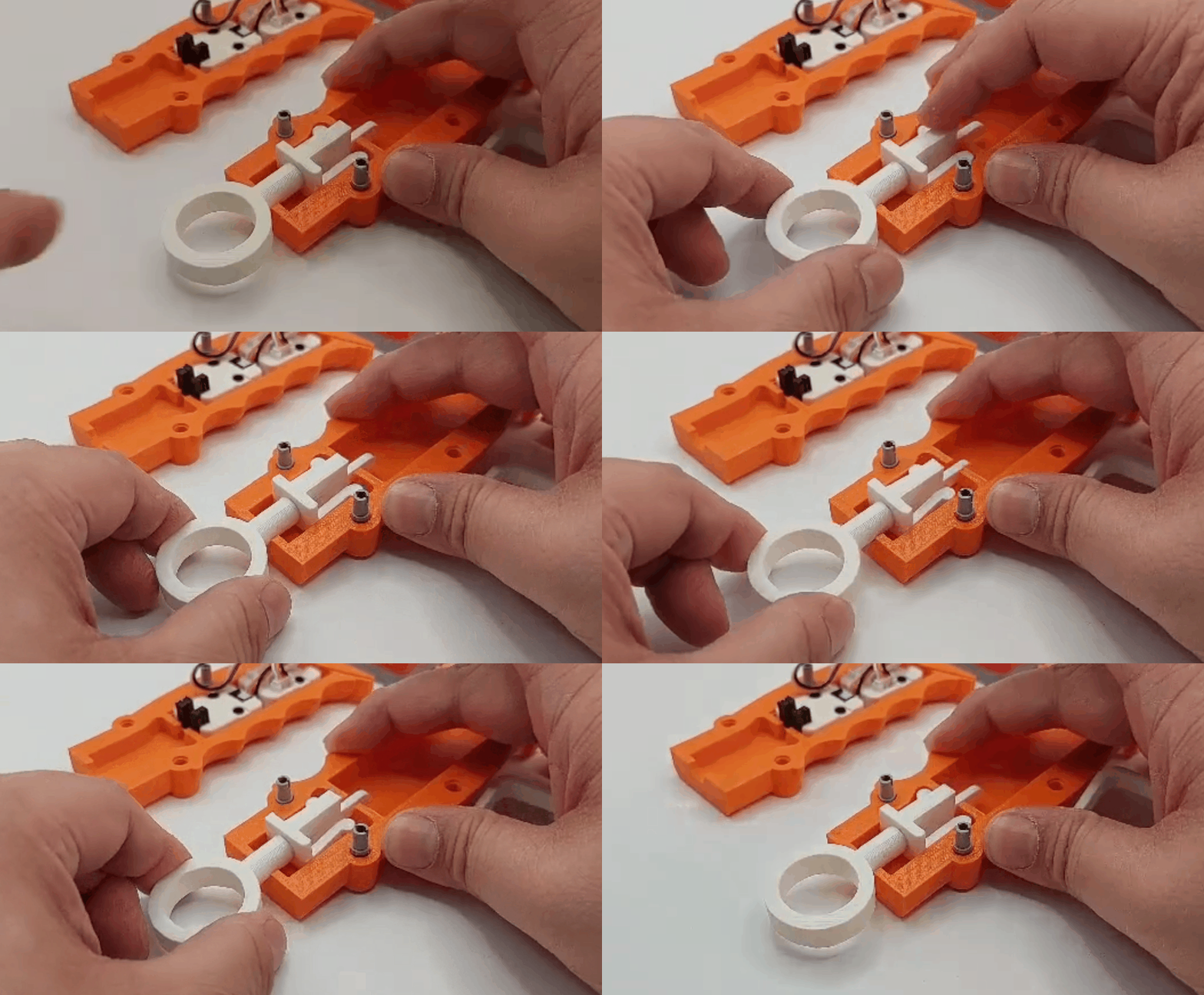
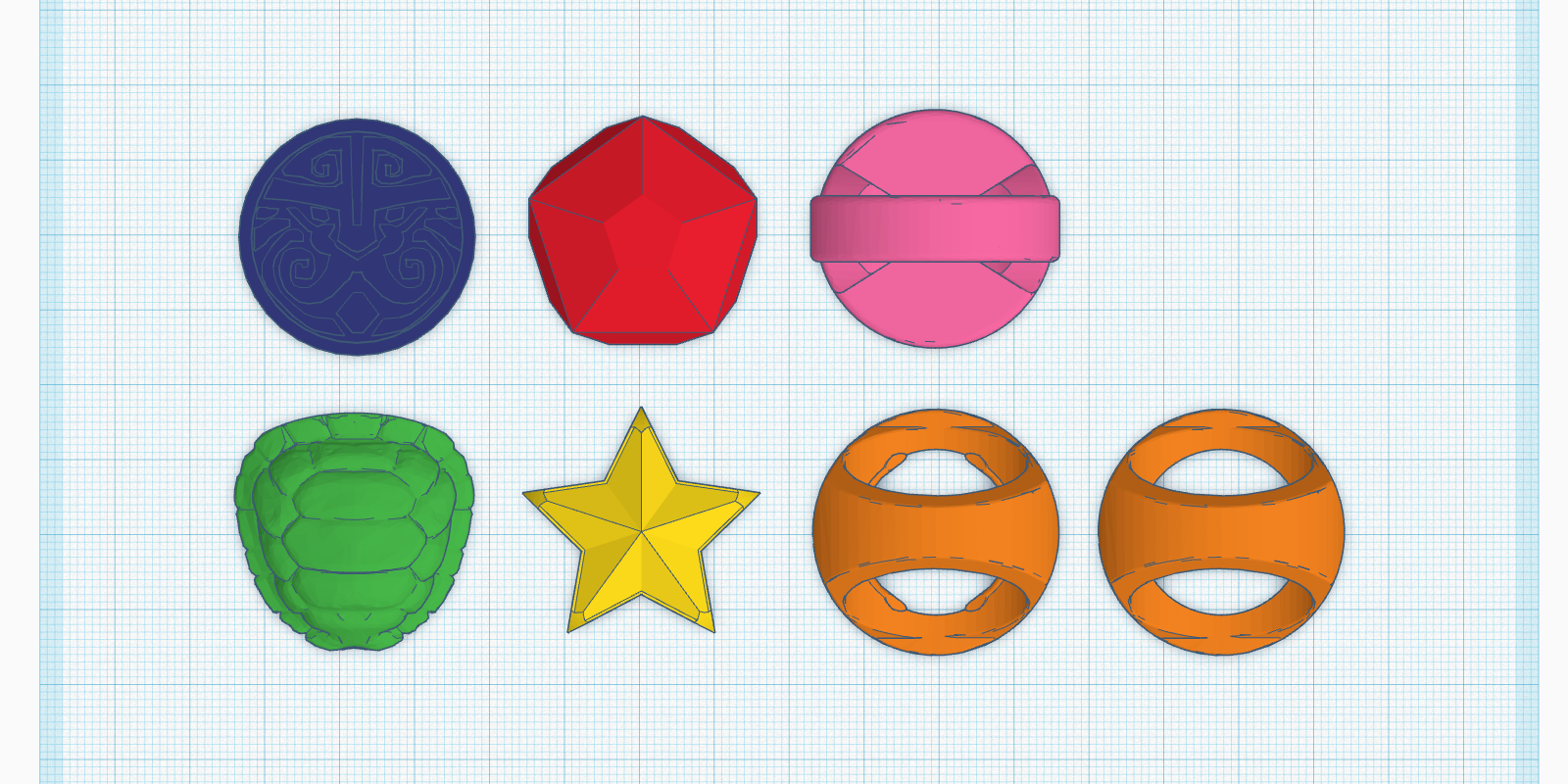
I created a ring like contraption at the bottom of the grip. When a giest is weaken, the player pulls down the ring to initiate the interdimensional suction. For the rest of the inputs, I had originally wanted to use a Dual Button unit, but I found out they shared the same pin (GPIO36) with OP 90 unity on M5 FIRE.
Tenketsu On!! Made possible with the OP 90 unity from M5 and a 3D printed piece that functions like a on/off switch.
The other game mechanic that I wanted to add to the controller is spell casting. I want magic rings! I quickly prototype some wearable rings with RFID embedded. The player has to choose which ring to use during the capture.
GGG – I love this design処刑少女の生きる道 – saw a similar but more complex one recently in this show
Development notes:
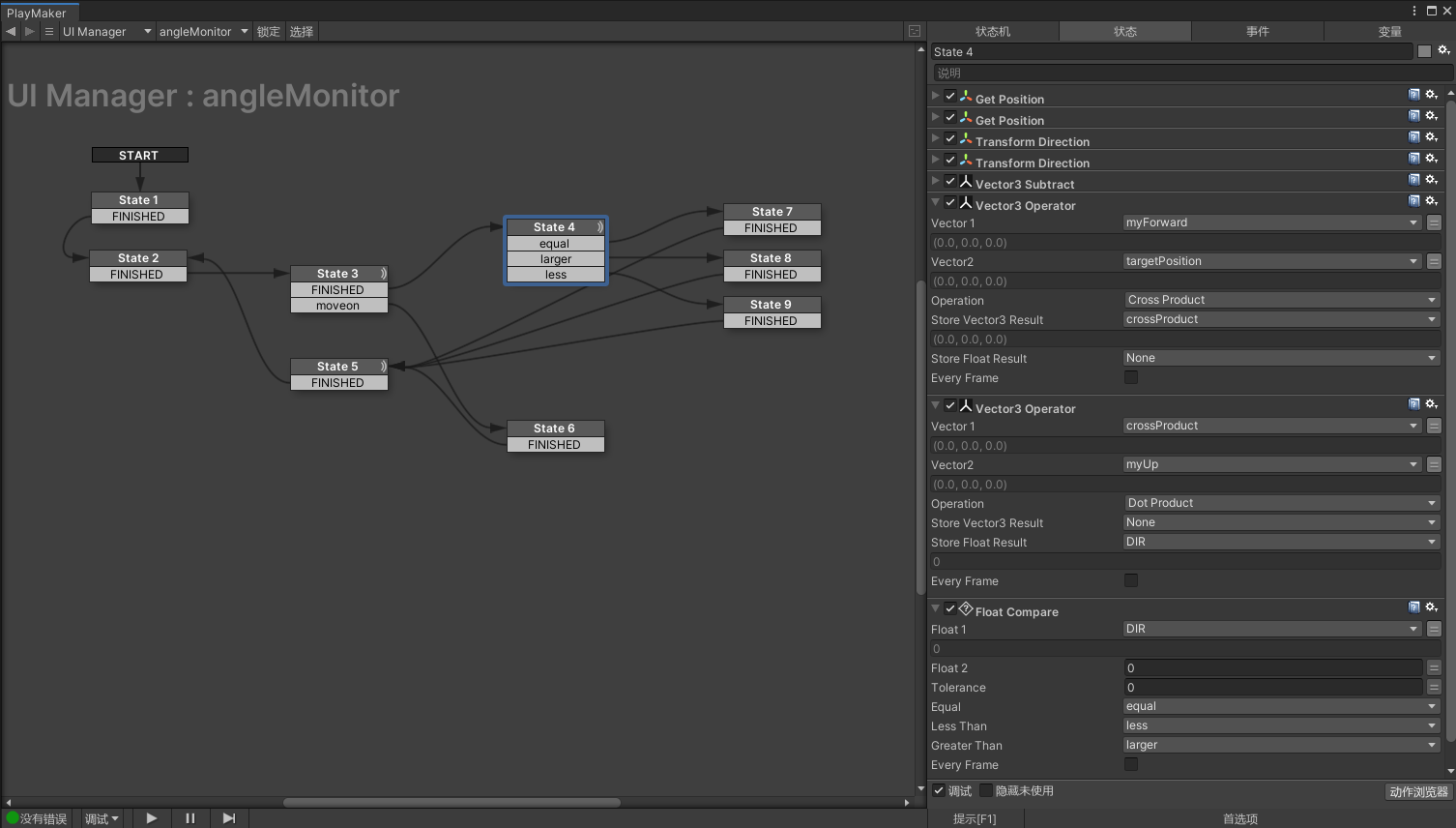
Left or Right of the forward vector:
This is one of those topics that sounds pretty simple at first but it take some advanced vector math to figure it out. The original solution was found here written in C#:
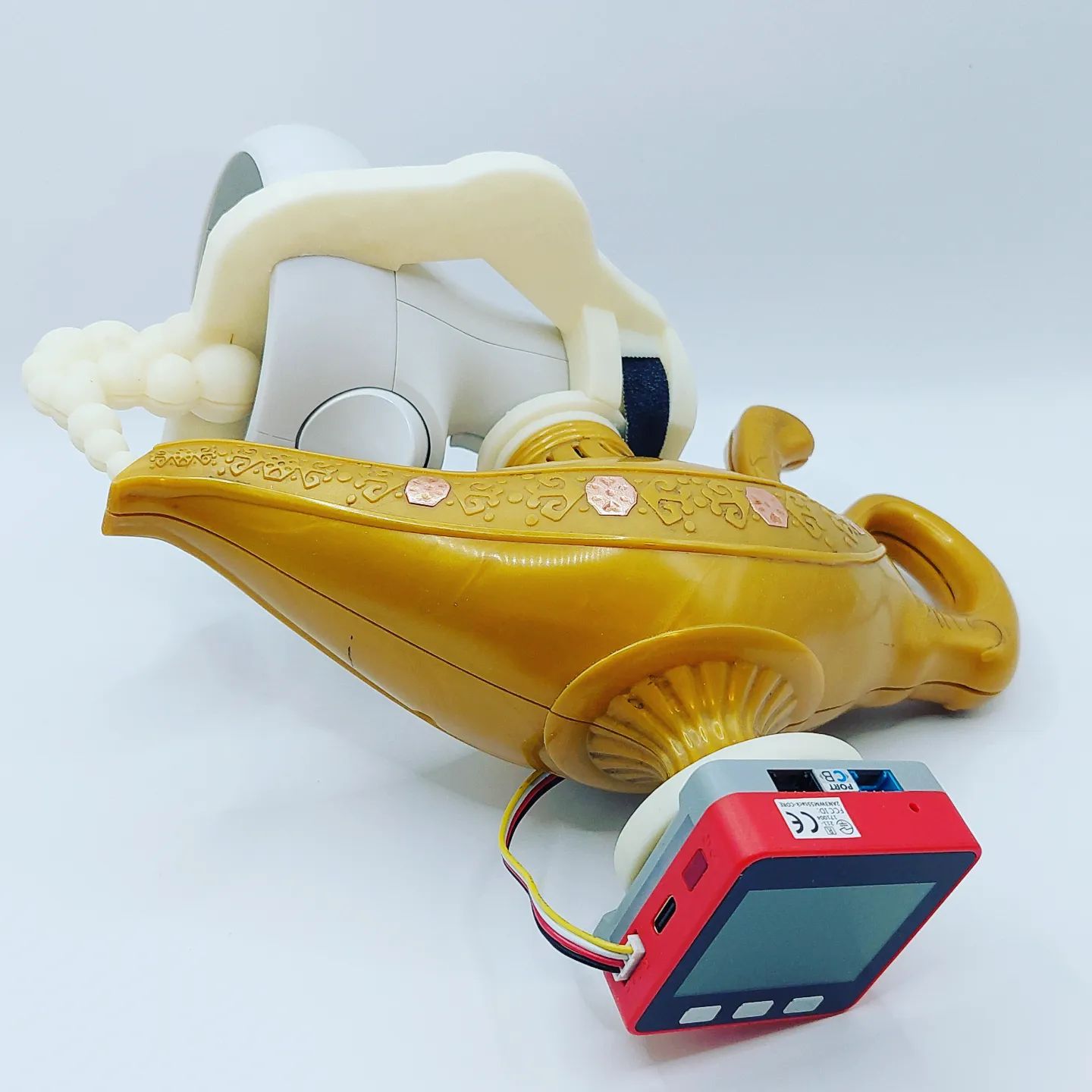
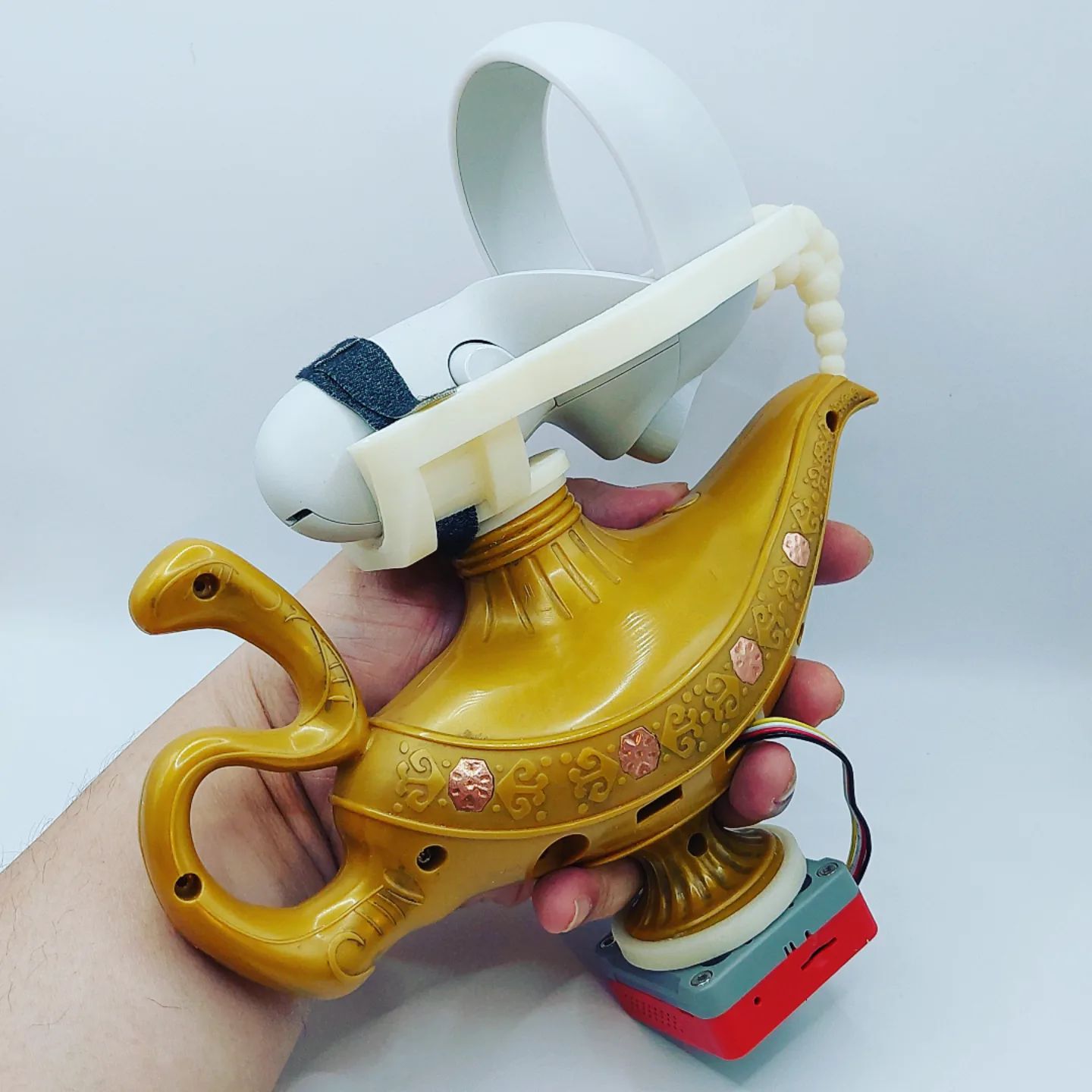
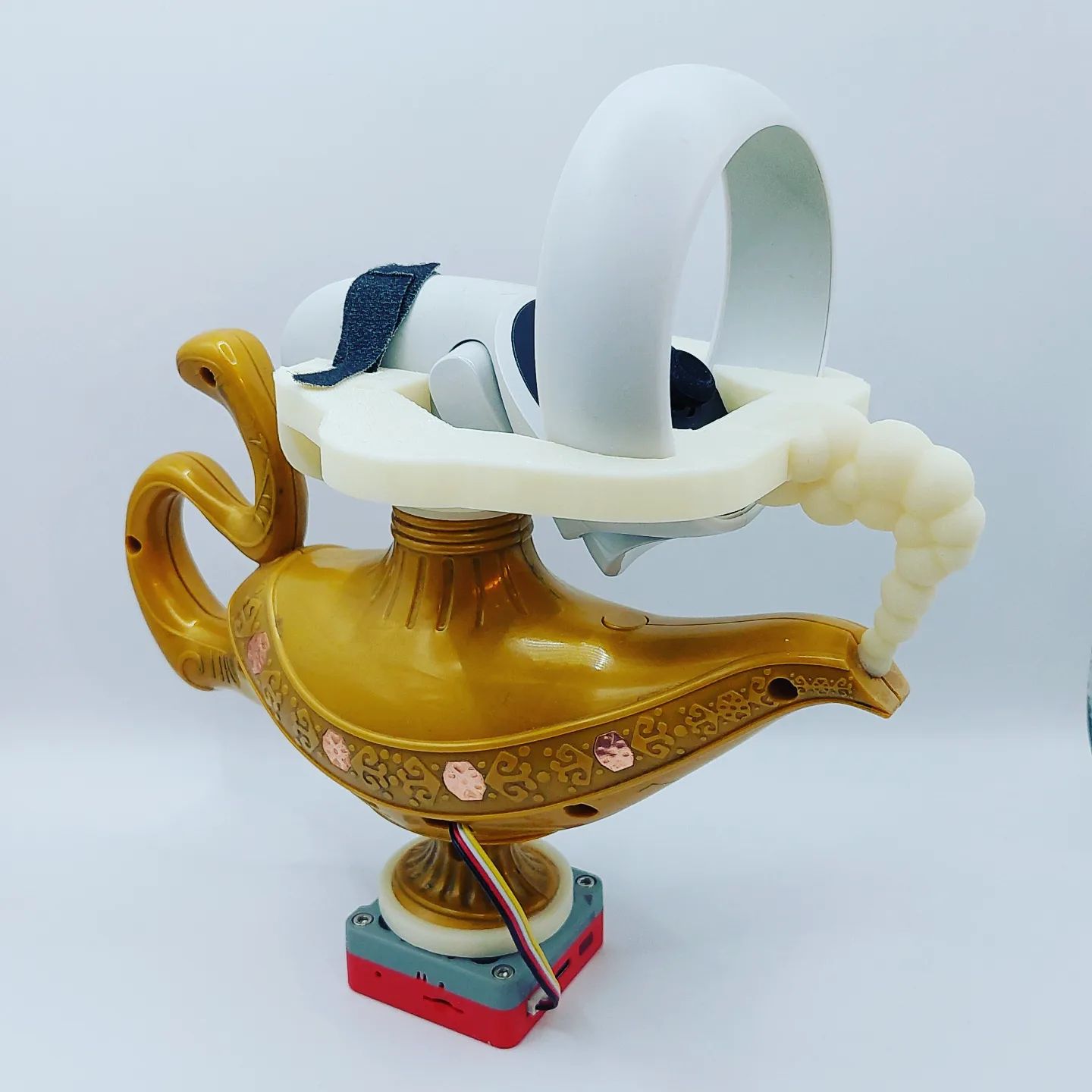
The big idea is to modified this toy lamp toy into an alternative controller. There are four hexagon shaped LED covers on each side of the lamp. After a quick autopsy, these covers can be easily turned into touch buttons which are perfect for simulating the back and forth lamp rubbing actions. I will be using M5 Stack + MPR121(Touch Sensor Grove Platform Evaluation Expansion Board) + our HID Input Framework for xR to prototype this experience.
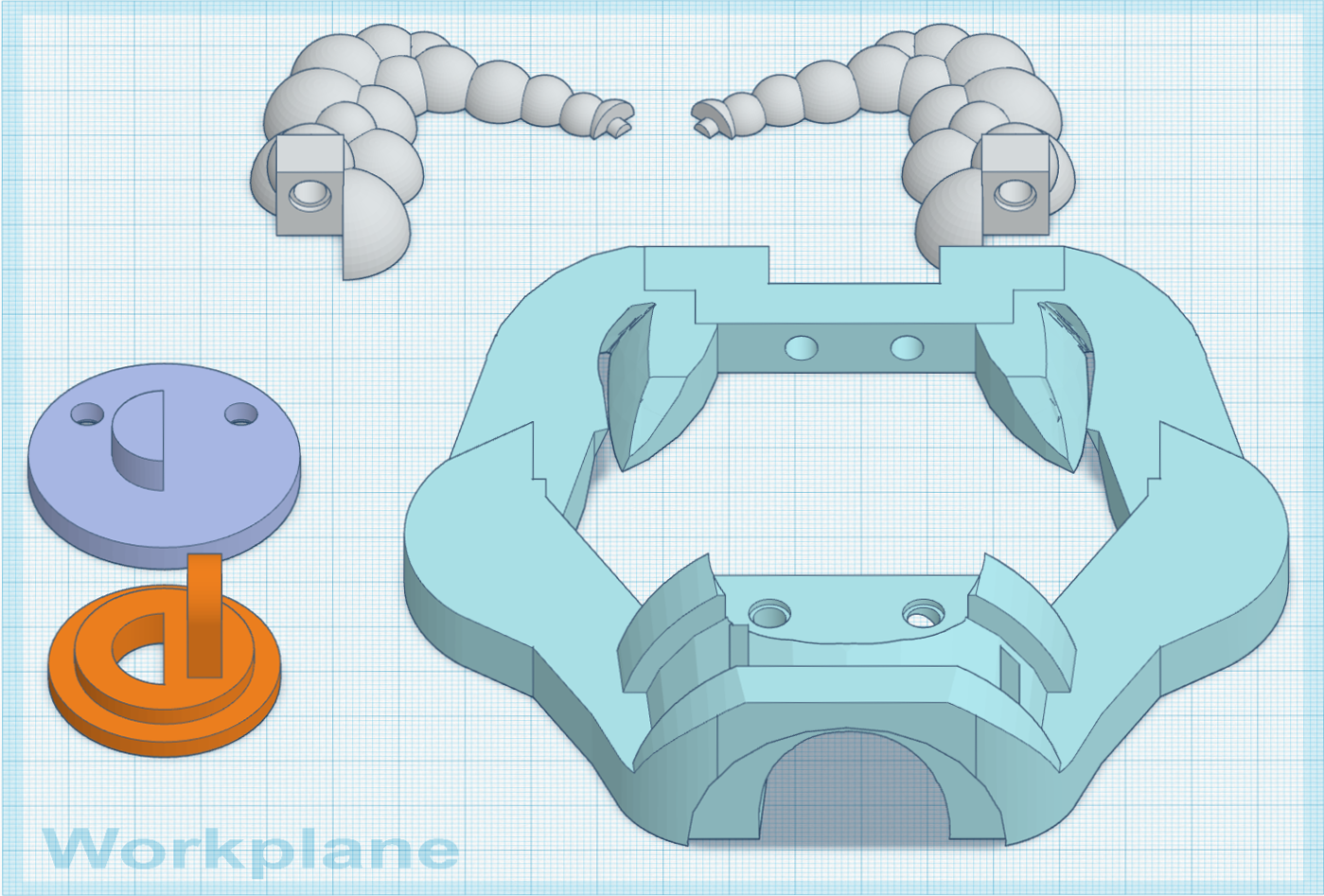
In order to be tracked in VR, I have to find a way to mount the touch controller on the lamp as well. After some rapid prototypes, I decided to mount the touch controller on top and M5 Stack on the bottom of the lamp. I also imagine the HTC VIVE tracker will be a great option for its compact form factor, but I try to keep the controller wireless.
I am working on the gameplay for the directional rubbing mechanic which allows the player to blow out (rub outward), suck in game objects (rub inward), or casting/summoning (rub back-and-forth).
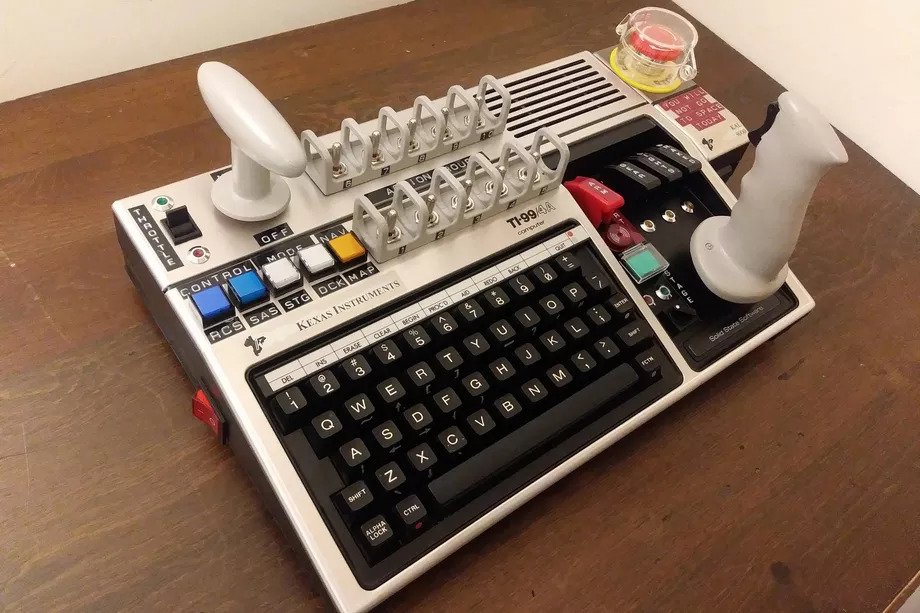
I am super inspired by the birth of Spacewar!’s control boxes and want to make something about the controller. Mr. Graetz mentioned they had thought of using a joystick but it was not available yet – this could be a starting point for me. One idea is to build out a mini control panel that resembles the cockpit of an alien space ship or, even better, like those custom controllers built for the Kerbal Space Program game, especially ones with unique joysticks and a big phat panic button.
Few more ideas in mind, I want to turn the rotation SPDT switch into an analog joystick, and split the other SPDT switch into individual sensors. I am thinking the thrust should be just like the thrust lever on a flight controller and a panic button for the hyperspace. This way, I can enjoy speeding up and not worry about mistakenly go into hyperspace.
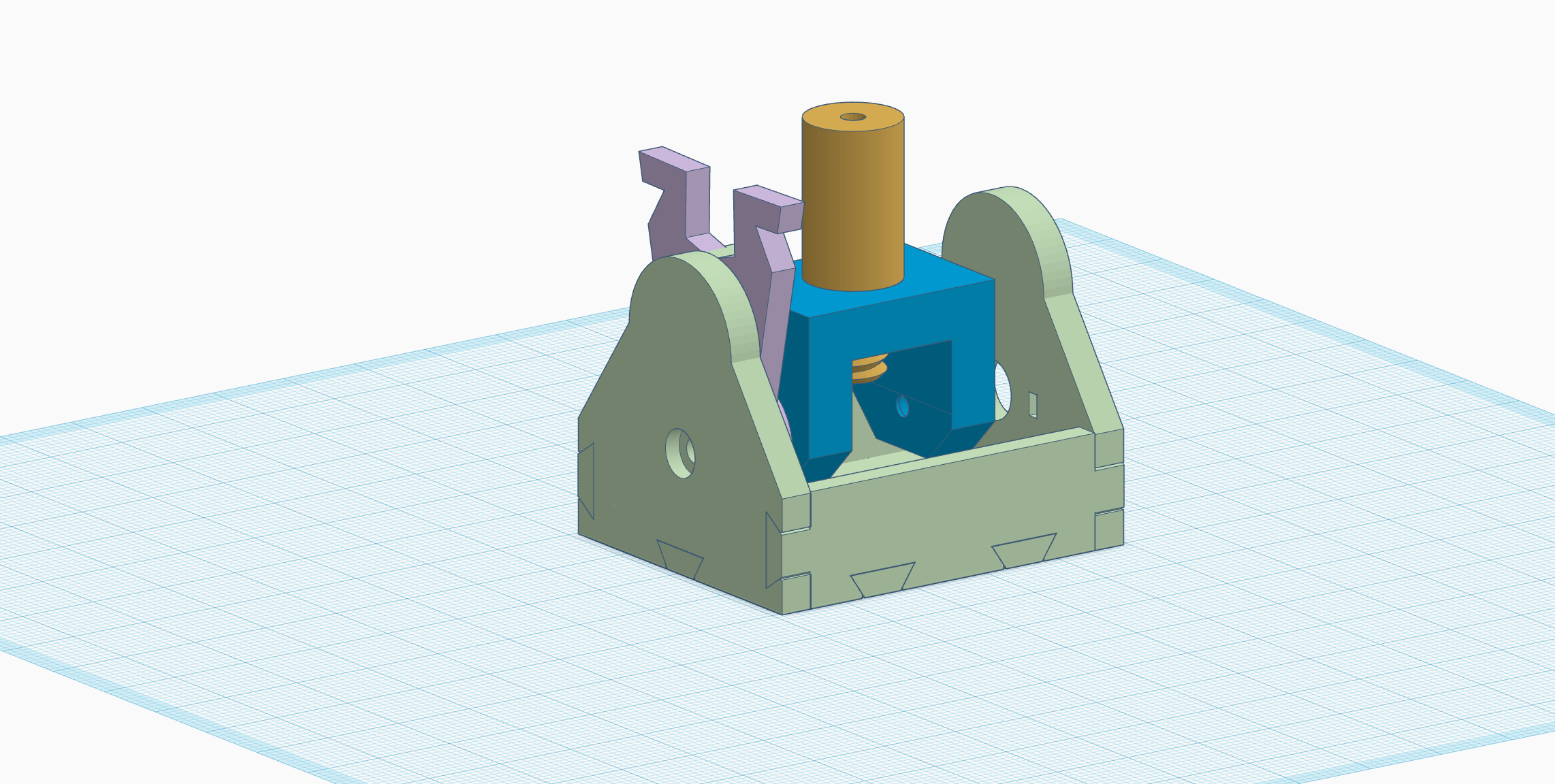
Rotation Analog Control: The first question in my mind was how to make a joystick bounce back to the center position by itself after use. I studied an arcade joystick from a past project and a few DIY joystick projects on Thingiverse, especially Jake Wilkinson’s RealRobots Modular Joystick. The spring clamp on the side of an axis rotor did the magic for me. Since I don’t have any metal springs with me, I used a rubber band instead.
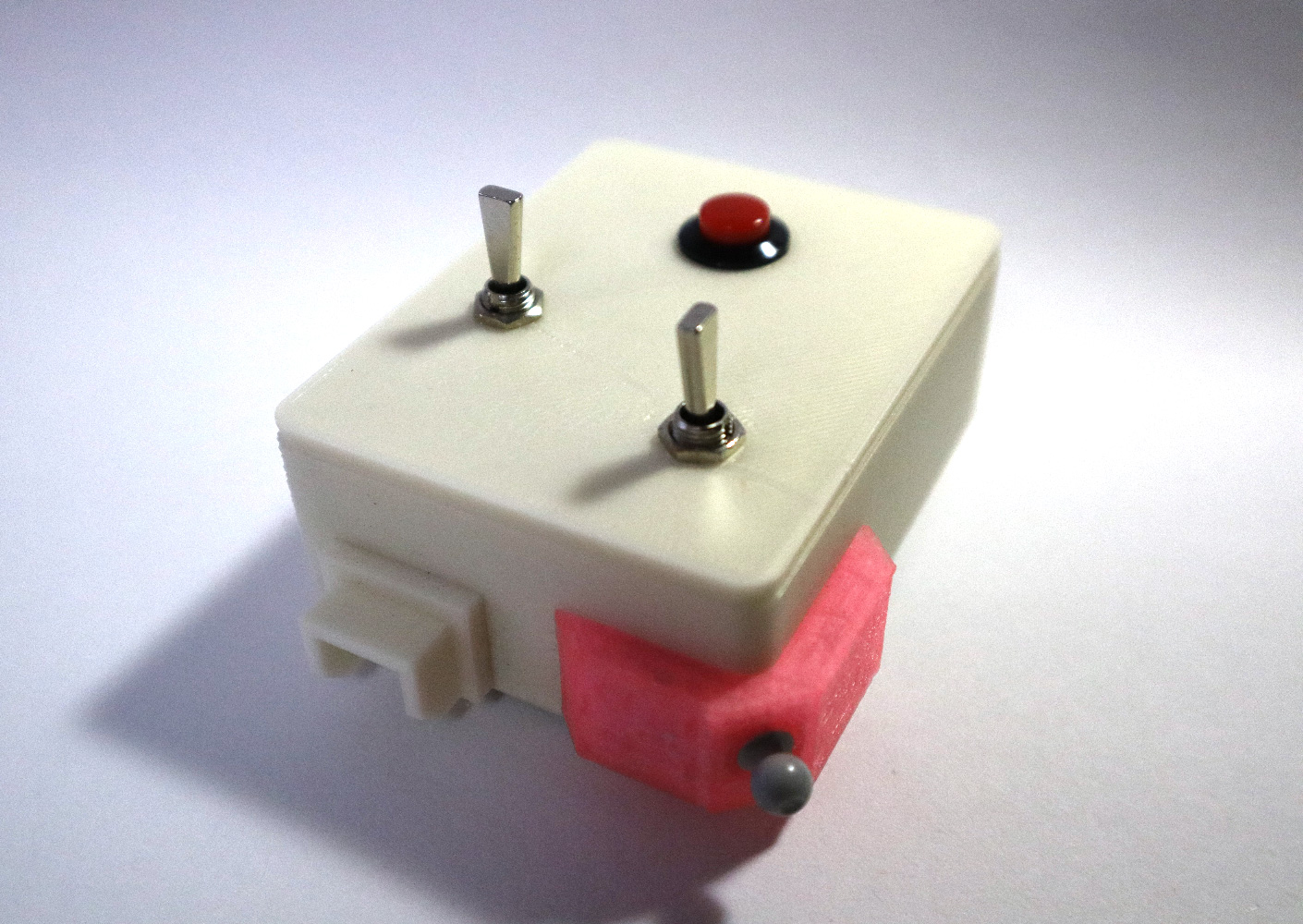
a compact Spacewar! control box for Arduino Leonardo
When I was preparing my lecture on game controllers this semester, I stumbled on Spacewar! and its mysterious control boxes. I had the intention to argue that the technology behind the major control scheme hasn’t really changed that much over years and they are based on a few key sensors – switches, buttons, and potentiometer. However, I didn’t pay much attention to Spacewar! because I didn’t know there were custom controllers made for it at the beginning until I came across this interview in the August 1981 issue of Creative Computation magazine:
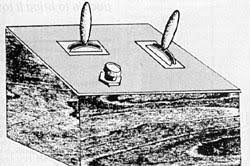
… a separate control device was obviously necessary, but joysticks (our original idea) were not readily available in 1962. So Alan Kotok and Robert A. Saunders, who just happened to be members of the Tech Model Railroad Club, trundled off to the TMRC room, scrabbled around the layout for a while…there on the CRT table were the first Spacewar! control boxes…The box is wood with a Bakelite top. The two switches are double-throw; The button is a silent momentary switch…
G.M. Graetz, 1981
Martin Graetz was one of the original developers that helped refine the game in 1962. I was very excited not only to discover there were controllers made for the game but also to realize the birth of the controllers has something to with the Tech Railroad Club. This interview only showed a drawing of the control box, however, Mr. Graetz’s recount of creating the control box gave me lots of useful information.
the drawing that was included in the interview
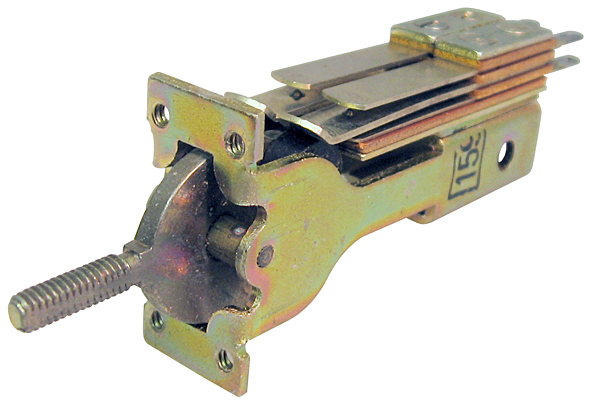
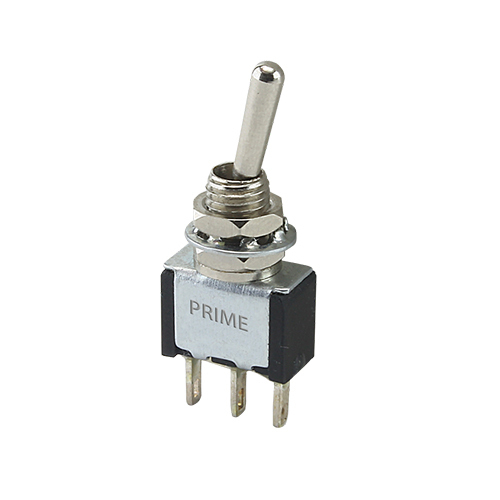
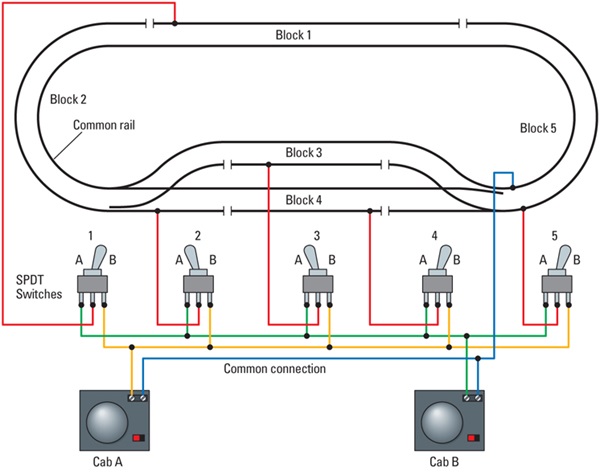
The two switches are double-throw. – Based on the drawing, these switches could have been leaf switches with double-throw. The flat disc underneath the handle is a signature feature of vintage leaf switches. I am replacing these switches with SPDT (single pole double throw) switches that I have. When I was looking into these electronic parts and their relationship with the Model Railroad Club, I realized that switches with double-throw play an important role in designing model railroad control.
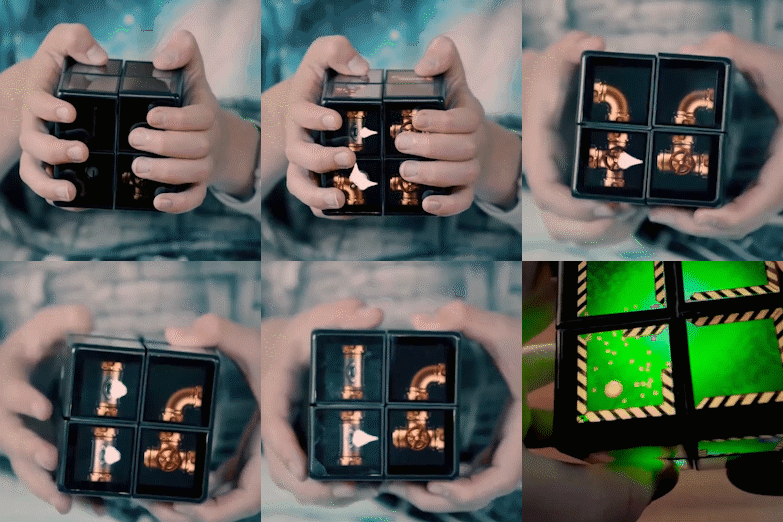
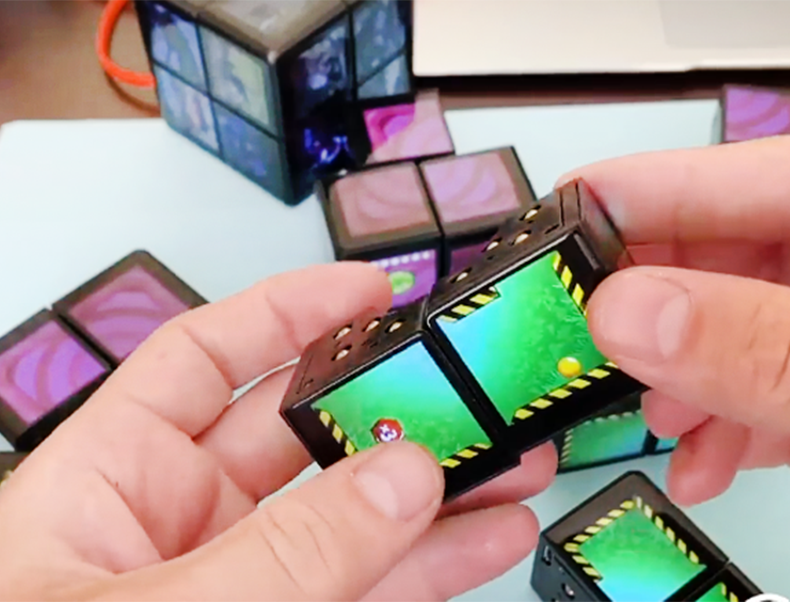
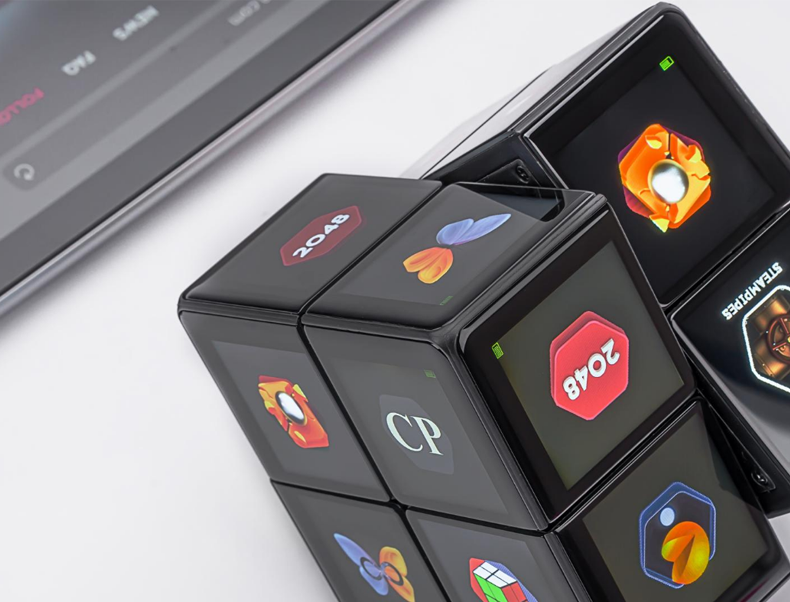
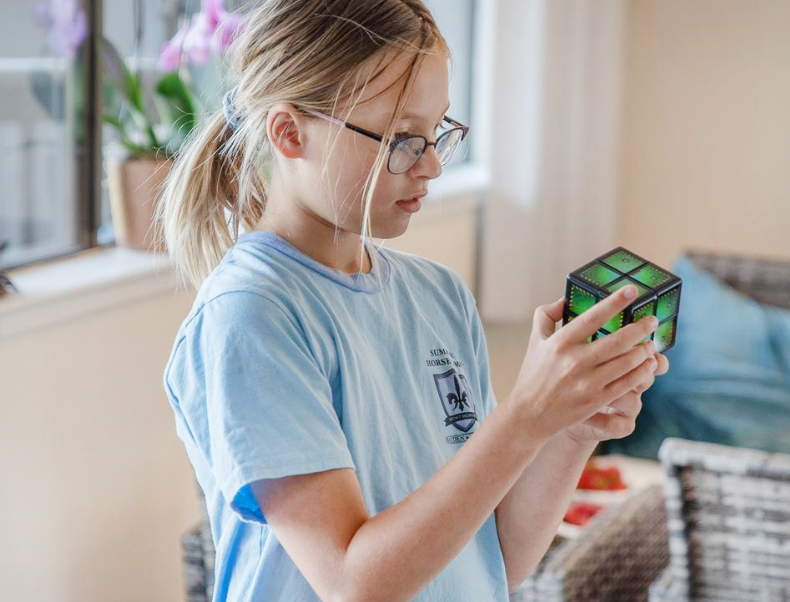
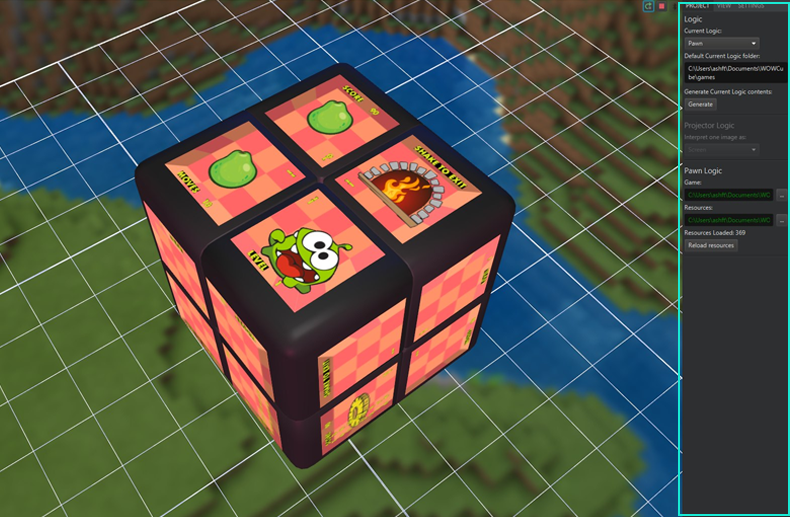
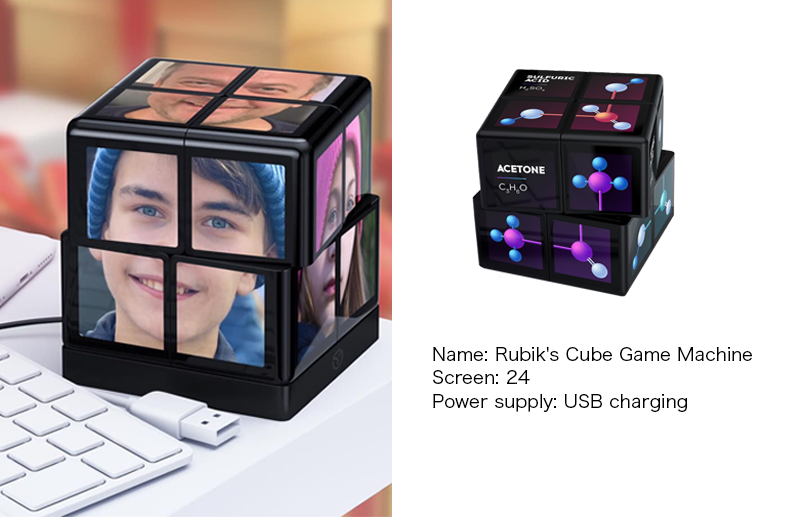
This Rubik’s Cube is a jewel. Besides all the interesting plays, I imagine this cube of mini screens can be an immersive and tangible medium for storytelling as well because the fact that the player can’t look at all the screens at the same time physically gives the storyteller an agency to show and hide information from the player.
However, I would love to see the designer(s) behind this potentially awesome technology put more effort into connecting to other platforms. Maybe a set of APIs (built into the SDK) that allows the cube to send and received UDP or OSC when certain conditions are met? So I can use this as a haptic controller for singular or multiplayer play experiences. Technology toy gets old, and if it doesn’t put any effort into associating with other awesome things in life, it goes away quickly. (Look at my shelf…)
Log the information here for future reference.
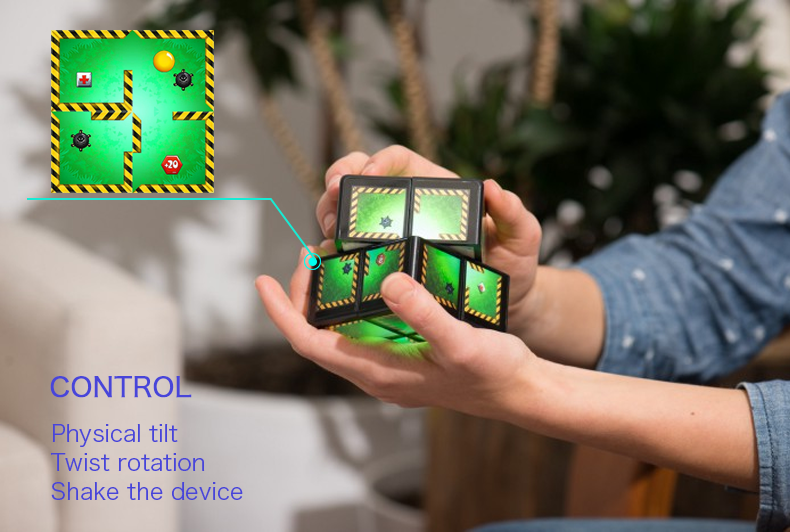
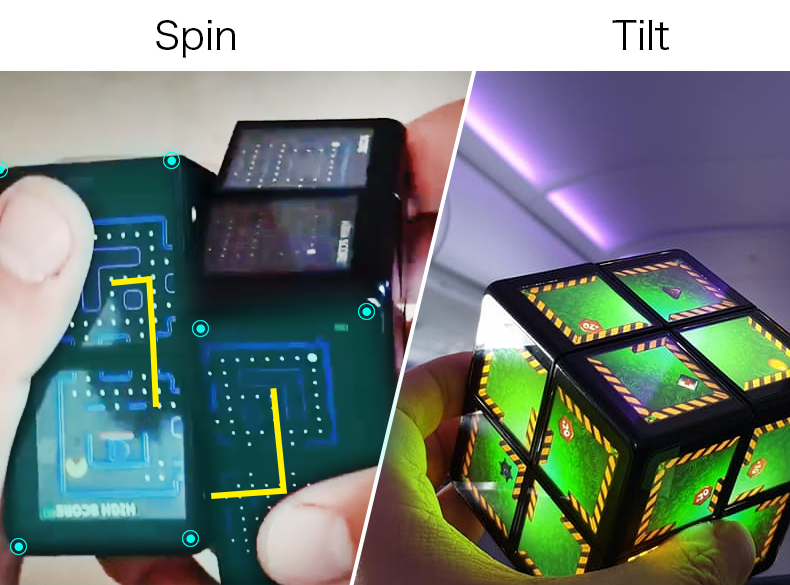
Built-in virtual game, control the game progress by physically tilting, twisting and shaking the device.
PRODUCT FEATURES
Powerful game interaction
√Game interaction through twisting and shaking.
√Rotate to the connection screen and continue the game.
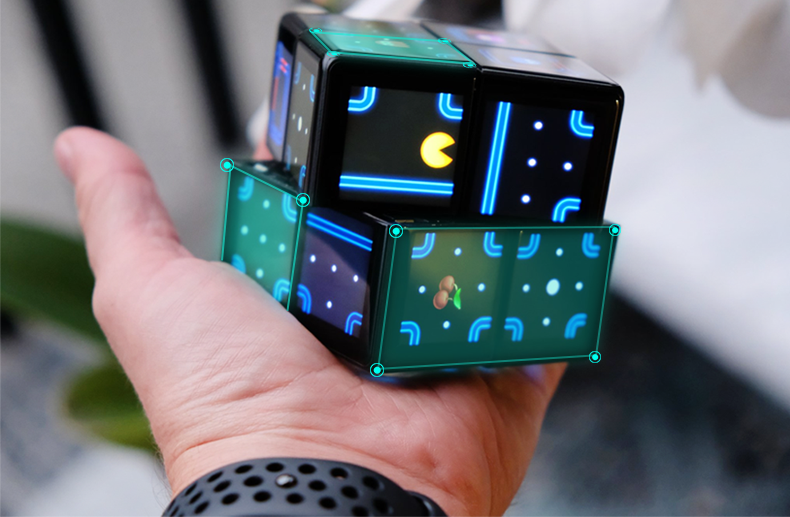
360-degree fully-tangible battlefield
Equiped 24 screens, 8 processors and 0 button.
The screen can operate independently or interactively connect to a 360° full screen.
Eight autonomous modules
There are three independent high-definition display panels on each module, which can be independently played or connected.
For cognitive development
Enhance hand/motor skills and hand-eye/finger-eye coordination.
Built-in microprocessor
Provides data transmission and synchronization between screens, an unprecedented smooth game experience.
Open source game system
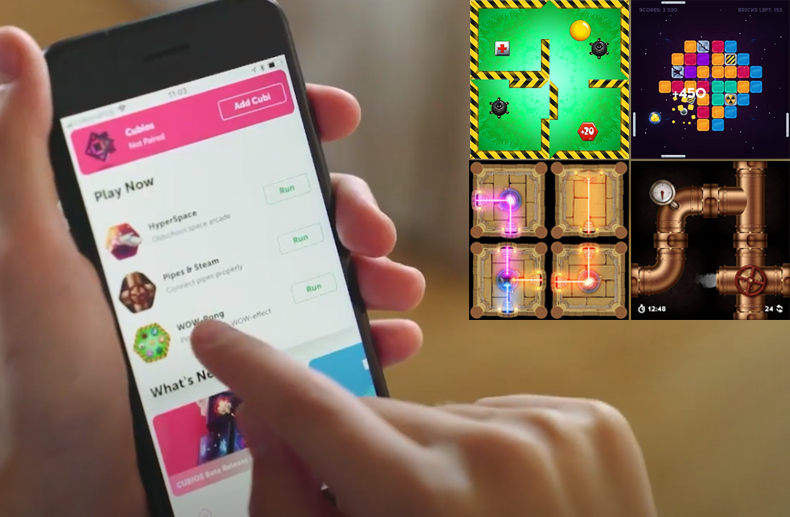
The APP provides up to 24 game experiences including pipe, scrabble, space, etc.!
Use our custom SDK to upload your own games via Bluetooth.