
Skip to content

A PLAY EXPERIENCE MAKER'S WORK LOG FOR FUTURE SELF©2001 – 2023 Kyle Li 李肅綱 All Rights Reserved.

Author: admin

Midjourney

Posted on July 31, 2022August 1, 2022 by admin

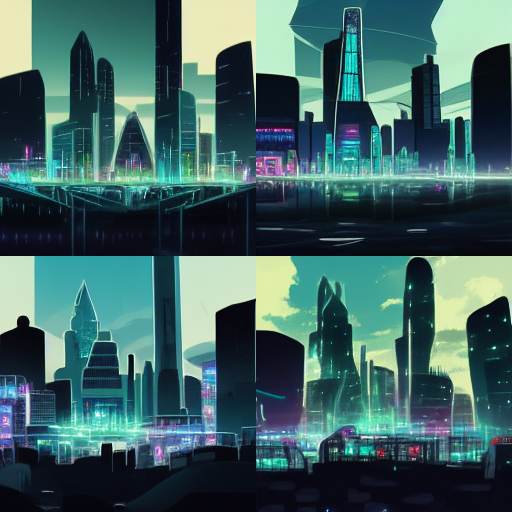
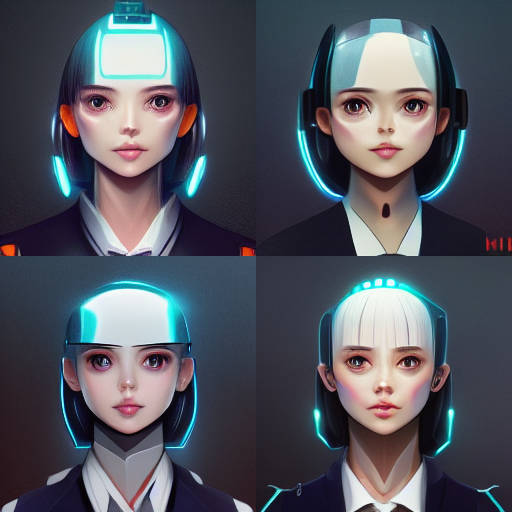
cyber punk hologram futuristic city in anime style

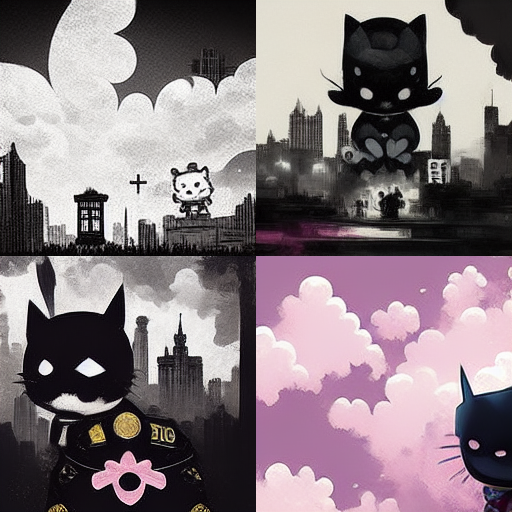
JoJo’s Bizarre Adventure meets hello kitty in gotham city
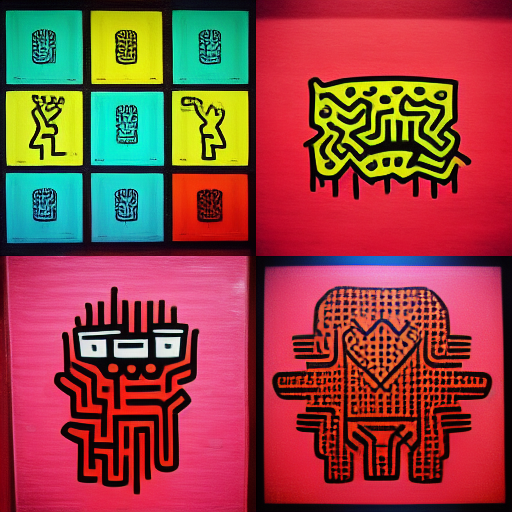
keith haring cyber punk
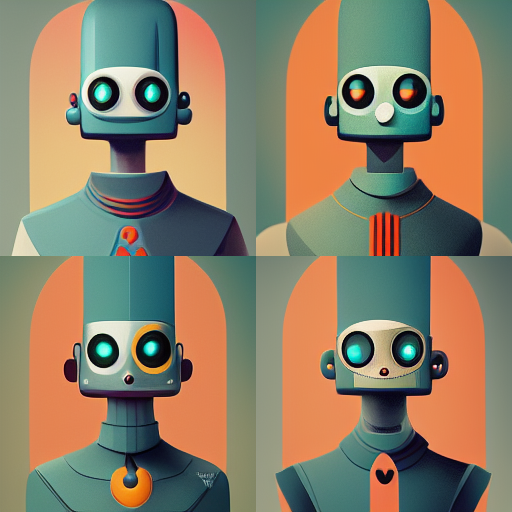
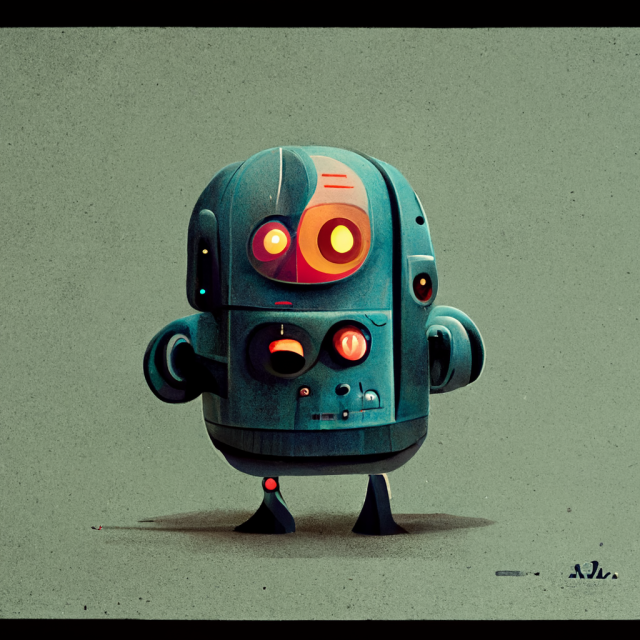
  • AI Robot Characters
  • AI Robot Characters
  • AI Robot Characters
  • utopian place where carebears and pokemons enjoying feasts, light shines from top
  • utopian place where carebears and pokemons enjoying feasts, light shines from top
  • cheese pizza with cheesy crust
  • cheese pizza with cheesy crust
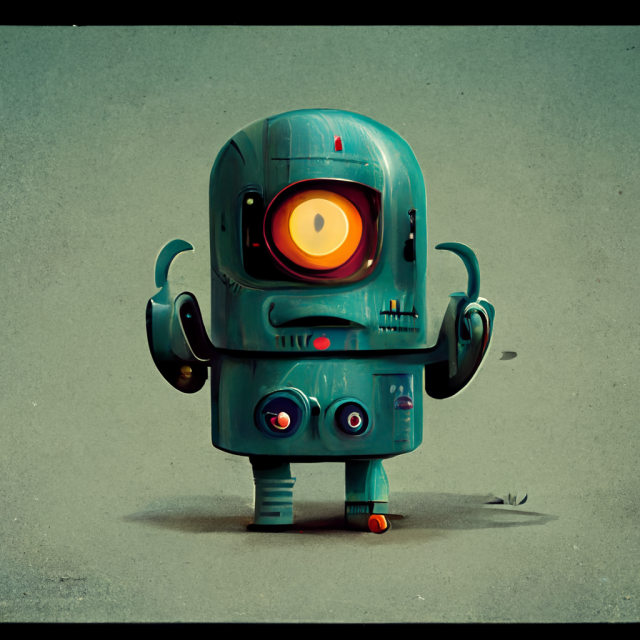
  • AI Robot Characters
  • ai robot anime character
  • kamen rider, ironman, captain america
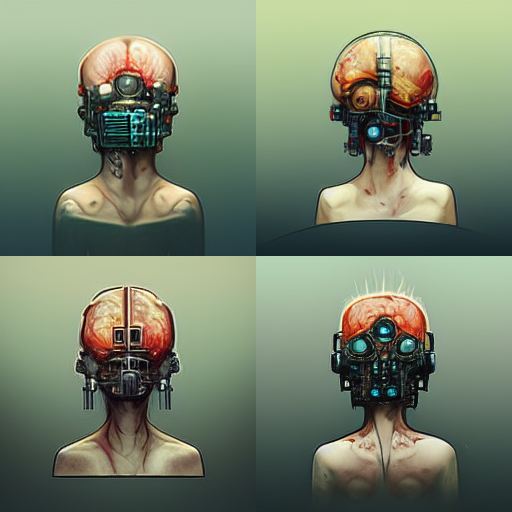
  • rusty cyberpunk implants in body and brain in industrial genre
  • rusty cyberpunk implants in body and brain in industrial genre
  • dark forest creatures
  • And I saw a beast rise out of the sea, hauing seuen heads, and ten hornes, and vpon his hornes were ten crownes, and vpon his heads the name of blasphemie.

YAMI HUNTER AR

Posted on June 21, 2022December 3, 2022 by admin

Traveling between parallel universes has become more frequent in the recent years. Based on our research, the excessive and abnormal energy left behind of a jump between two universes attracts an exterritorial creature called YAMI who usually found in the void between dimensions. It was first discovered by our agent in Japan, hence the name, YAMI are generally not harmful to humans. However, the various energy they digested including ones that were from other universes might cause temporary imbalance which could lead to potential disasters. Your mission is to survey the area for YAMI and send them back to the void with our handheld device.

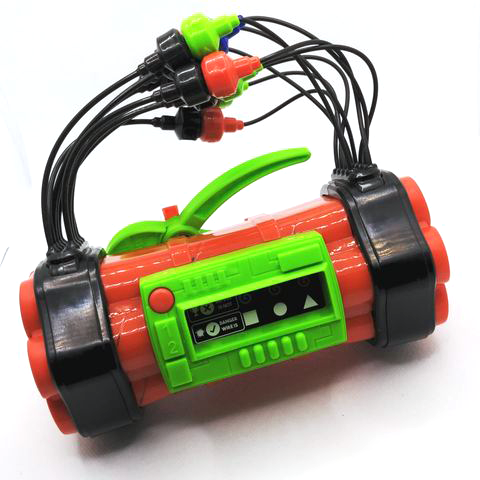
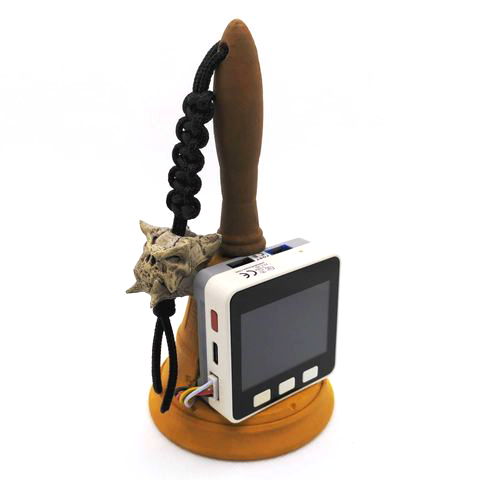
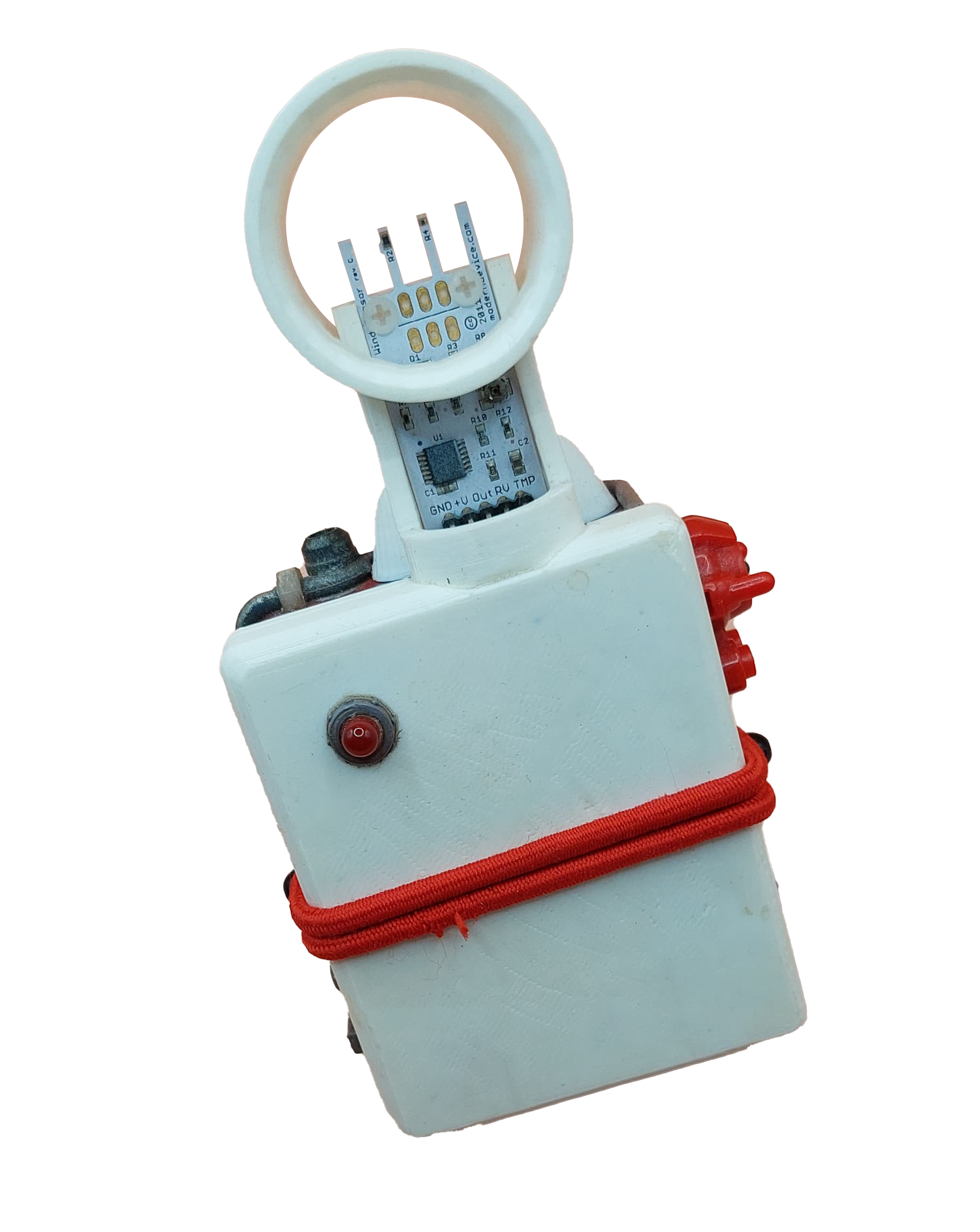
The alternative controller:
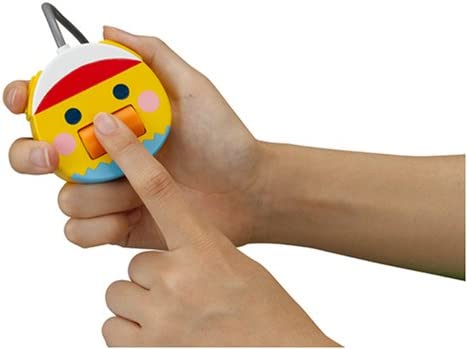
This is inspired by one of my favorite handheld electronic game called Treasure Gausts (トレジャーガウスト) and I thought it will work nicely as an AR experience on smart phones. I built a quick demo which allows the player to follow and capture a YAMI.

Demo Video: https://www.instagram.com/p/CgIHxNNAjcM/
STYLY demo: https://gallery.styly.cc/scene/0835a582-33fe-4413-bcd2-53e33a2f13c7

Now I want more game mechanics than just tapping on the phone screen.
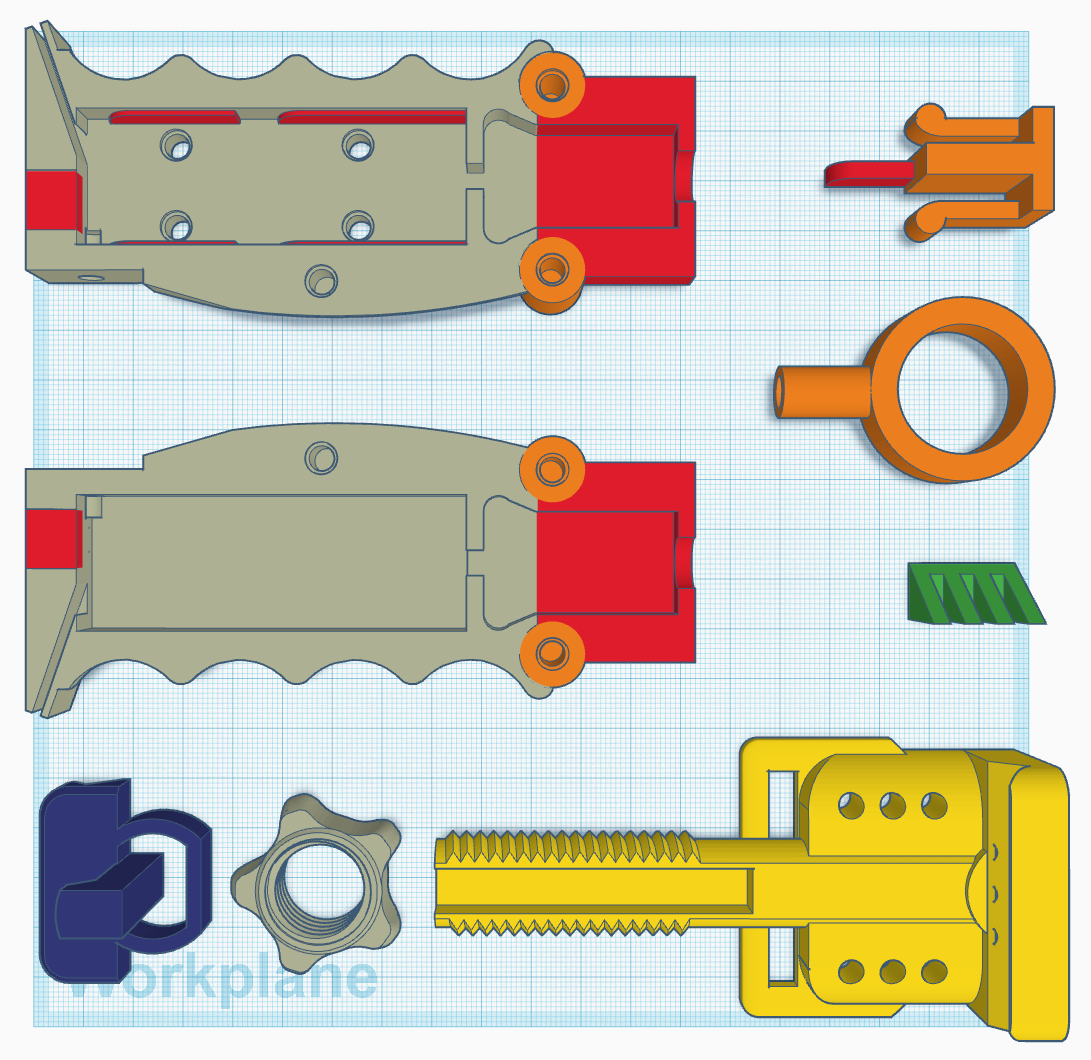
After a few quick sketches, I went on to Thingiverse to look for a smart phone mount. I started out by modifying jakejake’s Universal Phone Tripod Mount (https://www.thingiverse.com/thing:2423960). The design of this mount is brilliant, and it holds up pretty well. I then built out the rest of device piece by piece. I wanted some kind of switch at the bottom of this device in order for the player to “send YAMIs back to the void”, like an action that the player can do to initial the send back. This reminds me of the Tenketsu (天穴, Heavenly hole) in the anime Kekkaishi (結界師).

Tenketsu!!

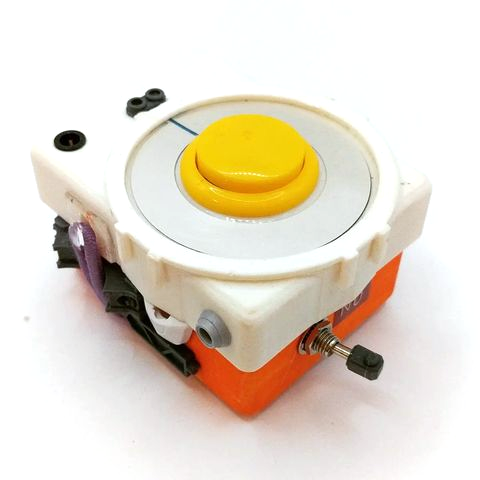
I created a ring like contraption at the bottom of the grip. When a giest is weaken, the player pulls down the ring to initiate the interdimensional suction. For the rest of the inputs, I had originally wanted to use a Dual Button unit, but I found out they shared the same pin (GPIO36) with OP 90 unity on M5 FIRE.
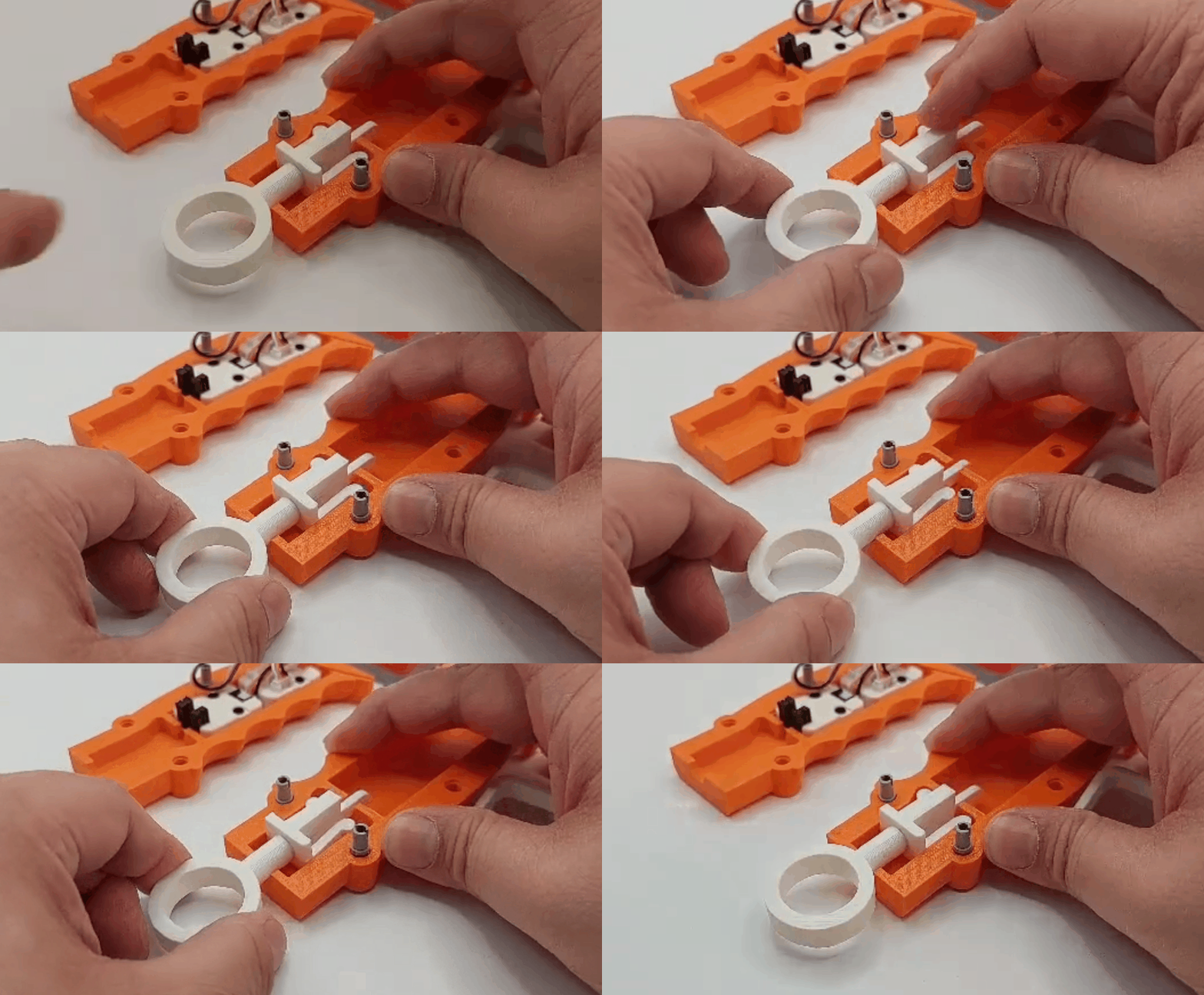
Tenketsu On!! Made possible with the OP 90 unity from M5 and a 3D printed piece that functions like a on/off switch.

The other game mechanic that I wanted to add to the controller is spell casting. I want magic rings! I quickly prototype some wearable rings with RFID embedded. The player has to choose which ring to use during the capture.
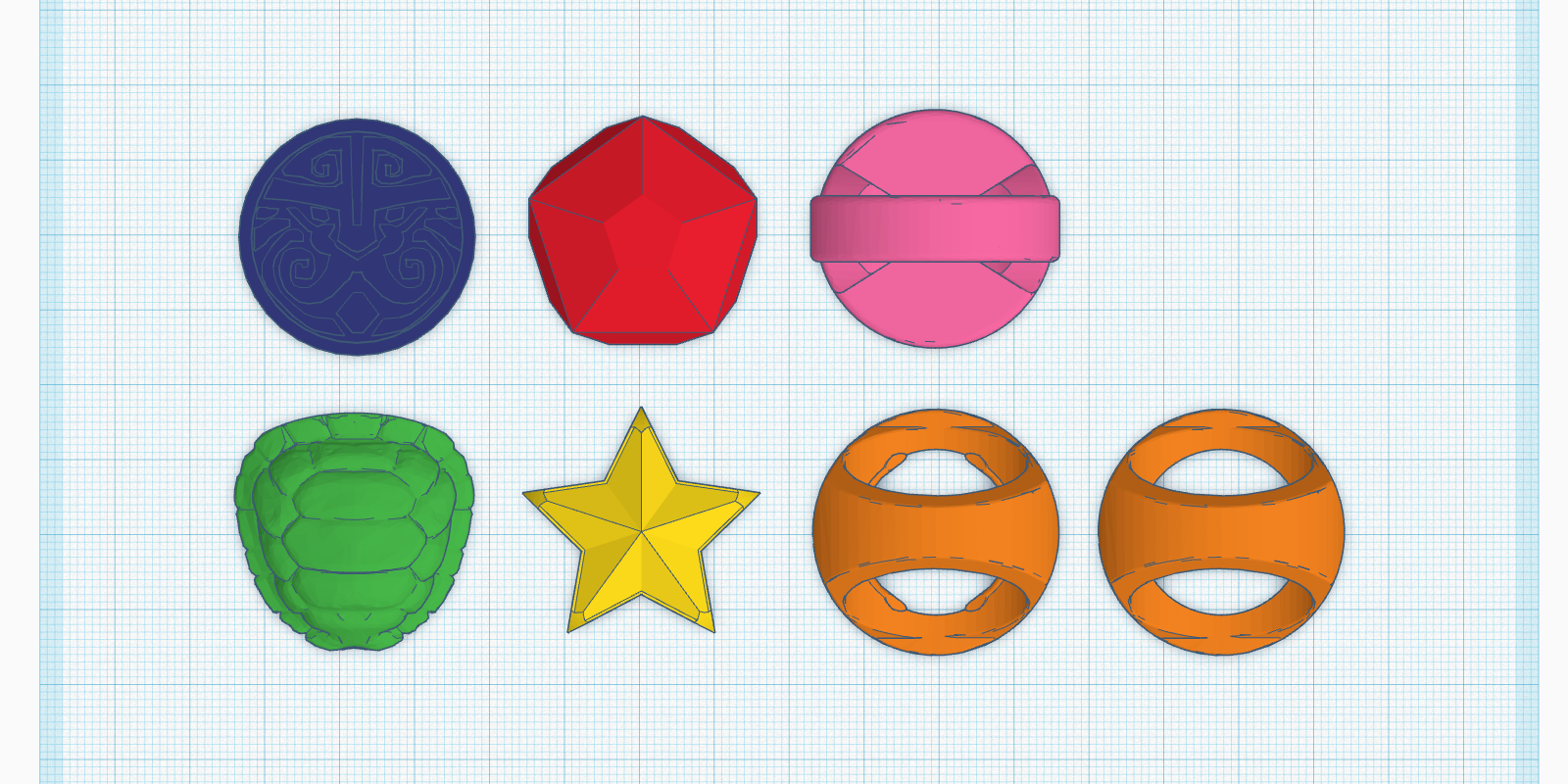
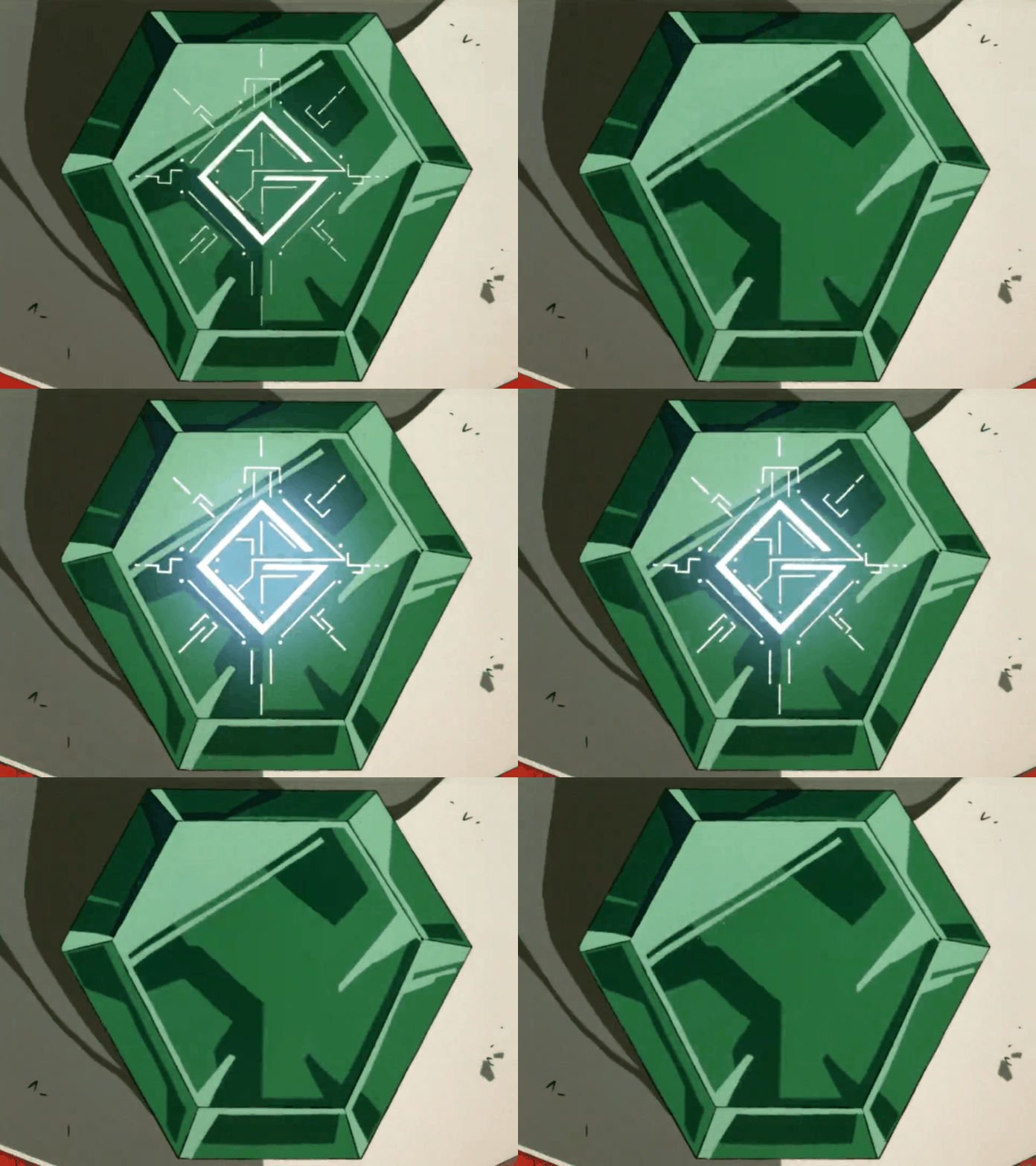
GGG – I love this design
処刑少女の生きる道 – saw a similar but more complex one recently in this show

Development notes:

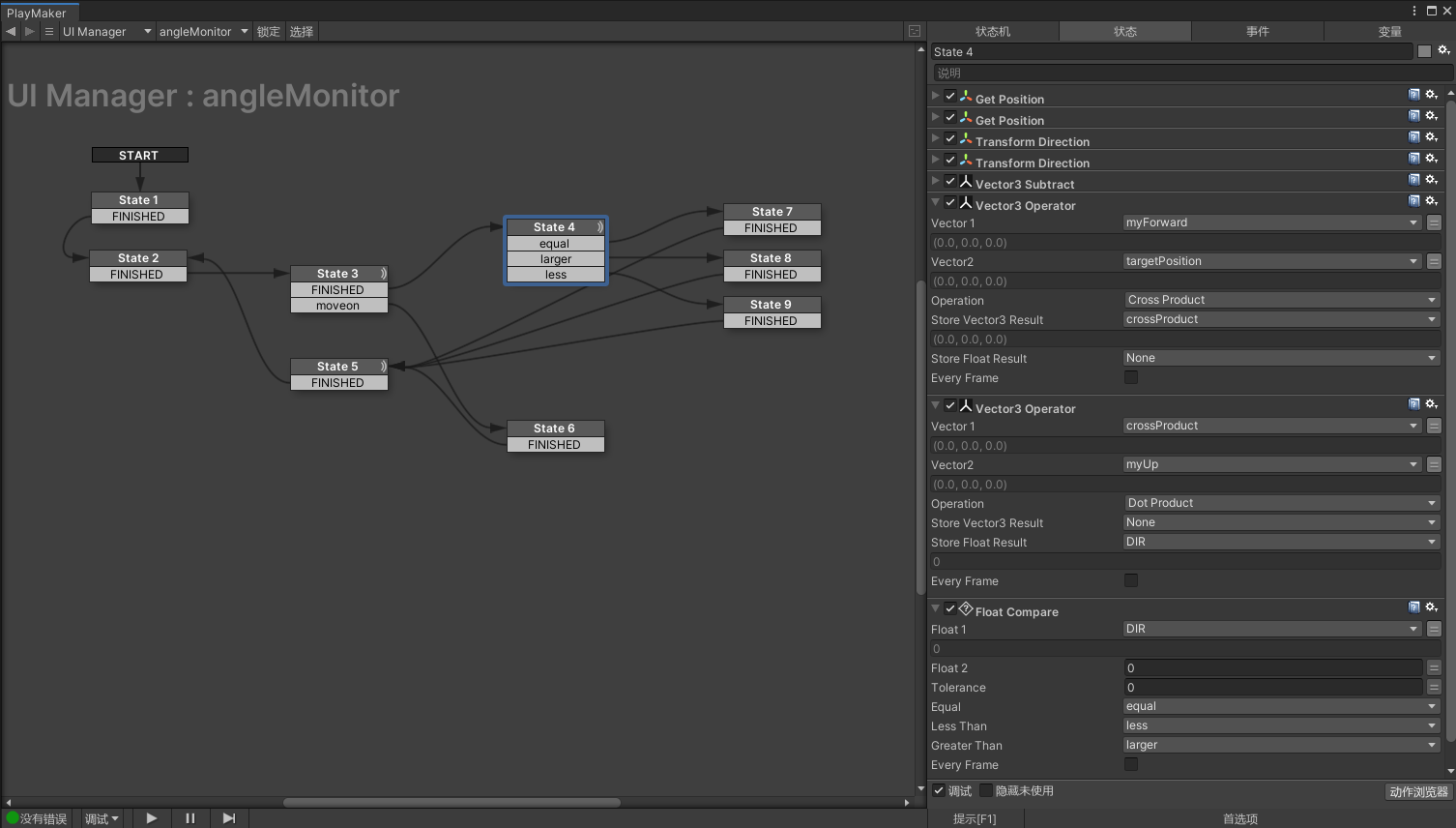
Left or Right of the forward vector:

This is one of those topics that sounds pretty simple at first but it take some advanced vector math to figure it out. The original solution was found here written in C#:

https://forum.unity.com/threads/left-right-test-function.31420/

using UnityEngine; using System.Collections; public class LeftRightTest : MonoBehaviour { public Transform target; public float dirNum; void Update () { Vector3 heading = target.position – transform.position; dirNum = AngleDir(transform.forward, heading, transform.up); } float AngleDir(Vector3 fwd, Vector3 targetDir, Vector3 up) { Vector3 perp = Vector3.Cross(fwd, targetDir); float dir = Vector3.Dot(perp, up); if (dir > 0f) { return 1f; } else if (dir < 0f) { return -1f; } else { return 0f; } } }

I translated it line by line using Playmaker and it worked like magic.
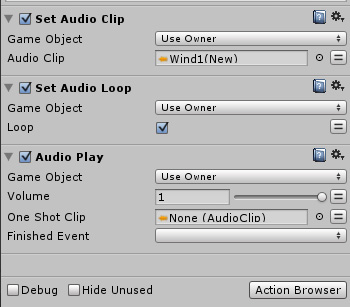
Looping Audio in Playmaker:

Another one that sounds easy but takes some very specific steps to make it work in Playmaker. The best answer is from this thread:

https://hutonggames.com/playmakerforum/index.php?topic=5428.0
Genieless Lamp

Posted on May 29, 2022December 3, 2022 by admin

eKids Genie Lamp Speaker Gold

The big idea is to modified this toy lamp toy into an alternative controller. There are four hexagon shaped LED covers on each side of the lamp. After a quick autopsy, these covers can be easily turned into touch buttons which are perfect for simulating the back and forth lamp rubbing actions. I will be using M5 Stack + MPR121(Touch Sensor Grove Platform Evaluation Expansion Board) + our HID Input Framework for xR to prototype this experience.

In order to be tracked in VR, I have to find a way to mount the touch controller on the lamp as well. After some rapid prototypes, I decided to mount the touch controller on top and M5 Stack on the bottom of the lamp. I also imagine the HTC VIVE tracker will be a great option for its compact form factor, but I try to keep the controller wireless.

lo-fi Demo video: https://www.instagram.com/p/CeZ-mPiMIuT/

I am working on the gameplay for the directional rubbing mechanic which allows the player to blow out (rub outward), suck in game objects (rub inward), or casting/summoning (rub back-and-forth).

Card Swipe

Posted on May 18, 2022May 19, 2022 by admin

The way we play digital games is secretly influenced by the advancement of the technology. While new technology inspired new play mechanics, obsolete technology also take away play mechanics we took for granted. One of the better known examples happened in early 2000 when TV technology transitioned from CRT (Cathode Ray Tube) to LCD. This advancement killed off the light gun genre in its entirety because the traditional light-gun technology requires CRT to position the light gun pointer on the TV screen. This tragic loss on mainstream consoles didn’t resolve till 2007 when Nintendo Wiimote came out.

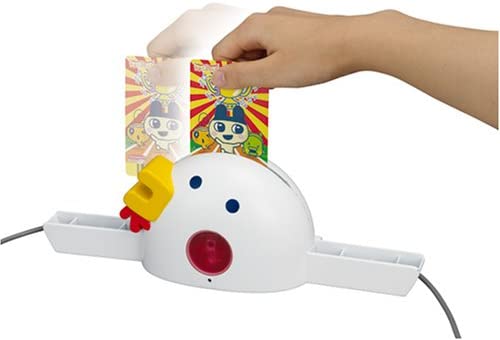
The subject of this post is another example – barcode battler. When it comes to scanning linear barcodes, the card swiping action is the coolest! Recently, barcode related interactions are done with either a build-in camera or a hand-held barcode scanner. The card swiping action is gone!!

QRE1113
QRE1113 IR Reflective Photo Interrupter features an easy-to-use analog output, which will vary depending on the amount of IR light reflected back to the sensor. The QRE1113 is comprised of two parts – an IR emitting LED and an IR sensitive phototransistor. When you apply power to the VCC and GND pins the IR LED inside the sensor will illuminate. Because dark colors will bounce back less light, the sensor can be used to tell the difference between white and black areas and can be used in robots as a line follower.

https://www.newark.com/on-semiconductor/qre1113gr/object-sensor-phototransistor/dp/34C1691
https://www.ebay.com/itm/144367101969
https://www.mouser.com/ProductDetail/onsemi-Fairchild/QRE1113

ROB-09453
https://www.digikey.com/en/products/detail/sparkfun-electronics/ROB-09453/5762422
https://www.sparkfun.com/products/9453

ROB-09454
https://www.digikey.com/en/products/detail/sparkfun-electronics/ROB-09454/5725749

  • QRE1113GR
  • ROB-09453
  • ROB-09454

I found out recently that both US and Japanese version of the Goseiger (天装戦隊ゴセイジャー) henshin toy Tensouder (テンソウダー) uses 2 QRE1113 to read the double decked barcode on the side.

  • Tensouder

QRE1113 IR reflectance sensor and ESP8266 example:
http://www.esp8266learning.com/qre1113-ir-reflectance-sensor-and-esp8266-example.php

QRE1113-DDownload

Barcode Binary Card Reader
https://hackaday.io/project/9129-barcode-binary-card-reader

Leap Motion

Posted on February 23, 2022February 24, 2022 by admin

Documentation:
https://developer-archive.leapmotion.com/documentation/v2/unity/index.html

System Requirements

  • Leap Motion 2.3.1+
  • Unity 5.1+
  • Windows 7, Windows 8, Mac OS X

Installation

  1. Download the latest asset package from: https://developer.leapmotion.com/downloads/unity.
    1. https://github.com/ultraleap/UnityPlugin/releases/
    2. Ultraleap.UnityPlugin-5.3.0 (02/23/2022)
  2. Open or create a project.
  3. Select the Unity Assets > Import Package > Custom Package menu command.
  4. Locate the downloaded asset package and click Open.
  5. The assets are imported into your project.

Every development and client computer must also install the Leap Motion service software (which runs automatically after it is installed).

Using Processing

You can use the Leap Motion Java libraries in a Processing Sketch (in Java mode). This involves adding the Leap Motion files to the Processing libraries folder and importing the Leap Motion classes into the Sketch.

Setting Up the Leap Motion Libraries

To put the Leap Motion Java libraries in the Processing libraries folder, do the following:

  1. Locate and open your Sketchbook folder. (The path do this folder is listed in the Processing Preferences dialog.)
  2. Find the folder named libraries in the Sketchbook folder, if it exists. Create the folder, if necessary.
  3. Inside libraries, create a folder named, LeapJava.
  4. Inside LeapJava, create a folder named, library.

5. Find your LeapSDK folder (wherever you copied it after downloading). 5. Copy the following 3 library files from LeapSDK/lib to LeapJava/library

Mac OS XLeapJava.jarlibLeapJava.dyliblibLeap.dylib
Windows 32bitLeapJava.jarx86/LeapJava.dllx86/Leap.dll
WIndows 64bitLeapJava.jarx86/LeapJava.dllx86/Leap.dll

Processing 3.5.4
Library Dependencies:
Leap Motion Software v2 (2.3.1+31549)
https://developer-archive.leapmotion.com/v2?id=skeletal-beta&platform=windows&version=2.3.1.31549

https://developer-archive.leapmotion.com/unity
https://grasshopper-kale-khsa.squarespace.com/tracking-software-download

QUICK SETUP GUIDE – UNITY PACKAGE FILES (.UNITYPACKAGE)

If you prefer you can get the Ultraleap Hand Tracking Plugin for Unity using .unitypackage files. This can be helpful if you need to modify the package content. Please note that for future releases .unitypackage files will need to be updated manually.

  • Ensure that you have the Ultraleap Hand Tracking Software (V5.2+) installed.
  • Remove any existing Ultraleap Unity modules from your project. If you need to do this, we strongly recommend you read our guide to Upgrading to the Unity Plugin from Unity Modules.
  • Download the Unity Modules package.
  • Right-click in the Assets window, go to Import Package and left-click Custom Package.
  • Find the Tracking.unitypackage and import it. This includes Core, Interaction Engine, and the Hands Module.
  • Optionally import:
    • the Tracking Examples.unitypackage for example content
    • the Tracking Preview.unitypackage and Preview Examples.unitypackage for experimental content and examples. This can go through many changes before it is ready to be fully supported. At some point in the future, preview content might be promoted to the stable package, however it might also be deprecated instead. Because there is no guarantee for future support, we do not recommend using preview packages in production.

NEWVIEW AWARDS 2021

Posted on January 30, 2022February 11, 2022 by admin

Last year was an exciting year, first I was invited to teach at NEWVIEW SCHOOL TAIPEI. Besides redesigning the curriculum, I worked with a group of brilliant designers and technologists and designed a M5 extension and framework that allow users to create alternative controller with very minimum programming. Here are some of the controllers I made using the framework.

When I found out NEWSCHOOL is interested in coming to NYC, I immediately proposed to have it at Parsons School of Design. At this point, I didn’t know one of the students in this collaboration studio will win the grant prize of the NEWVIEW Award 2021. I was just really excited that I can officially bring this code-less VR/AR/XR pipeline to my students at the Design and Technology program.

“One way to look for innovation in game design is to have non-game designers make games.” This is a saying that circulates in the indie game community for a long time. I believe spirit behind this saying is also the key to find the ultimate content type(s) that will help VR technology earn a place in our daily life. As a faulty at Parsons, I have been looking for ways to bring our artist and designer students to take their original content into virtual space for a spin. I co-created the first VR experiment course at Parsons called Recursive Reality in late 2013. This course and another popular course at our program, the New Arcade, became the curriculum barebone of this collaboration studio: NEWVIEW SCHOOL.

The Millennium Falcon

Posted on January 29, 2022January 30, 2022 by admin
Illustrator Kemp Remillard detailed the interior of the Millennium Falcon. (Image credit: Images from Star Wars: The Force Awakens™ Incredible Cross-Sections” reprinted by permission of DK, a division of Penguin Random House. Copyright © 2015 by Jason Fry and Kemp Remillard)
The Falcon is 34m long
Schematics of the Millennium Falcon

Girl Gun Lady

Posted on January 7, 2022January 8, 2022 by admin

ガールガンレディ

Girl Gun Lady is a Japanese live action sci-fi TV drama. I am particularly fascinated by the digital weapons designed for this drama. All of the weapons including the Gun Ladies are available in plastic model kits. I am having a blast building some of them. My favorite weapon is the Alpha Tango. It is the size of a hand pistol but functions like a grenade launcher and the grenade ammo can be programmed to do different things.

Girl Gun Lady Ver. Alpha Tango

Alpha Tango also reminds me of Maam’s Magic Bullet Gun (魔弾銃 まだんがン ) – Dragon Quest: Adventure of Dai which is another favorite sci-fi weapon of mine from childhood.

Picking the right bullet for the situation is an interesting game mechanic to explore. Judge Dredd’s Lawgiver is another fun(?) example. I did a voice-activated light gun project in early 2007 which was inspired by the Lawgiver in Sylvester Stallone’s Judge Dredd (1995).

This should be my next data relic. Meanwhile, did a quick study on Maam’s Magic Bullet Gun in Tinkercad.

https://www.tinkercad.com/things/40wKf3gKaDS

Also modified the Oculus Quest 2 Controller Pistol Grip (https://www.thingiverse.com/thing:4760656) to work with M5Stack. This could be great for voice-activated weapon using Google Assistant. The grip file I downloaded directly from the Thingiverse doesn’t fit, I couldn’t push the grip all the way up like shown in the pictures. I used Tinkercad to make the hole bigger with a +1% scaled model of a Quest 2 controller. After that adjustment, it fits smoothly.

Going back to the voice inputs. My experiment with both Watson and Google Assistant shows that there is a significant delay on speech to text response. It gets worse with slow internet connection. I had a hard time demonstrate projects using speech to text (cloud) service in demo day event and conference in the past. What can be done in UX to make that passage of time felt shorter – less significant? Slow-motion? Well, there is only one way to find out.

Bao Qing-tian Card Game

Posted on January 5, 2022January 5, 2022 by admin

包青天審案

Game Content:

皇帝Emperor2
包青天(判官)Bao Qing-tian (Judge)2
王朝(捕快)Wang (Captor)2
馬漢(捕快)Ma (Captor)2
小偷(兇犯) Theft (Criminal) 2
強盜(兇犯) Robber (Criminal)2
殺人犯(兇犯) Murderer (Criminal)2
扒手(兇犯) Pickpocket (Criminal)2
平民(老百姓) Commoner26
加官 Plus Officer2
減官 Minus Officer2
乘官 Multiply Officer2
除官 Divide Officer2
輕重官 2
刑官(打手) Executor2
Total54

players: 3 ~ 50 people

setup: shuffle the deck, use rock, paper, and scissor to determine who starts first. 3 players: 7 cards each, 4 players: 6 cards each, 5 players: 5 cards each, 7 players: 3 cards each, when too many players participate: 1 card each.

capture phase

  1. The player with the emperor card becomes the emperor and decided what type of criminal to catch. If no one has the emperor card, players take turns to discard and draw a new card until one of the players draws an emperor card.
  2. Once the emperor is determined:
    1. The emperor appoints 1 player with the Bao Qing-Tian (Judge) card as the Bao Qing-Tian. If no one has the Bao Qing-Tian (Judge) card, everyone discards and draws until a player draws an Bao Qing-Tian (Judge) card.
    2. Bao Qing-Tian has two captors, Wang and Ma. Bao Qing-Tian appoints a player currently with a Captor Wang or a Captor Ma card in their hand as the Captor. Only one Captor is needed per game.


遊戲玩法

1.玩家分牌

把牌洗好後,由玩家們猜拳決定由誰開始分牌。參加人數三人者每人分七張,四人者每人分六張,五人者每人分五張,七人者每人分三張,團體遊戲人數太多時每人分一張。分餘之牌放在中間,牌面向下使大家看不到什麼牌

2.尋找皇帝

由分牌第一人開始從其手中丟出一張牌(向下不使人看到所丟的牌是什麼),同時抽取餘牌中最上一張牌,以隨時保持手中原有的牌數。如此輪流丟牌、抽牌下去,直到有人手中握有「皇帝」牌,始進入捕捉兇犯階段

3.決定判官

捕捉兇犯首先需決定判官,產生方式如下:

(1)當握有「皇帝」牌者喊出捕捉兇犯時,手中握有「包青天」牌者

(2)若當時玩家手中不只一人握有「包青天」牌或皆未有「包青天」牌者,由握有「皇帝」牌者指定其中一位玩家為「包青天」

4.決定捕快

判官決定後,接下來決定捕快,產生方式如下:

(1)當握有「皇帝」牌者喊出捕捉兇犯時,手中握有「王朝」牌或「馬漢」牌者,由「包青天」決定是「王朝」或「馬漢」

(2)若當時玩家手中不只一人握有「王朝」牌或「馬漢」牌或皆未有「王朝」牌或「馬漢」牌者,由握有「包青天」牌者指定其中一位玩家為捕快

5.捕捉兇犯

由指定的捕快捕捉皇帝所指定的兇犯,此時捕快要在每位玩家丟牌、抽牌中猜出兇犯牌哪張由誰家丟出或抽到,或誰家手上有該張兇犯牌,指認機會最多10次(每一圈至少要猜一次)。若10次內能捉到,被捉到持有該張兇犯牌的玩家須接受審判;若10次內捉不到,則捕快須接受審判

6.決定審官

審判對象前需決定審官,審官牌包括「加官」、「減官」、「乘官」、「除官」、「輕重官」,其產生方式如下:

(1)當審判對象定後,手中握有審官牌者

(2)若當時玩家手中不只一人握有「審官」牌或皆未有「審官」牌者,由握有「皇帝」牌者指定

7.審判兇犯

在審判對象定後,由持有審官牌的玩家開始判案。判決順序為:「包青天」、「加官」、「減官」、「乘官」、「除官」,最後為「輕重官」。由包青天先決定處罰方式及次數,次由加減乘除官酌計所加減乘除的次數,再由輕重官決定處罰輕重

8.決定刑官

當審判結果完成後需決定刑官,產生方式如下:

(1)當審判結果完成後,手中握有「刑官」牌者

(2)若當時玩家手中不只一人握有「刑官」牌或皆未有「刑官」牌者,由握有「皇帝」牌者指定

9.行刑兇犯

兇犯判罪確定後,由握有「皇帝」牌者決定是要行刑或赦免

(1)若行刑,則由刑官負責執行或督促

(2)若赦免,則兇犯不受處罰

10.處決完成

當兇犯處罰完成後,遊戲到此結束

此遊戲的趣味在於捕捉兇犯過程:捕快要精於察言觀色,在玩家丟牌及抽牌中,明確判斷是否出現欲捕捉的兇犯牌;非捕快的玩家亦可故弄玄虛、假裝緊張,讓捕快以為欲捕捉的兇犯牌在其手中,整個遊戲在捕快及兇犯的鬥智中來決定最後的審案贏家。當然,因「皇帝」牌權利甚大,透過此遊戲,亦可讓握有「皇帝」牌者享受一下擁有掌控大局、操縱生殺大權的滋味!!

https://j9981168.pixnet.net/blog/post/204425432

https://twohu2001.pixnet.net/blog/post/51893136

DRONE

Posted on December 29, 2021December 29, 2021 by admin

My Taranis Q X7 Access only supports CH16. I updated it to the latest firmware with OPEN TX, CH8 still not available as an option. I then checked on the official website, Taranis Q X7 Access doesn’t support CH8. Gladly Tiny Hawk S does, it is set to CH8 by default but can be changed using the Betaflight Configurator based on this video:

Betaflight Configurator: https://github.com/betaflight/betaflight-configurator/releases/tag/10.5.1

https://emaxusa2.freshdesk.com/support/solutions/articles/19000108702-tinyhawk-s-manual-firmware-cli-binding

Tiny Hawk failed to connect with Betaflight. I tried to install all the drivers, but didn’t work out. Betaflight was able to detect and connect to the port, but “No configuration received within 10 seconds, communication failed“ and then the connection closed.

Posts navigation

Older posts
Newer posts

Recent Posts

  • BMP – Rearrange Colormap
  • Reset Allow USB Debugging? Notification
  • 8-bit Notes
  • AT29C256 90PI
  • Super-Toys Last All Summer Long

Archives

Proudly powered by WordPress | Theme: MiniZen by Martin Stehle.