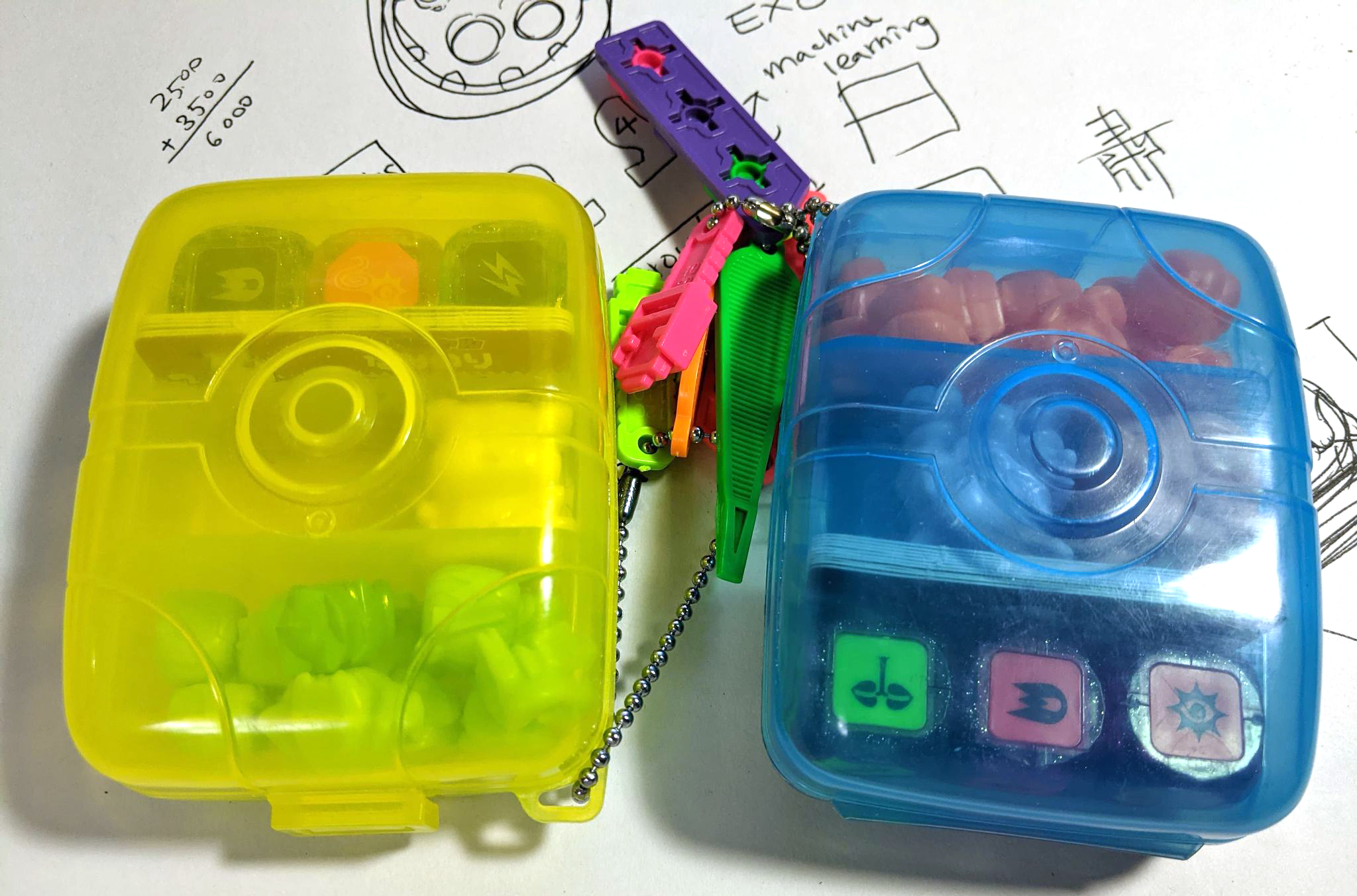
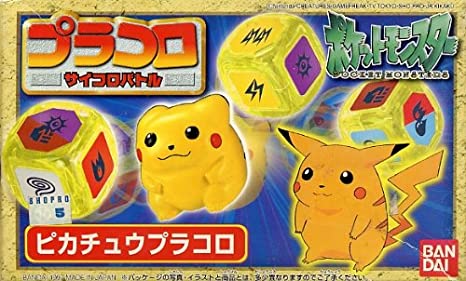
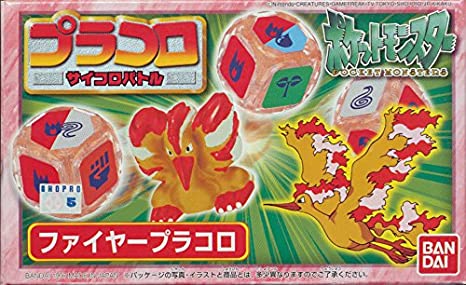
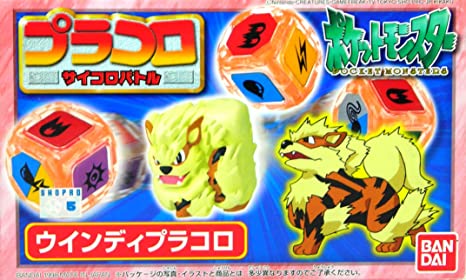
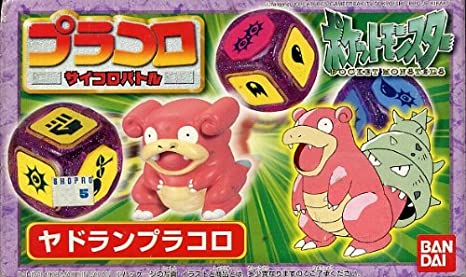
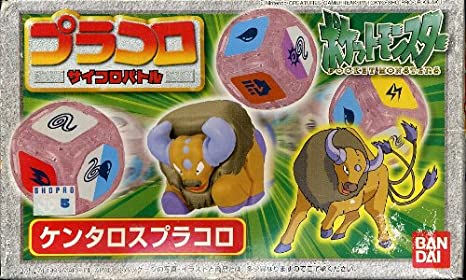
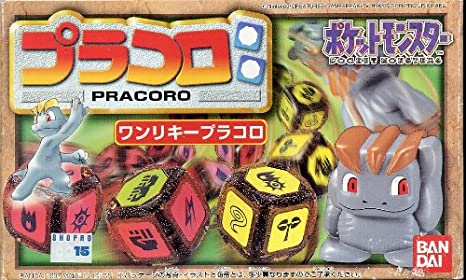
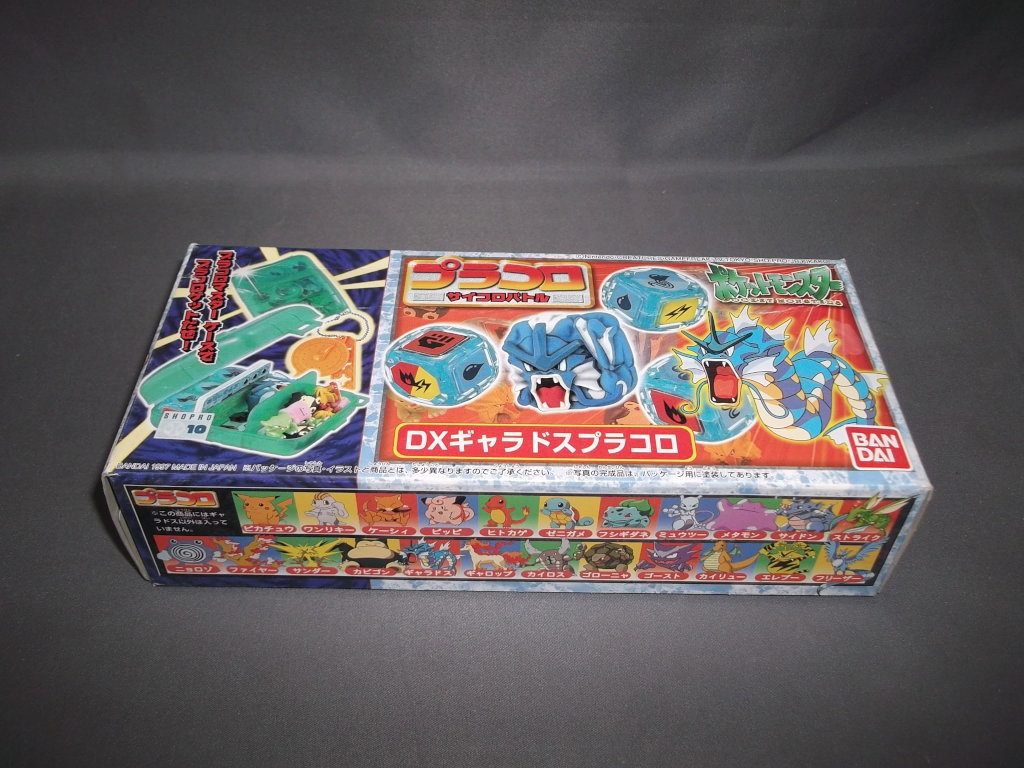
These two portable playsets of dices, cards, and cute Pokémon figures had been laying around in my room since I moved to Oregon in 2001. I only knew they belonged to my sister, but she grew out of her Pokémon crush long before. I had never done any in-depth research on them till now.
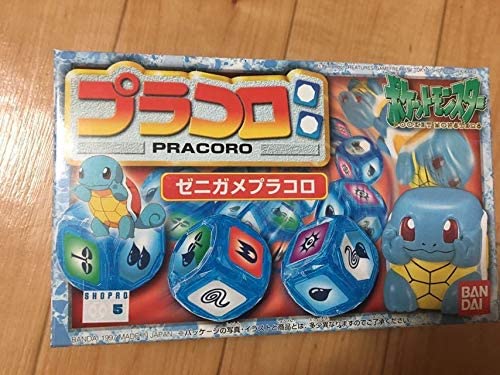
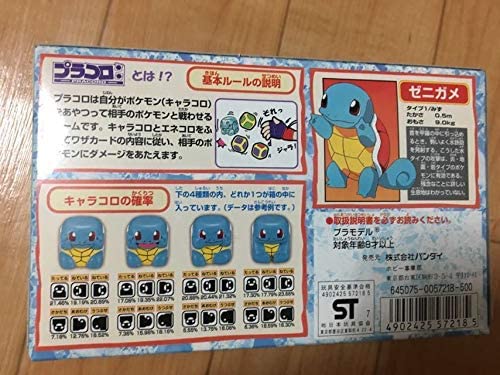
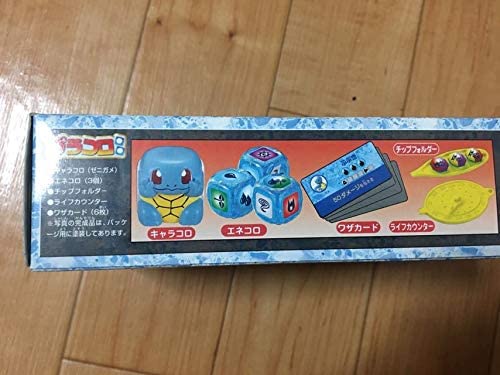
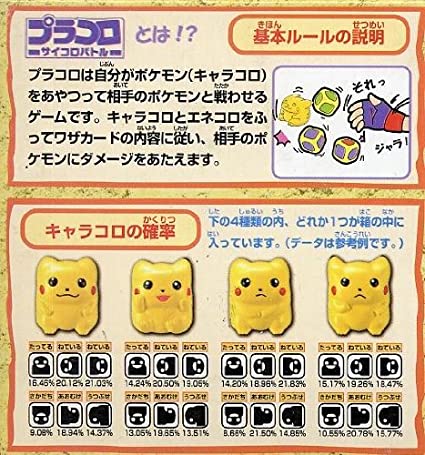
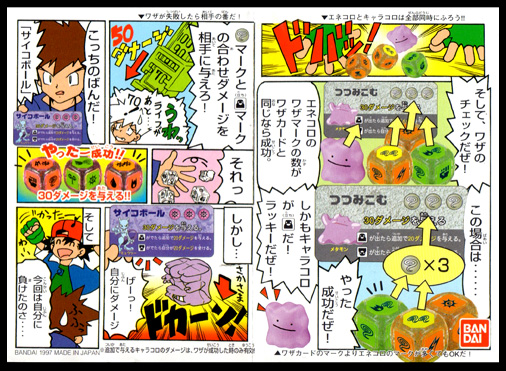
There is no visible name to be found anywhere but a small text in the back of both clear carrying cases and it reads “Bandai 1997 Made in Japan”. A quick search online brought me to a page on, of course, Amazon Japan. There were 3 images on the page. This game is called プラコロ, and the name could come from “Play(プラ)” and “Dice(コロ)” or “Plastic(プラ)” and “Dice(コロ)”.
Besides the cube looking figures in mine were not colored, all the key components checked out. I also didn’t see the clear cases that store all of the components, but I am pretty sure this is it and it’s definitely a (dice) game!
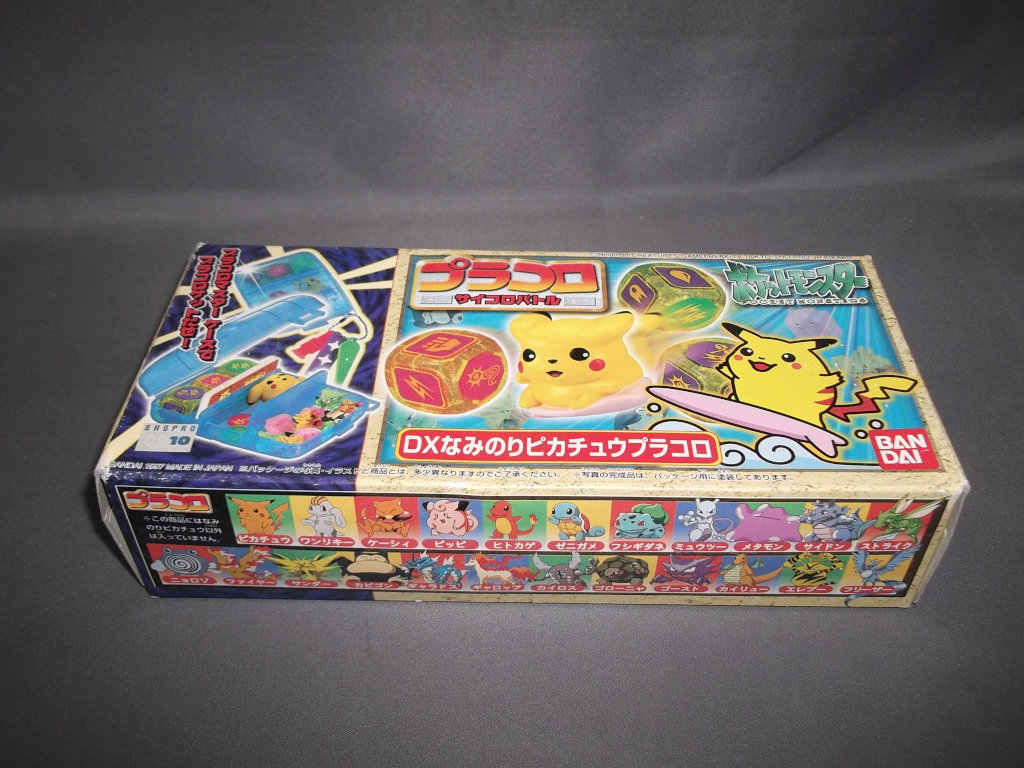
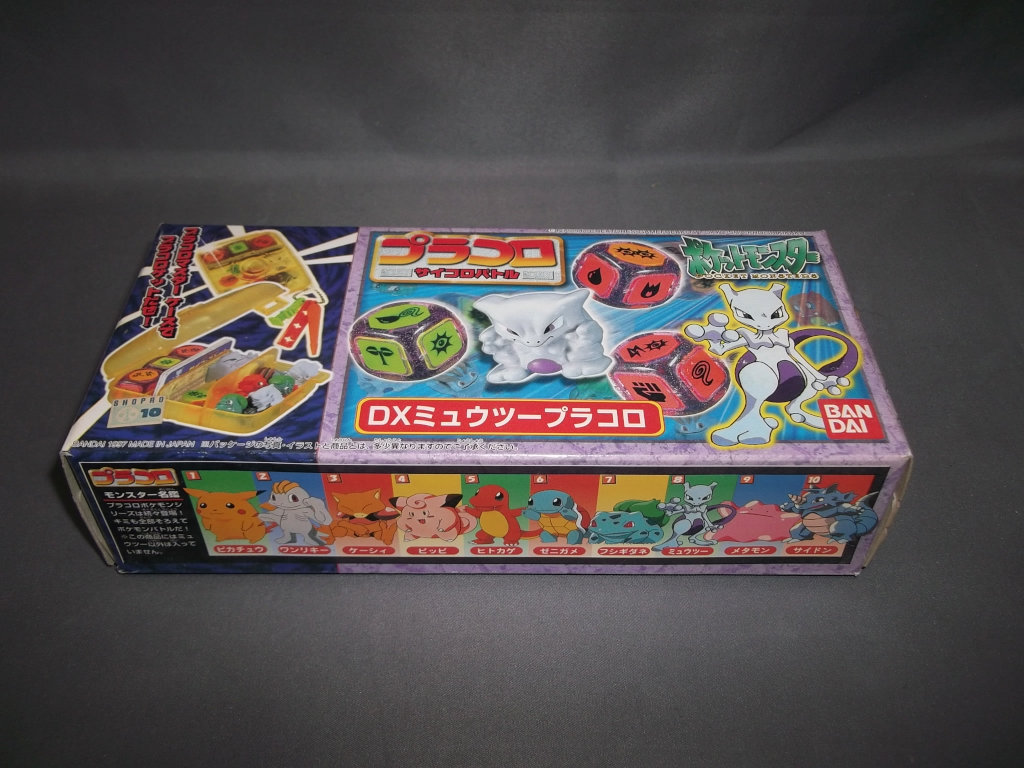
This single search took me 20 years to complete but I am glad I finally did it. This is a look back into the dark age of my life when I abandoned my love of toys and games for a taste of the “grown-up life”. After some more research, I found out the ones above were boosters. The playsets with clear cases that my sister owned were from the DX boxsets below. Now I just need a time machine to go back in time and ask my sister to buy more.
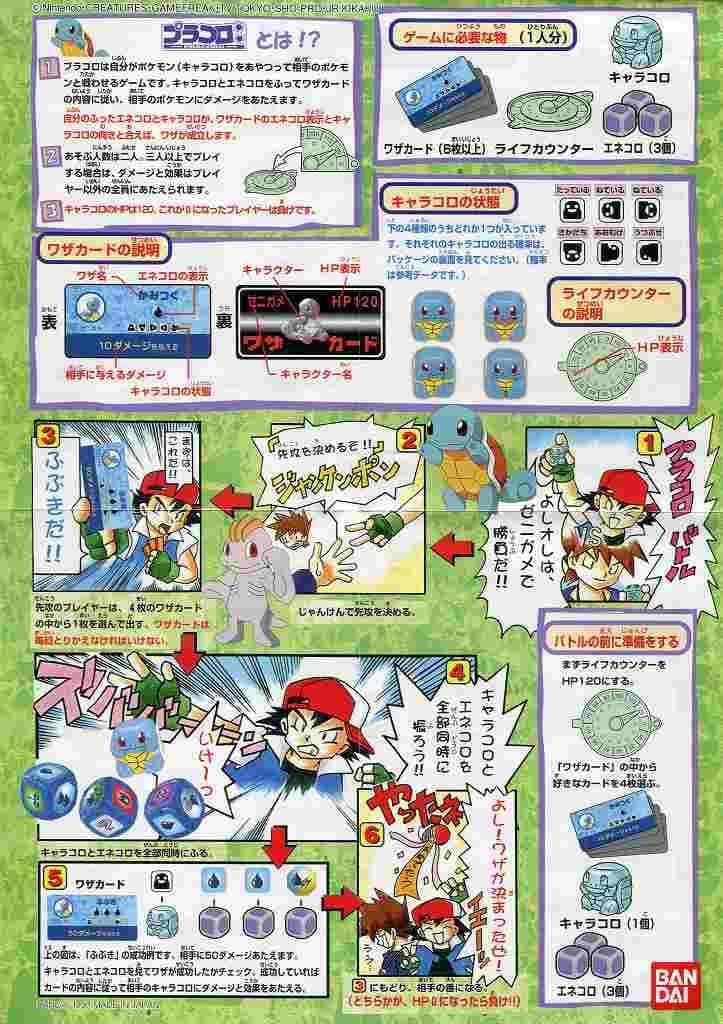
ルール:
Game Preparation
Character Dice (キャラコロ) x 1
Energy Dice (エネコロ) x 3
Skill Cards (ワザカード) x 4 – only 1 special card per game
Life Counter (ライフカウンター) x 1
Mini Character Dice (チビキャラコロ) x depends on skills
Set life counter to 120 and determine the play order by Rock paper scissors, winner goes first.
Show a skill card and declare the skill and its effect
The same skill can’t be used consecutively
The special card can only be used once in the game regardless if it was executed successfully or not.
if there are no skills to use, the turn is over.
Roll 1 character dice and 3 energy dices at the same time
if a skill requires more than 3 energy dices, the player can reroll any of the three in order to satisfy the requirement.
Check the result of the roll and determine if the skill(s) is successfully executed, if not, change turn.
To succeed, the sum of marks on energy dices has to be equal or greater than the number required on the skill card.
Based on the description of the skill card, apply the skill effect(s).
bonus skill(s) only applies when the skill is successfully executed
if a skill requires mini character dices, the player must have them in order to apply the skill effect.
if a skill requires more mini character dices, the player can include the character dice in the roll or reroll the existing mini character dices.
if a skill requires both players to roll mini character dices, and if one of the players doesn’t have mini character dices, the player who has them must share. Whoever shares dices decide who rolls first.
Repeat 3 ~ 6 every turn
The game is over when one of the players’ life points went down to 0.
If both players reach 0 at the same time, the player who is using the skill is defeated.
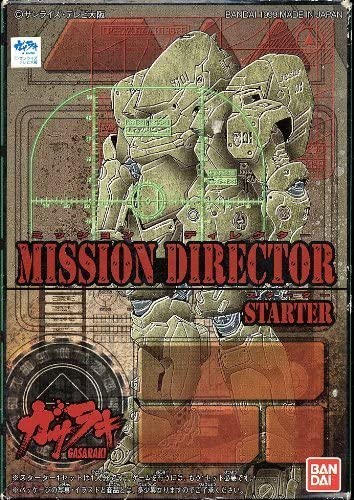
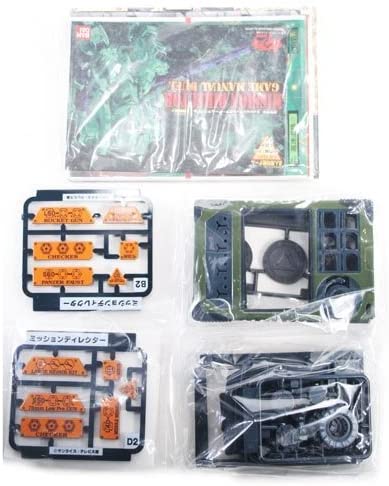
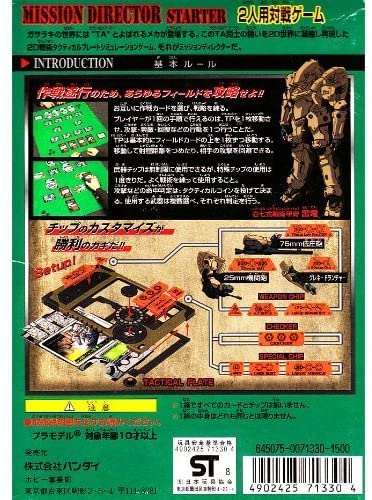
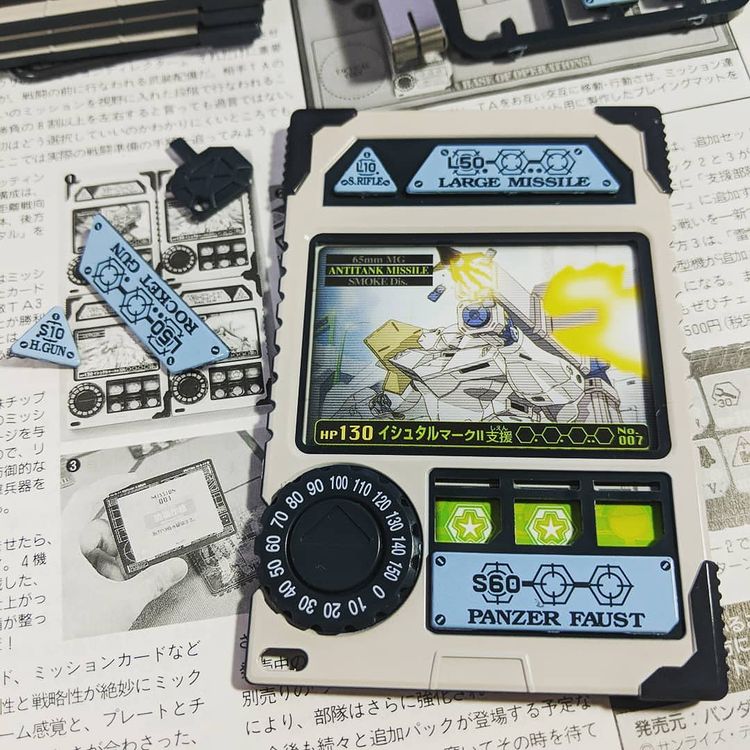
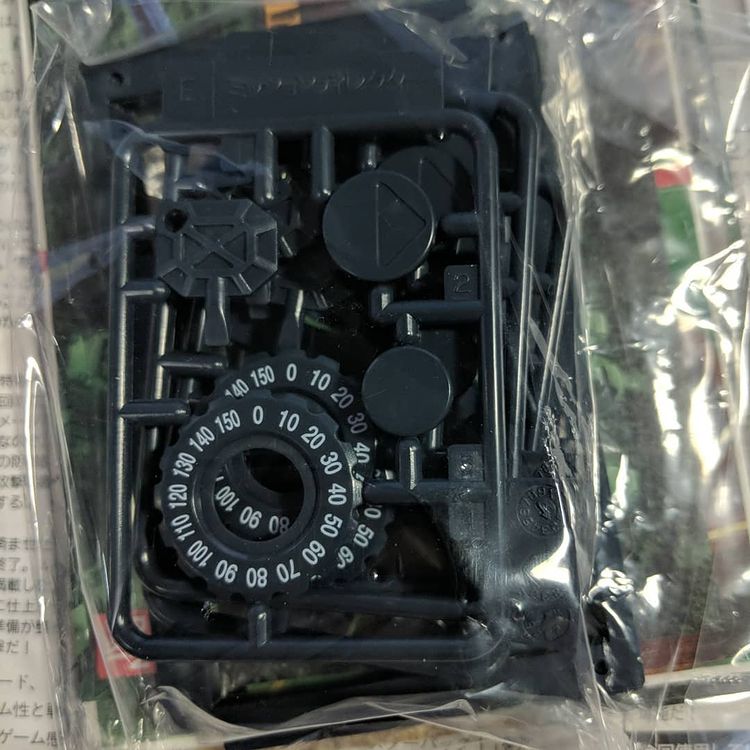
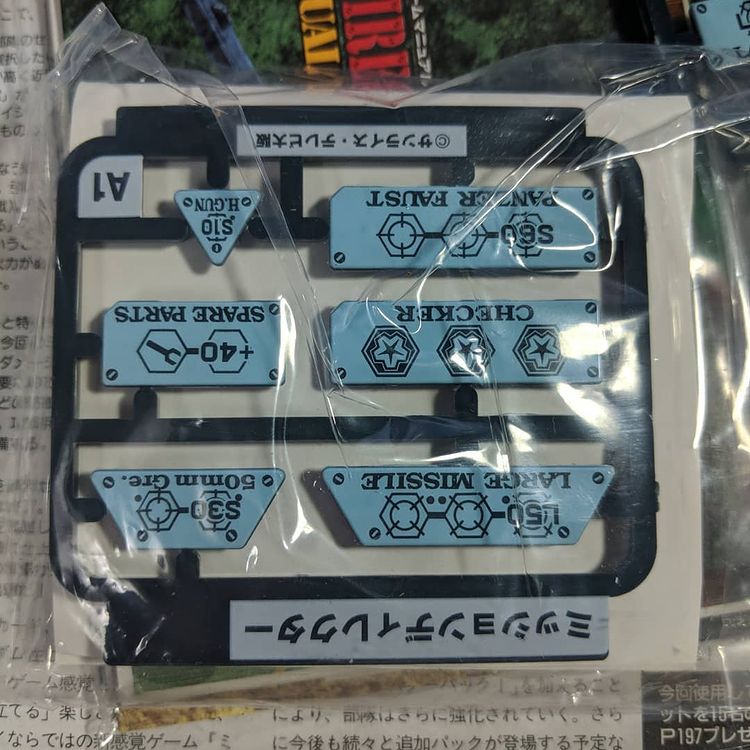
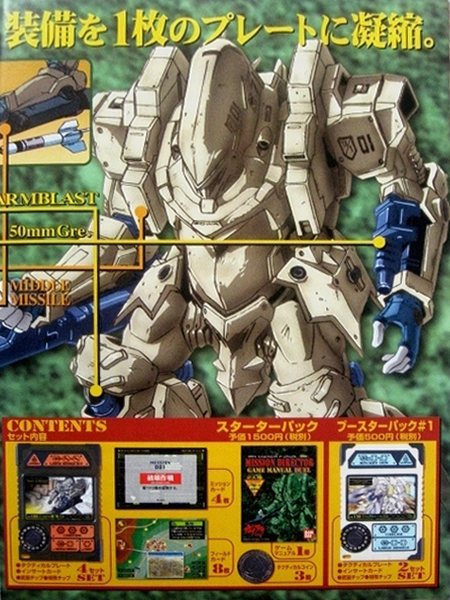
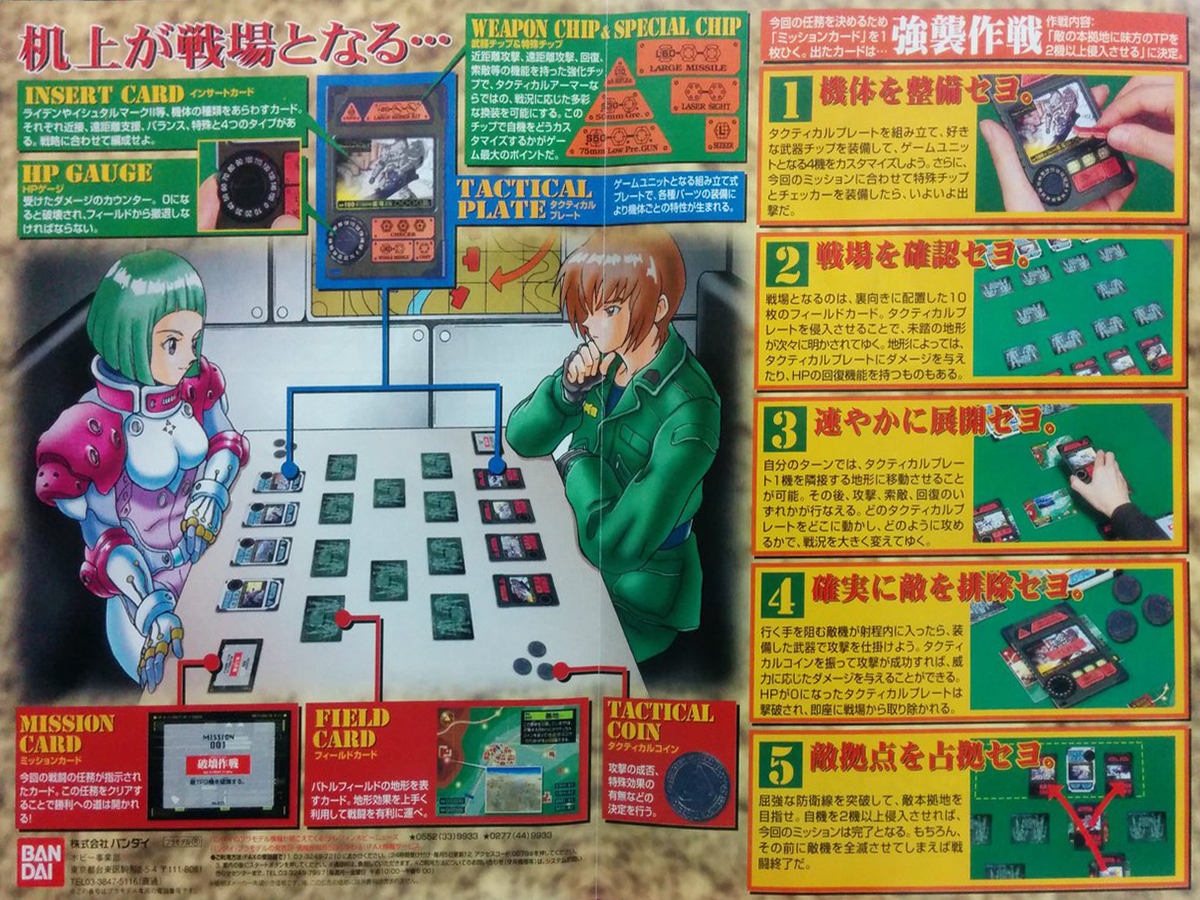
Game type A mission-based battle strategy game for two players. Each player becomes a commander of four mechas represented in plastic data cards (Tactical plate) with customizable parts.
Original TV anime “Gasaraki”
World setting The background story is revolving around a small fictional country in Central Asia named ベギルスタン. The intervention of the UN forces, which sought to end the conflict in a short period of time, was unexpectedly defeated and the conflict had escalated to a long-term one. The Japanese government decides to dispatch troops overseas as a demonstration of their secretly developed bipedal war machine named TA-17. However, the Japanese government quickly realized their troops were not the only ones with advanced bipedal weaponry.
About this game This game is made by Bandai. Usually, card games (カードダス Carddas) are products of the Vendor Division (currently the Card Division), but the Garasaki Mission Director game was the work of the Hobby Division, which handles plastic models.
At the time, this work was an attempt to the concept of the plastic model (プラモデル) to trading card games (トレーディングカードゲーム), and it was developed by an approach completely different from the conventional shipped products. The game is built by individual cards (tactical plates), not a deck.
Winning Conditions ● Execute a random mission ● Defeat all mechs from the opponent’s side ● Occupy opponent’s base
Preparation (TP = total game cards for 1 player)
Tactical plates (タクティカルプレート) ● 4 plates per player ● rules: – Follow the instructions in the manual. – Pick one of the 4 plates as the captain plate. – You can use the same unit (insert cards) for all your 4 plates. However, only 1 Guwei (骨嵬クガイ) per TP. – Since it is inevitable to mix plates in this game, check each plate carefully.
Regiment Plates (部隊プレート) ● 0 or 2 plates ● rules: – Follow the instructions in the manual. – Can only be used when used by both players. – The maximum number of command vehicle chips is one.
Field cards (フィールドカード) ● 8 cards per player ● rules: it is recommended to have 2 of every terrain
Mission cards (ミッションカード) ● 4 cards per player ● rules: it is recommended to avoid using the same card.
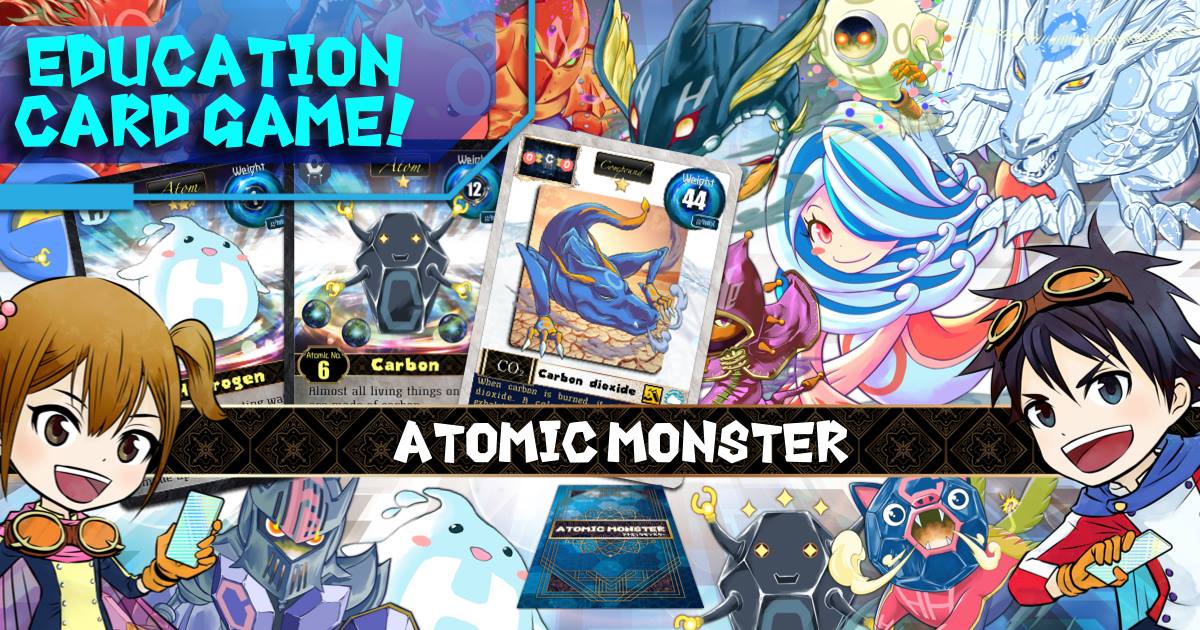
The Chemistry Battle Card Game for Kids! Great for Science Education!
Come across this card game in Japan. At the moment, there are two versions of this game, and the earlier one is localized and released in the US. They are using a modified concentration card game (神経衰弱) as their core mechanic. When it comes to designing educational games, one of the important principles is to design what’s going through players’ minds at the moment of making a play decision. If players are making meaningful decisions while thinking of the learning subject or reviewing pieces of knowledge related to it in their heads, that moment of association will create a learning opportunity for teachers.
The concentration card game is essentially a memory game, players are competing to flip cards into pairs based on their memory of locations of flipped cards. ATOM MONSTERS adds a few more rules to turn it into a learning game by creating decision moments associated with the learning contents. Instead of making pairs, players now have to create molecules with the elements presented on the card. This change of rules enables students to constantly refer to the molecule sheet and try to find the possible molecule combo for their flipped cards. Students can also declare a molecule and flip two more cards to see if they can form the molecule. If they don’t, they lose all the efforts so far. This bidding mechanic straightens the association between the game and the learning subject. Players will remember what’s their lucky/unlucky molecule for a long time.
ATOM MONSTERS is just a game, a simple and well-designed one. In order for the actual learning to happening in a full circle, the facilitator’s attention is required, especially after the game is done. A useful method is to have facilitators (parents, teacher, or gamemaster) chat with players about how they made certain critical decisions in game, and connect those game moments to learning contents in real-life. If players are interested in the subject, they are encouraged to find out more about it by looking at videos and books. These activities outside of the gameplay can help players appreciate the game even more, e.g. when players found out why NH3 is portrayed as a stinky pumpkin-like monster in the game is because of how ammonia is smelled in real life.
Official Game (Nervous Breakdown) Rules here: (1) Start with the youngest in order of age. (2) When it’s your turn to play, flip one of the atomic cards. (3) Flip one more sheet to make a molecule. (so flip two cards total.) (4) Think about whether it is possible to make a molecule by using all of them. ▽The molecule was created → Get the molecule card ▽If you couldn’t make a molecule → You can’t get the molecule card (5) If you feel like making a larger molecule, flip one more card. You need to use up all of the atomic cards that you flip. If you flip an unwanted atomic card, it will fail. Be careful in the second half of the game as there are only a few cards left. Helium is a special atom that can’t become any kind of molecule, so if you subtract it, you lose. You can’t make a molecule that other people got a molecule card for, so first come, first served !
A perfect scenario: (2) flip a H (3) flip a H (4) H,H => H2 Hydrogen = 2 points Decide to make a larger molecule (5) flip a N N,H => NH3 Ammonia = 17 points Stop & change player.
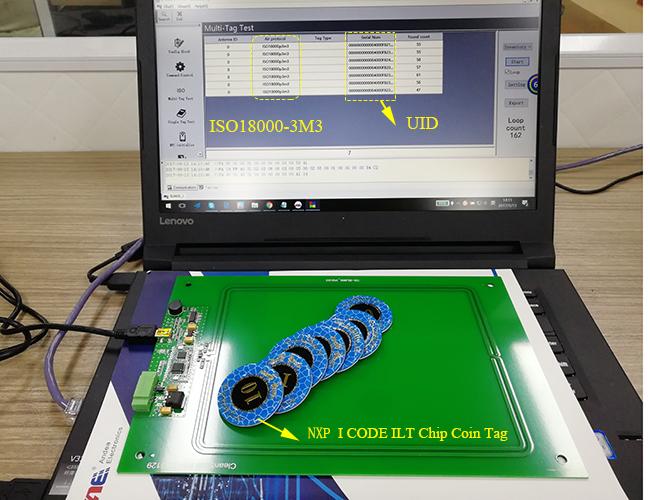
Anti-collision is a general term used to cover methods of preventing radio waves of a tag from interfering with radio waves from another. Anti-collision algorithms are used to read more than one tag in the same reader’s field. Scientifically speaking, an RFID reader can only interrogate 1 tag at a time. However, with the help of anti-collision algorithms, the reader is able to single out radio waves of a tag from the rest and read it. If this is done with an HF or UHF RFID reader, it will feel like it was read all at once.
Interestingly, based on search results on google, this technology (RFID multi-reader) is often associated with casino management.
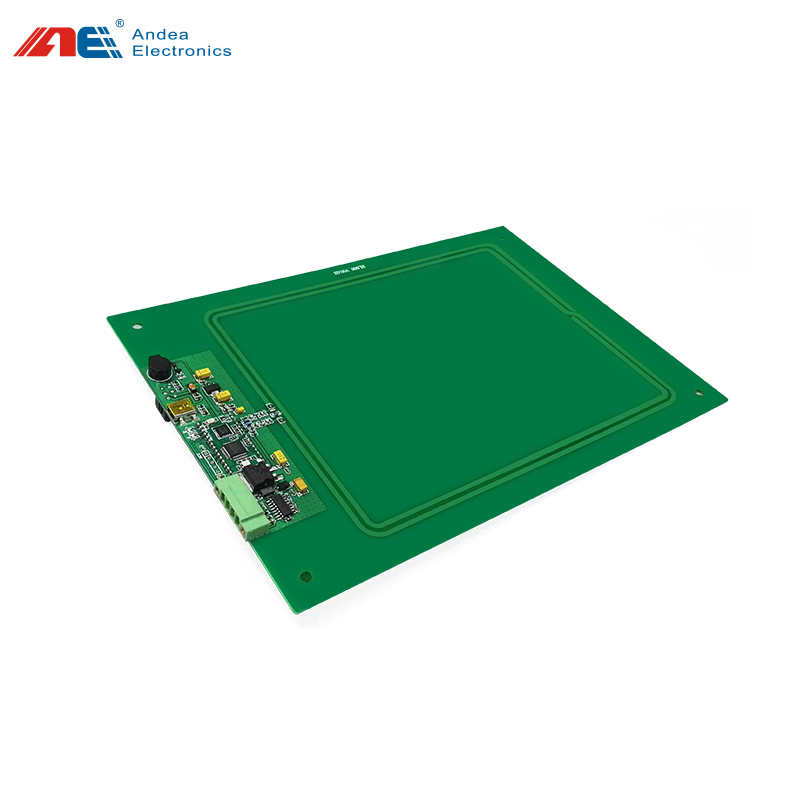
All my online searches seem to point to the development board below. The size of it leaves plenty of rooms for playful imaginations! The title of this page reads “HF13.56 Mhz multi protocols ISO15693 ISO18000-3M3 ISO14443A RFID smart card reader writer all in one access control rfid reader.” The protocols are different international standards designed for specific use scenarios. According to the RFID 4U:
ISO 14443A This standard defines identification cards operating at the 13.56 MHz frequency using near-field inductive coupling. The cards are usually called proximity cards. Typical applications include identity, security, payment, mass-transit, and access control. ISO 14443 systems are designed for a range of about 10 centimeters (3.94 inches), so they are a good fit for applications such as vending machines.
ISO 15693 is an ISO standard for vicinity cards, which can be read from a greater distance compared to proximity cards defined by ISO 14443. ISO 15693 systems operate at the 13.56 MHz frequency, use near-field inductive coupling, and offer maximum read distance of 3 to 5 feet. This range makes them a good fit for applications such as physical access or controlling entry to a parking garage, also serves as the foundation for a variety of applications outside of contactless smart cards, such as airline baggage tracking and supply chain management.
ISO 18000-3M3 is a newer and more powerful tag standard when it comes to the anticollision speed. The ISO 15693 standard has a speed of 60 tags per sec which is already perfect for a lot of situations. Most of the collectable card arcade games have a limit of 50 cards per deck. The ISO 18000-3M3 standard can read up to 700 tags per sec!!
The interrogator basically asks tags to respond depending on their serial number or some other number. If two tags respond, the reader asks again in a slightly different way, and then continues to do this until only a single tag responds.
Imagine that the reader is a teacher, and the tags are a room full of pupils. The teacher might say, “If your last name begins with A, stand up.” If more than one pupil stands, the teacher might then state, “If your last name begins with A and your first name also starts with A, stand up.” If no one stands, the teacher could say, “If your last name begins with A and your first name starts with B, stand up.” And so forth.
A reader can ask all tags with a serial number beginning with 0 to respond. If more than one tag responds, the device might ask all tags that have serial numbers starting with 00 to respond. And so on, until it isolates one tag.
One problem with this tree-walking algorithm based on serial numbers is it means that if two tags were to have the same serial number (which could happen either accidentally, or on purpose), the tags and reader would never be able to communicate since there would be no way to isolate a single tag.
To avoid this problem, the EPC Gen 2 air-interface protocol standard employs a unique anti-collision protocol based on a tag’s ability to generate random numbers. The anti-collision technique used, known as the “Q Algorithm,”
—Mark Roberti, Founder and Editor, RFID Journal
Model
RL866
Operating Frequency
13.56 MHz
Compatible Protocols
ISO 15693, ISO 14443A/B, ISO 18000-3M3
Compatible Tags
– NFC Forum Type 1: Innovision Topaz512 – NFC Forum Type 2: Mifare Ultralight, Mifare Ultralight C, Mifare Ultralight EV1, NTAG21x. – NFC Forum Type 3: Sony Felica [only support Polling] – NFC Forum Type 4: Mifare DESFire EV1 – NFC Forum Type 5: ICODE SLI ,ICODE SLIX ,ICODE SLIX2 ,Tag-it HF- I plus – Mifare Classic Type: Mifare S50, Mifare S70 ,Mifare Mini – ISO18000-3M3 Type: ICODE ILT – ST ISO14443B Type: SRIX4K, SRI512, ST25TB512-AC
Communication Interface
USB & RS232
Reading Range
– ISO 15693 = 28cm – ISO 14443A = 15cm – ISO 18000-3M3 = 20cm
Plug & Play
Support
Keyboard Emulation
Support
Anti-collision Algorithm
Support
Working Voltage
DC 5V (USB Power Supply)
Max Power Consumption
1.7W
Material
PCB
Dimension
250*170mm
Weight
130g
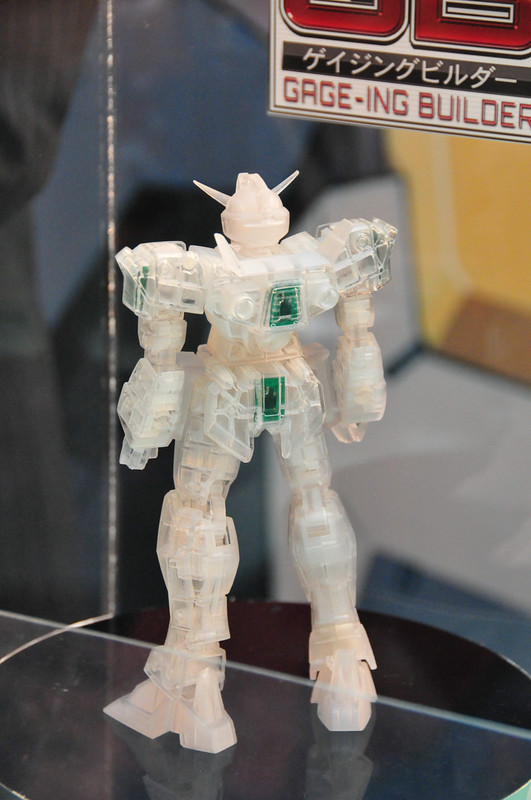
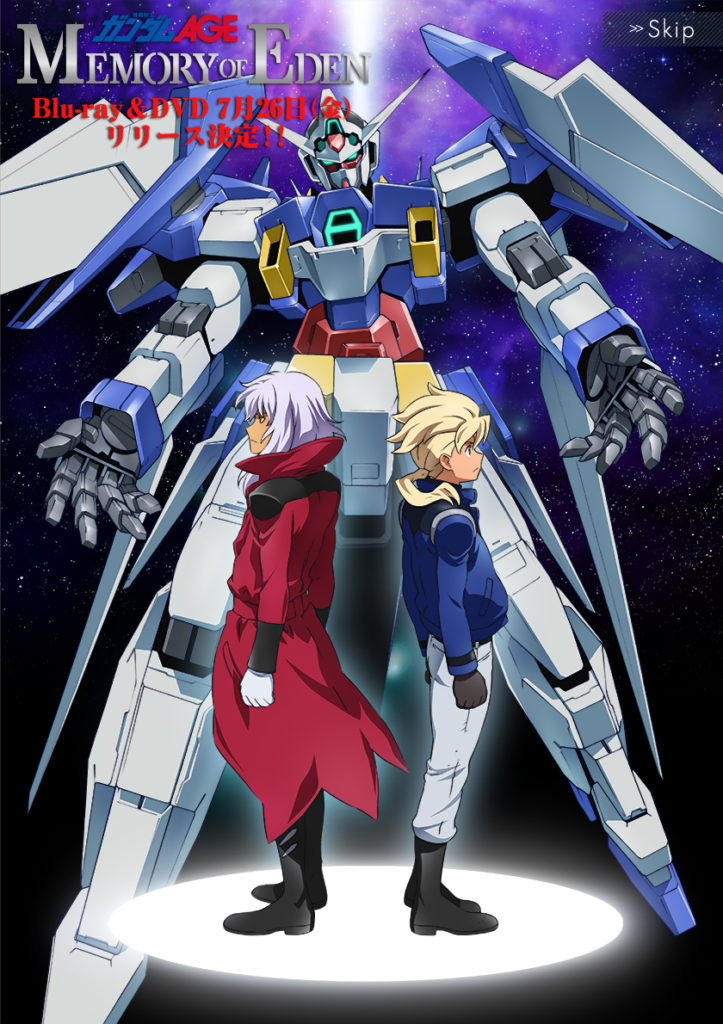
This technology brought me back to Mobile Suits Gundam AGE (機動戦士ガンダムAGE) for their RFID embedded toyline: 1/100 GB grade (Gage-ing Builder – http://gage-ing.com/gb/) and 1/144 AG (Advanced Grade アドバンスドグレード). In the animation, the main character, Flit, also invented a life-size all-in-one Gundam part fabricator called the AGE Builder system which was so relevant and cool to me when it came out in 2011.
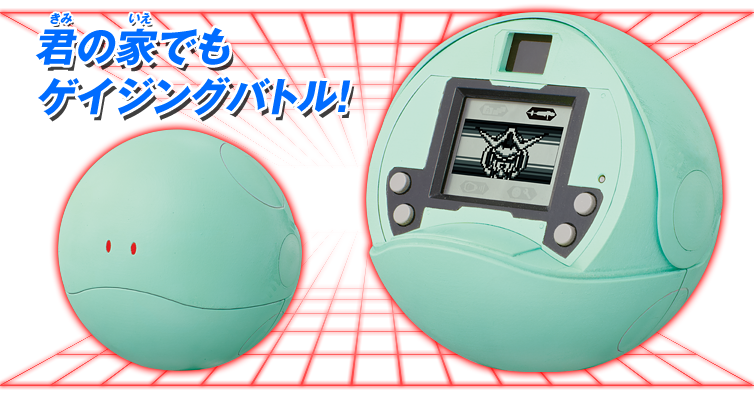
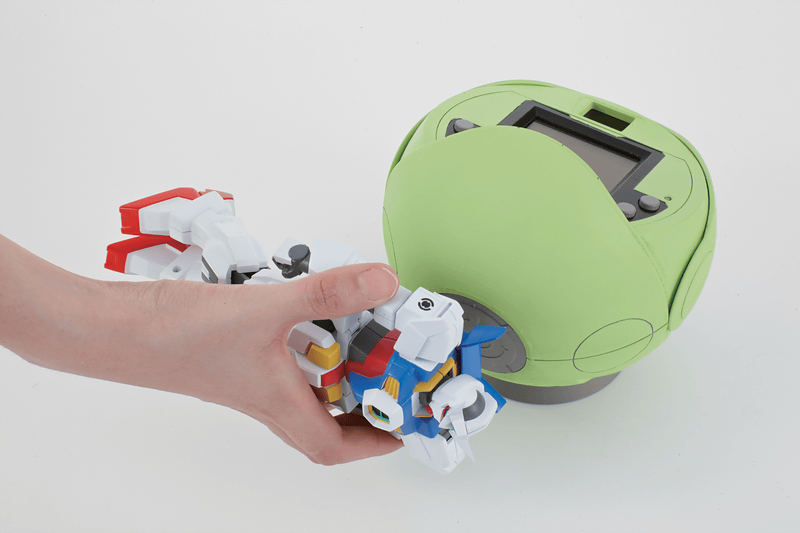
The GB grade Gundam toys or model kits have 4 modular and detachable parts: the left arm, the right arm, the torso, and the lower body. Each part has an RFID tag embedded to it. Players can customize their GB grade Gundam with parts from different kits and play a Tamagotchi-like game with the Gage-ing Haro (sold separately). When registering a new configuration, players scan all the GB parts one by one with the RFID reader in the back of Haro.
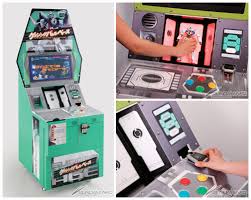
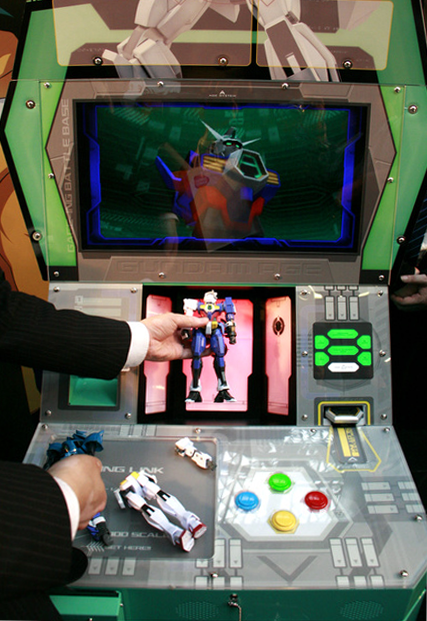
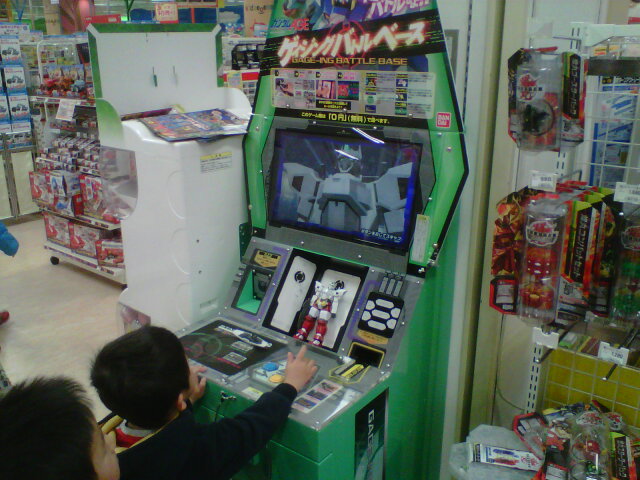
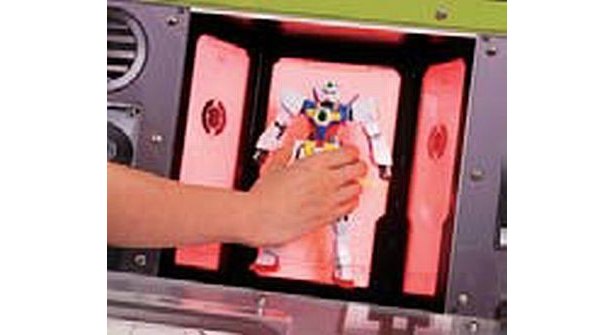
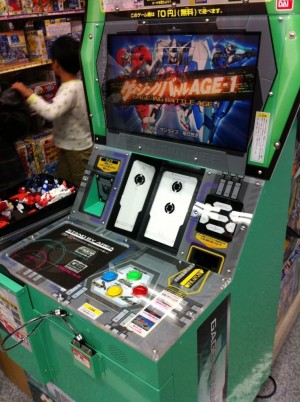
There is also an arcade version of the game (ゲイジングバトルベース) with full-model scan available in selected stores across Japan. However, I don’t think the scanner was made with the anti-collision algorithms reader. Most likely it is just 4 RFID readers placed away from each other and read the 4 tags separately.
Mobile Suits Gundam AGE toyline has to be one of the most ambitious and technology savvy in the Gundam universe. However, I felt the storyline failed to capture the mature audience. It was an uphill battle for them coming after the dramatic Mobile Suits Gundam 00 series. On the other hand, the younger audience didn’t appreciate as much the efforts went into the technology side of the model kits.
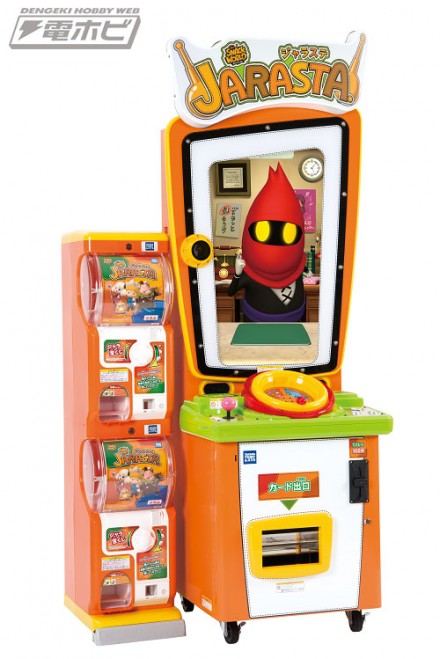
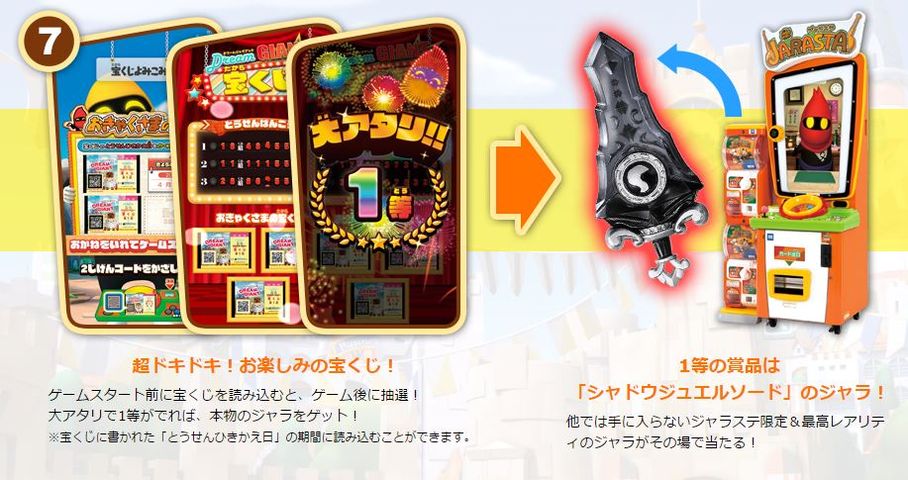
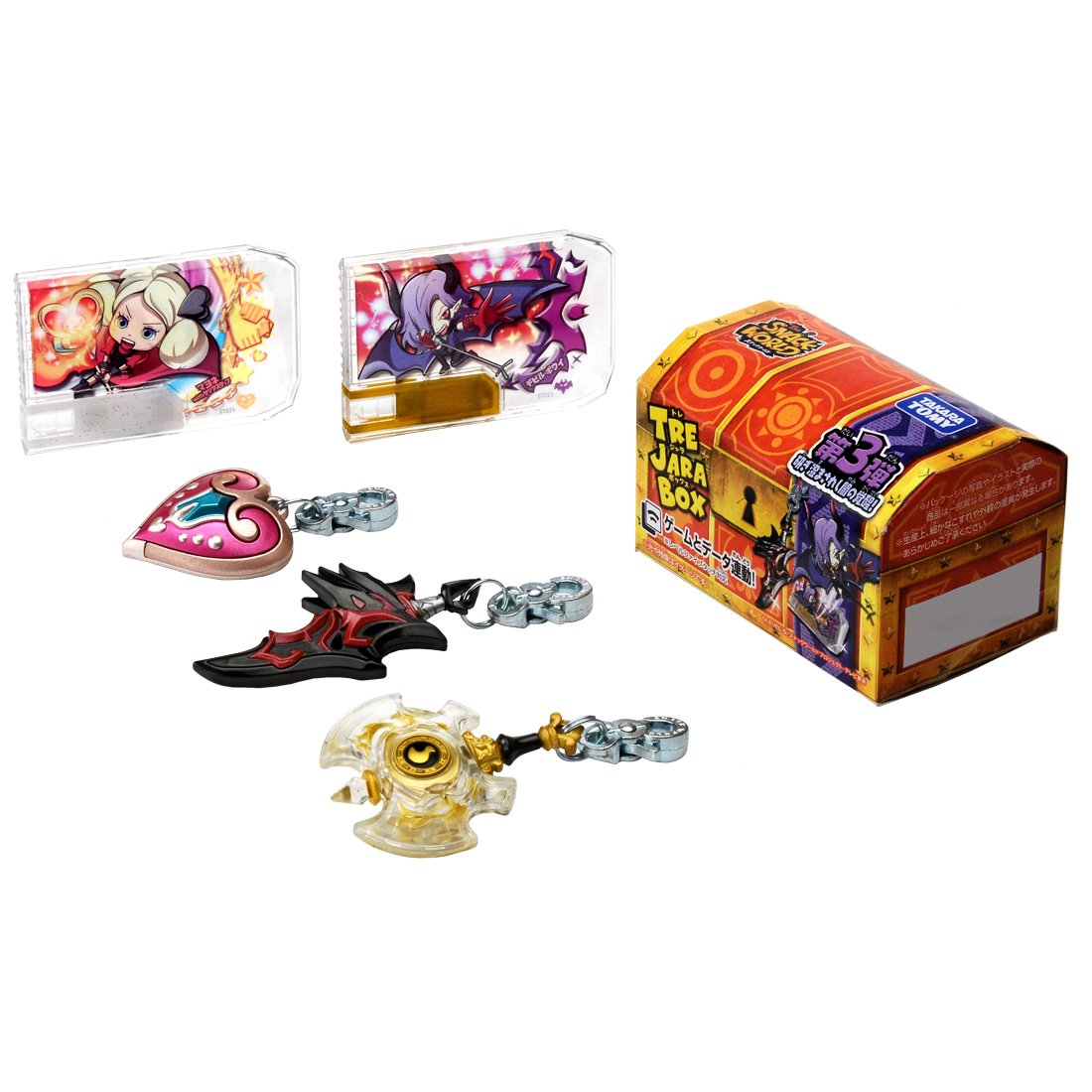
An arcade game that definitely uses an RFID reader with anti-algorithms is SNACK WORLD (スナックワールド ジャラステ, 2017). It is an RPG game that players can either gain collectable weapons and supporting characters in dungeons or find them in boost boxes from toy stores. The arcade machine came out with 2 to 4 capsule vending machines attached to the side of the cabinet that are controlled by the game. There is a huge rotating bowl in the middle of the arcade machine where players can drop in up to 6 collectables for power-up.
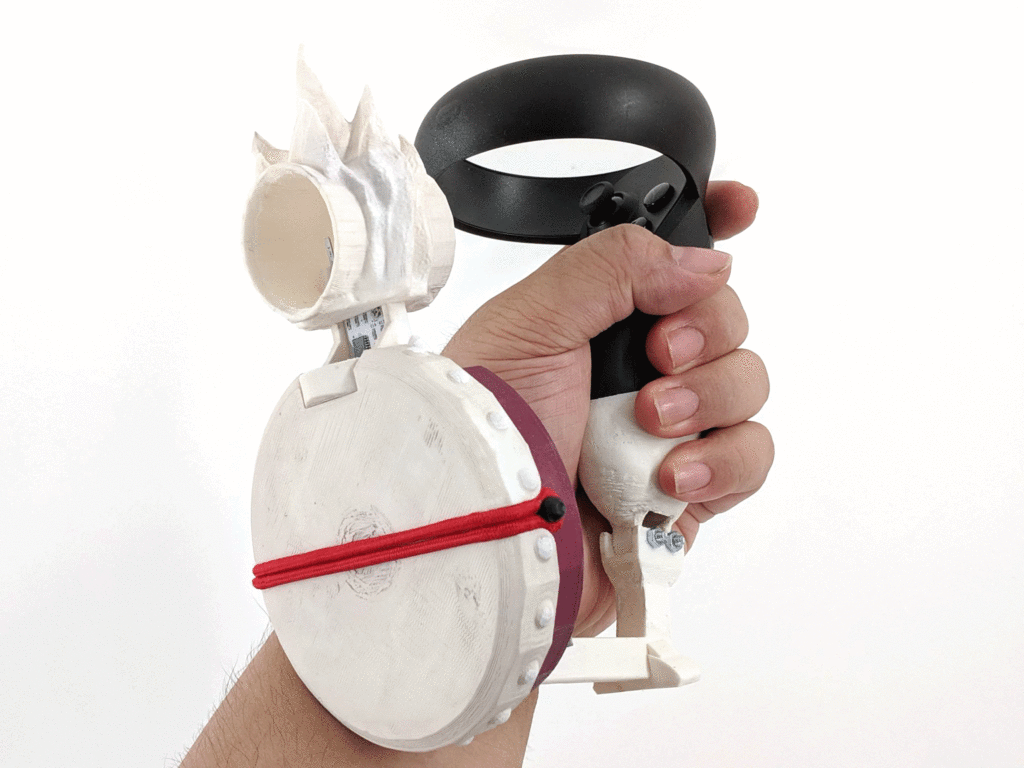
Bubblemancer is a 1st person VR ready post-apocalypse zombie V.S. warlock survival game. The player blows air to the magic artefact to bubble up monsters and snap the string to burst them to one hell of pain!! This is made possible with a custom game controller.
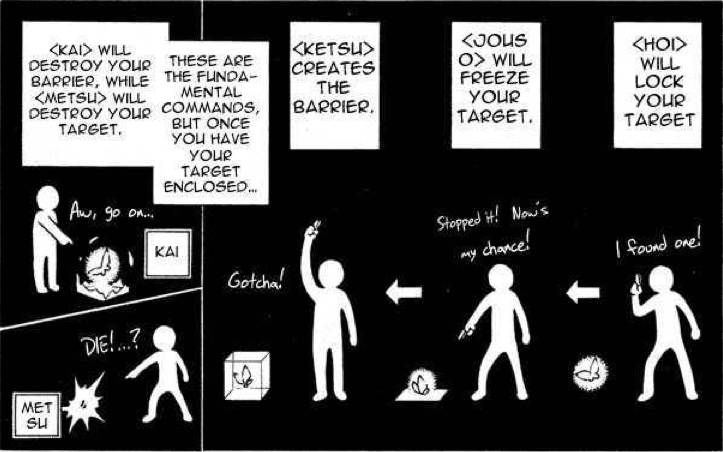
I have been wanted to make a play experience inspired by the KETSU and METSU combo in Kekkaishi (結界師), one of my all-time favorite animes. I had this idea since Microsoft Kinect came out, the gesture of pointing at a monster and create a barrier seems like a perfect fit for sensors like Kinect. However, I never got around to make it. Now I might be able to achieve that dream with this new controller that I am building.
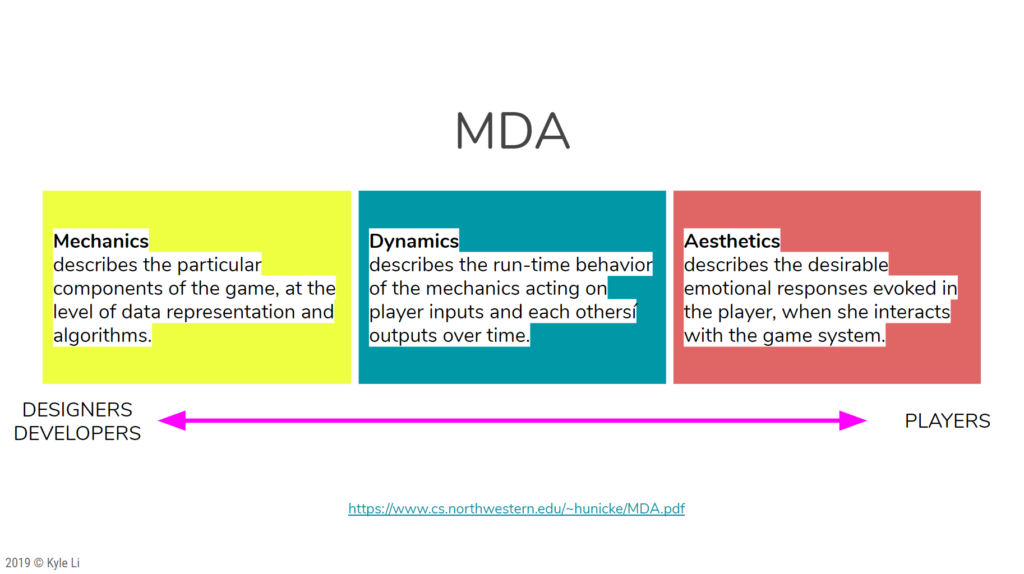
I use the MDA theory when it comes to designing playful experience. It is a very straight forward and friendly framework no matter if you are a player, a developer, or a game designer. It helps you systematically break down a playful moment to tiny little things you need in order to (re)create the moment.
Aesthetics: Create an embodied play experience that is similar to the KETSU and METSU moment in Kekkaishi with a speciality controller.
Dynamics: 1. Look at the target 2. Blow bubble at it (Particle Effect) 3. Enclose it in a bubble or attach to it (Sound) 4. Snap the string to send out a shockwave (Visual ring ripples out on the ground) 5. Shockwave bursts bubbles (Particle Effect and Sound) 6. Burst bubbles damage the target
Mechanics: 1. animated target walking towards camera 2. animation of crunching in a bubble 3. collision and placement of bubbles 4. shockwave collision (distant, speed & time) 5. damaging calculation
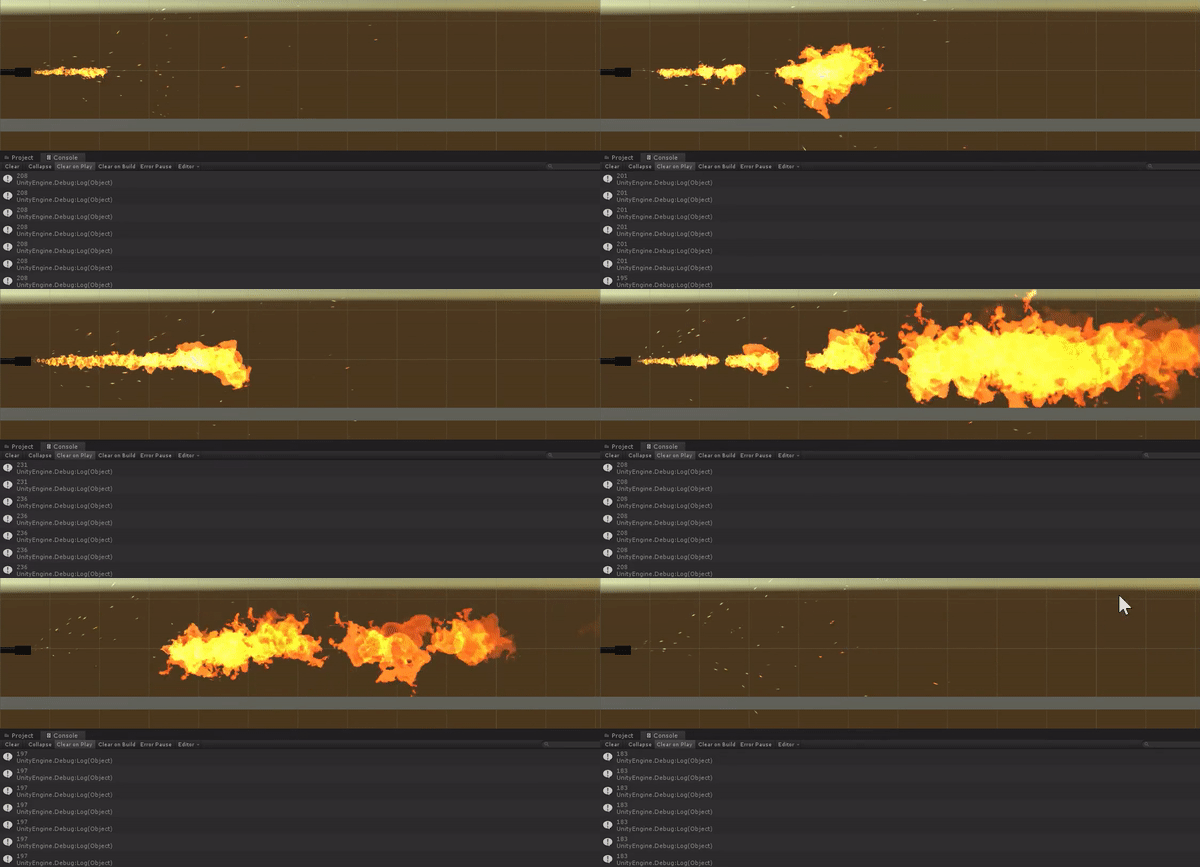
This is a game controller that enables the player to blow fire into the virtual world. It started out as a study of an electronic sensor and the findings were satisfying. The response time between the player action and sensing speed is quick enough for me to turn it into a meaningful and embodied play experience.
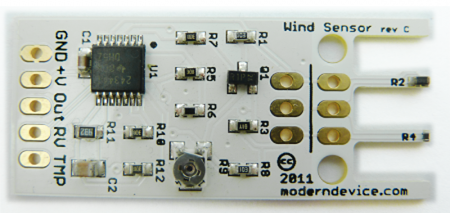
I purchased two wind sensors from ModernDevice.com many years ago, finally inspired to do something with them.
The first thing that came to me is Sasuke’s Great Fire Ball Jutsu ( Gougakyu No Jyutsu 豪火球の術).
The setup is pretty straight forward with Arduino, all I needed to do to read the RV pin with the analogRead. The sensor is capable of picking up very subtle changes in air movement around it. It works really well with detecting breath as well. I hooked it up to a flamethrower in Unity3D. I linked the serial data to the startSize and startSpeed properties of the particleSystem. Fireball is coming!
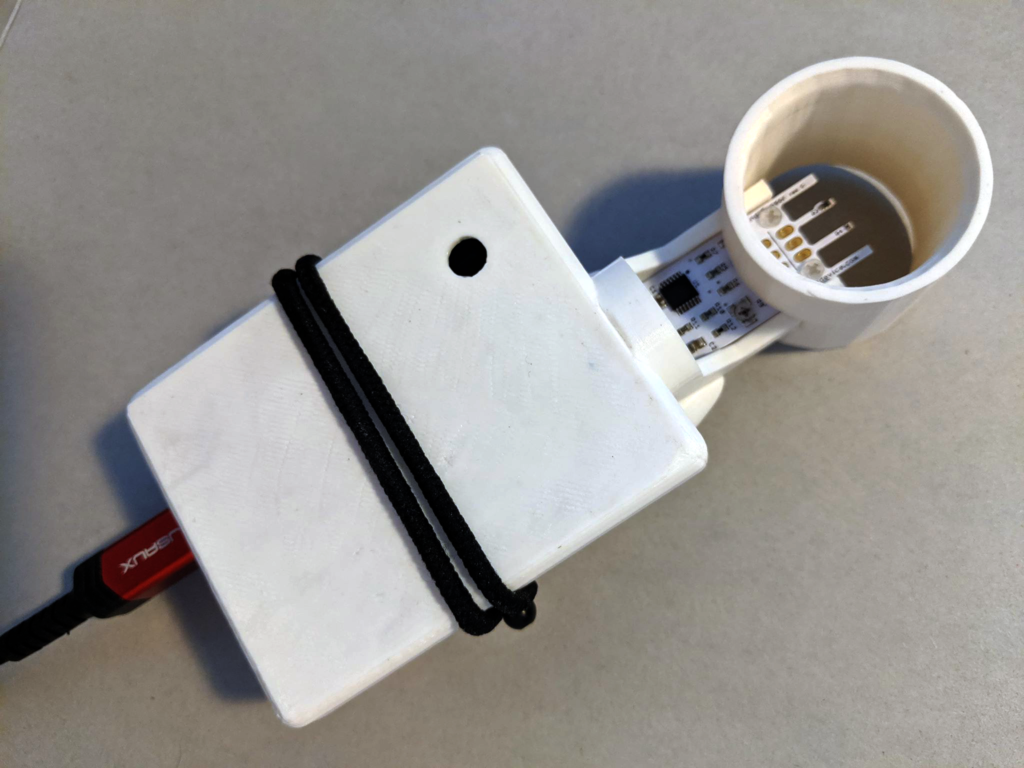
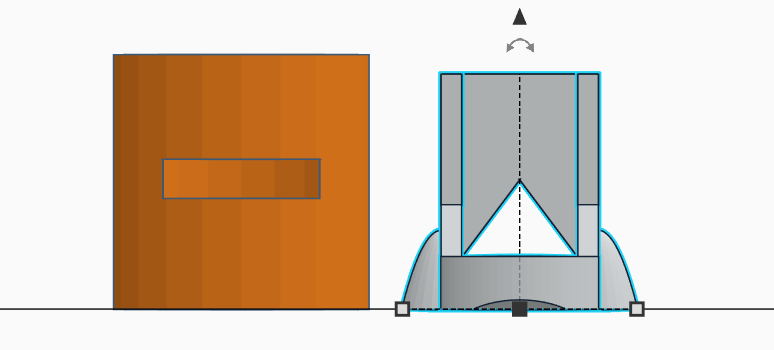
I made a stand for it on Tinkercad, so I can mount it on to my Arduino box. I also made a tube-like windshield to go around the sensor. By doing so, I was able to eliminate air coming from other directions and boost the strength of the reading by up to 20.
/*

 Hardware Setup:
 Wind Sensor Signals    Arduino
 GND                    GND
 +V                     5V
 RV                     A1

 Vibration
 Signal                 A3

 LED
 PIN                    6

*/

#define analogPinForRV 1  // change to pins you the analog pins are using
#define analogPinForPR 3
#define LEDPIN 6

const float zeroWindAdjustment = .2;  // negative numbers yield smaller wind speeds and vice versa.

int ANALOG1, ANALOG2;

void setup() {
  // put your setup code here, to run once:
  // initialize serial communication at 9600 bits per second:
  Serial.begin(115200);
  Serial.println("start");

  pinMode(LEDPIN, OUTPUT);
  digitalWrite(LEDPIN, HIGH);
}

// the loop routine runs over and over again forever:
void loop() {

  ANALOG1 = analogRead(analogPinForRV);
  ANALOG2 = analogRead(analogPinForPR);

  // print out the value you read:
  Serial.print(ANALOG1);
  Serial.print('|');
  Serial.println(ANALOG2);
  delay(10);  // delay in between reads for stability
}
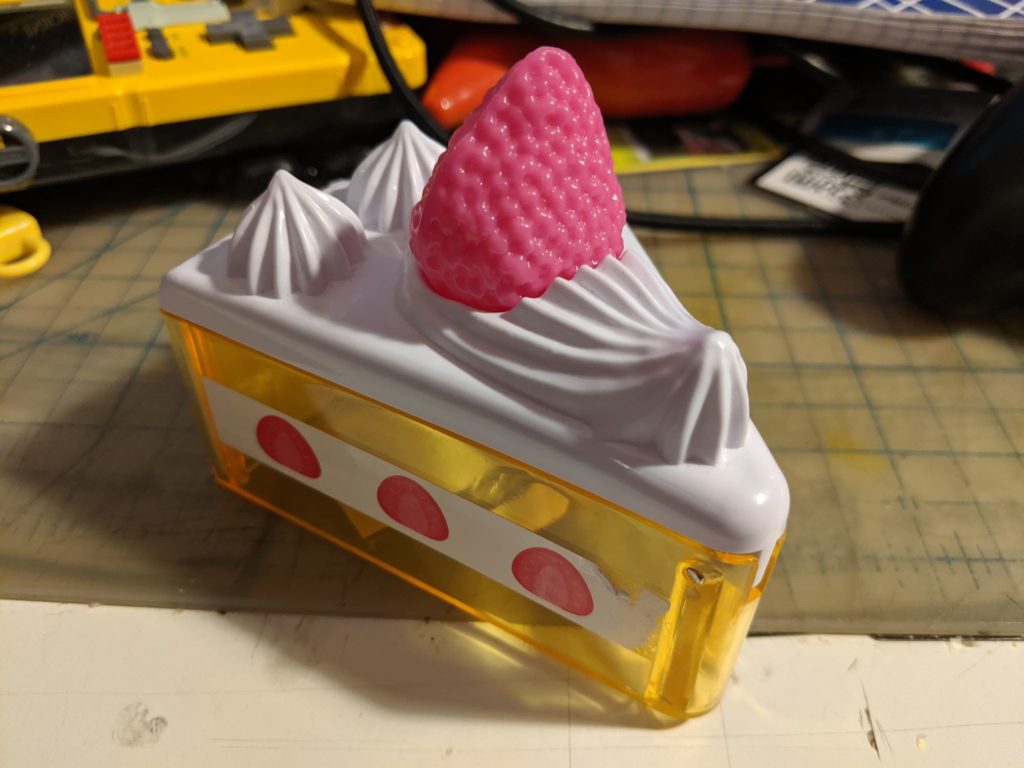
Bumped into a strawberry cake shaped candy box at a Japanese deli nearby school today. I want to turn it into a game controller. The plastic strawberry on top is detachable so I decided to make a strawberry fishing game with this cake box. Imagining a candy box desperately want to become a fruit cake – oh wow.
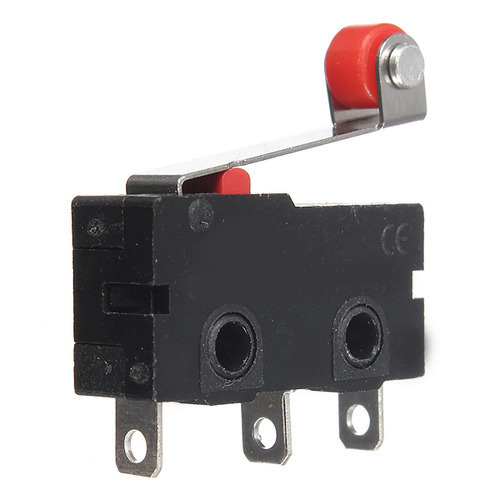
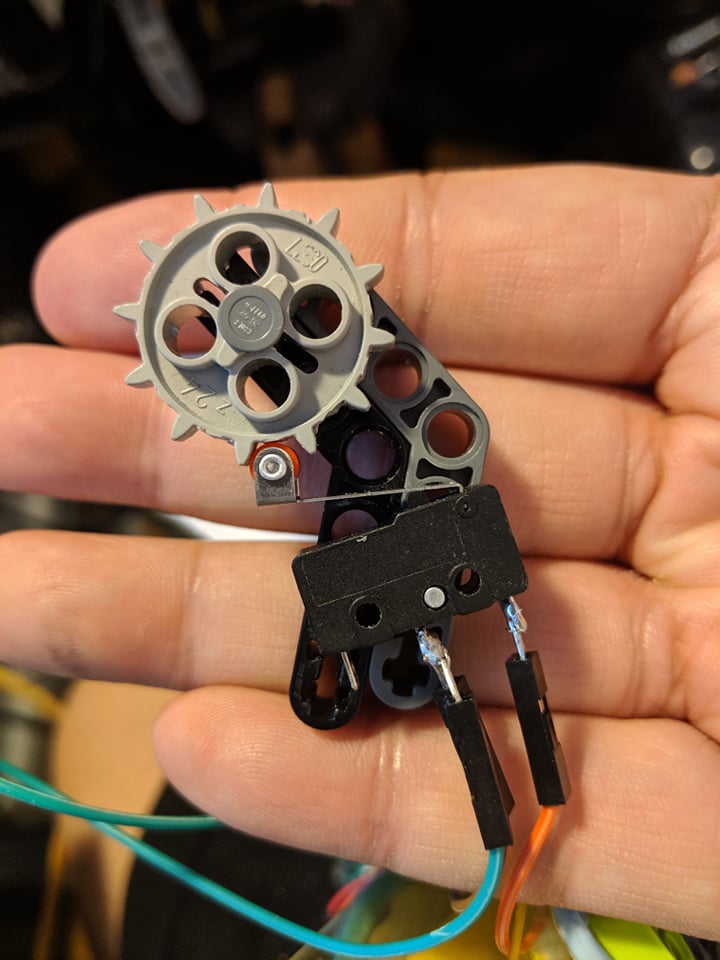
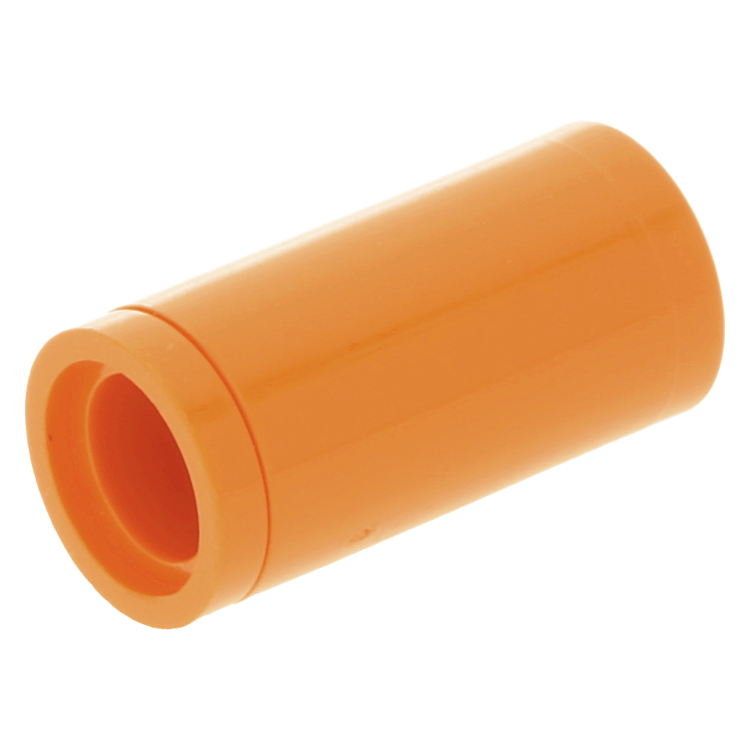
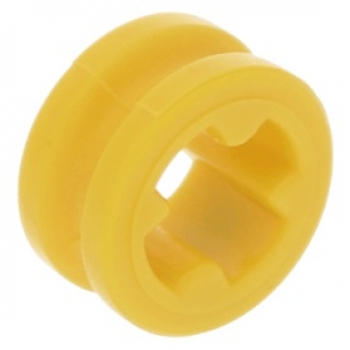
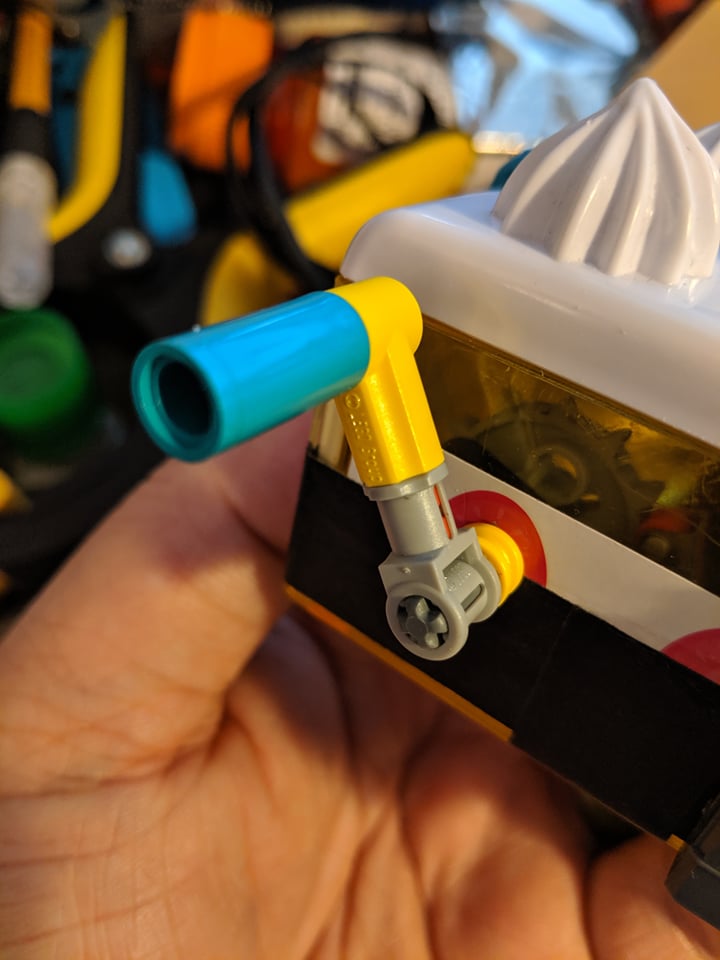
With some Lego Technic parts and a lever switch, with some super glue, I made a simple fishing mechanism that allows the player to “fish” the top fruit piece.
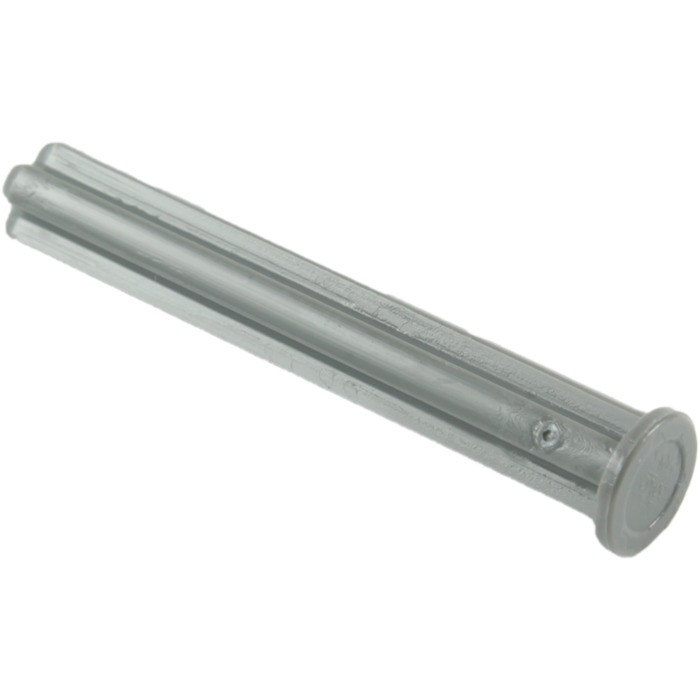
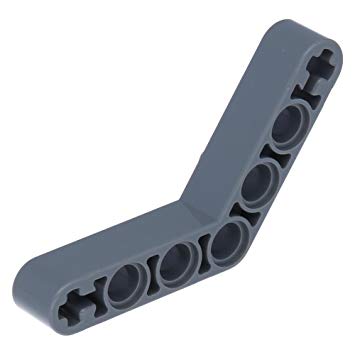
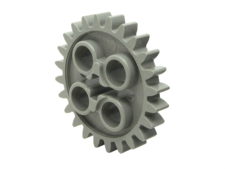
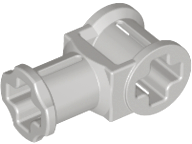
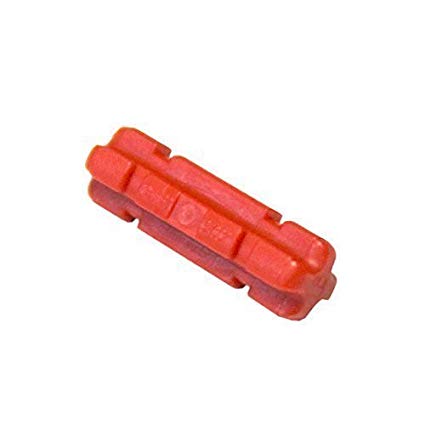
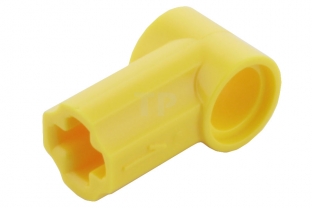
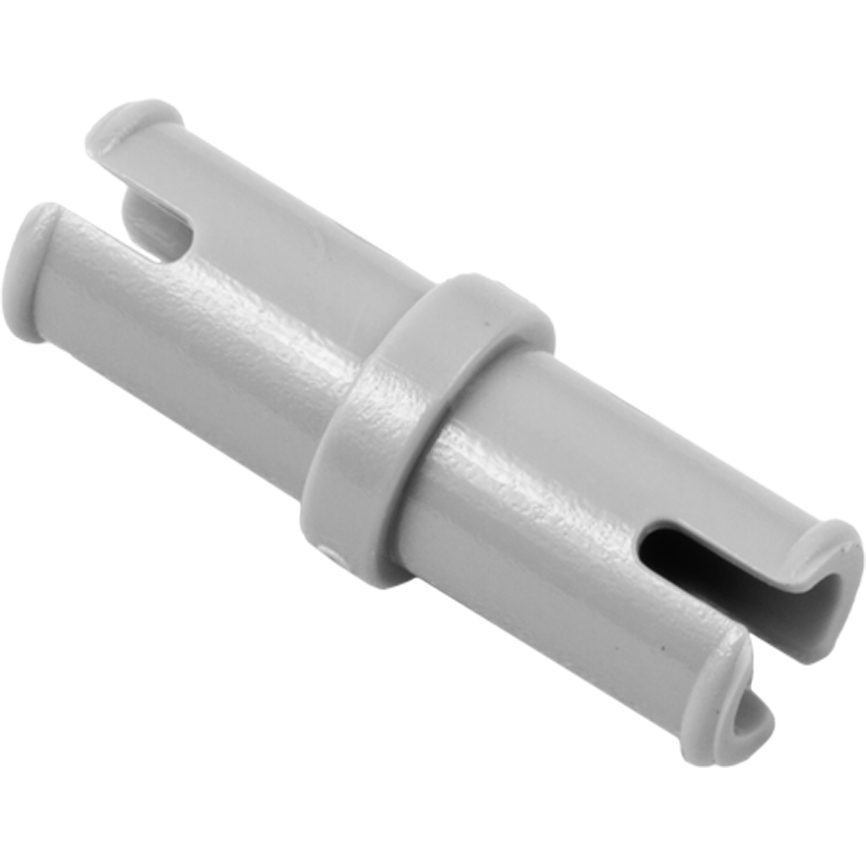
Core mechanism: 1 Limit (Lever) Switch Roller 1 Lego Axle 4 with End Stop (87083) 1 Lego Technic, Liftarm 1 x 7 Bent (4 – 4) Thick 1 Lego Technic Gear 24 Tooth
Limit (Lever) Switch Roller
Lego Axle 4 with End Stop (87083)
Lego Technic, Liftarm 1 x 7 Bent (4 – 4) Thick
Lego Technic Gear 24 Tooth
I removed half of the teeth on the gear to make enough space for the lever switch to click and bounce back. I experimented with different locations for the lever switch in relation to the gear and found the most smooth one and glued it down. The extra technic arm (grey) to the right is glued to the black one for support also provides a bigger contact area for the switch.
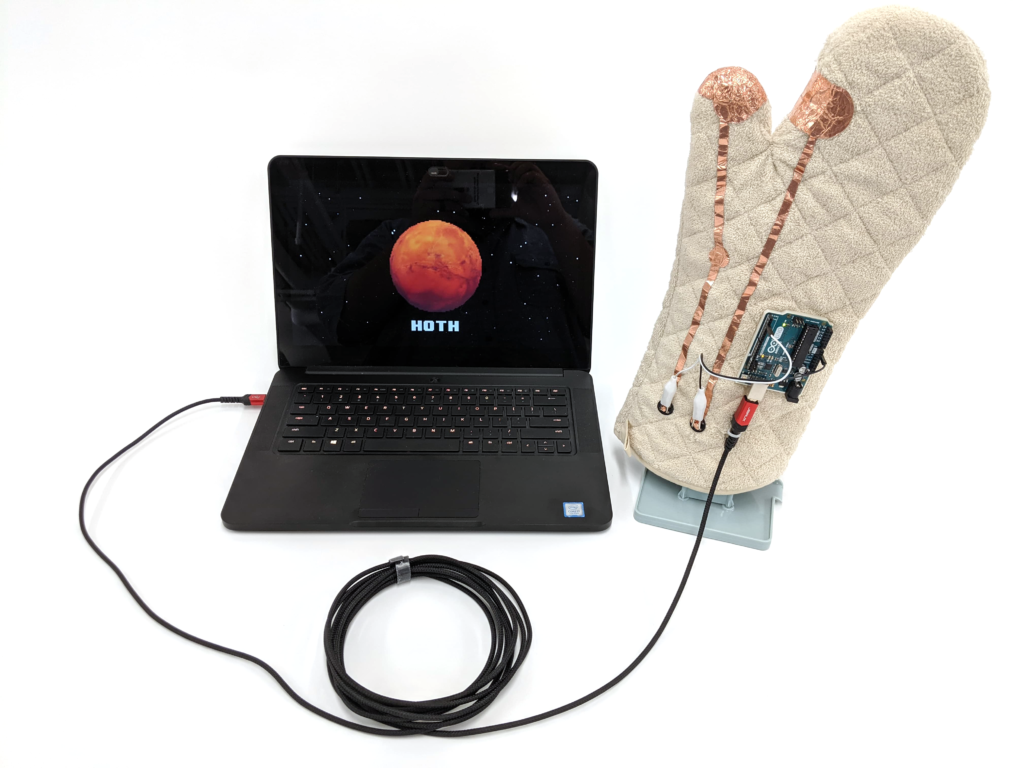
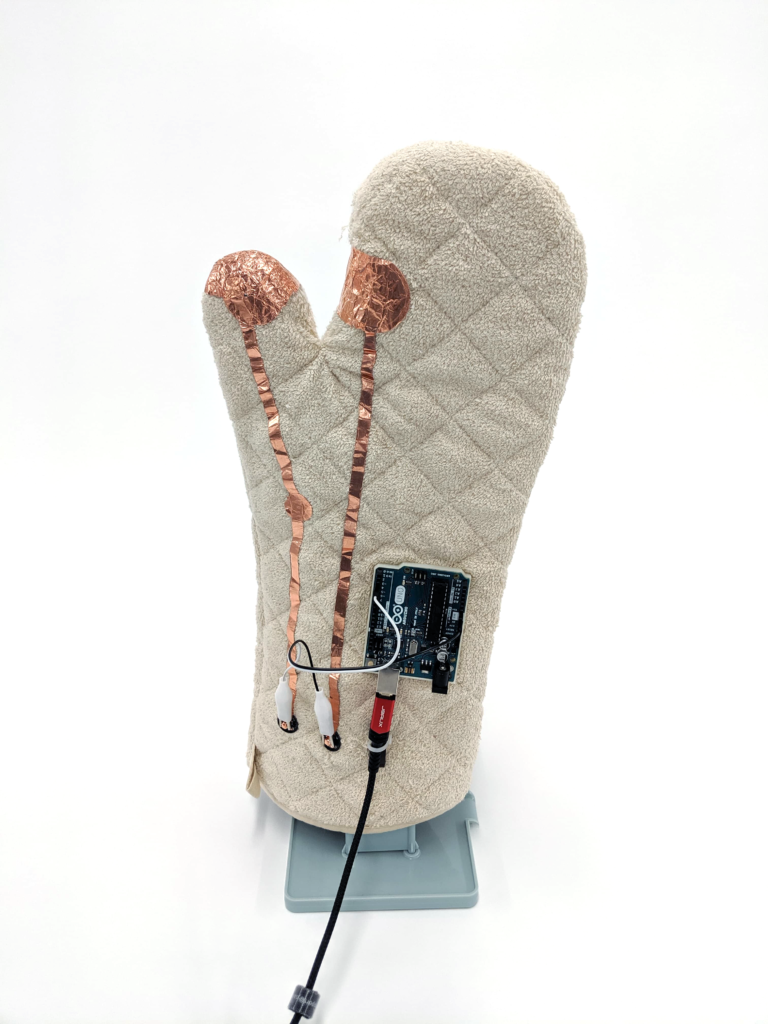
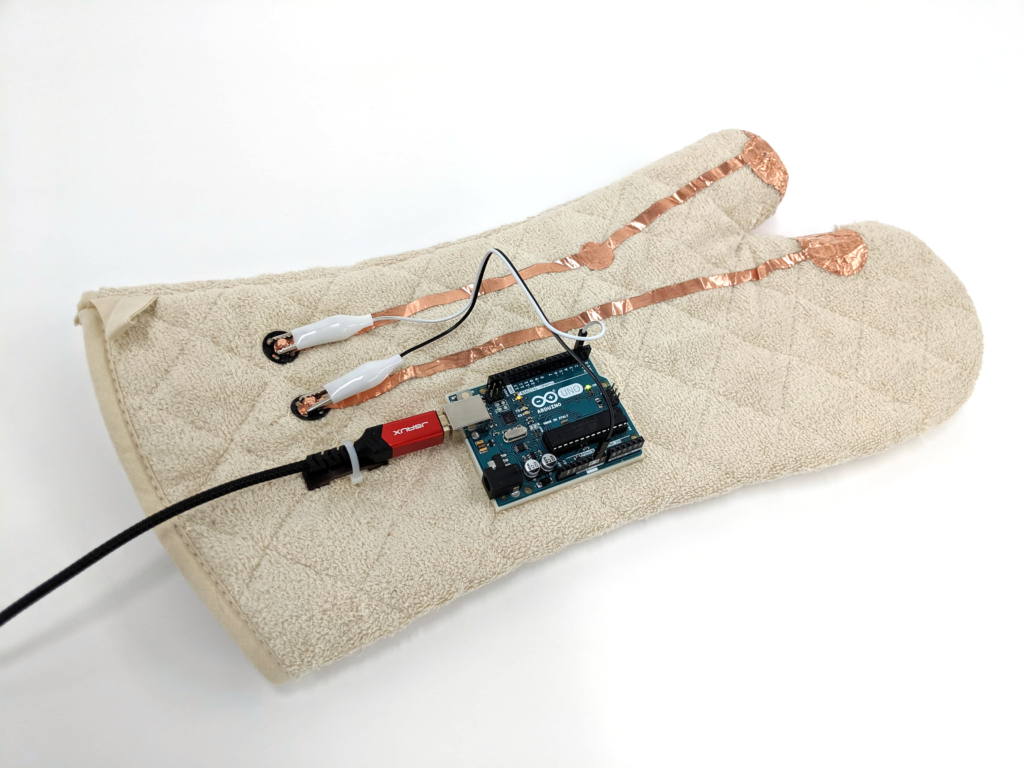
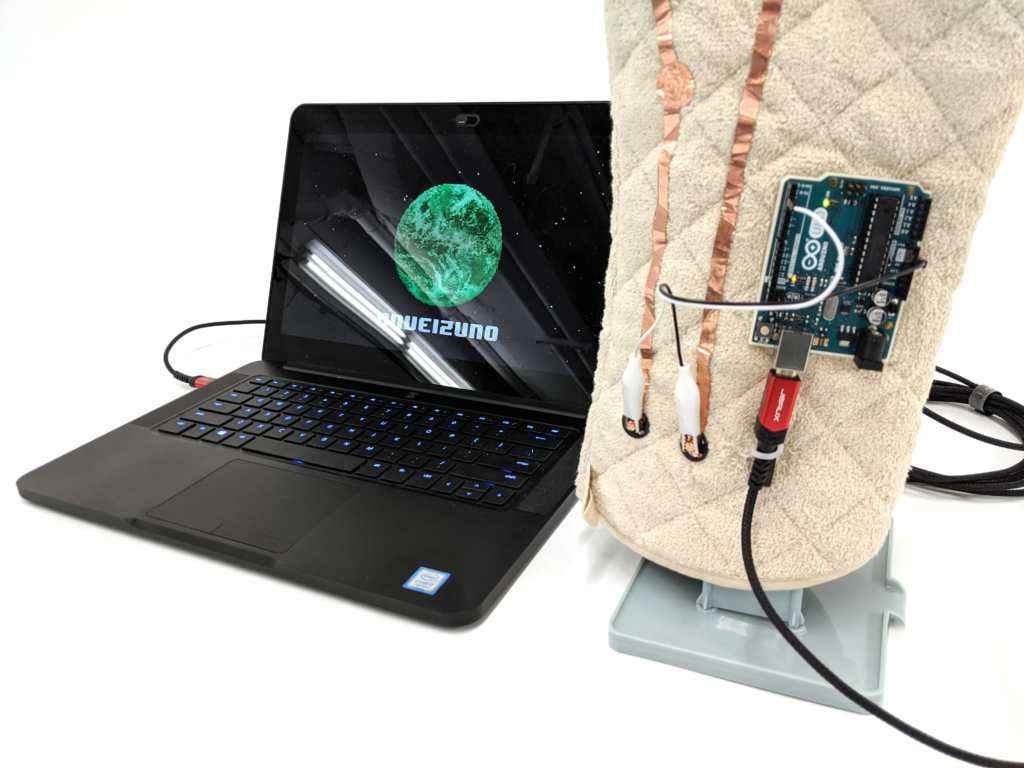
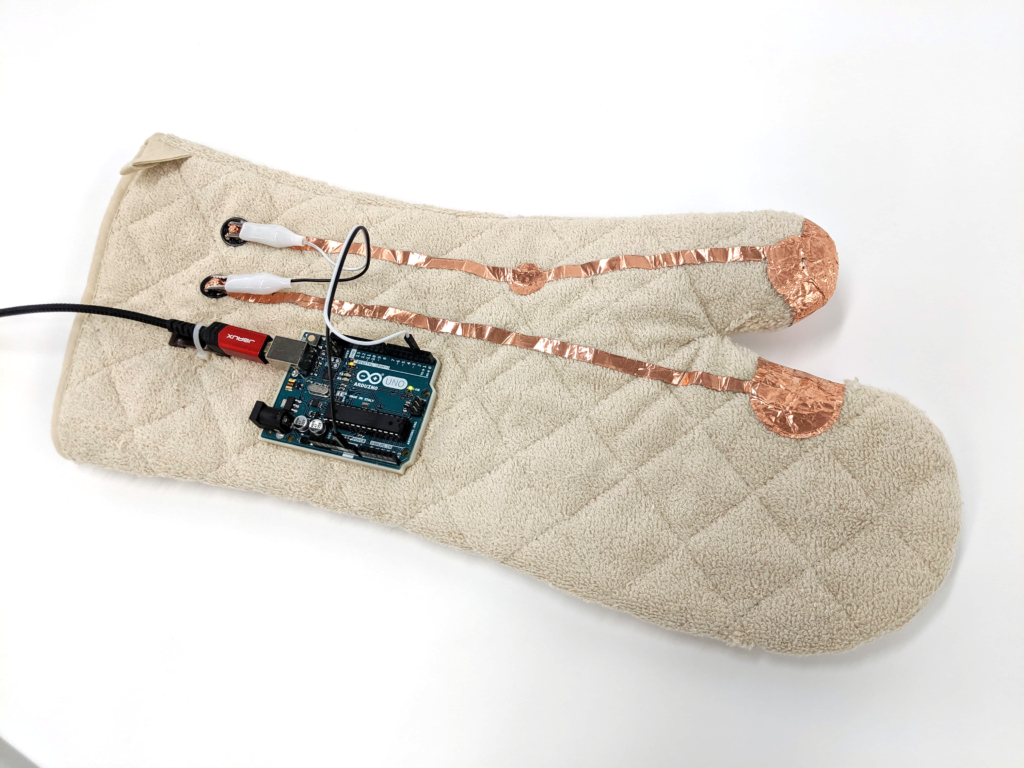
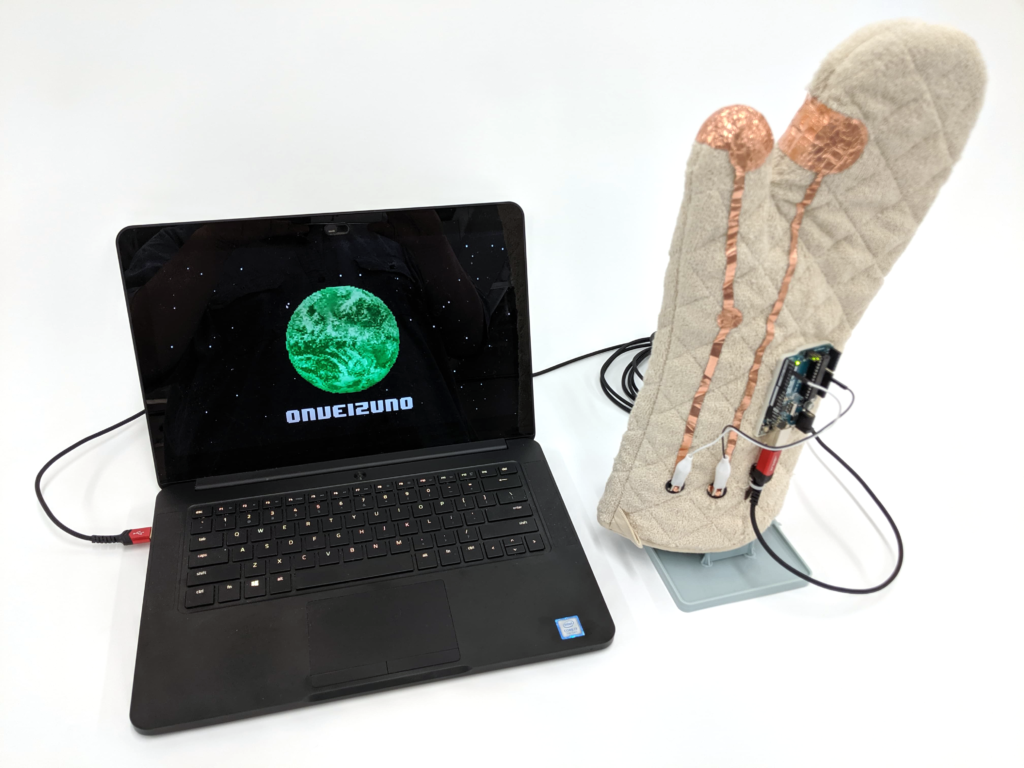
Infinity Mitten is a solitary digital world destruction simulator. When a digital planet is located on the screen, the mitten wearer reads the name of the planet out loud followed with a reason to destroy it. Unlike Thanos and his Infinity Gauntlet, we wipe one planet at a time. (and we tell them why!)
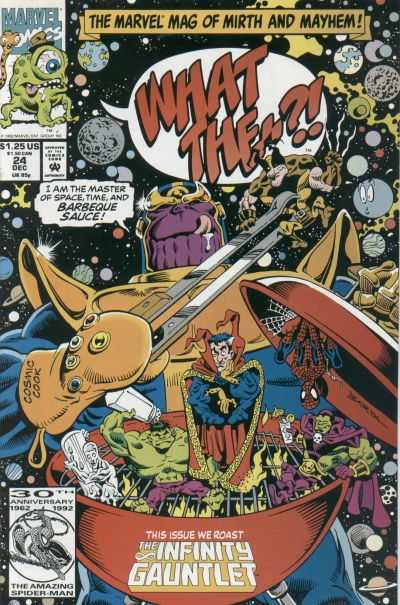
After watching Avengers: End Game, I had been looking for an Infinity Gauntlet mitten. Without knowing the Infinity Mitten was actually a thing in the comic, a mitten is the closest thing to an infinity gauntlet I have in real life. When I put it on, I am the most powerful person in the kitchen universe.
What The–?! #24 – The Infinity Mitten released by Marvel on December 1, 1992.
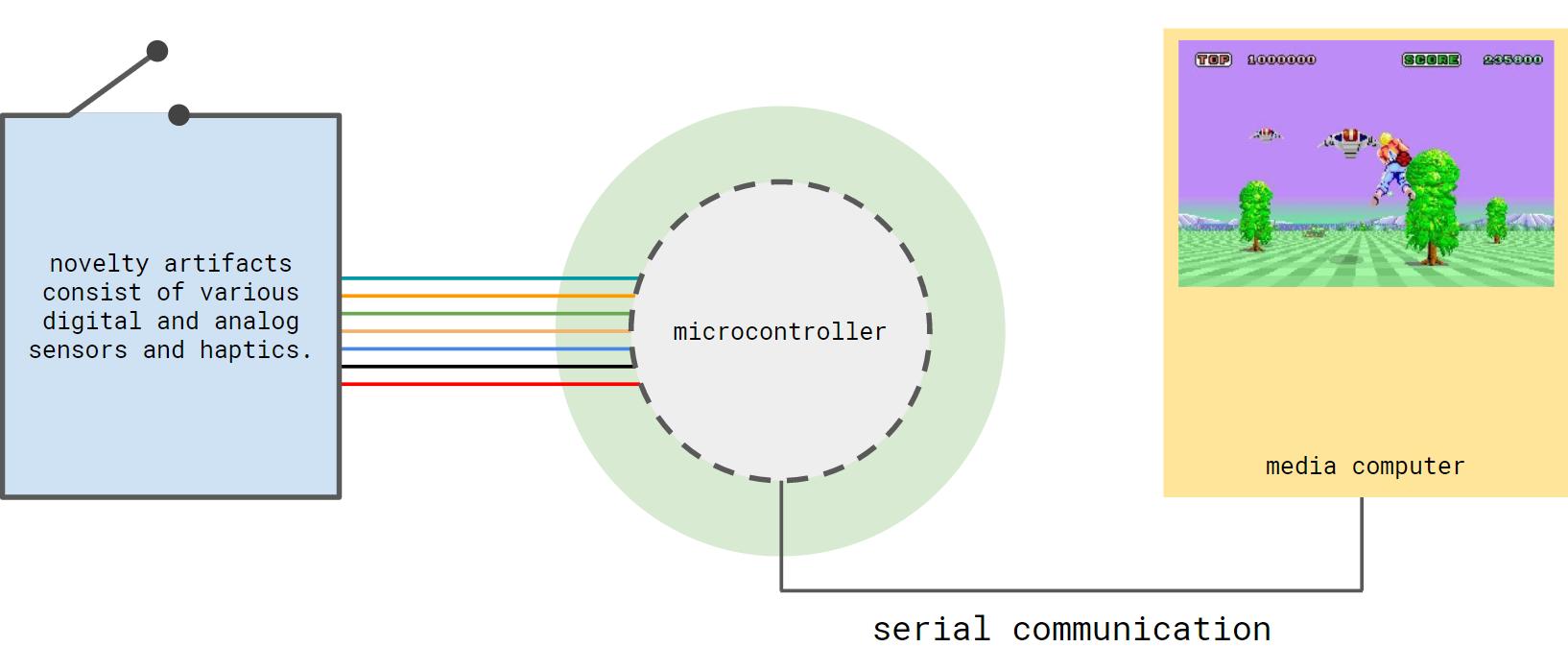
Last week at our first New Arcade class, I drew a diagram on the board to show how our first basic pipeline worked. For the physical interface, I spontaneously drew an Infinity Gauntlet with buttons (jewels), LEDs, and haptics. In one of the slides that Henry, my co-teacher, was showing there was a picture of a toaster. For demo sake, I decided to make the infinity mitten idea a reality, and the kitchen universe where a toaster can be found becomes the inspiration.
introduction to the initial pipeline
Creating that vaporizing effect on digital planets in Processing:
I built a planet name generator based on this website, very good names.
I am going to lead a design and technology workshop at the Shanghai Art and Design Academy (SADA) this summer. I eventually decided to build the workshop on Project Mapping, because of the diverse design backgrounds of the participants and short turnaround time. After I decided on the direction of the design content and main learning outcomes, I went through all the examples I made in the past and updated them to work with the current tools and technology.
I kept most of the interaction and creative control based examples that were built with OSC, midi I/O, and Leapmotion, and retired all the Internet of Things ones that were built with Littlebits, Beedotte, IFTTT, and ESP8266 due to the scope of this workshop. There are no major changes in VPT 8, so most of the update works were on the Processing side.
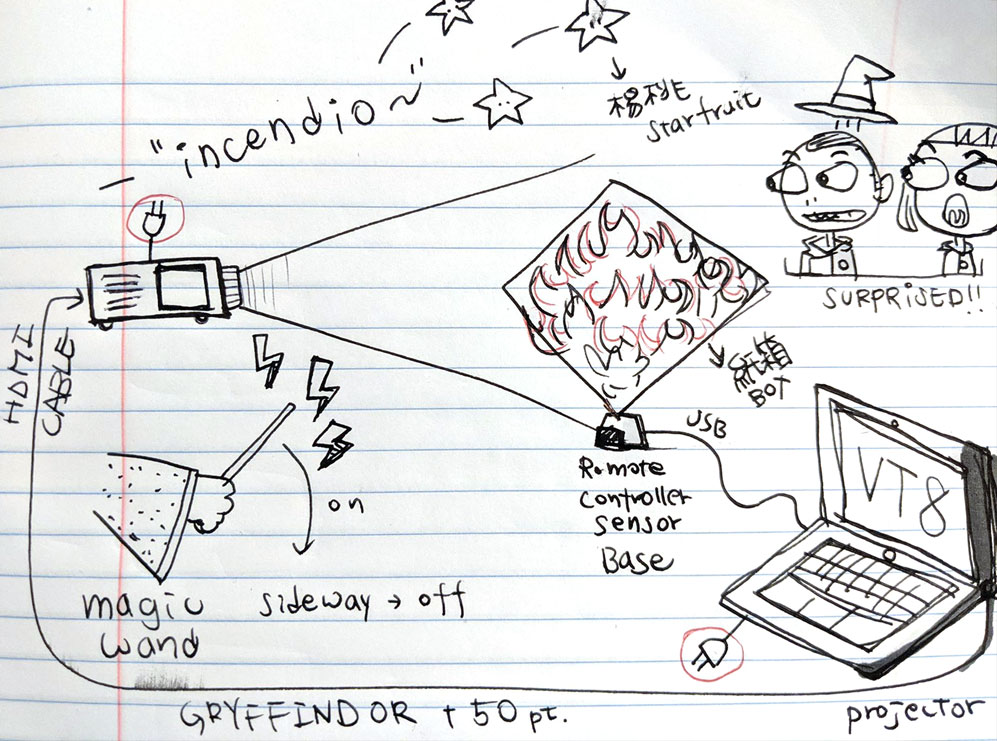
Updating old examples or coming up with new ones is in itself a creative process. Discovering new affordance makes me fall in love with an old technology that I had worked with before all over again. I am excited to teach Projection Mapping in 2019 now! Among the new examples I created for this workshop, my current favorite is the INCENDIO example inspired by the wizardry world of Harry Potter. In this example, the user can set the projected surface on fire (animated fire!) with a magic wand. This is made possible with a commercial TV remote wand, an IR TV remote encoder, Processing, and VPT8.
concept sketch
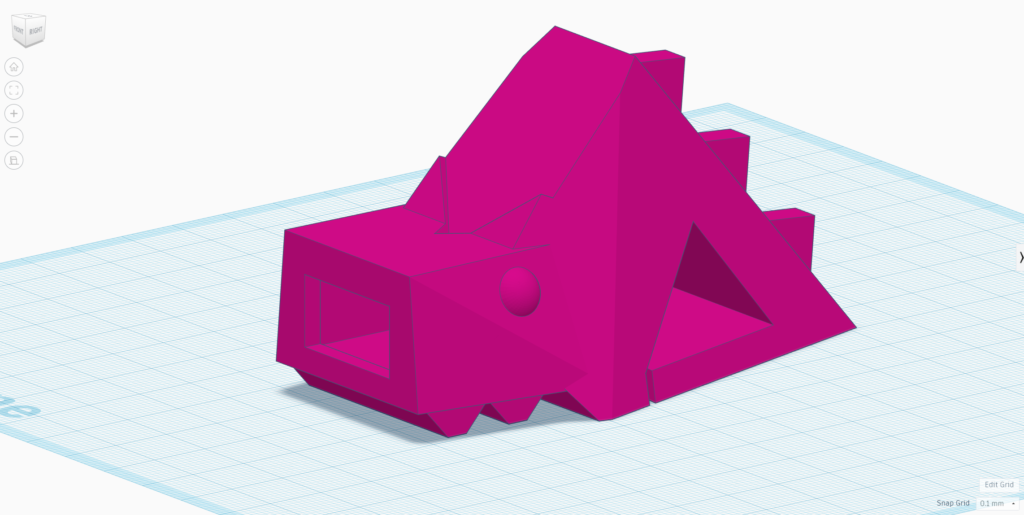
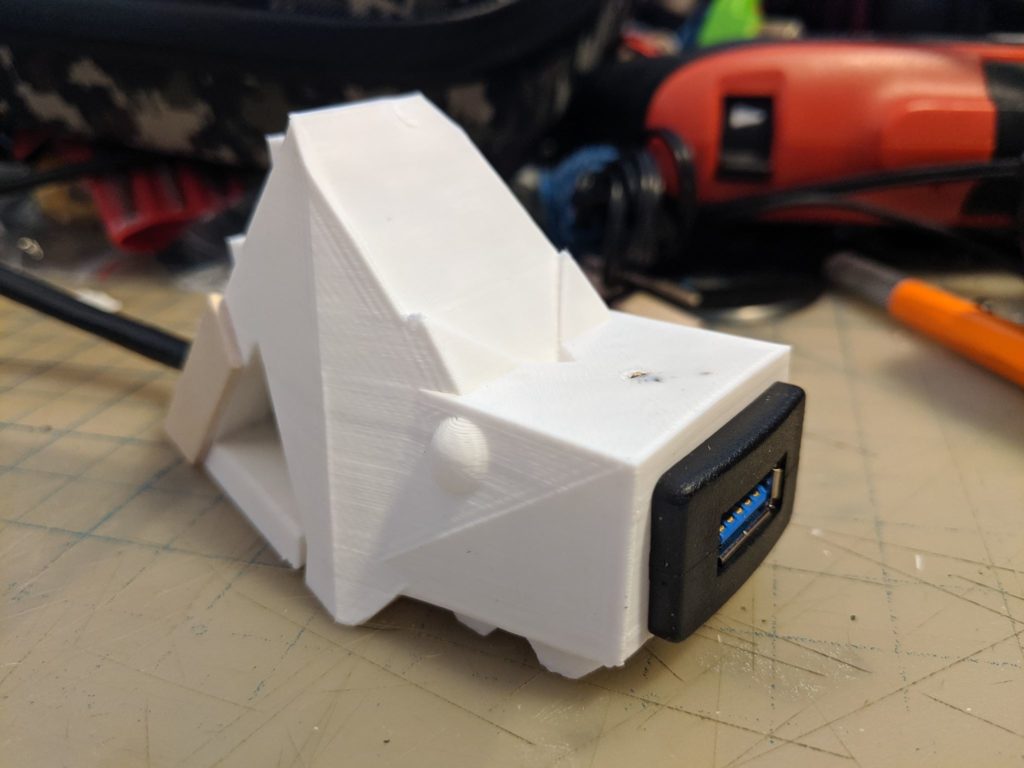
Trying to design a stand that can hold the white cardboard cube I used for the workshop and an extension USB cable for the TV remote sensor dongle. On the stand side, the goal is to cover the least amount of the surface at the front. It turned into a dragon fish at the end, it was magic.
the remote controller sensor base version 1fire.gifUSB Dragle (Dragon + Dongle)
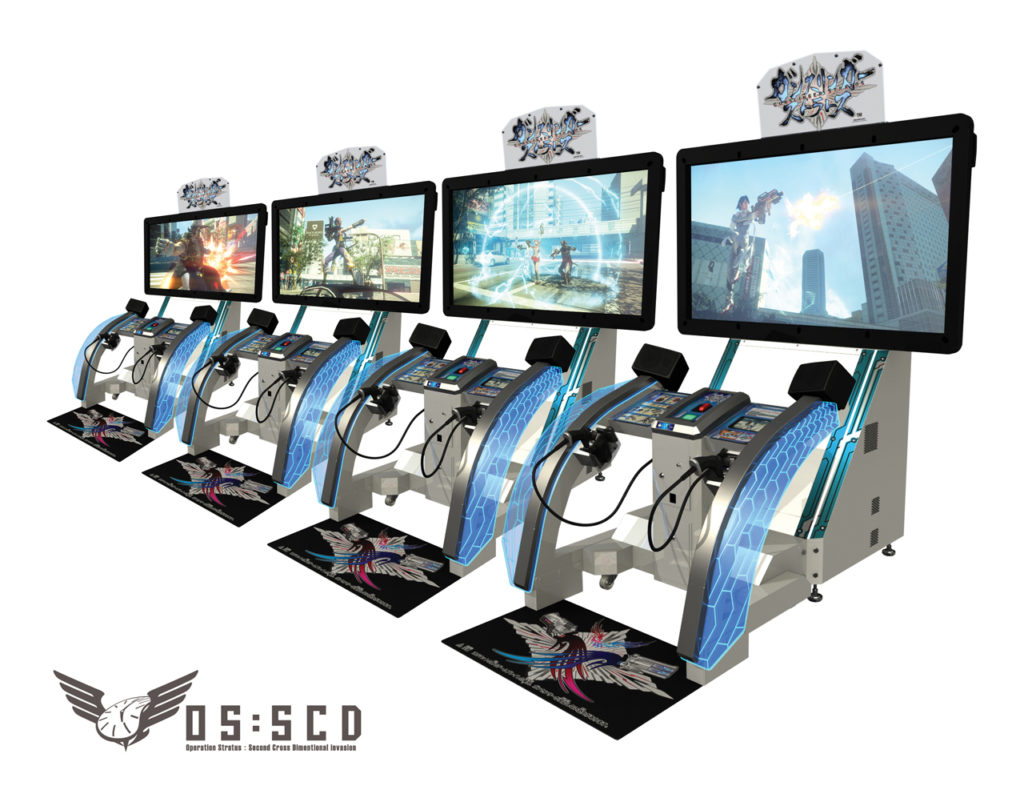
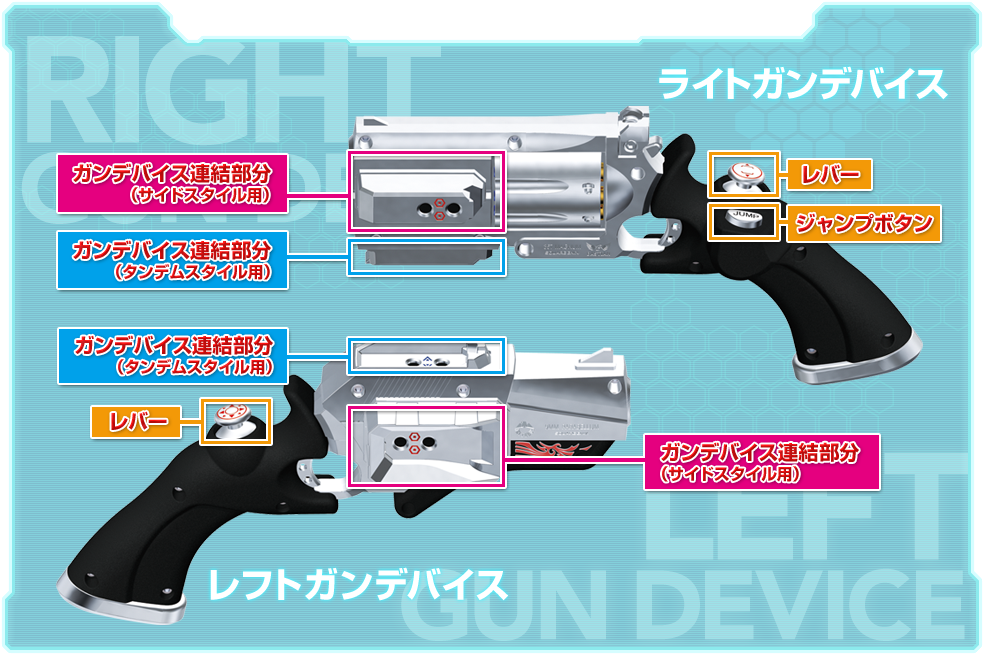
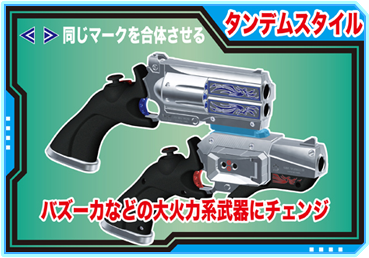
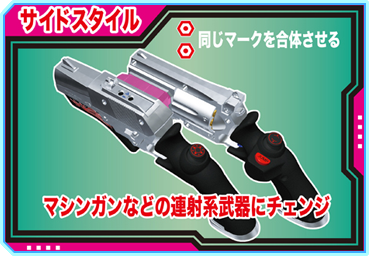
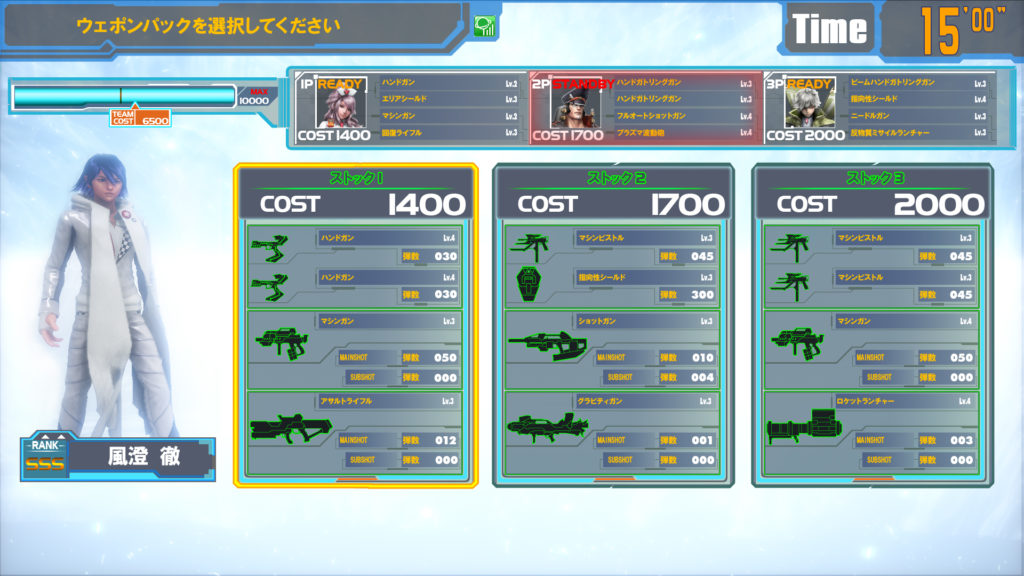
Gunslinger Stratos (ガンスリンガー ストラトス) is a 4 v.s. 4 third-person shooter arcade game came out in 2012. Every character in this game is equipped with some type of dual weapons. During the gameplay, players can transform their dual weapons into speciality ones based on situations such as a machine gun for rapid fire or a rocket launcher for more power. My favourite part is that these weapon transformations are initiated by combining the physical lightgun pieces in different ways.