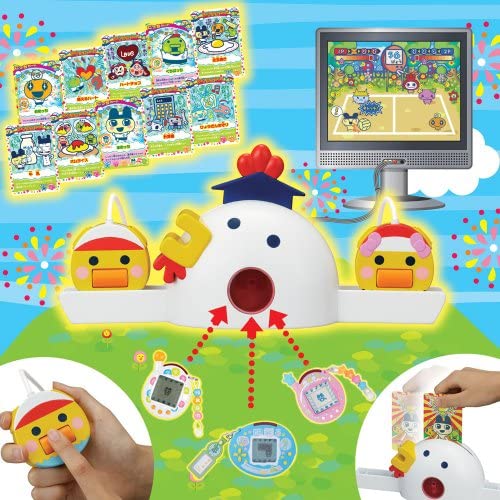
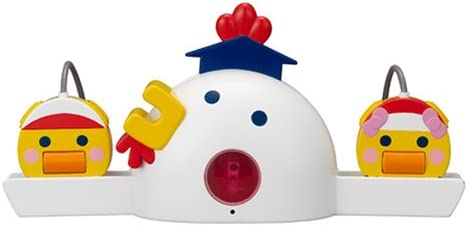
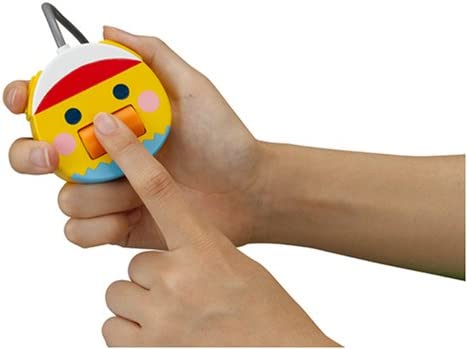
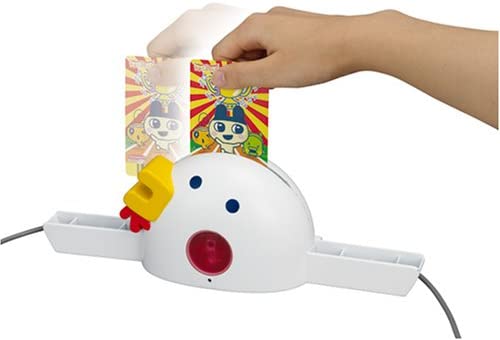
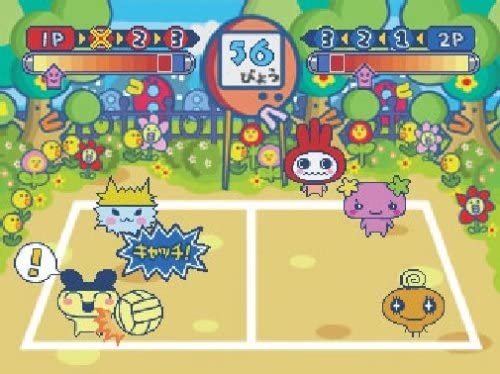
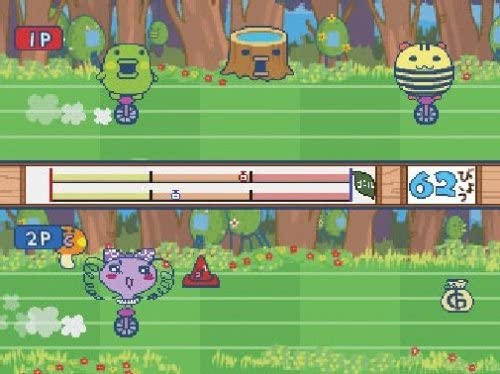
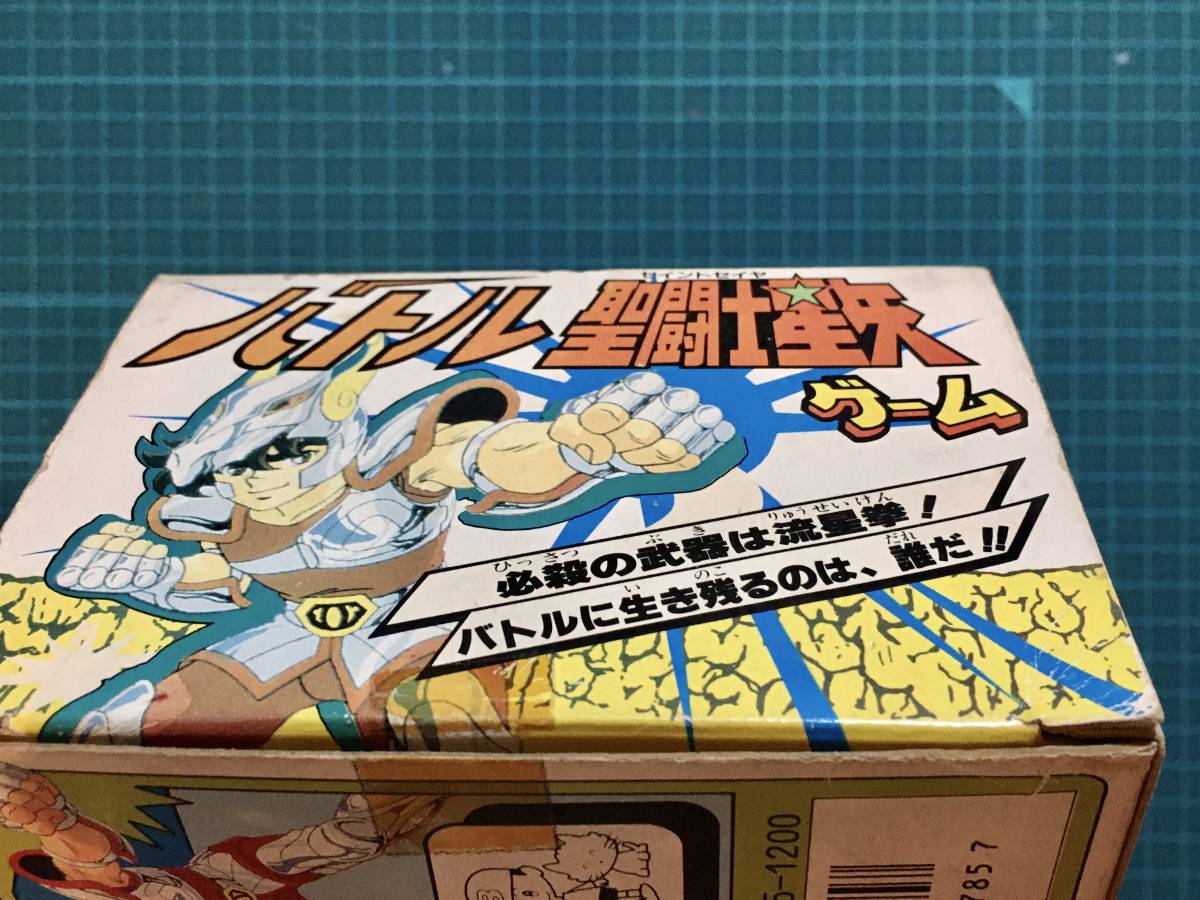
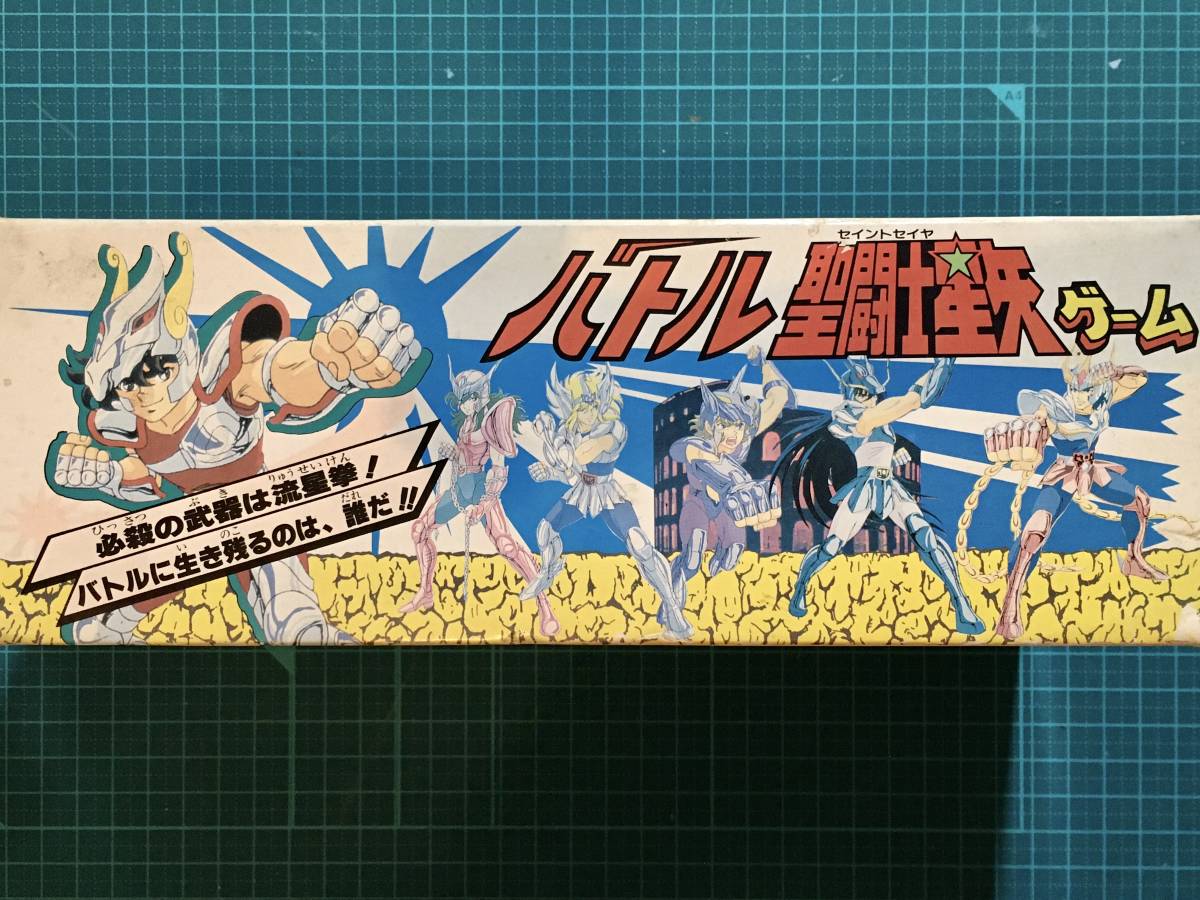
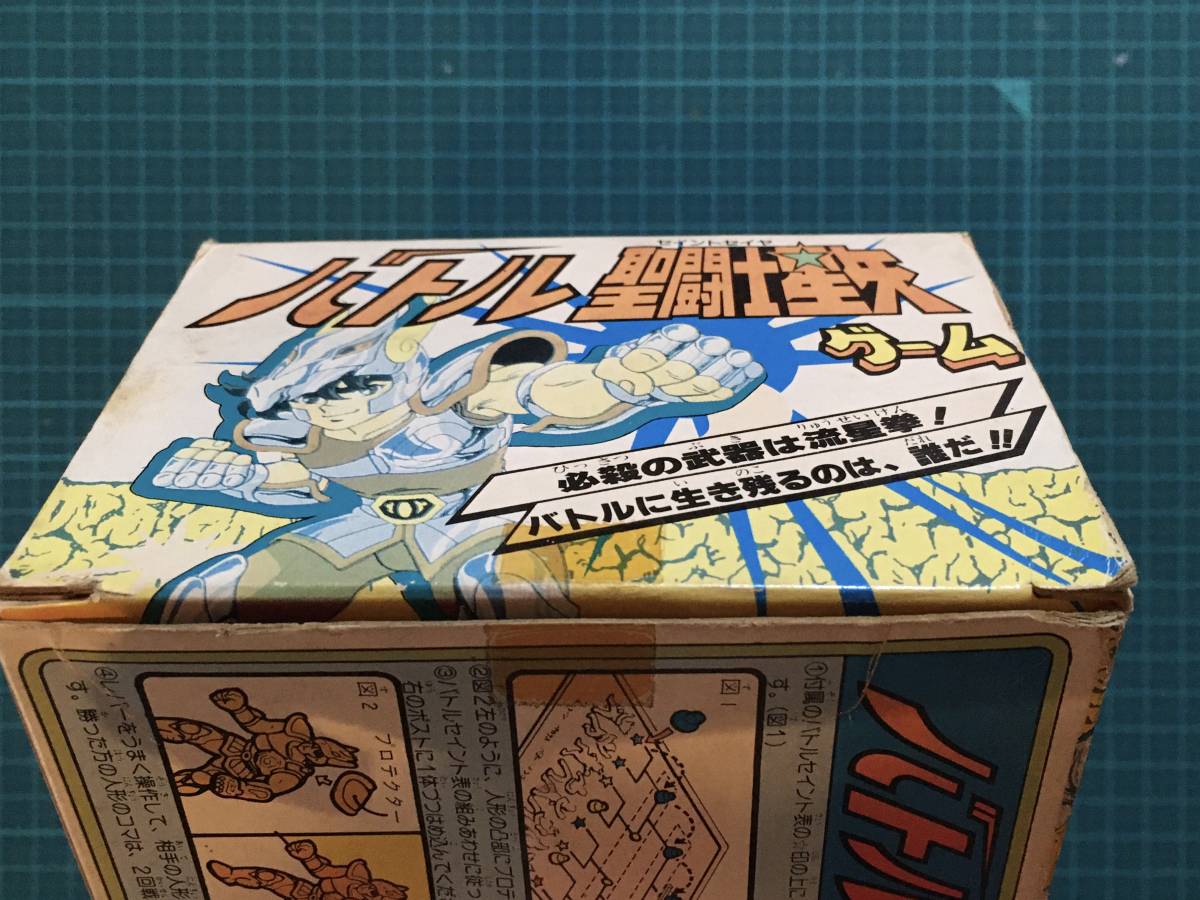
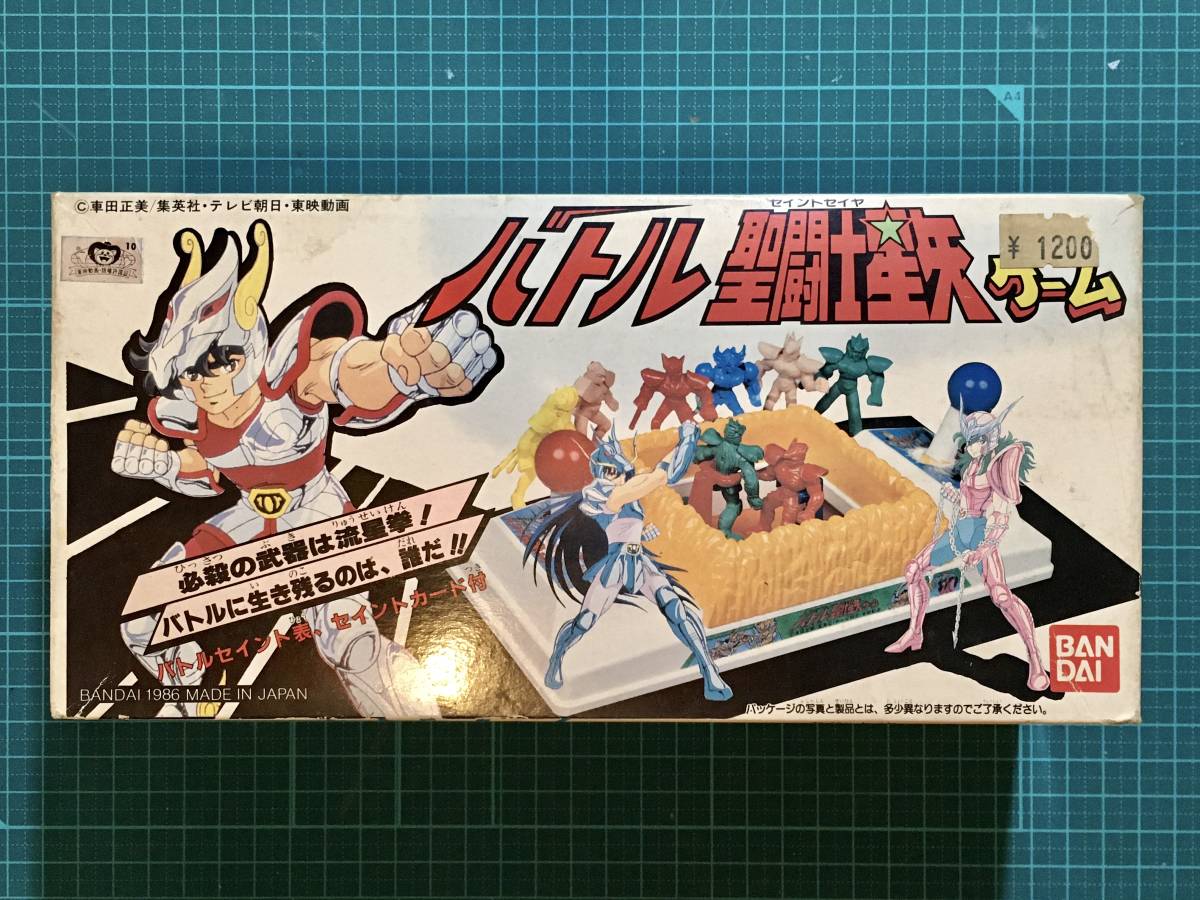
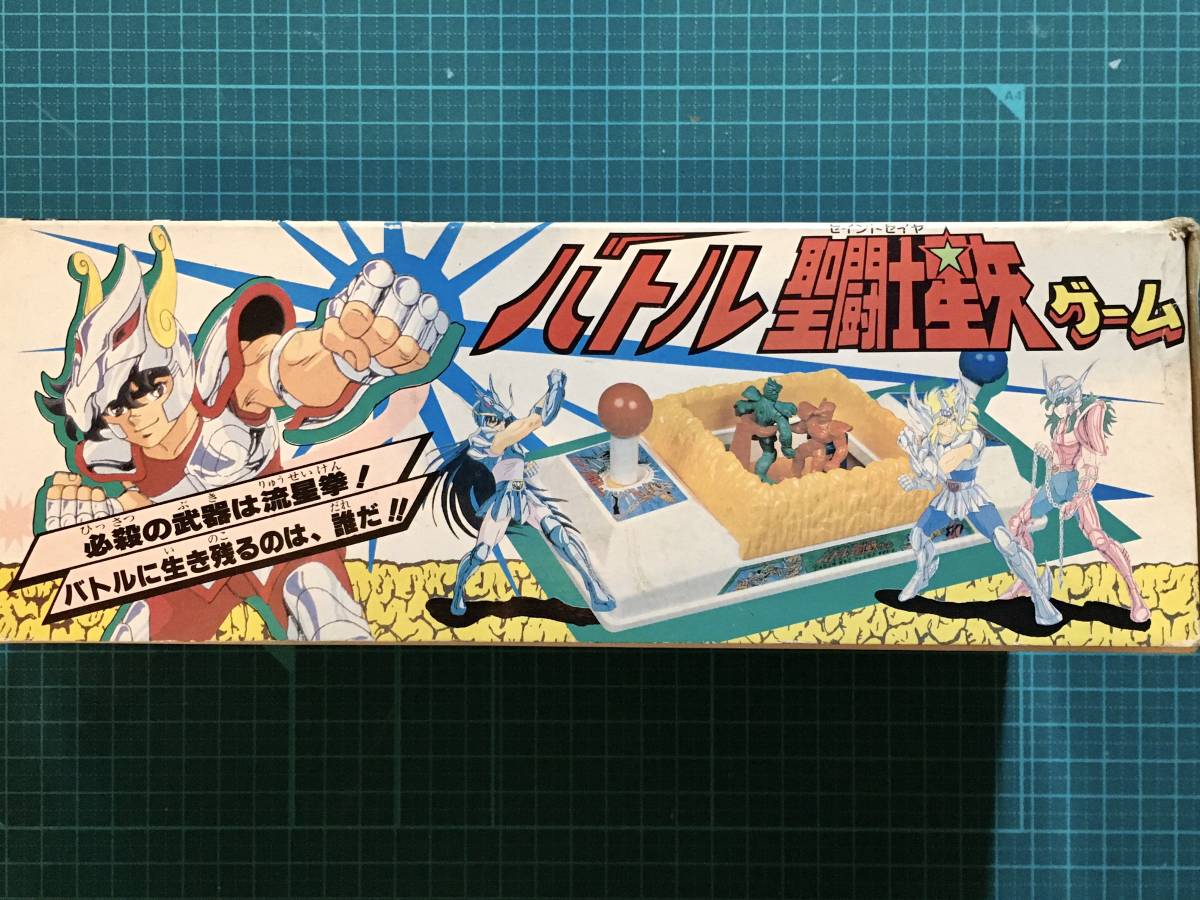
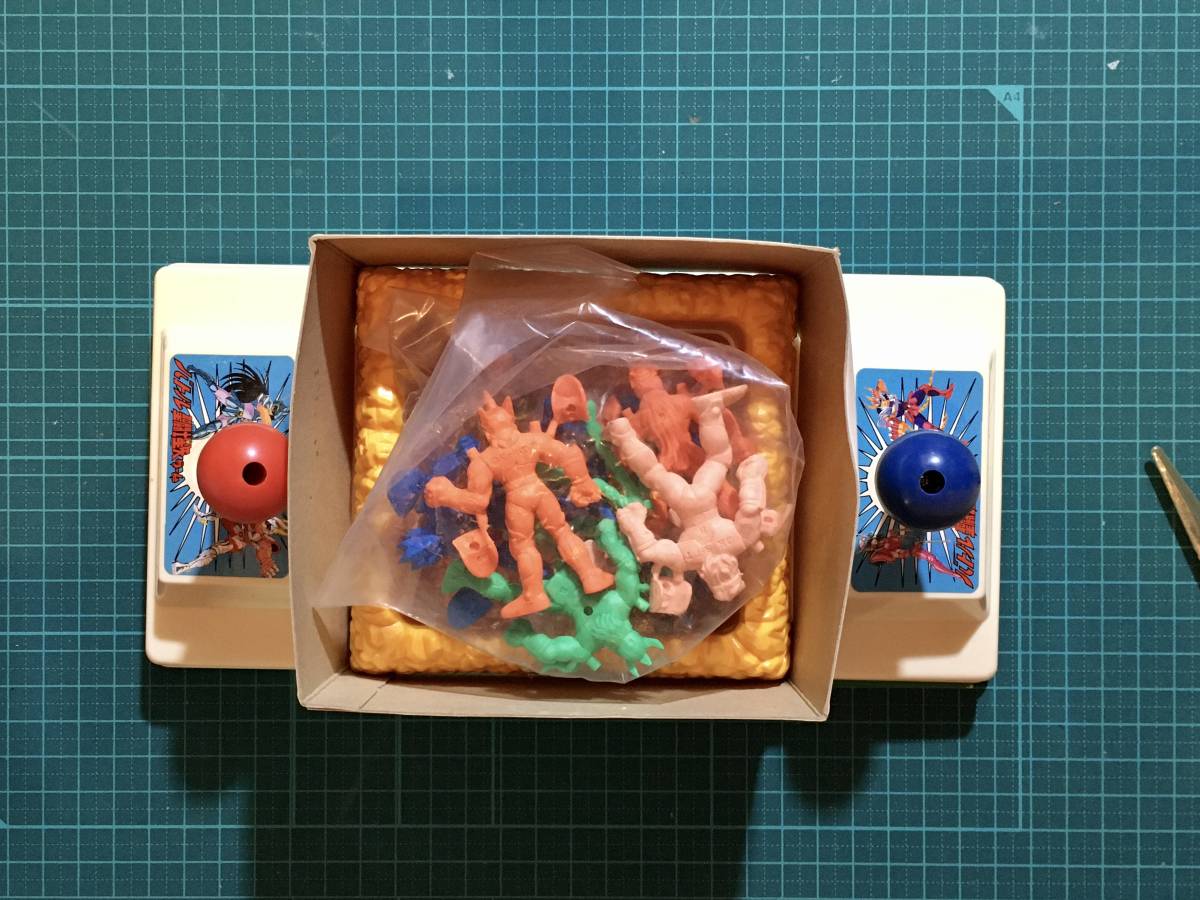
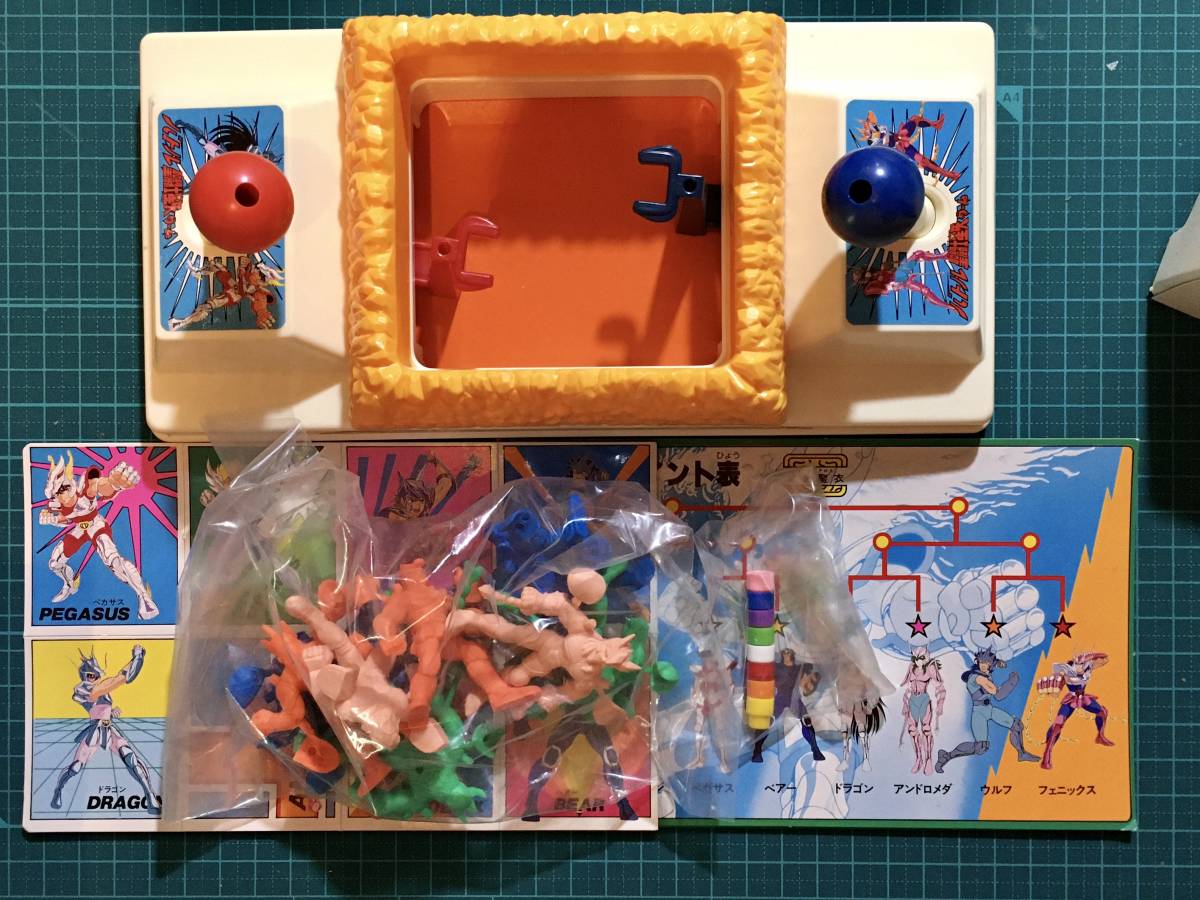
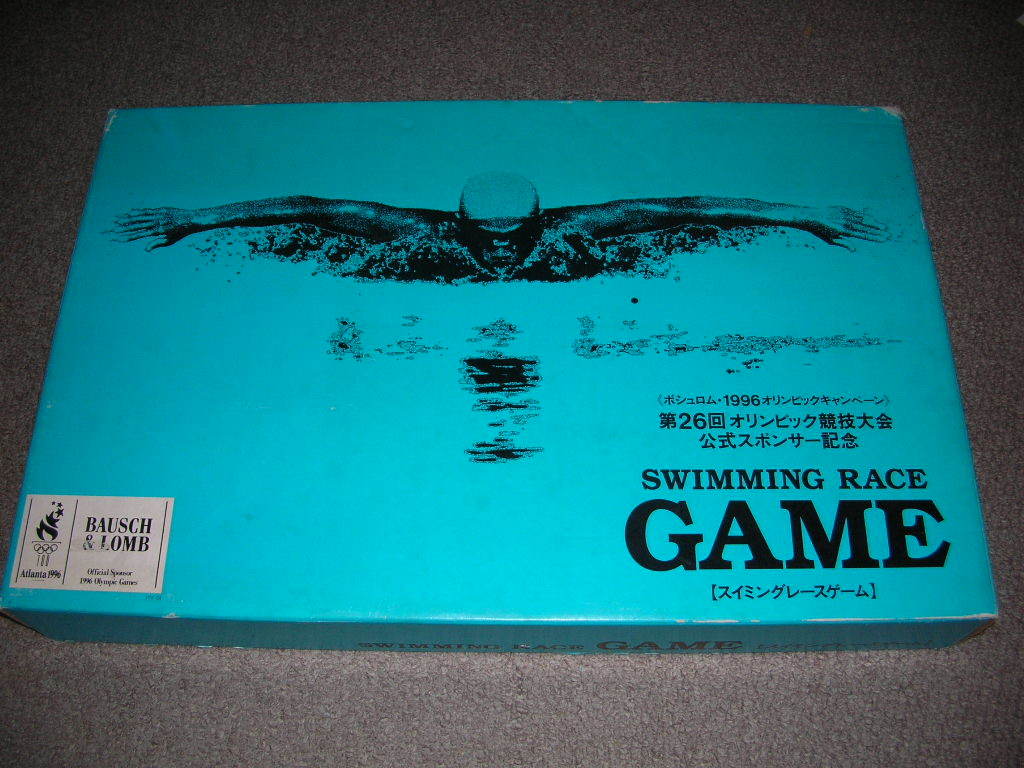
ボシュロム・1996オリンピックキャンペーン スイミングレースゲーム
Bausch & Lomb 1996 Olympic Campaign Swimming Race Game
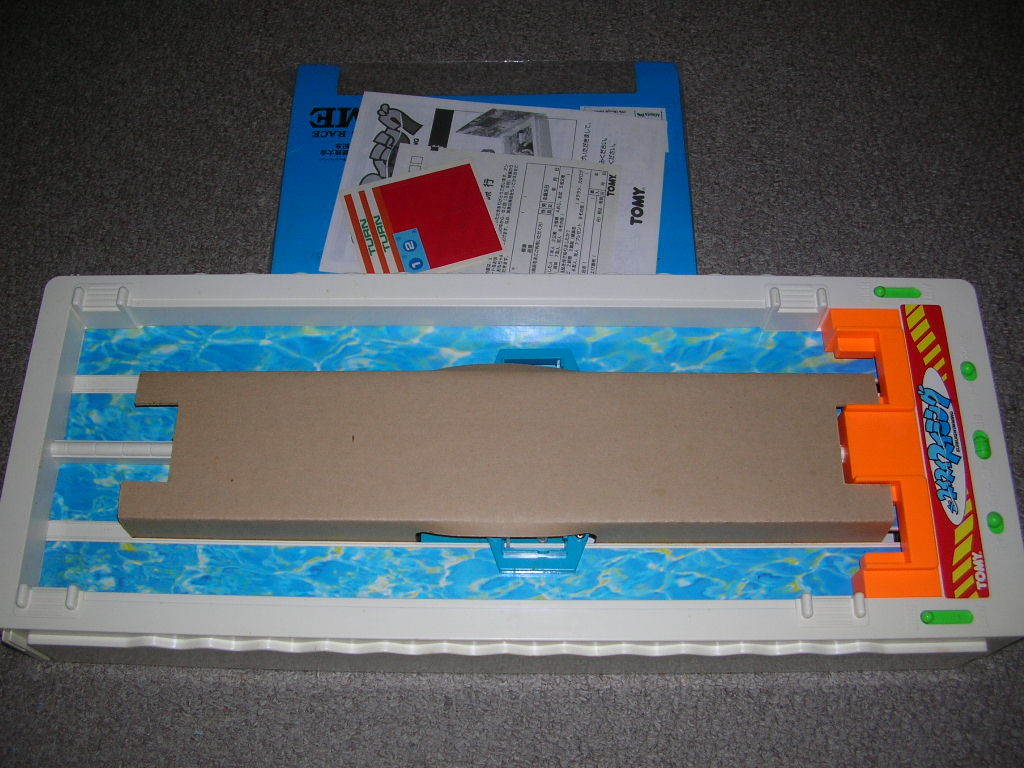
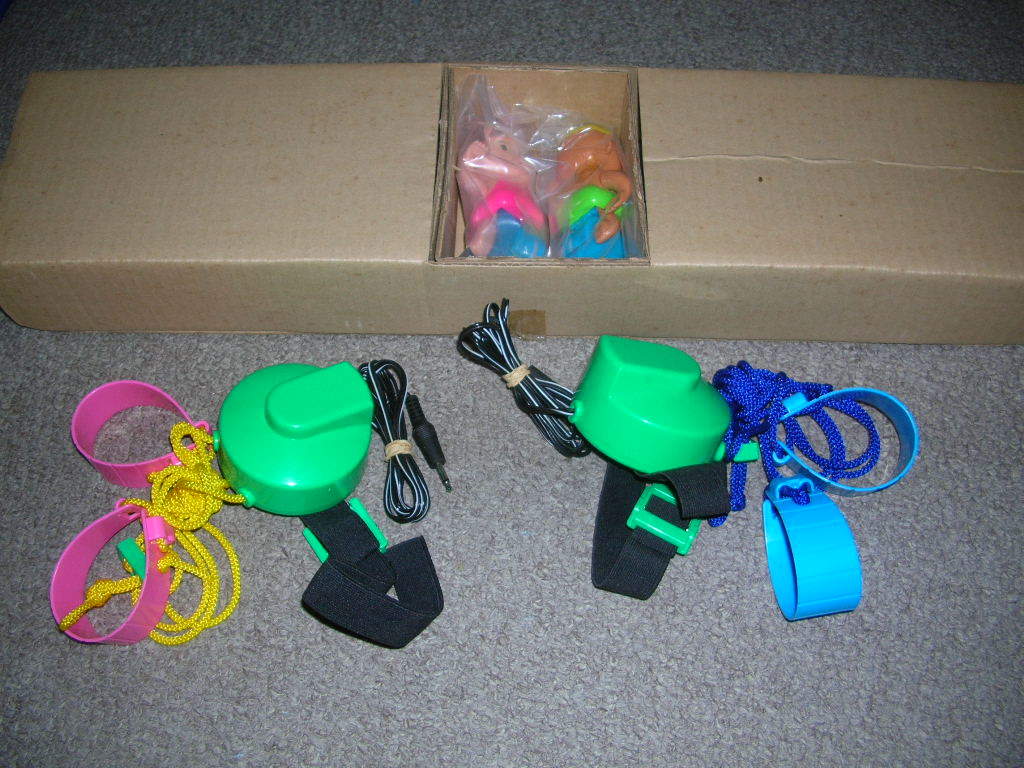
is based onトミー スイスイスイミング TOMY SUISUISWIMMING
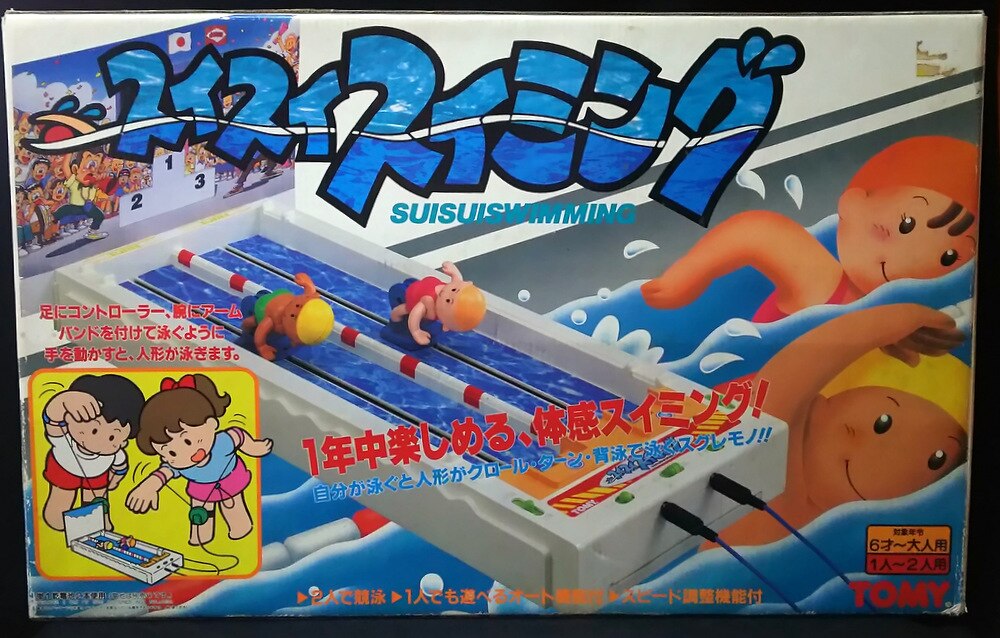
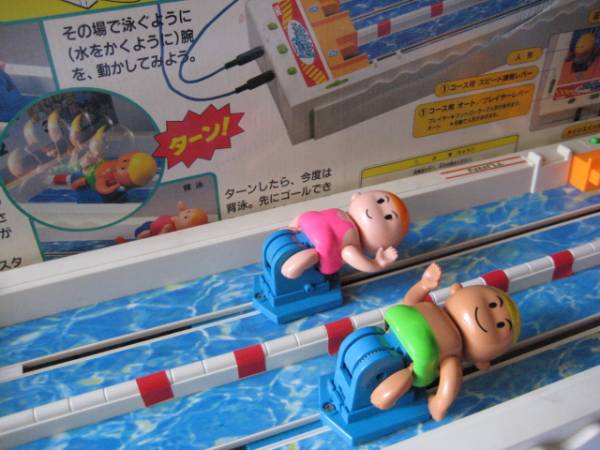
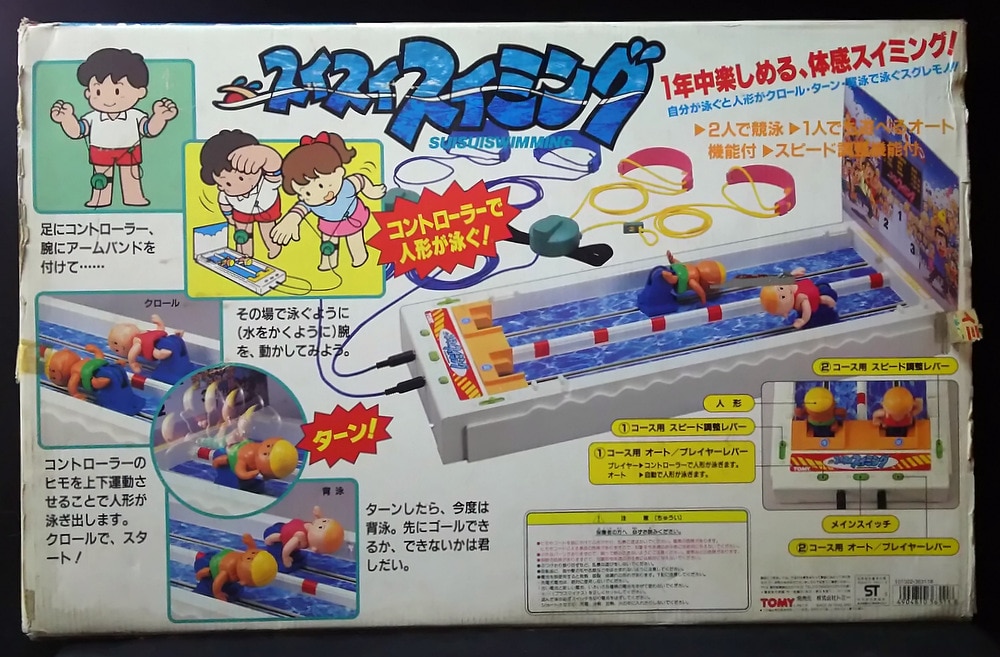
The technology behind this toy is different, but the play experience is very similar to Gametrak.
After 11 years as an in-person, classroom-bond, hands-on, and expert-at-improvising type of teacher, I was forced to adapt online teaching because of COVID. In the beginning, I was very frustrated that I was not be able to create the same kind of learning engagement online than off-line. I soon realized that I shouldn’t compare them at all, because they are two very different learning spaces. Instead of taking it for granted, I started to look at online teaching as an pot-of-comfort-zone learning opportunity for myself.
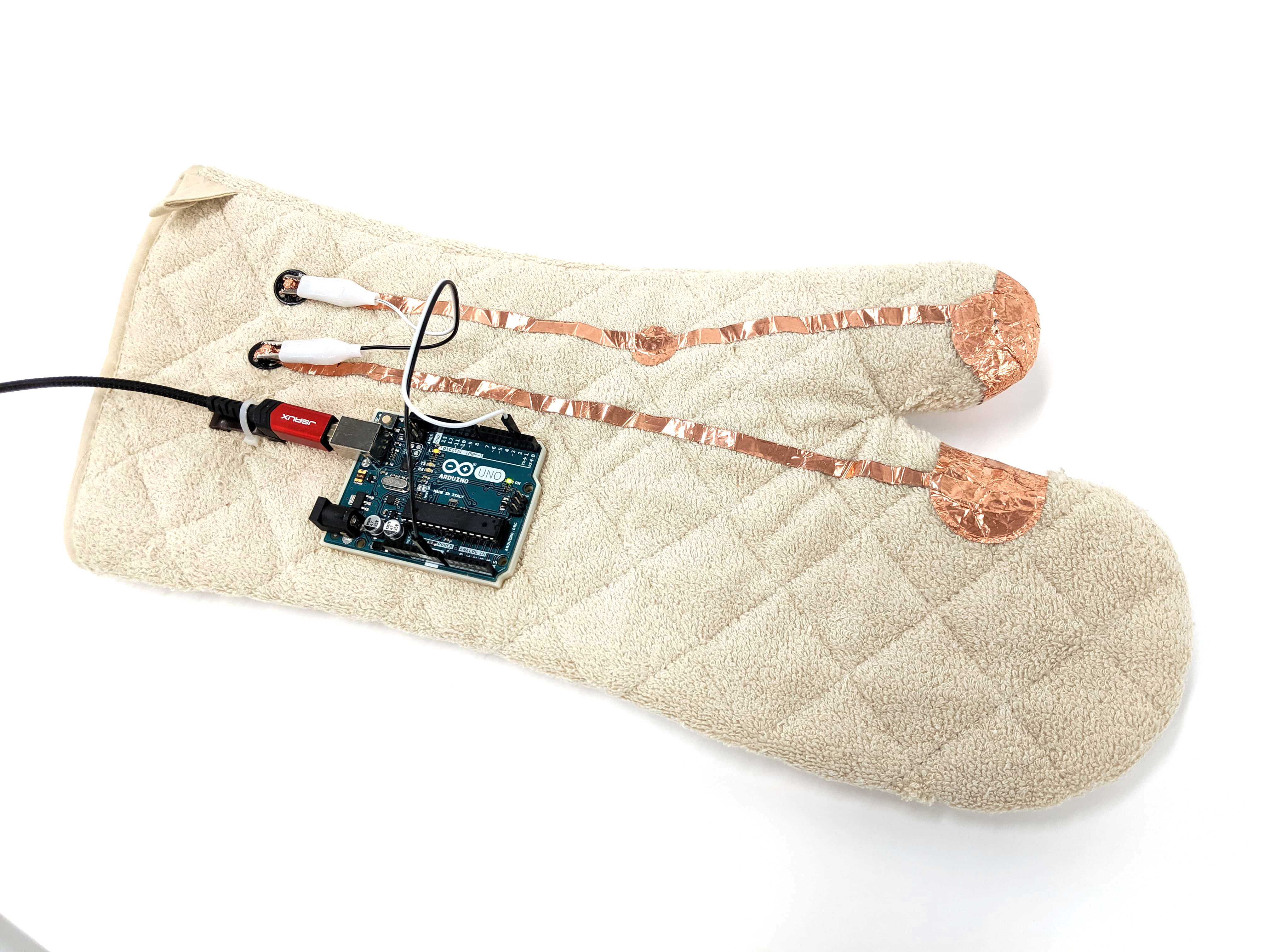
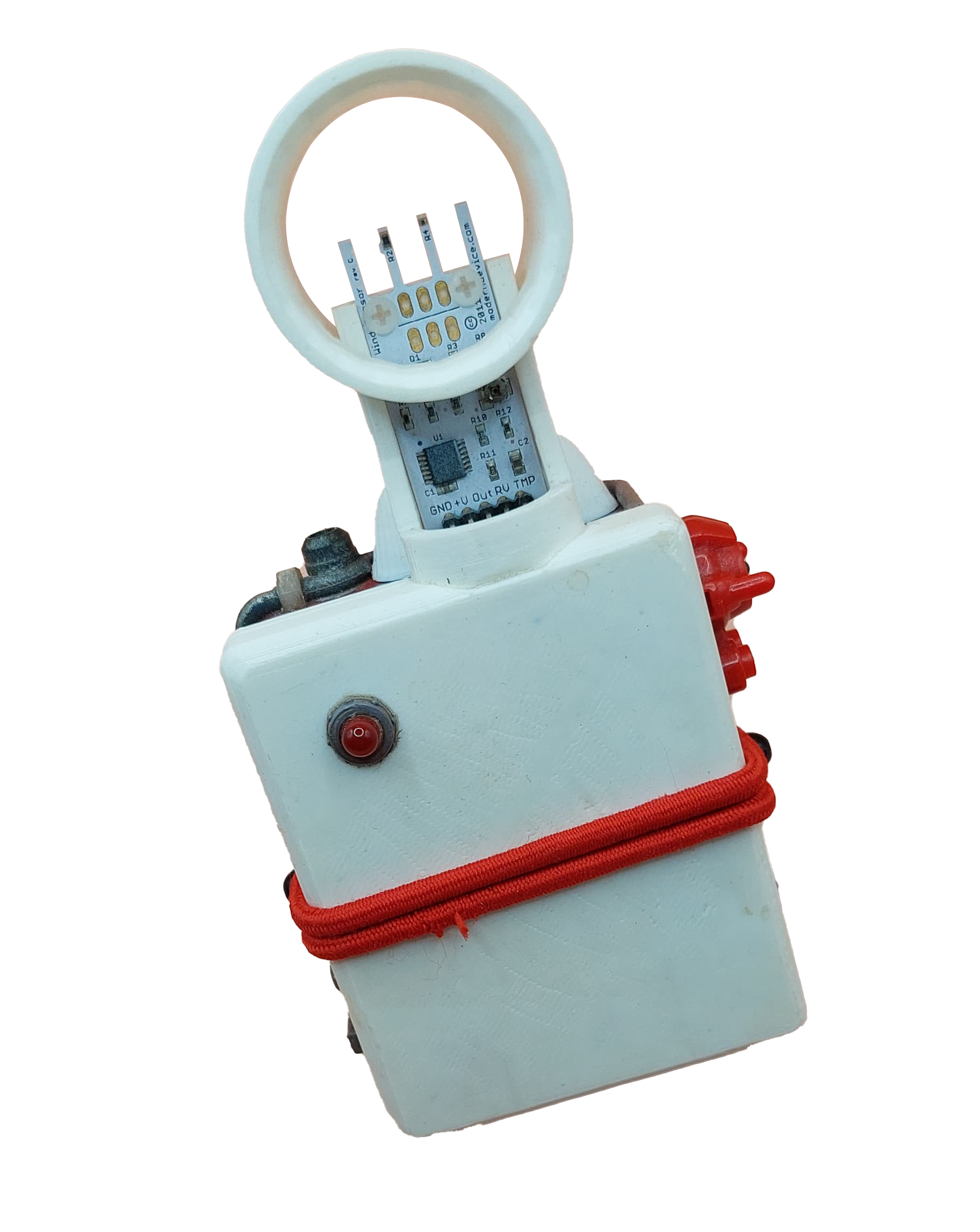
A Digital Native’s Playset is a collection of Arduino and IoT enabled physical gadgets that enables users to enrich their virtual interactions with others. Kyle Li has been engaged with online learning as a teacher for the past three years. While it was an unexpected change in Kyle’s academic career, he was introduced to a new array of design opportunities when it comes to online and virtual communication. A Digital Native’s Playset is the result of Kyle’s attempt to push virtual interaction beyond keyboard and mouse.

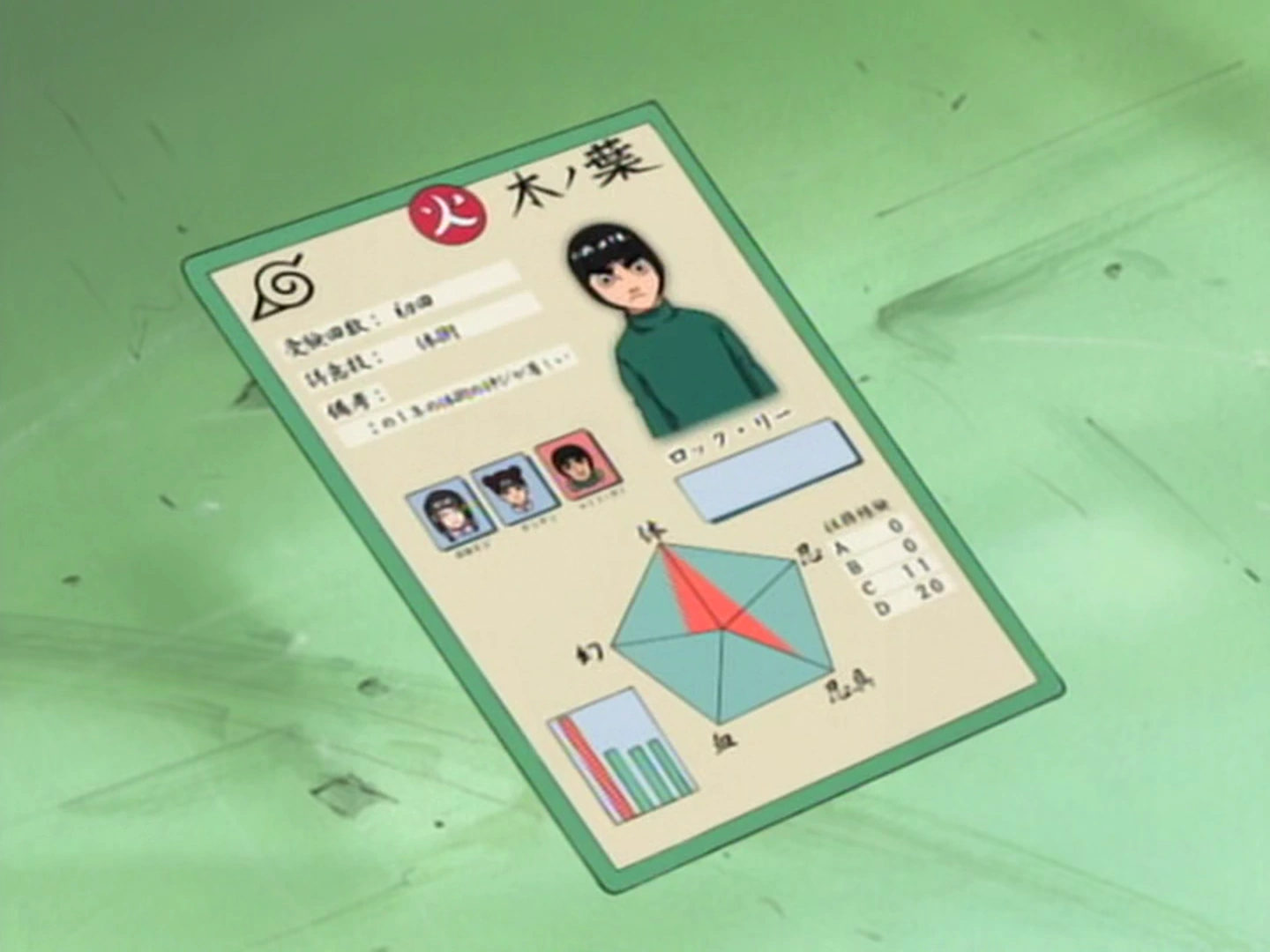
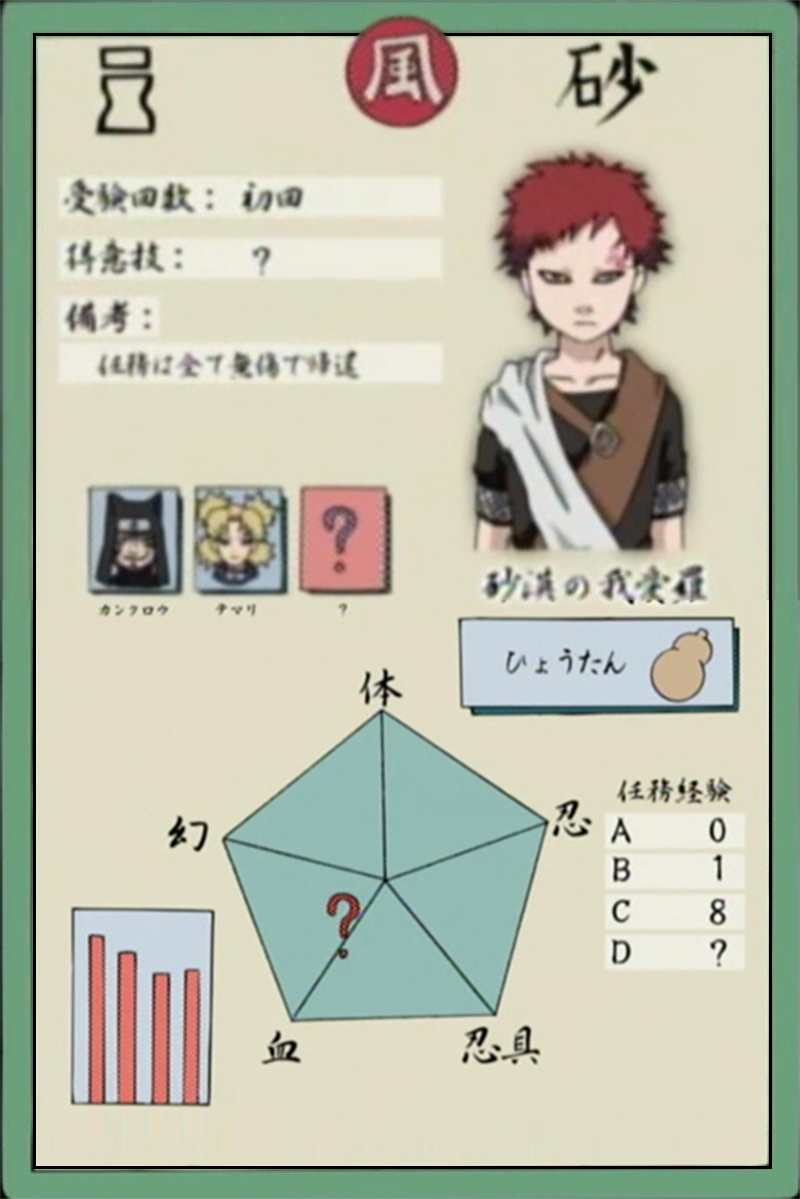
(Re)watched episode 23 today, I wonder why this didn’t go viral as a form of collectable cards for Naruto Characters. There are various adaptations of the name “忍識札” or “Ninja Info Card” in Naruto games but the designs were completely different. The original design was the best because, in my opinion, most informative.


https://naruto.fandom.com/wiki/Ninja_Info_Cards
https://www.deviantart.com/shadow-of-otogakure/art/Ninja-Info-Card-Template-Leaf-Village-898316346
Since August 2022, Ready Player Me no longer supports exporting avatars as FBX files. It’s still possible to convert a GLB avatar file to FBX manually using Blender.
https://docs.readyplayer.me/ready-player-me/integration-guides/unreal-sdk/blender-to-unreal-export
This is super exciting!!
GoDice JavaScript API: https://github.com/ParticulaCode/GoDiceJavaScriptAPI
GoDice Unity Demo: https://github.com/ParticulaCode/GoDiceUnityDemo
Python API: https://github.com/ParticulaCode/GoDicePythonAPI
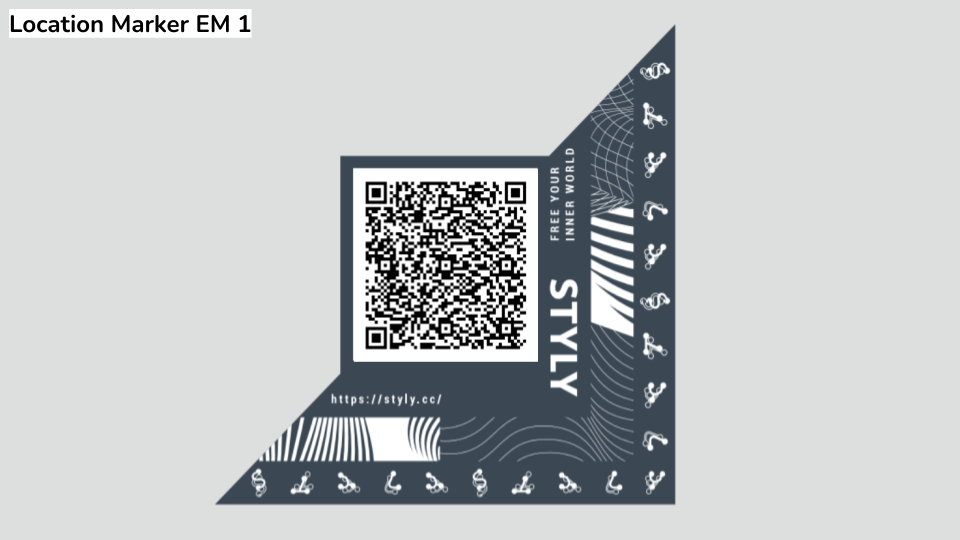
https://styly.cc/ja/private/how-to-create-a-location-marker/
https://styly.cc/ja/mobile/?location={ロケーションID}
https://styly.cc/ja/mobile/?location=d83f83ae-af5a-4480-bd3a-9fa6e40cf5fe
https://styly.cc/ja/mobile/?location={ロケーションGUID}&size={印刷時のサイズ}
https://styly.cc/ja/mobile/?location=d83f83ae-af5a-4480-bd3a-9fa6e40cf5fe&size=0.05
(5cm x 5cm)
https://www.tagindex.com/tool/url.html
エンコード後
https%3A%2F%2Fstyly.cc%2Fja%2Fmobile%2F%3Flocation%3Dd83f83ae-af5a-4480-bd3a-9fa6e40cf5fe%26size%3D0.05
https://stylymr.page.link/?link=https://STYLY_REPLACE&apn=com.psychicvrlab.stylymr&isi=1477168256&ibi=com.psychicvrlab.stylymr
https://stylymr.page.link/?link= https%3A%2F%2Fstyly.cc%2Fja%2Fmobile%2F%3Flocation%3Dd83f83ae-af5a-4480-bd3a-9fa6e40cf5fe%26size%3D0.05&apn=com.psychicvrlab.stylymr&isi=1477168256&ibi=com.psychicvrlab.stylymr
https://qr.quel.jp/form_bsc_msg.php

https://drive.google.com/file/d/1hGpowVQjRLTKsoMqtMt6YpAaPvZFj7RT/view?usp=sharing
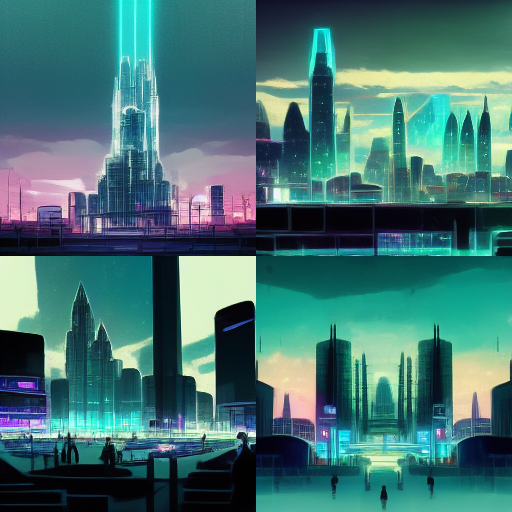
cyber punk hologram futuristic city in anime style
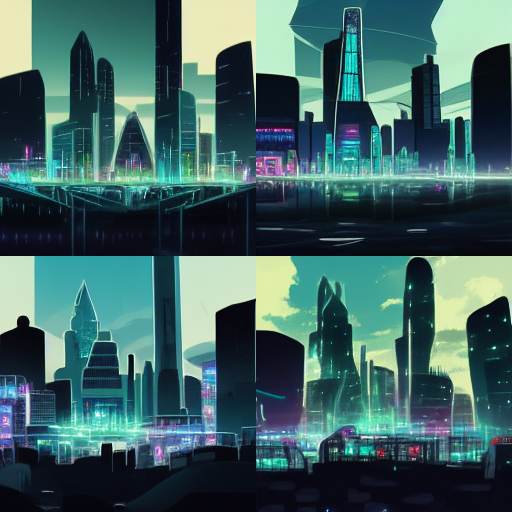
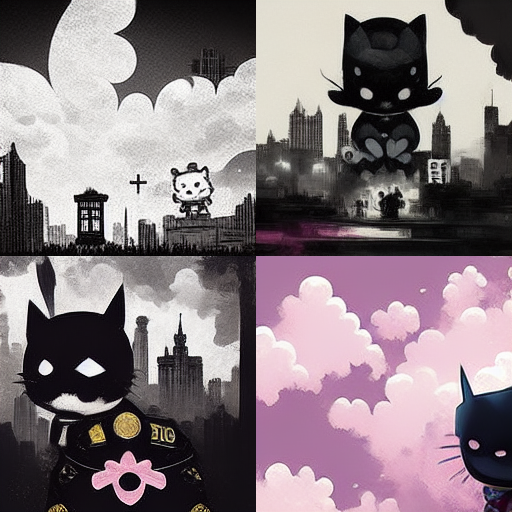
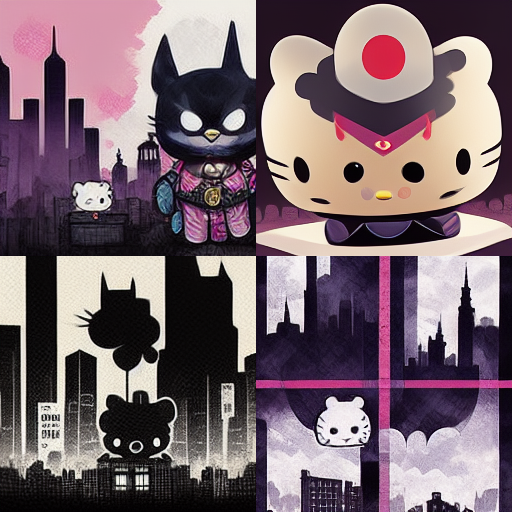
JoJo’s Bizarre Adventure meets hello kitty in gotham city
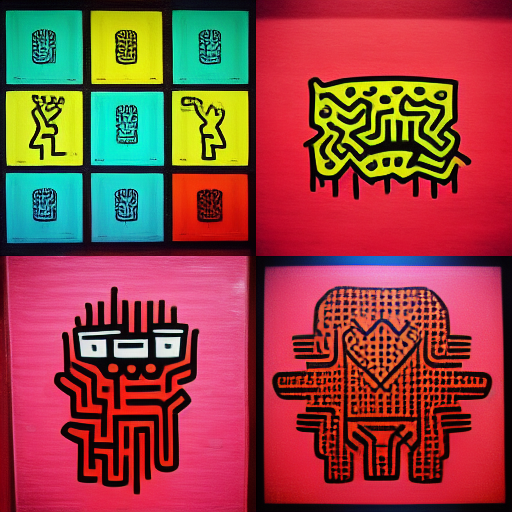
keith haring cyber punk
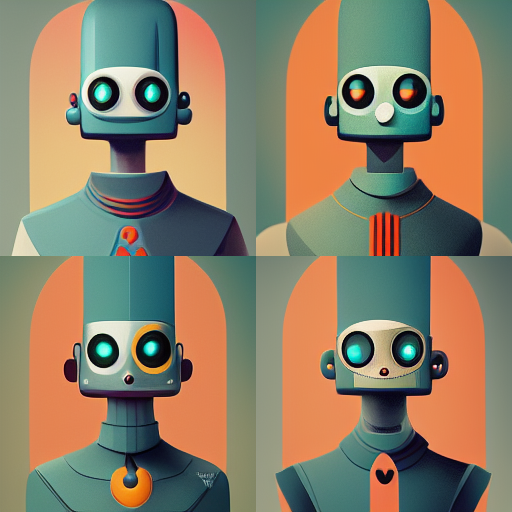
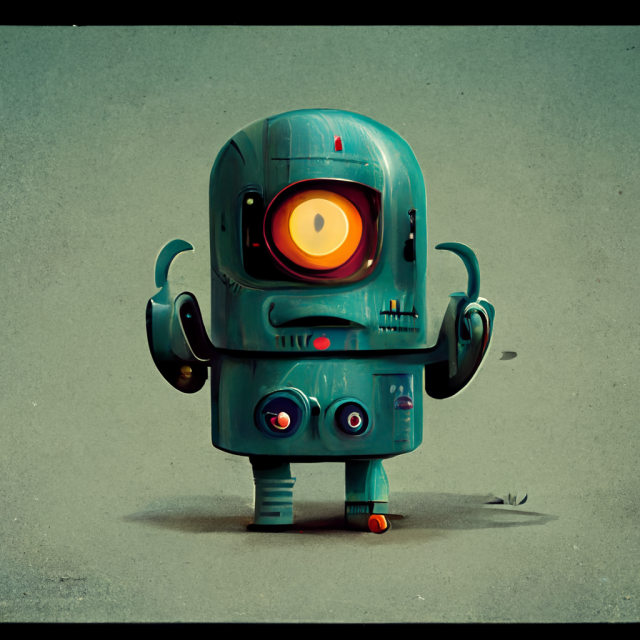
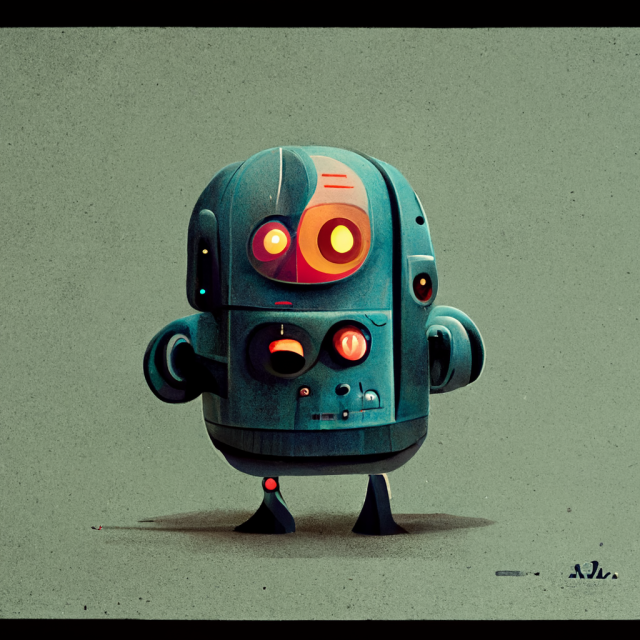
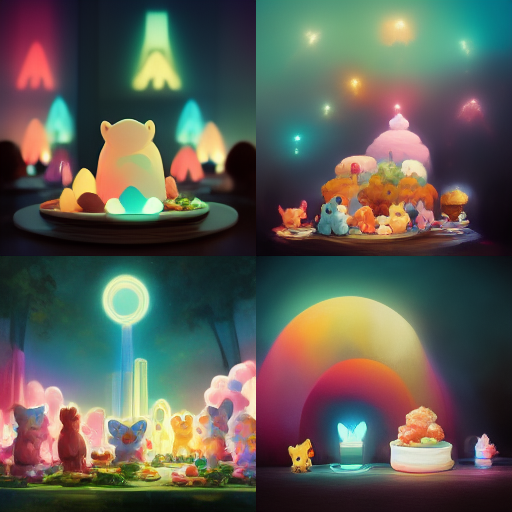



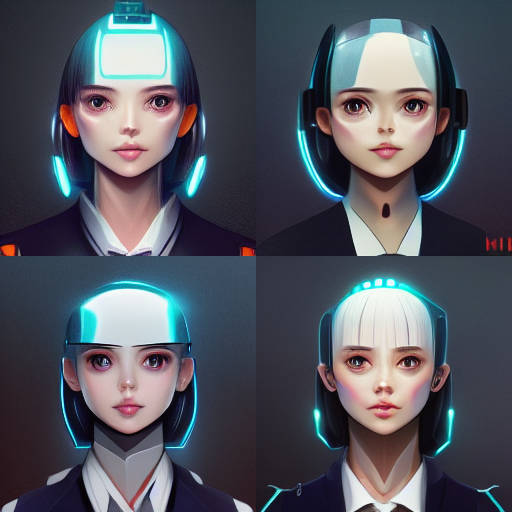


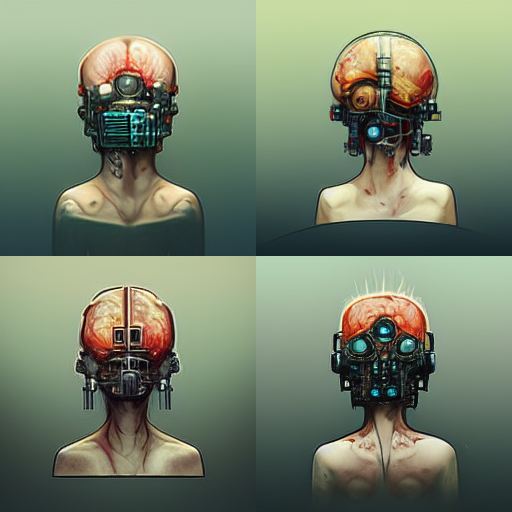
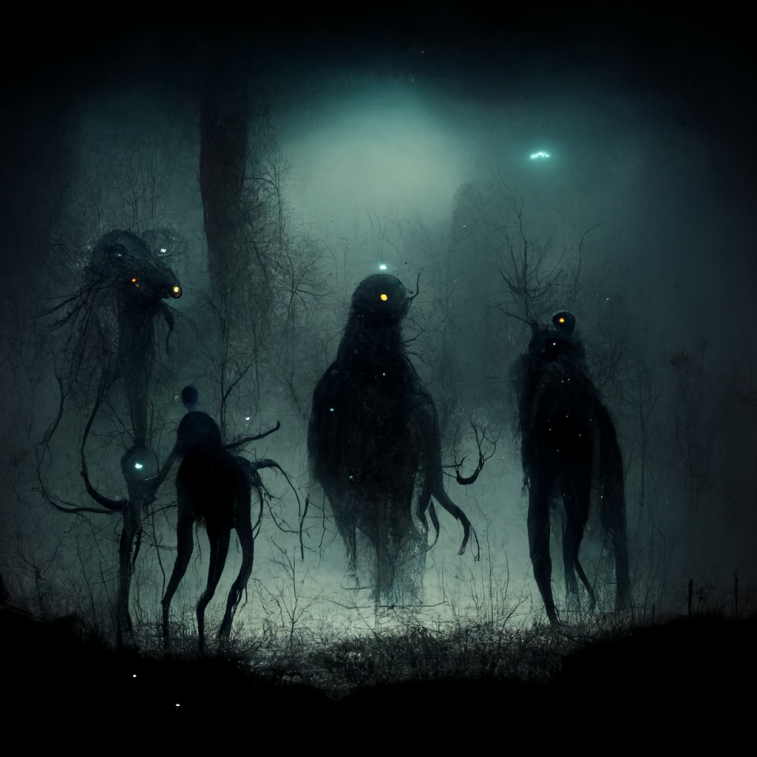

Traveling between parallel universes has become more frequent in the recent years. Based on our research, the excessive and abnormal energy left behind of a jump between two universes attracts an exterritorial creature called YAMI who usually found in the void between dimensions. It was first discovered by our agent in Japan, hence the name, YAMI are generally not harmful to humans. However, the various energy they digested including ones that were from other universes might cause temporary imbalance which could lead to potential disasters. Your mission is to survey the area for YAMI and send them back to the void with our handheld device.
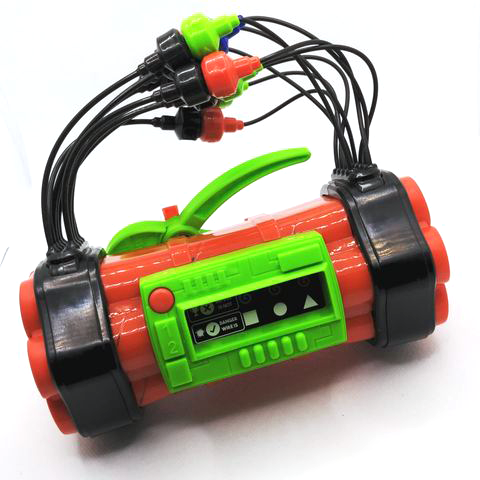
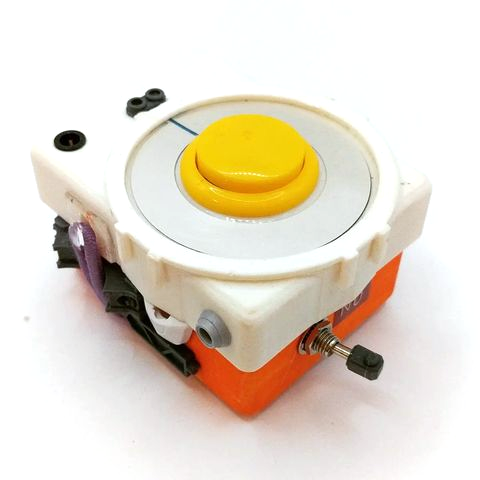
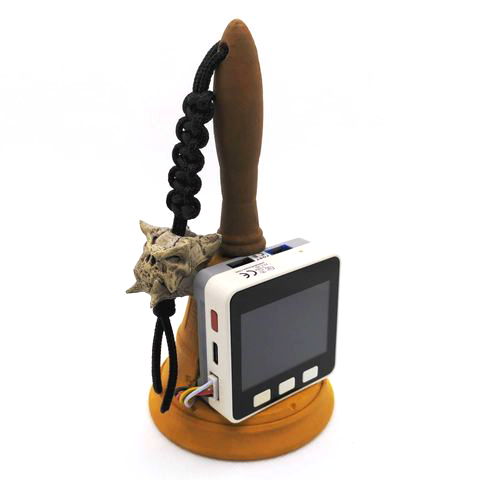
The alternative controller:
This is inspired by one of my favorite handheld electronic game called Treasure Gausts (トレジャーガウスト) and I thought it will work nicely as an AR experience on smart phones. I built a quick demo which allows the player to follow and capture a YAMI.
Demo Video: https://www.instagram.com/p/CgIHxNNAjcM/
STYLY demo: https://gallery.styly.cc/scene/0835a582-33fe-4413-bcd2-53e33a2f13c7
Now I want more game mechanics than just tapping on the phone screen.
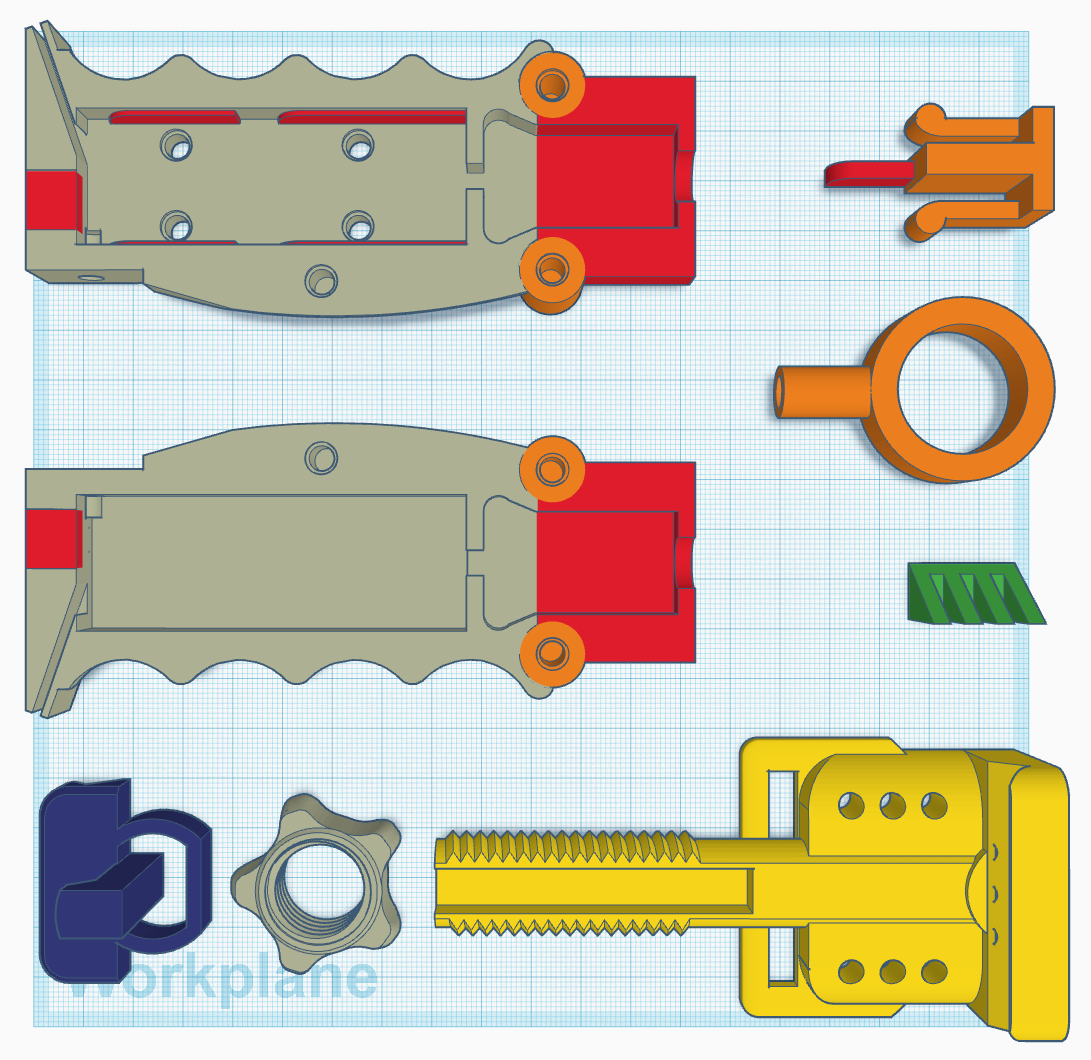
After a few quick sketches, I went on to Thingiverse to look for a smart phone mount. I started out by modifying jakejake’s Universal Phone Tripod Mount (https://www.thingiverse.com/thing:2423960). The design of this mount is brilliant, and it holds up pretty well. I then built out the rest of device piece by piece. I wanted some kind of switch at the bottom of this device in order for the player to “send YAMIs back to the void”, like an action that the player can do to initial the send back. This reminds me of the Tenketsu (天穴, Heavenly hole) in the anime Kekkaishi (結界師).

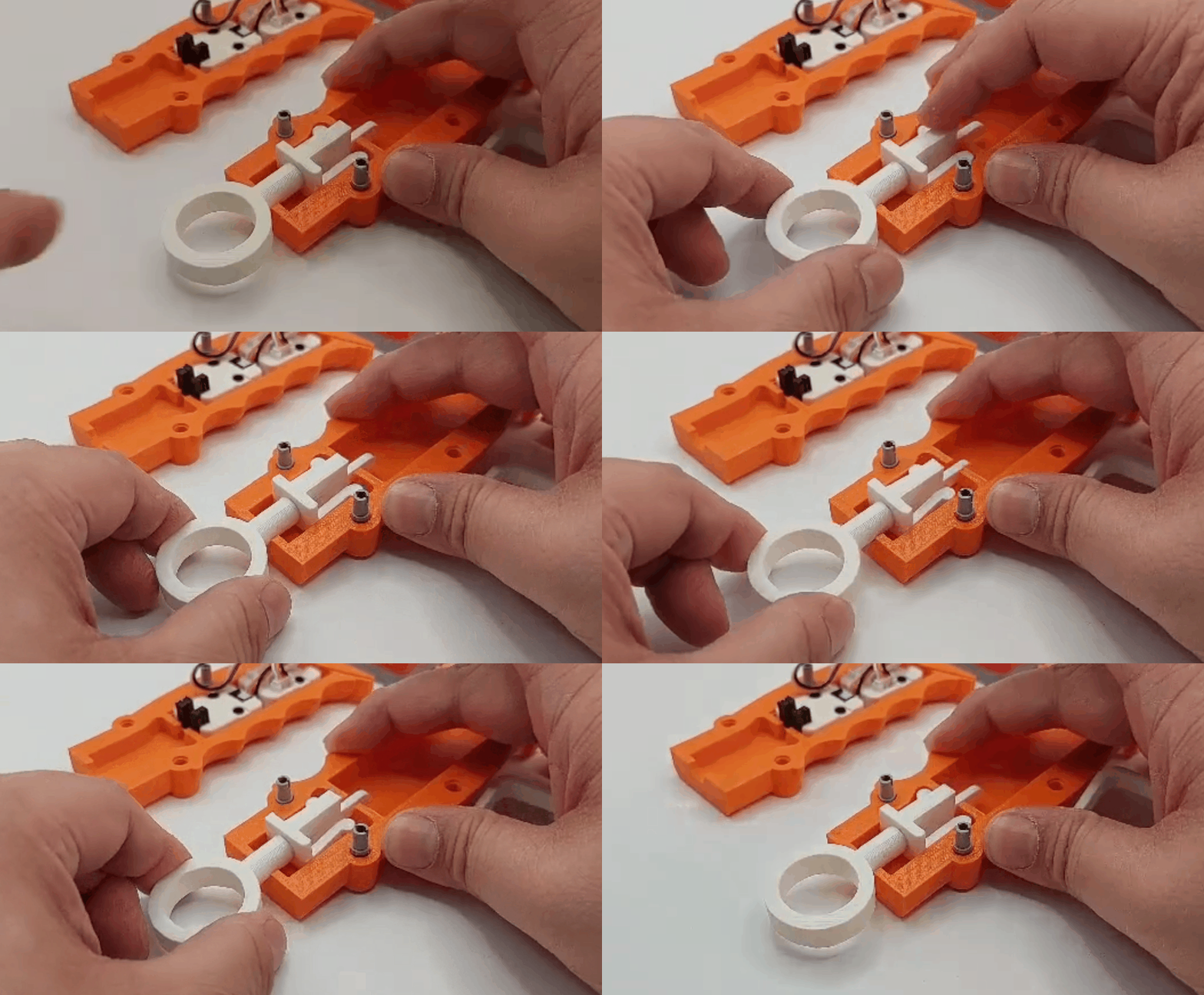
I created a ring like contraption at the bottom of the grip. When a giest is weaken, the player pulls down the ring to initiate the interdimensional suction. For the rest of the inputs, I had originally wanted to use a Dual Button unit, but I found out they shared the same pin (GPIO36) with OP 90 unity on M5 FIRE.
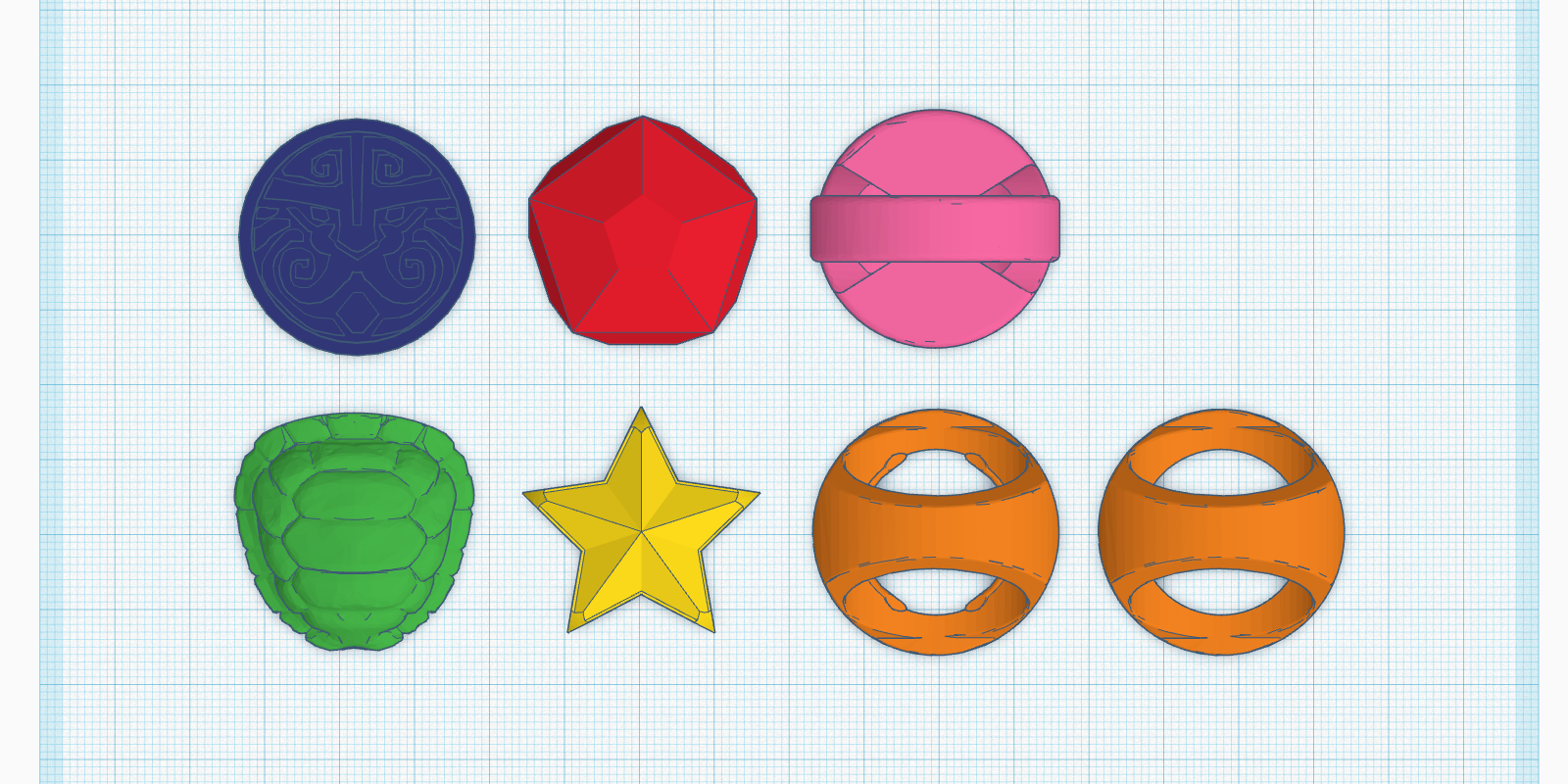
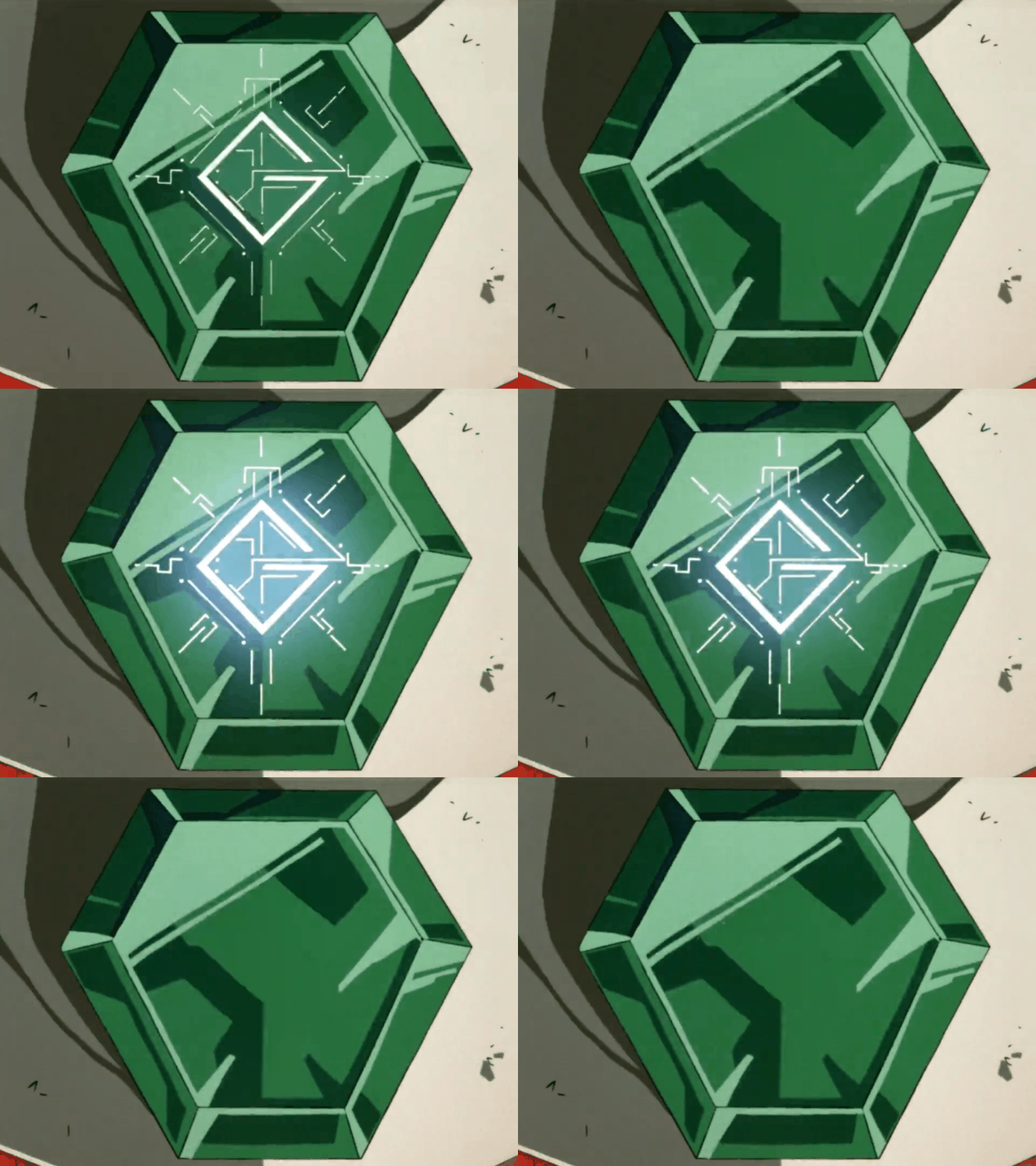
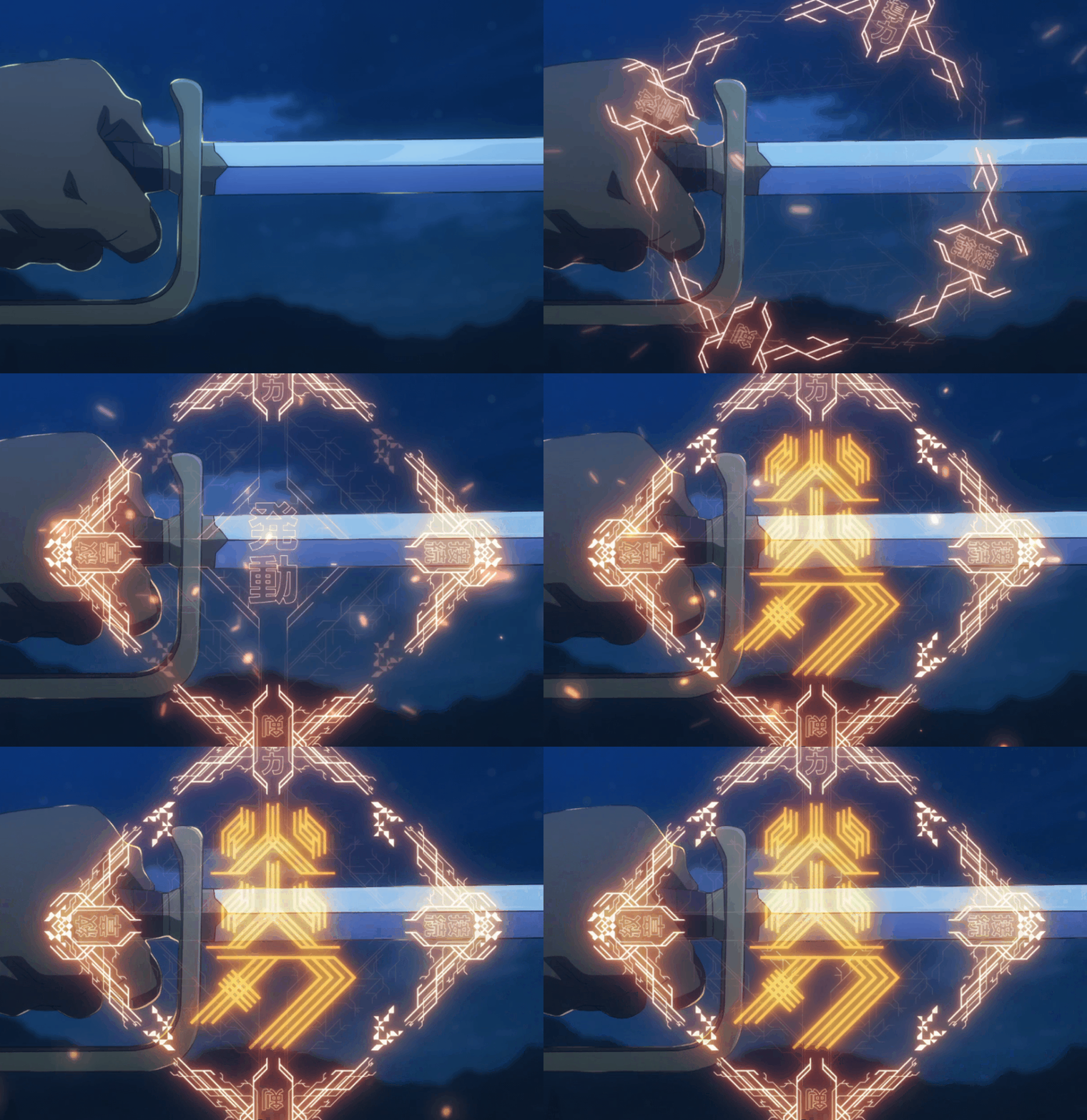
The other game mechanic that I wanted to add to the controller is spell casting. I want magic rings! I quickly prototype some wearable rings with RFID embedded. The player has to choose which ring to use during the capture.
Development notes:
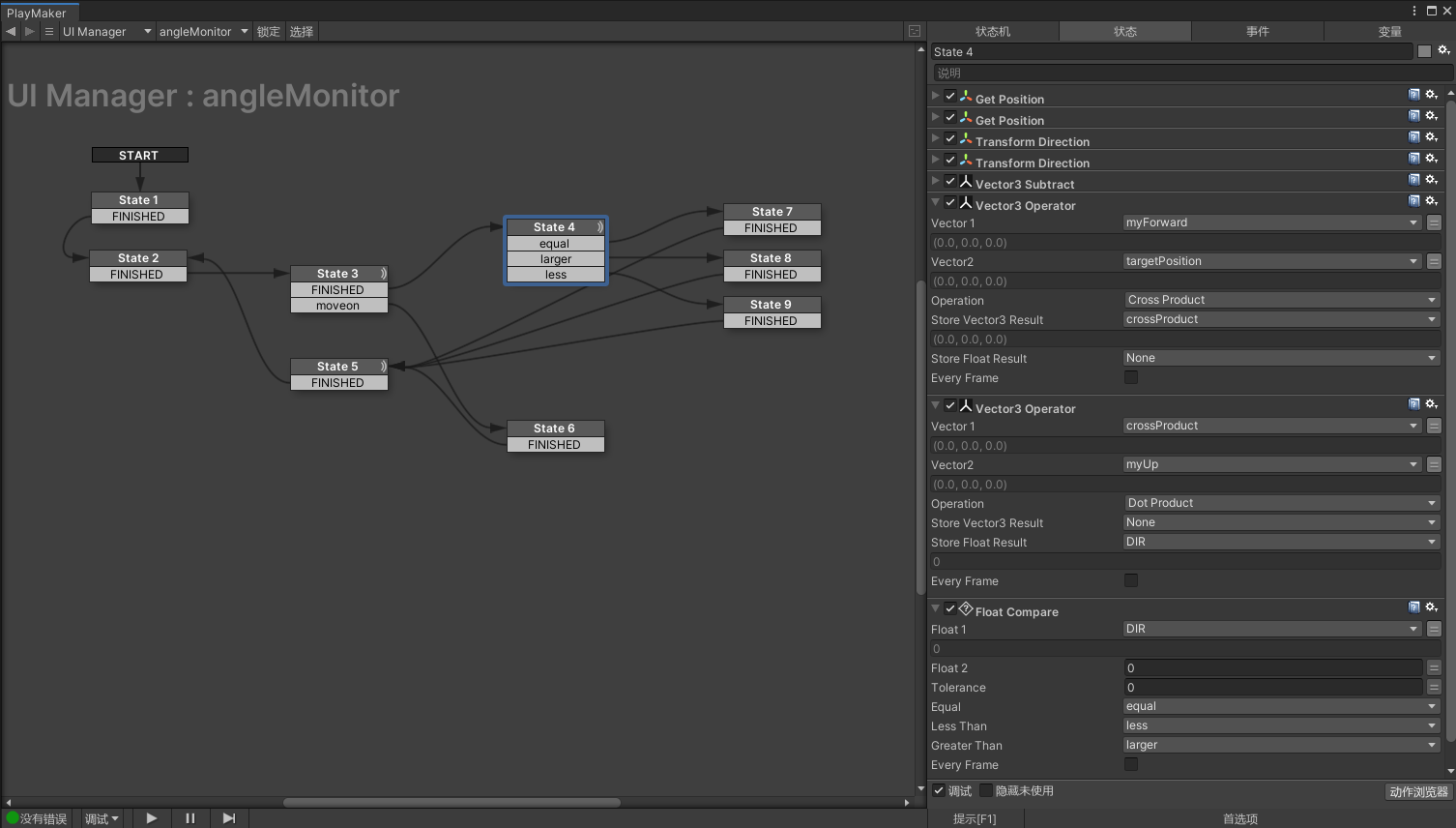
Left or Right of the forward vector:
This is one of those topics that sounds pretty simple at first but it take some advanced vector math to figure it out. The original solution was found here written in C#:
https://forum.unity.com/threads/left-right-test-function.31420/
using UnityEngine; using System.Collections; public class LeftRightTest : MonoBehaviour { public Transform target; public float dirNum; void Update () { Vector3 heading = target.position – transform.position; dirNum = AngleDir(transform.forward, heading, transform.up); } float AngleDir(Vector3 fwd, Vector3 targetDir, Vector3 up) { Vector3 perp = Vector3.Cross(fwd, targetDir); float dir = Vector3.Dot(perp, up); if (dir > 0f) { return 1f; } else if (dir < 0f) { return -1f; } else { return 0f; } } }I translated it line by line using Playmaker and it worked like magic.
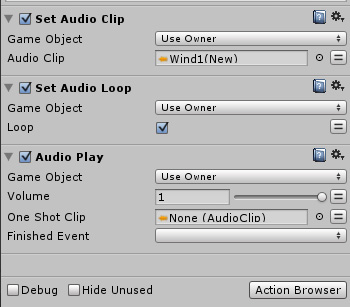
Looping Audio in Playmaker:
Another one that sounds easy but takes some very specific steps to make it work in Playmaker. The best answer is from this thread:
https://hutonggames.com/playmakerforum/index.php?topic=5428.0