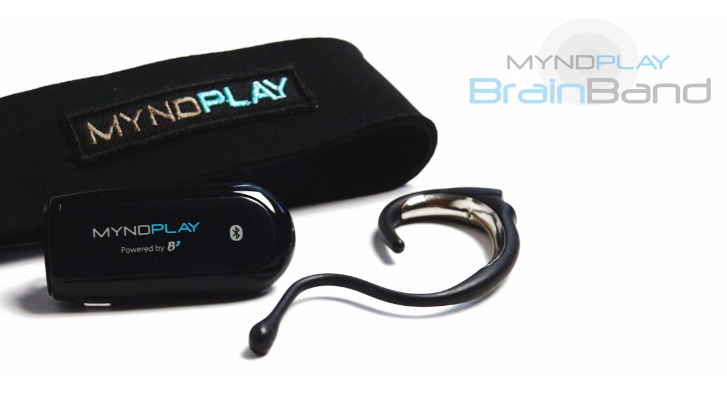
This is the commercial version of Thinkgear brainband, with their brainwave-enabled video player it allows users to alternate the story of the videos. I was naive, since the Thinkgear brainband is not available to the public I thought I can modify Myndplay brainband for development purpose. The process has been difficult but there is a way, so far I am collecting information, hasn’t had time to push this.
Note to myself:
If you are using the Neurosky Mindwave Mobile, please make sure you pair the headset before installing the Neurosky suite of software. Once you have paired the headset via the computer’s native bluetooth facility (if none available, any bluetooth dongle will work), please install the MyndPlayer application first and test the connection by selecting the headset from the dropdown list when you first run MyndPlayer. Once you can see the needles on the dial moving, you have successfully connected the headset set. Quit the MyndPlayer then install the Neurosky software. Test with the Neurosky applications. Please make sure you are using the headset with either the Neurosky software or the MyndPlayer, not both at the same time.
http://www.myndplay.com/page.php?page=support-faqs