I imported the VRoid model I created into Unity using UniVRM: https://github.com/dwango/UniVRM/releases
I went through the following steps:
- After importing the UniVRM.unitypackage, create an empty folder and drag Necro Jin’s VRM file into it. A prefab will be automatically generated.
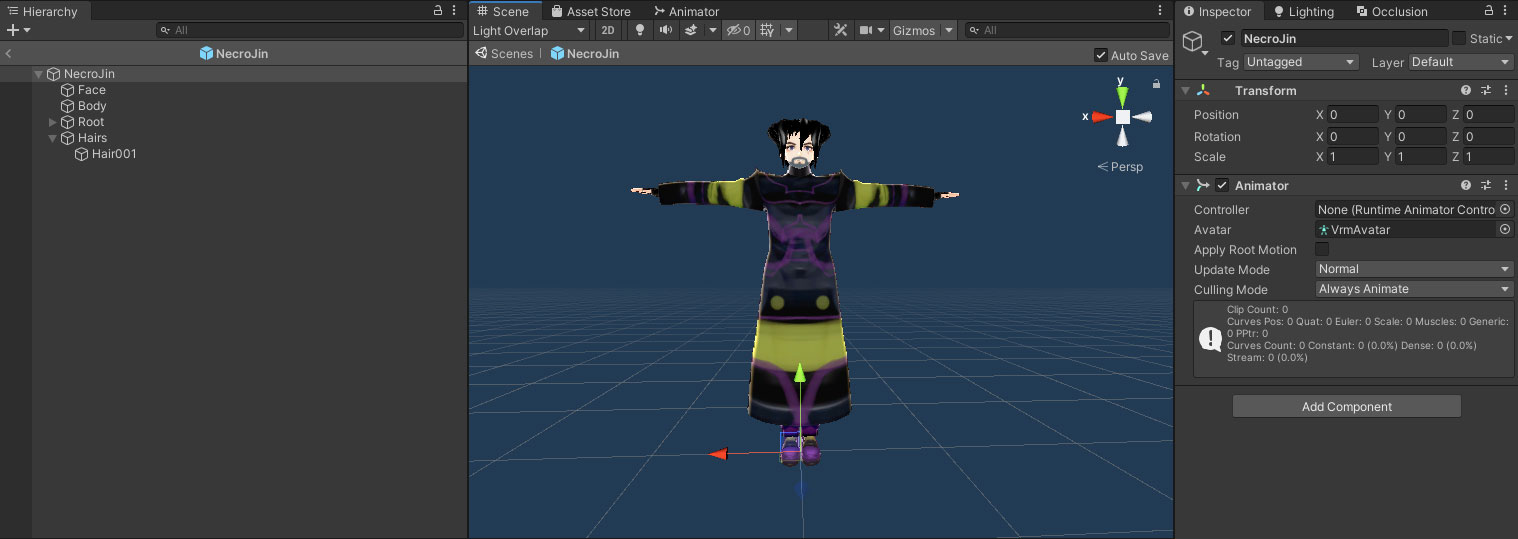
- Drag the prefab to the scene and delete every in the inspector window except the transform and animator controller window. Also, delete a child GameObject named “secondary”. It looks like image-1 with all the unwanted stuff deleted.
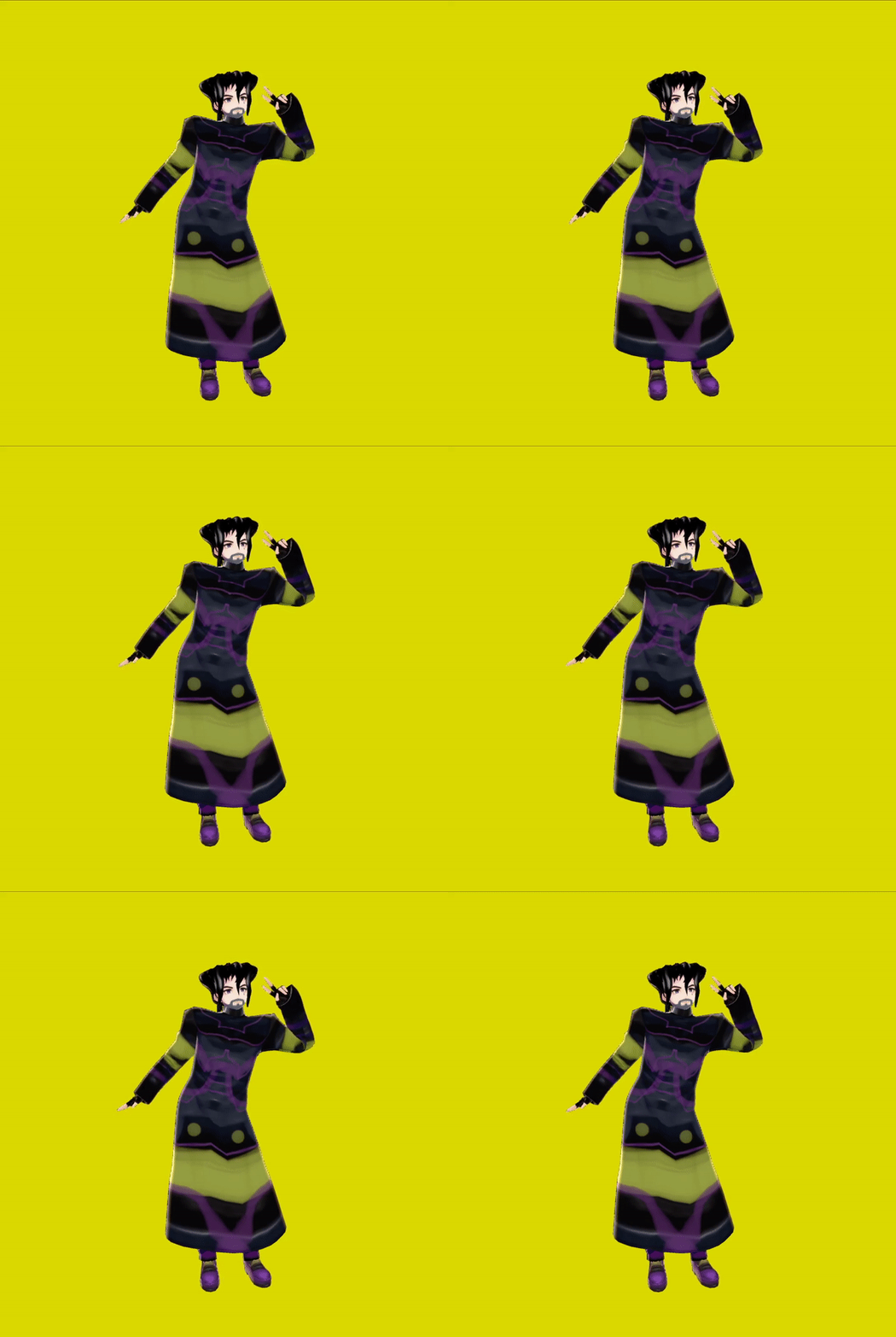
- Create a new Animator Controller and add a Mecanim ready animation into the controller as the default animation.
- Drag the controller to Jin in the scene.
- Press Play.
BlendShapEditor: http://mebiustos.hatenablog.com/entry/2015/09/13/213539
Other usful tools:
3tene: https://3tene.com/
V_World: https://naby.booth.pm/items/990663
V_Draw: https://ogulabo.booth.pm/items/939389
Tracking World: https://youtu.be/AZ8UvS2YtqA
Luppet Trial: https://negipoyoc.booth.pm/items/1196507
Luppet Paid: https://negipoyoc.booth.pm/items/1216743
VRM Wear Changer: https://booth.pm/ja/items/1278062
VRM To PMX Converter: https://bowlroll.net/file/191067
Password: 2yuu