- Purchase the virtual product in the Gucci app for $12.99
- Before sending the download to yourself or anyone you would want to share the content with, there is a long instruction, long but still unclear.
- I first create an avatar with https://vrchat.readyplayer.me/avatar and download the FBX file.
- Two weeks later – I finally got my New User status.
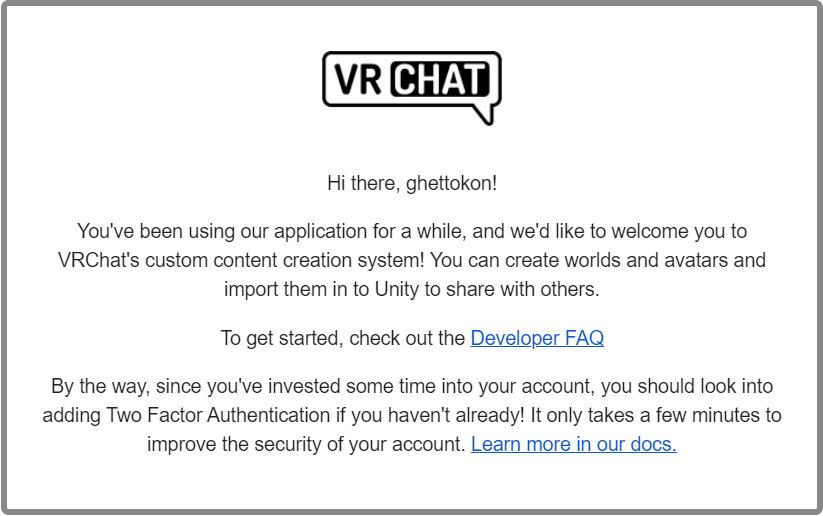
It was a little frustrating at the beginning. Based on the internet, I need 10 hours of gameplay to get to the New User status which allows me to upload Avatars and Worlds to the lab community. I did that but nothing happened. A kind player in VRChat told me that I need to make friends too. Oh, why I didn’t think of that. After I made one friend, the next time I logged in, I was promoted to New User. And I got this in the e-mail.
- I brought the Gucci model into Maya and separate the shoes from the model they came with and put them on my VRChat avatar.
- Install Unity 2018.4.20f1 that is recommended by VRChat.
- Upload my Avatar by following this tutorial – in 5 minutes.
https://vrchat.fandom.com/wiki/Quick_Start_-_Mixamo_Avatar_Creation
I believe this was written for SDK2 but works for SDK3, especially when selecting the Animator Controller. I use the T-pose one from SDK3 and it works fine. I was able to upload, however, my sitting and ducking animations were messed up… - To make it work for both Quest and PC, I have to upload the avatar twice. Once in Windows mode and the other in Android mode. The official tutorial online recommends duplicating the project.
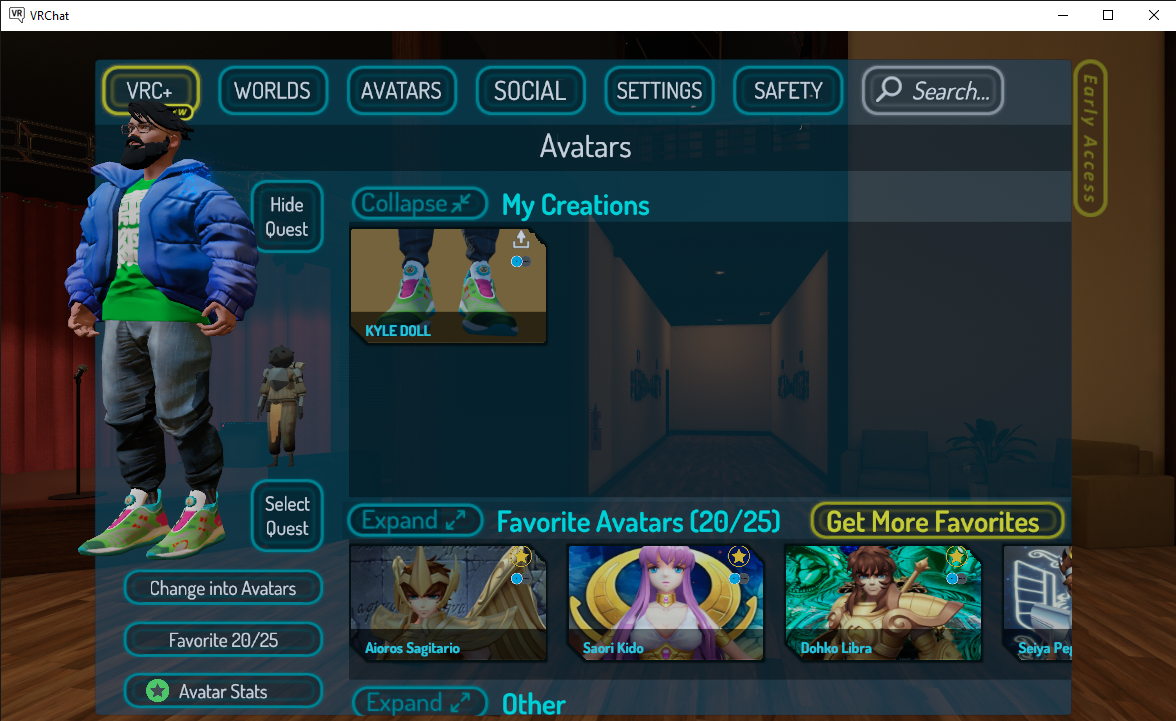
Now upload D1208:
- I am following this tutorial:
https://docs.vrchat.com/docs/vrchat-home-kit - I realized SDK3 World and SDK3 Avatar can’t be in the same project.